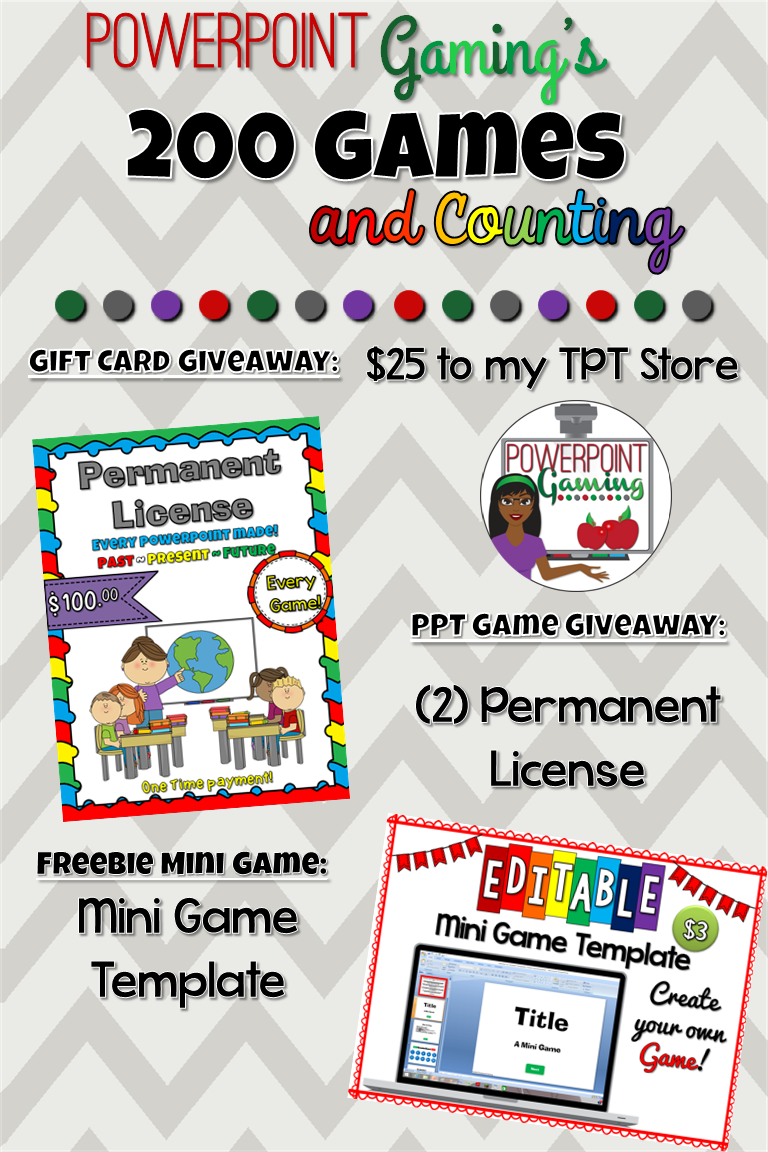
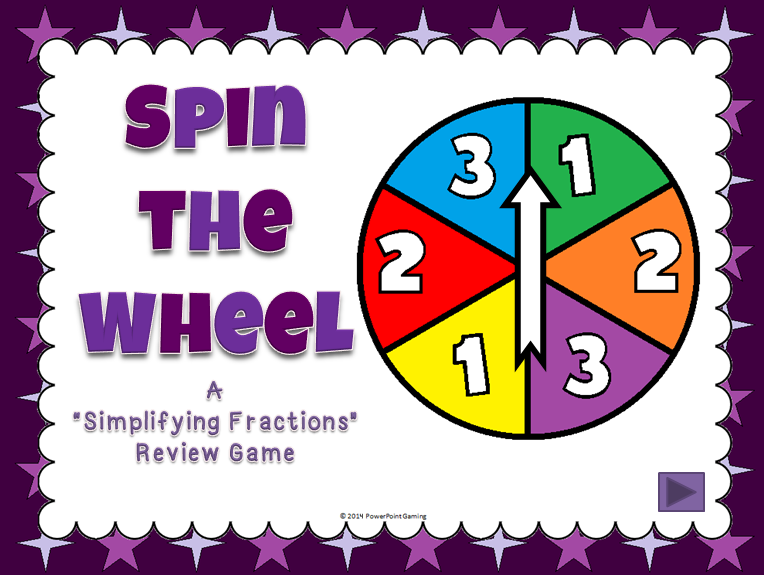
Teacher Appreciation week! Every day this week, I will have a new mini game that will be a freebie for the entire week. You can pick it up in my TPT store. In addition, I will giving away a game of your choice from my TPT Store.
Here’s your first freebie of the week: Rhyming Words.

Some of you requested rhyming words as a game. In this mini game, students must create rhyming words from a given picture. There are 10 questions in all.
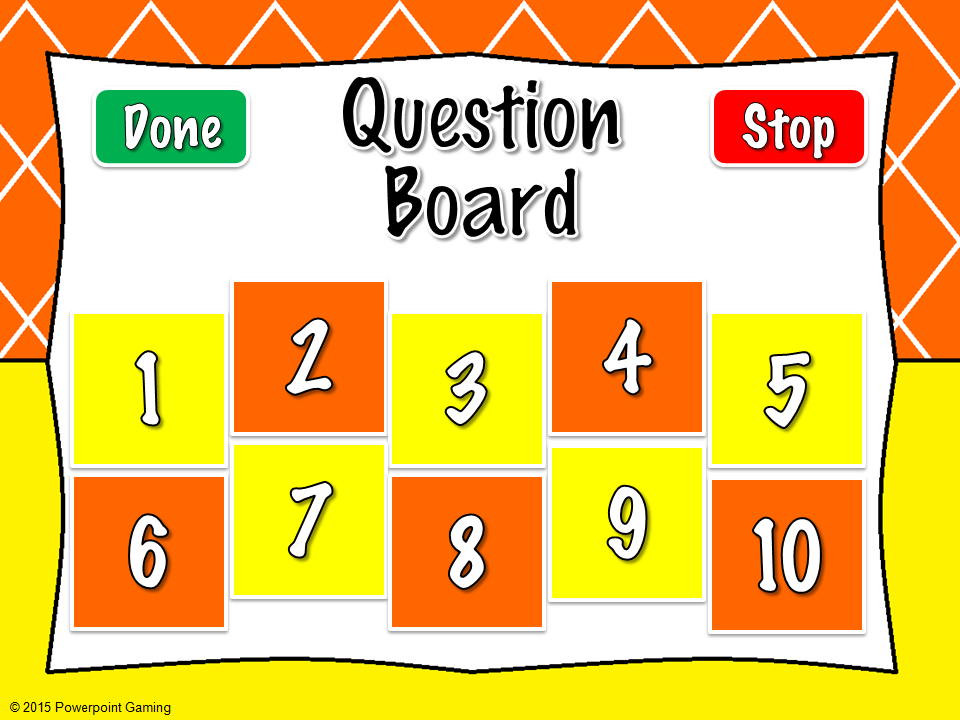
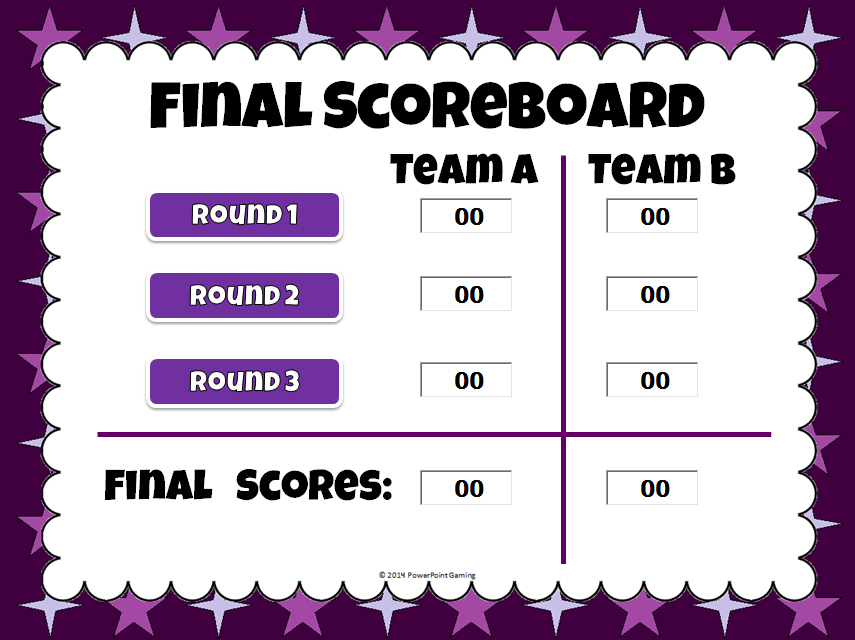
This game is perfect for circle time or as a quick review. No scoreboard is included so individuals can practice without any pressure.
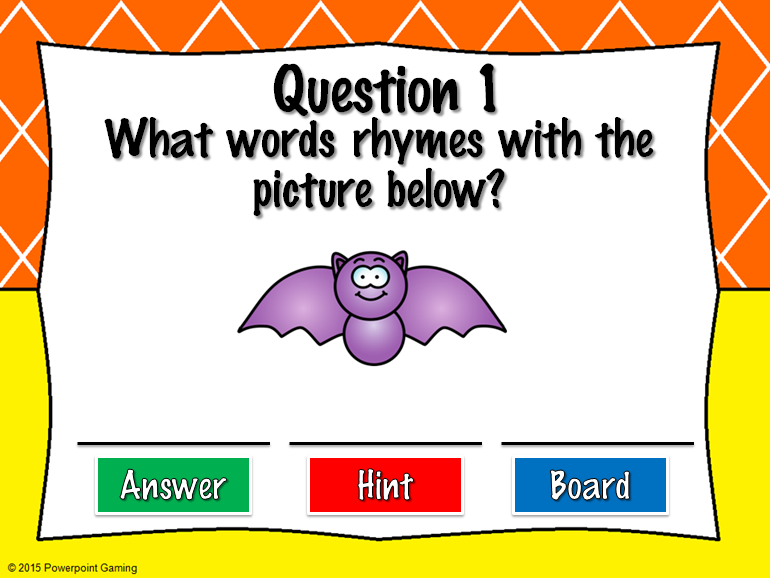
Students are given a image and they must come up with words that rhyme with it. I have given you 3 possible answers, but some have many you can come up with (like -un words).
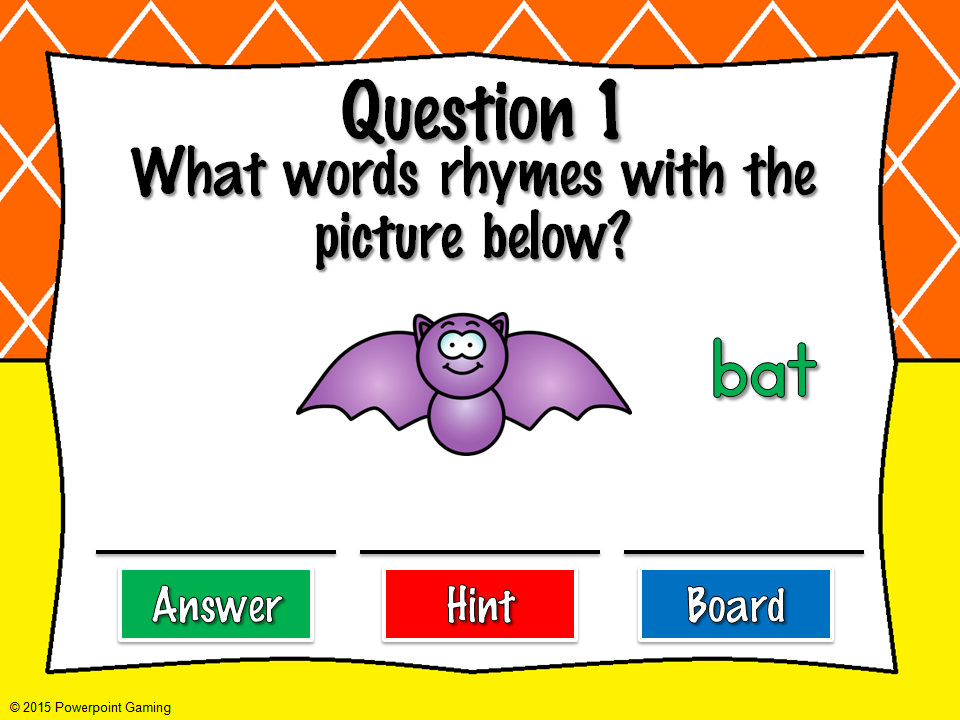
I also included a hint in case your students don’t know what an image is. For example, Question 8 is a coat, but some would say “jacket” instead. The hint will reveal what the image is in writing.

This game will be perfect for those students that need extra help. Don’t forget to leave some feedback. If you’d like me to make a full Rhyming Words game, let me know! Don’t forget to enter to win a free game of your choice from my TPT Store. Enjoy your week. You deserve it!