Posted on 3 Comments

Create an AWESOME Coupon Book!

SPuUTaC4fk6JTxtYRJSBLDRK6dEW3gPUoIUihQWlVUI%2CSsHPjTymRNGiK79DTct0oadLrLQtcpkJncz2Rosw434%2CBZRcUrvJ2b02nDYq7QwI88W9IGagF19no6C HhOQp1k%2CBUqh0N5gDdYcF7K7ulxNTjQIn24DBrvLmvbsPCemXvo%2CbfboxqdPYBmgOR041Vlxo0ElVbfPLp8UCH5RVLYRBIQ%2C2AOOMfMxq4sl7WNzTs BY9O2w3OHeFgKYtnPPC6wirU%2CetdqbdNFLqPiU299IJu3yCH8XGqGLWzadoK 6orrI8g%2CpllO4vXKnIcmQYx5sf2OOsVXqYJ4ikfclLwD WdOsiQ%2CLBDht Hd9jXyhJ5IPrX53W4D66pyShzKeo9NZgWul08%2CoGvXaZL98UusWtPD1IMnx9p6O5aXF2FPrixh EMfNjA%2Cne9cy98BjjEj7UrnbJZfWW1CT4HQtm7SHhD PF4bkWk%2CPu57cunWSpoCt9JmQLFyktXwPn2Q1QpNo23AAomLe7U?size=1600x1200&size Mode=3


Do you have coupons or reward tickets in your classroom? Here’s a fun way to organize all those coupons and reward tickets you give out to your students in 5 easy steps.
Here’s everything you’ll need to make your book:
  • Coupons/ Reward Tickets
  • Scissors
  • Stapler
  • Scrapbook Scissors (Optional)


Step 1: Print it!
Print out your coupons. There are several different coupons/reward tickets on TPT. You can purchase my coupon book for only $2.


IMG 1001


Step 2: Cut it!
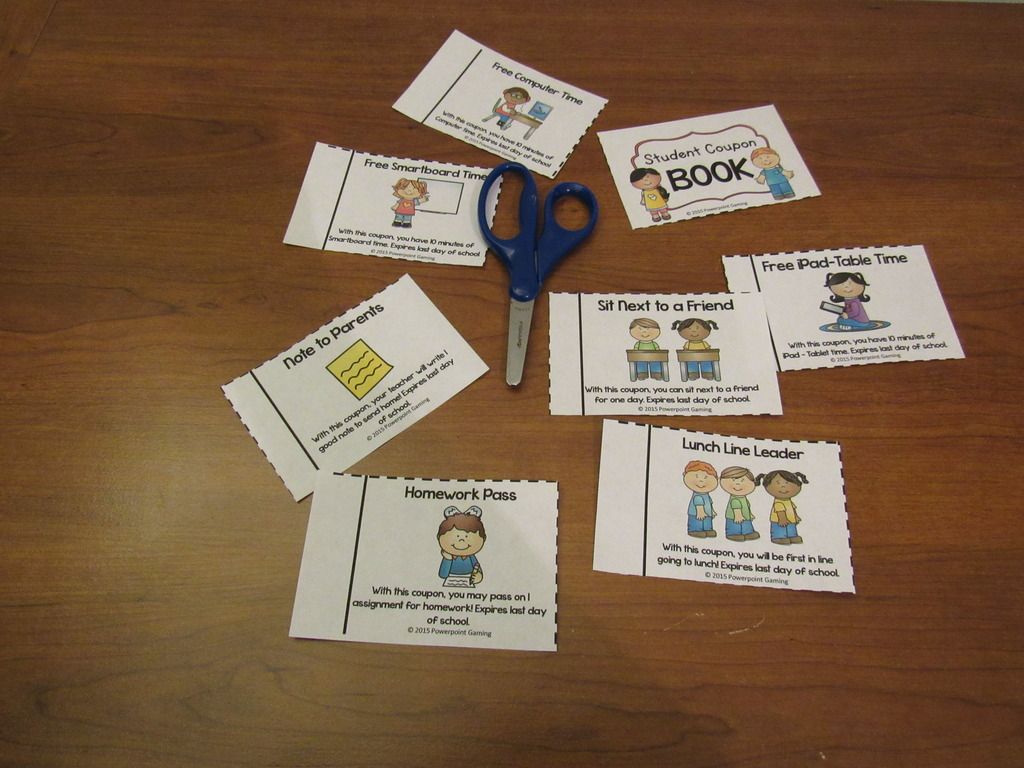
Cut out each coupon/reward ticket. With my coupons, simply cut on the dotted lines.
 

IMG 1008 Zpstxdyapvh


Step 3: Organize it!
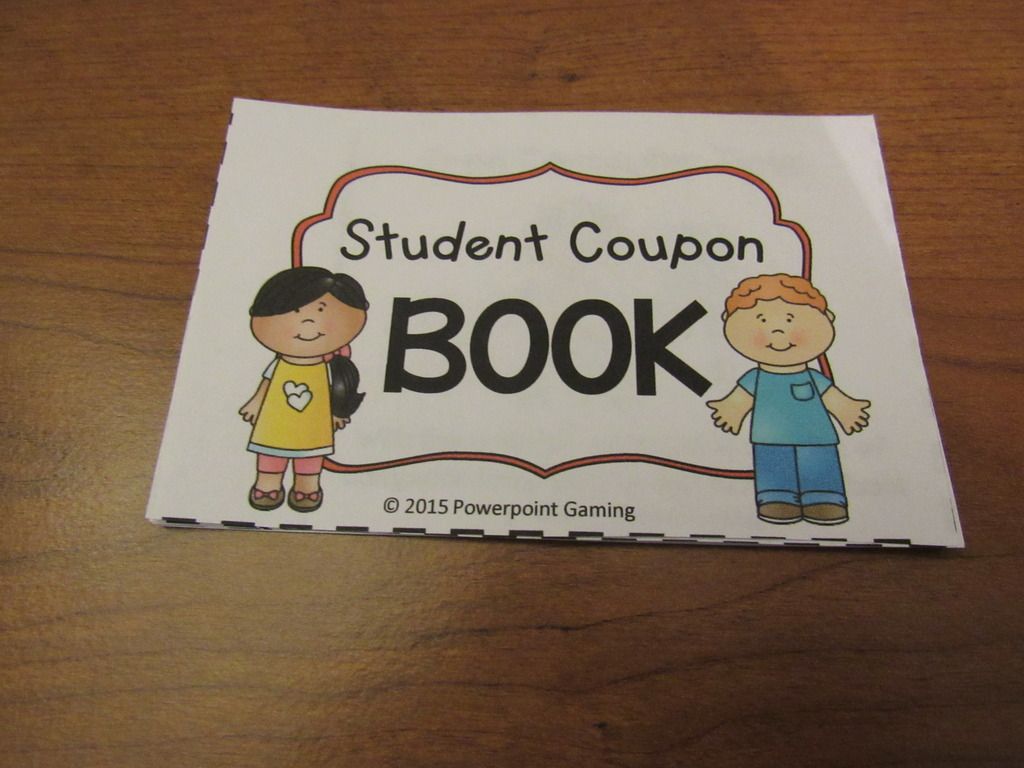
Add whatever coupon/reward tickets you like. Choose the ones that apply to your class. You don’t want a coupon for “Free Smartboard Time” if you don’t have a Smartboard in your classroom! Line up the solid black lines as best you can.
 

IMG 1011 Zpskdvmwq48

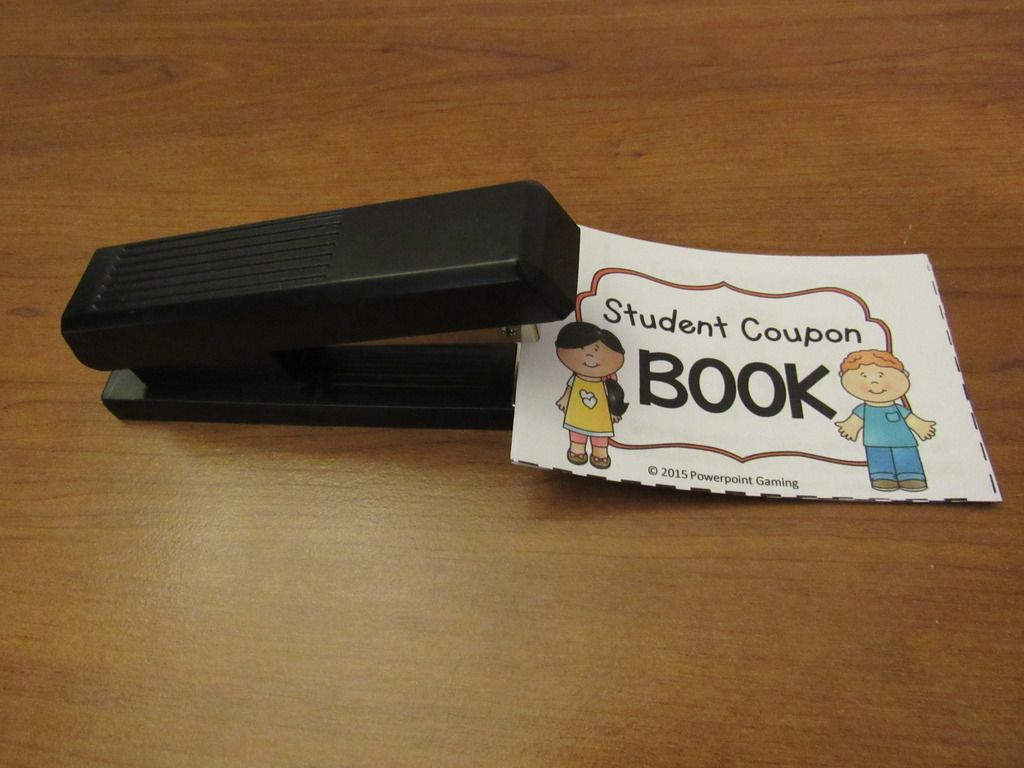
Step 4: Staple it!
Staple the book together in the center left-hand side.
IMG 1022 Zpsczfvjwqk


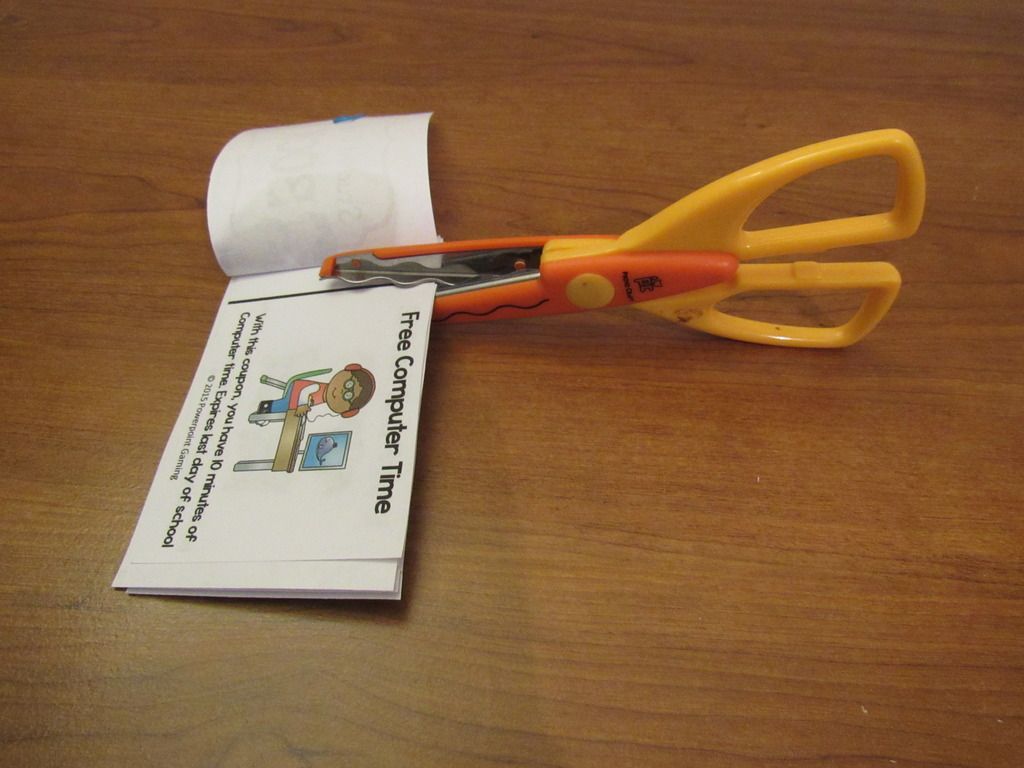
Step 5: Perforate it!
Here the tricky part! Open the book. Cut about 1 inch into the solid black line on the top AND bottom of each coupon. DO NOT CUT ALL THE WAY THROUGH. There should be about 1 inch of paper still there. Depending on how many coupons/reward tickets you have, you can cut them all at once. You can use the Scrap paper scissors  for cool wavy designs.
IMG 1026 Zpsw4dlkk65
Create books to give out to your students or create a book of the same coupon and hand them out as you go! You can purchase my coupon book which includes 15 different rewards.


El3w48mfnI50HPc5SQg8QwcoF9FYQM0kqLerimkkqVI?size=1600x1200&size Mode=3

I hope you enjoyed this “Create it” tutorial. This DIY coupon book works for just about any set of coupons you use. Be sure to pin this post to use anytime you need it!


GAUwzy2MQOrqswacktVC6o F7Ak1f7eR7K D7fPFdxo?size=1600x1200&size Mode=3
Posted on

1,000 Follower Spectacular – Day 7

Slide1
 
It’s here, it’s here! I finally made it to 1,000 followers. I’m so excited! I wanted to have a small huge celebration. So big it would take an entire week to celebrate! Each day will includes spectacular new games, $1 Deals & freebie steals, and much, much more! You can find out more with in my 1,000 Follower Spectacular Invitation.
Slide13
 
 
 Let’s begin with the Gift Card giveaway of the Day! Today, you can win a $25 gift card to Amazon.com. Amazon.com has so many things to choose from! Teacher supplies maybe? Or how about a new comforter set? What about a keyboard for my iPad? I just don’t know.
 
 
Slide14


Slide19
Today’s $1 Deal is for everyone. Hard to believem but school will be starting back up in about a month (At least here in NC). So, to help prepare you for that day, let’s get Open House – Back to School night out of the way!
 
Cover


In this editable Open House presentation, you can display all you classroom information while your students browse the classroom (and find their desk).
 
Pic%2B1
 
Each slide displays a different topic. Topics include classroom information, class schedule, breakfast-lunch policy, and more. Each slide is editable and some include a picture square so you can add your own picture.
 
Pic%2B2

Pic%2B3

  
There’s 7 colored backgrounds to choose from and a blank version for you to design your own!
Get on sale all this week for $1.

 
Slide18
 
Today’s freebie is about you! What do you want to tell your students about yourself? Do you like coffee every morning? Do you have a pet dog named Alpha? Do play board games on rainy days? Whatever it is, tell them as your Top 10!
 
Cover
 
 
Get your students curious about the person they are going to spend the school year with. The set comes with slides listing the top 10 things about yourself. Comes in 7 colors and a blank slide to design yourself. You can even add photos!
 
Pic%2B1

Pic%2B2

Pic%2B3
 
 
 You can get this game for free all this week.
That’s all for today. Be sure to stop by my Facebook page for some flash freebies starting at/around 5 pm EST. Click “Get Notifications” so you’ll know when they start!
Posted on

Liebster Award!!!

I’m so excited! I’ve been nominated for the Liebster Award!. Thank you so much M&M Bilingual for the nomination! I’d never thought I’d be one to receive this award but will gladly accept it! =)
 
Liebster%2BAward
 
 
This is such a wonderful button and I’m happy to add it to my blog. I’ve seen it on a few other blogs and had no clue how they received it. A week or 2 ago, M&M Bilingual nominated me and learned a great deal about it. The Liebster Award is given to new bloggers. It’s a great way to get support and encourage others as they blog!
 
1. Why and how long ago did you start blogging?
I started blogging way back in 2013. I was pretty new to it at the time. I wanted to share my thoughts about education as well as a little bit about my store and myself. I heard it was a great for me to connect with other educators. This definitely proves it!
 
2. What one word sums up the heart of your blog and why?
Passion! I love what I do! Even though at the moment I don’t have a classroom, I love education and helping others. Before blogging and my store, I just wanted to help students, but through my blogging journey, I came to love helping  students, teachers ,and educators alike.
 
3. Is there something you learned late in your blogging journey that you wished you knew before?
How to schedule posts. I would always just write a blog post and post it that same day. About a year ago I learned how to schedule posts and now I could schedule them ahead of time! Makes blogging a bit easier.
 
4. What is your favorite pastime other than blogging?
Besides making ppt games, playing video games (Hint hint – that’s where the name came from!). I come from a family of gamers. We all love playing games. From board games to card games, computer games to video games, my family can’t get enough of them. My recent obsession has been Minecraft. I find myself playing it quite often, mostly for the building aspect. Who doesn’t love to build stuff!?
 
5. How many hours per week do you dedicate to your blog/TPT?
If it weren’t for sleeping, eating, and my niece and nephews, practically every hour. Since TPT is my full-time job, I try my hardest to put in 40 hours each week. Being self-employed has it perks. =)
6. What category of blog posts do you enjoy the most?
I love blog hops about classroom ideas. It’s great to go from one teacher/blogger to the next and get wonderful ideas that I can use in the classroom.
 
7. Where does your blog inspiration come from?
My inspiration comes my own experiences in the classroom as well as my day-to-day life. My youngest nephew is starting preschool this coming year and my oldest nephew will be in kindergarten this fall. They are also my inspiration!

 8. Which post that you’ve written are you most proud of?

My New Year’s Resolution post. I had 3 goals this year —> Blog more, get healthy, and finish projects. I’m happy to say I am definitely blogging more. I am trying hard to get healthy. I’m exercising more and eating better. I am finishing up projects that I started so I very proud that I am sticking to those goals.

9. Is there a post that you are planning to do but have been postponing it for a while?

I have 2 that I plan on doing. One I know will be done before I go to the TPT Conference. The other is a post about using PPT Games in a new way (besides the traditional way). Pictures are the only thing keeping me for doing it.

10. What is your favorite aspect of blogging?

The writing! I love to write so it’s pretty natural for me to write a blog post. I’ve even written and published a book, not to mention notebooks full of fantasy and realistic stories I’ve written since high school.

11. Which idea from a blog would you like to try yourself?

Simply a blog hop! I’ve join several blog hops over the years and I want to try to do a blog hop of my own. The idea I have is very original and I think many will want to try it out. I love Jessica McClain’s You Ought to know Blog hop. It’s one of my favorites!
 
 
Here are some blogs that I follow and would love to nominate!

 
2. Cheryl from Techie Turtle Teacher
3. Mrs. McClain from Buzzing with Mrs. McClain
4. Kelly from Glitter in Third

 
Rules of the Liebster Award:
Link back to the blog that nominated you
Answer the 11 questions posted by the nominator
Nominate 5-11 blogs (with less than 200 followers) and link to them in your post
Contact the nominees and let them know they have been nominated


Posted on 13 Comments

You Ought to Know About Binding Machines!

Binding%2B1


Remember when you were in school and your teacher made a class book with each student making a page? I remember doing this, but never knew how the teacher made that book. Today, I thought you should know about CombBind Binding Machines!
103 0173

I’ve used my own personnel CombBind Binding machine for my classroom as well as in my home. There are so many uses! It’s easy to operate (just like a 3 ring hole puncher) and durable. I bought this one in 2006 and it still works 10 years later! Here are 6 ways to use a Combbind Machine.


103 0188


1.) Everyday Planner

You can create a custom planner that fits your needs. Whether it’s a life planner, school planner, or business planner, you’ll be more inclined to use it since you made it! I created a TPT planner on my computer, printed out the pages,  and used it to plan out my projects for each week and each month. It was great because I could plan for holidays and giveaways. You could also add sheets whenever you need to, creating a one of a kind planner.


2.) Daily Lesson Plan Book

103 0180

I would type up my lesson plans for the week and place them in a “Daily Lesson Plan” book. I’d include a copy of all the lessons, worksheets, and any activities I plan to do.  It’s great for reference, especially if an administrator comes in unexpectantly or you’re absent for the day.


3.) Weekly Lesson Plan Book

103 0184

My first few years of teaching, I typed up all my lessons and placed them in a “Lesson Plan” book. I would turn that book into my principal for approval. A few years  later, I gave it to a fellow teacher when I switched grades. It was a great reference to go back to if I needed to as I had listed the materials I needed and included the worksheets I had used in each lesson. Plus, my colleagues loved it!  


4.) Substitute Teacher Guide

103 0181


As a teacher, you must plan for the unexpected, especially when flu season starts. You can create a “Substitute Teacher Guide” book that can include your classroom information, school duties, lessons for the day, worksheets and answer keys, and any other things you would like the substitute to use. Whenever I was absent, I’d leave this book for the substitute to use throughout the day. I even included a Substitute Form where they could fill out before they left about the day they had in my classroom. You can make many at the beginning of the year so you’ll be prepared. 

5.) Student Books and Journals
103 0193
When I taught 5th grade, I had an after-school tutoring group. I would create worksheets we could work on together and added them to their “Math Tutor Journal”. Conversely, when I taught 2nd grade, I would create journal books and add writing paper to each journal. Then, I’d add mailing address labels with the journal prompt on each sheet when needed.
6.) Intervention Log
103 0199
Whenever my students go for intervention or enrichment, I’d always document it in an intervention log. Included are the dates, times, the teacher, the subject, what method they are using (one-on-one, small group, etc), and the teacher’s signature on each log.  Each student had their own page. I kept it at my back table and if my students are responsible enough, they would fill it out themselves.
Other Tricks

  • Combs come in different sizes, holding anywhere from 25 pages to 500 pages.
  • Combs come in different colors including black, white, red, and dark blue (the color I have).
  • You can buy pre-punched paper, cover pages, and back pages.
  • Buy teacher paper (like the apple pictured above) and laminate it to make your own durable and reusable covers.
  • You can even make mini books by cutting the combs in half.
  • You can turn practically anything into a book! For example, a stapled planner into your own personal planner.

Most schools have one so just ask you librarian! If not, you can purchase your own online or at an office supply store (around $60+ depending on where you get it). I think it’s a great investment. It has only jammed on me once and it was a very easy fix!


Office Depot
Staples
Amazon.com


I love my binding machine and can’t imagine life without it!
Posted on 10 Comments

You Ought to Know About Livebinder!

Yououghtaknowbloghopbanner

You ought to know about this website I found that is wonderful and perfect for any teacher in any grade or subject. Ladies and gentlemen, I present Livebinder!
 
Live%2BBinder%2B1
 
Before I start, I did update my blog. I spent about 2 weeks on it and I must say I am impressed with myself! Anyway, I taught in a 1:1 school. If your unfamiliar with that term, it means that every student in every grade has their own digital device, whether it’s a laptop, netbook, or tablet. I taught 2nd so we had netbooks.
 
As a teacher with students having laptops, it was kinda frustrating to have my favorite bar full of 20+ links to websites. Don’t even get me started on what my favorites folder actually looked like. During a professional development that was particularly useful, they introduced this website that acts as a favorites bar except its online! Yes, that means logging in, but after that, you can access your favorite websites from ANY computer!
 
For those who continue working at home (pretty much all of us!), it’s frustrating to find a website you love and then get to work and totally forget the website address because we saved it to our home computer. Livebinder is the solution!
 
Live%2BBinder%2B2


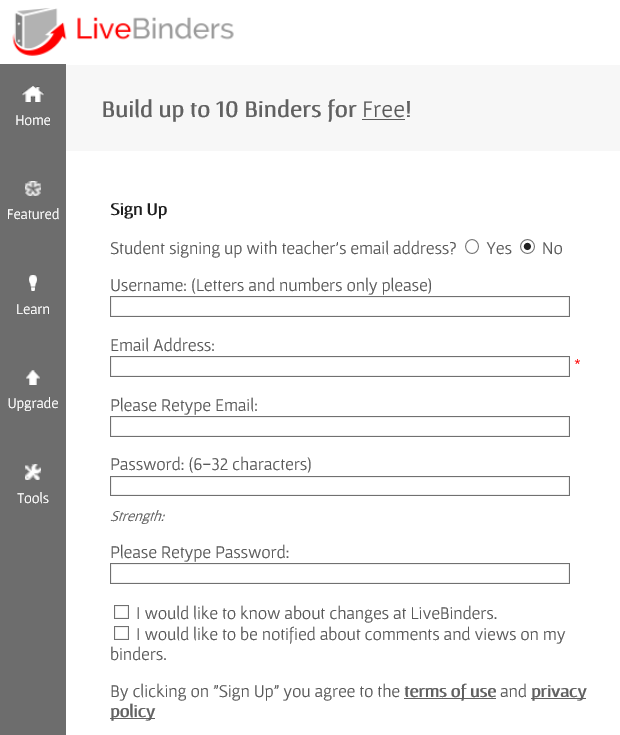
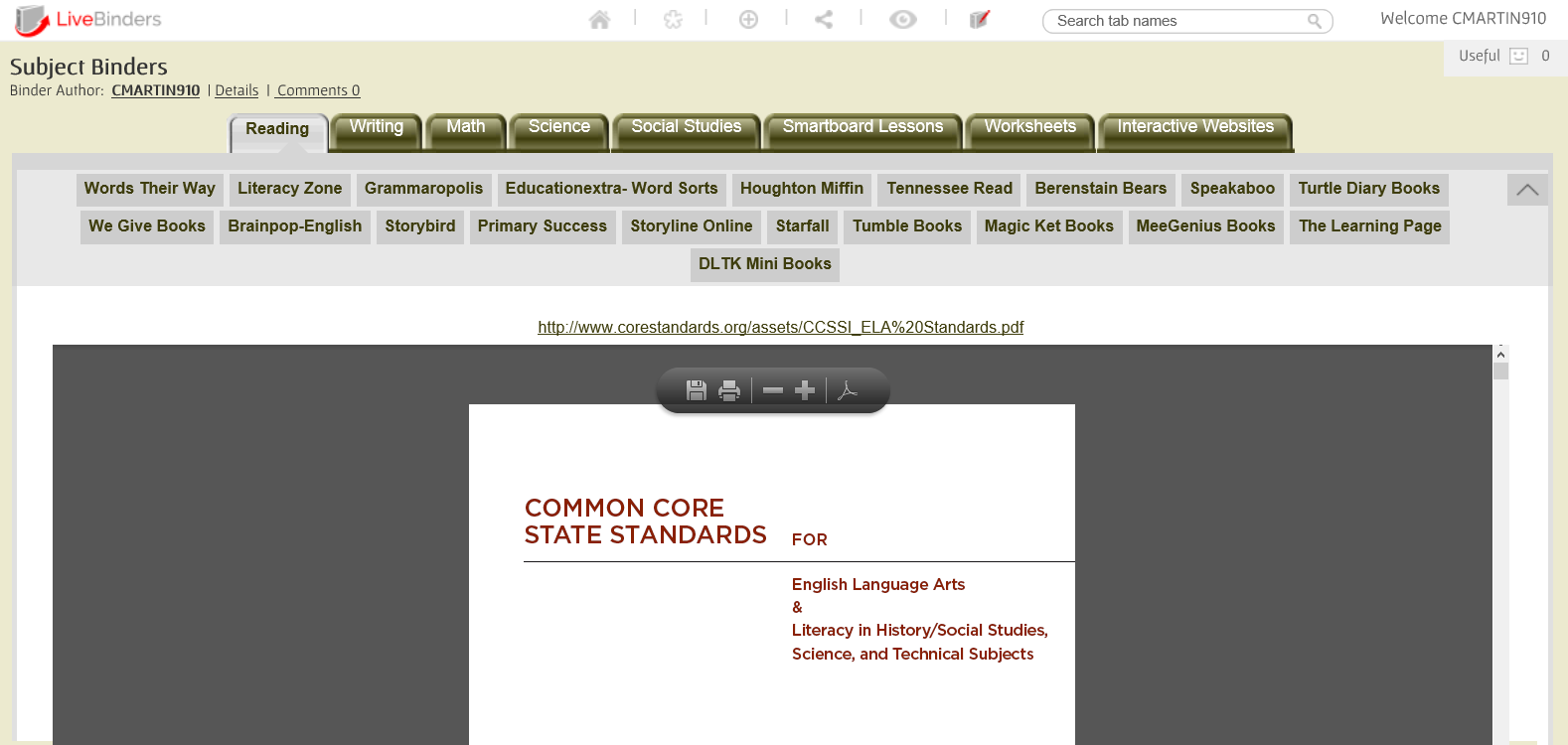
After signing up, you can create up to 10 binders with different links to websites. For elementary teachers, that’s enough for each subject and then some! Take a look 2 binders I have created. The first binder is for the content areas.
 
Live%2BBinder%2B4


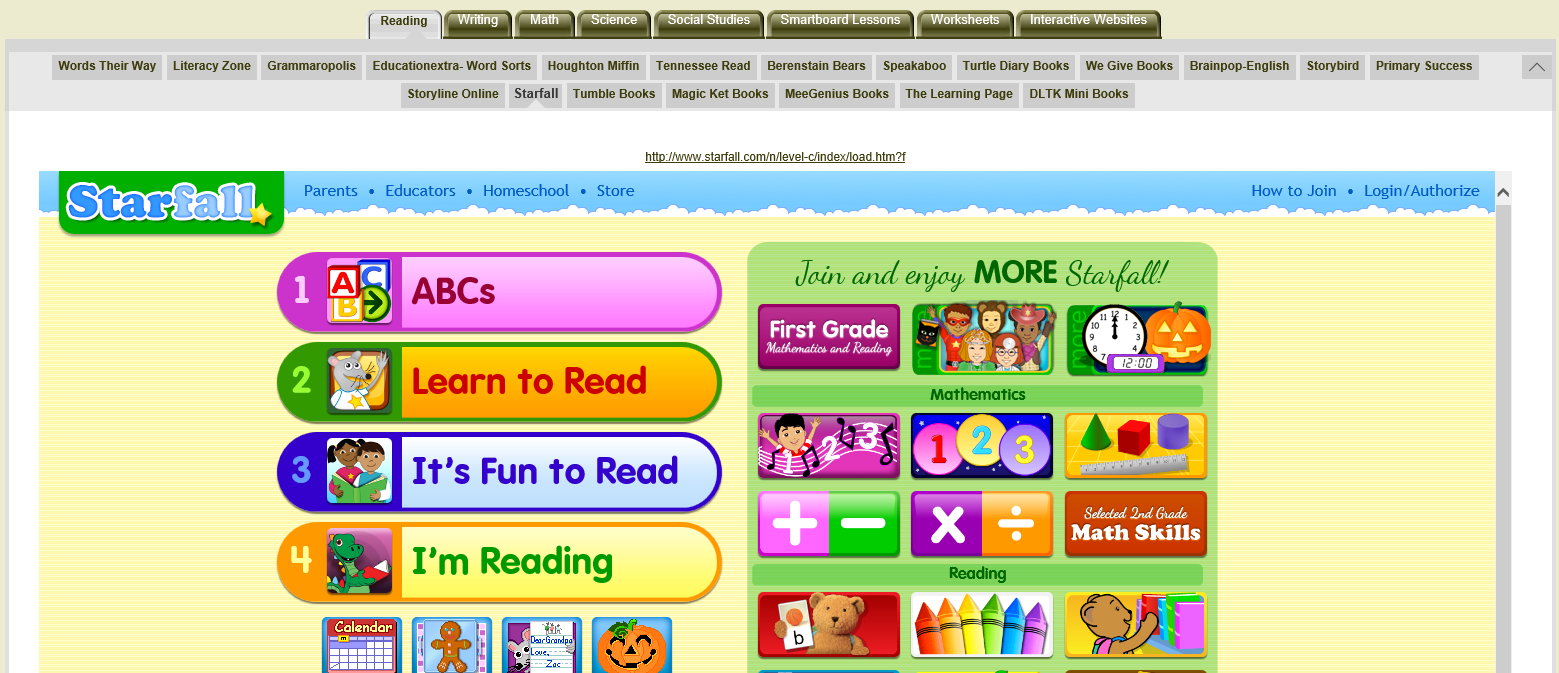
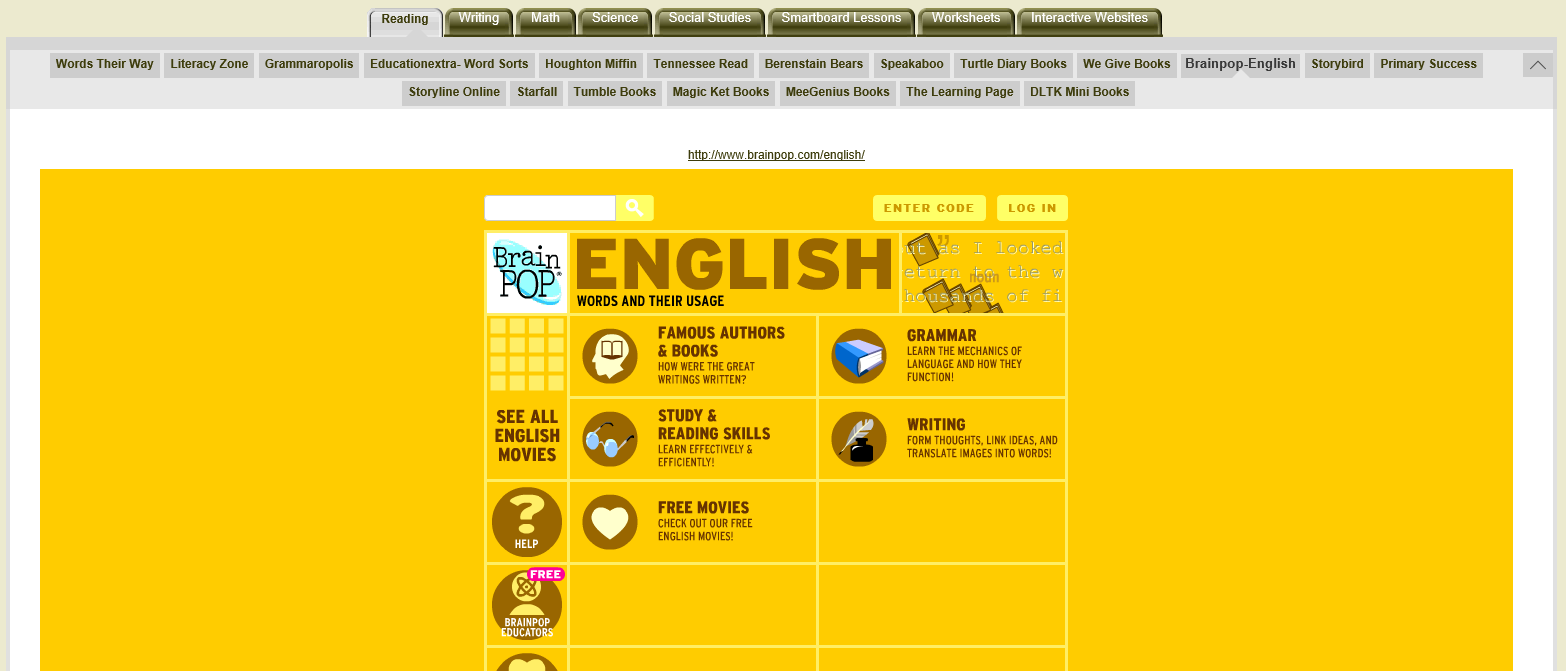
In the first tab, I’ve added all the reading websites I have found while I was teaching. Most of them are free (Tumblebooks, Starfall) . Others require just a log (Houghton Miffin) . One or two of them you have to pay for (Grammaropolis, Speakaboos).
 
 
Live%2BBinder%2B8

Live%2BBinder%2B9
Best part of all: you don’t have to open a new window! With most websites, you can explore the website from within Livebinder. That means no multiple tabs. You can jump from website to website in just one binder.

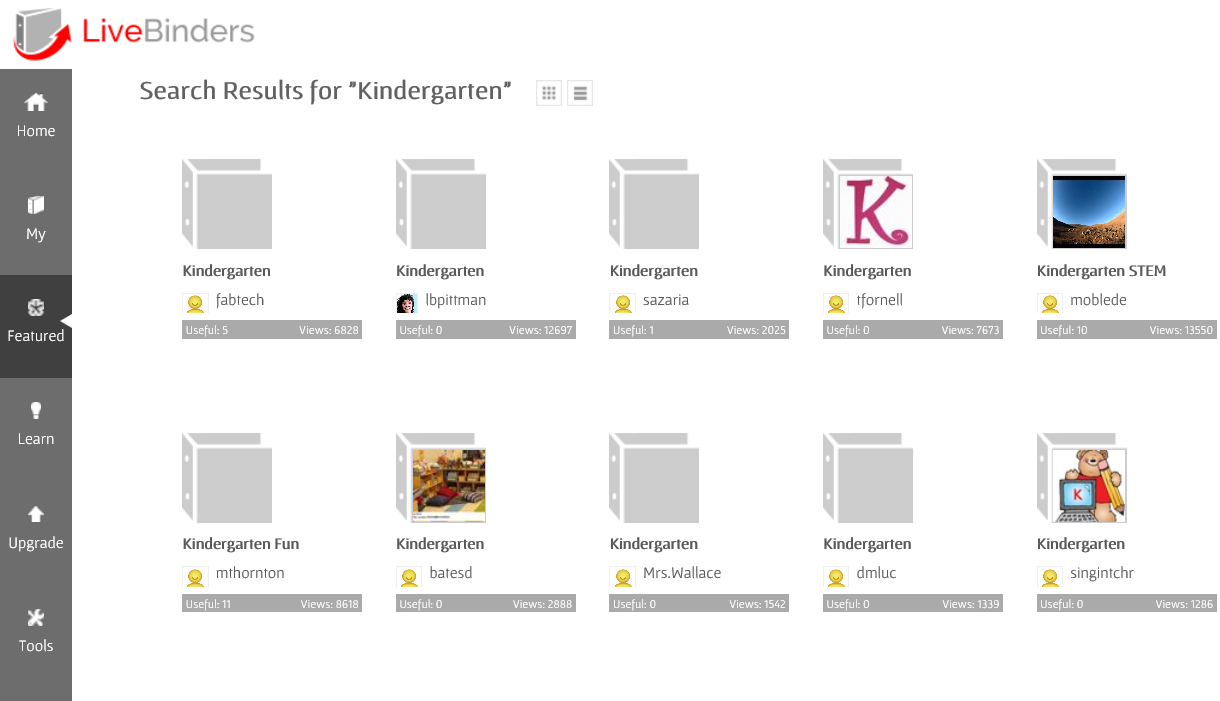
You can even browse other binders that others have created.

Live%2BBinder%2B12

This tool is wonderful! I look for websites at home, add them to Livebinder, and access them on my school computer. I simply keep Livebinder on my favorites bar! I hope Livebinder is as great for you as it is for me!