Posted on 4 Comments

Using StudyJams in the Classroom

Slide7
Study%2BJams%2B1b


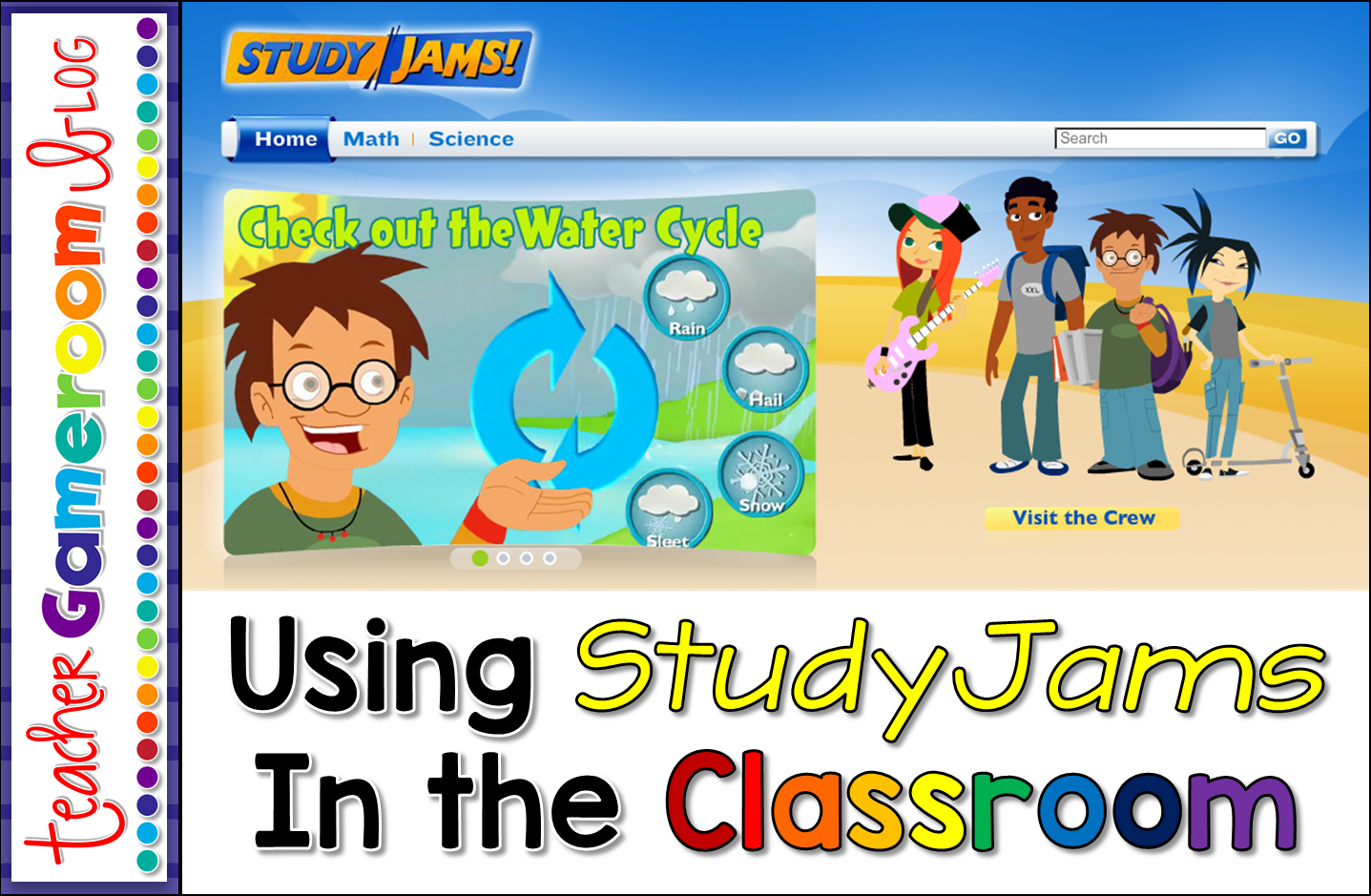
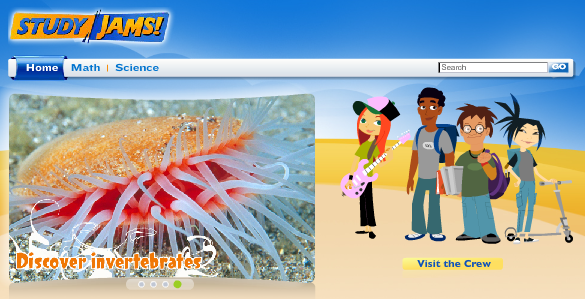
If there’s one website you need to know about, it’s StudyJams. This website created by Scholastic, includes videos about Math and Science topics for 2nd grade and up. I use these quite often. Not only for myself, but for my students. It’s great for review!
StudyJams includes 2 topics. The math topics include Numbers, Addition & Subtraction, Multiplication & Division, Fractions, Decimals & Percents, Algebra, Geometry, Measurement, Data Analysis, Probability, and Problem Solving.  

Study%2BJams%2B2

StudyJams’ science topics include Plants, Animals, the Human Body, Ecosystems, Landforms, Rocks, & Minerals, Weather & Climate, Solar System, Matter, Force & Motion, Energy & Light,  and Scientific Inquiry.


Study%2BJams%2B3


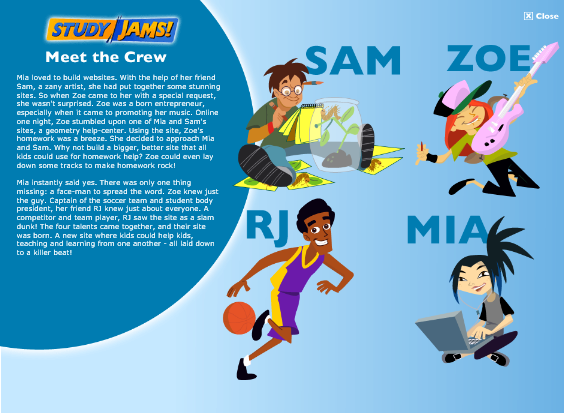
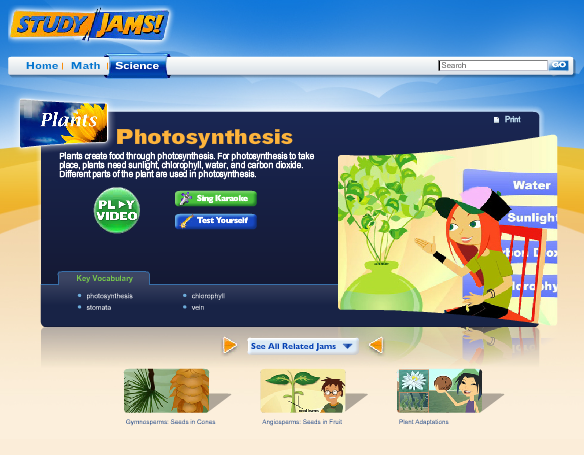
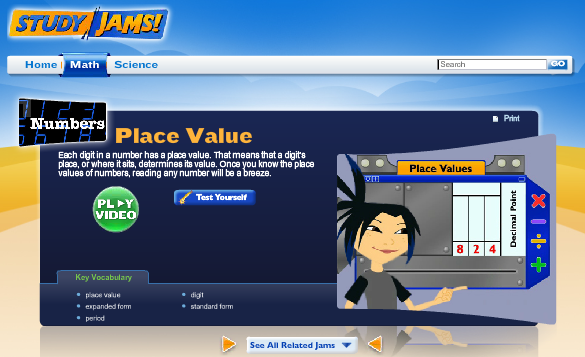
Each topic includes subtopics and all you have to do is click on the topic. Some topics are videos and some are just slideshows. For the videos, “the crew” discuss real life problems related to each topic.
 

Study%2BJams%2B7


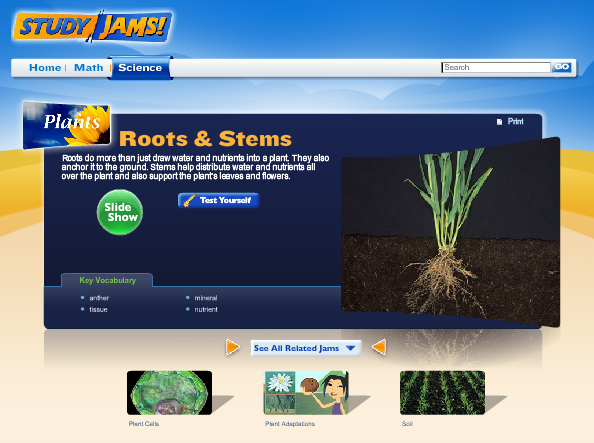
Each topic also includes key words that you can click on and see the definition. Most topics also have a “Test Yourself” which has a few questions about the topic. I use thus quite often to test my students’ knowledge. Some even have Karaoke songs. I haven’t tried that, but I did a few students who loved to sing some of the songs!
 

Study%2BJams%2B4


Study%2BJams%2B5

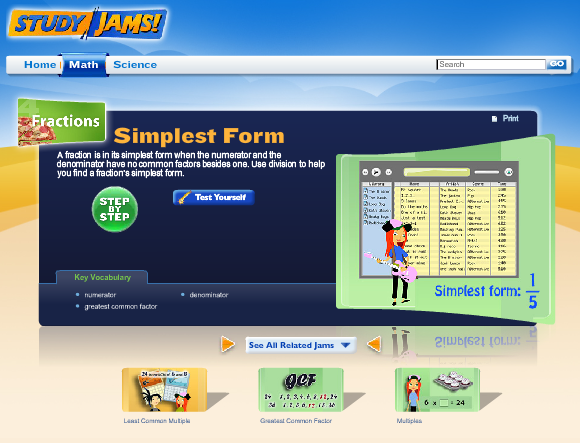
For some of the math topics, there a step by step guide to solve math problems. This really helped my struggling student. They would watch the videos more than once. This also helped my struggling students who have access to computer or tablet at home. They could watch videos to help them with their homework.
Study%2BJams%2B6


Study%2BJams%2B8


This StudyJams is so useful, I find myself using it almost every day, especially for the science topics. It great for the students too. They come in handy during testing time too as my students are tested in Science as well as math and reading. Best of all, this website is free! No log in, sign-ups, or trials. StudyJams is FREE!!

Check it out for yourself and let me know what you think: Study Jams
Study Jams 9 114x300


Posted on

Liebster Award!!!

I’m so excited! I’ve been nominated for the Liebster Award!. Thank you so much M&M Bilingual for the nomination! I’d never thought I’d be one to receive this award but will gladly accept it! =)
 
Liebster%2BAward
 
 
This is such a wonderful button and I’m happy to add it to my blog. I’ve seen it on a few other blogs and had no clue how they received it. A week or 2 ago, M&M Bilingual nominated me and learned a great deal about it. The Liebster Award is given to new bloggers. It’s a great way to get support and encourage others as they blog!
 
1. Why and how long ago did you start blogging?
I started blogging way back in 2013. I was pretty new to it at the time. I wanted to share my thoughts about education as well as a little bit about my store and myself. I heard it was a great for me to connect with other educators. This definitely proves it!
 
2. What one word sums up the heart of your blog and why?
Passion! I love what I do! Even though at the moment I don’t have a classroom, I love education and helping others. Before blogging and my store, I just wanted to help students, but through my blogging journey, I came to love helping  students, teachers ,and educators alike.
 
3. Is there something you learned late in your blogging journey that you wished you knew before?
How to schedule posts. I would always just write a blog post and post it that same day. About a year ago I learned how to schedule posts and now I could schedule them ahead of time! Makes blogging a bit easier.
 
4. What is your favorite pastime other than blogging?
Besides making ppt games, playing video games (Hint hint – that’s where the name came from!). I come from a family of gamers. We all love playing games. From board games to card games, computer games to video games, my family can’t get enough of them. My recent obsession has been Minecraft. I find myself playing it quite often, mostly for the building aspect. Who doesn’t love to build stuff!?
 
5. How many hours per week do you dedicate to your blog/TPT?
If it weren’t for sleeping, eating, and my niece and nephews, practically every hour. Since TPT is my full-time job, I try my hardest to put in 40 hours each week. Being self-employed has it perks. =)
6. What category of blog posts do you enjoy the most?
I love blog hops about classroom ideas. It’s great to go from one teacher/blogger to the next and get wonderful ideas that I can use in the classroom.
 
7. Where does your blog inspiration come from?
My inspiration comes my own experiences in the classroom as well as my day-to-day life. My youngest nephew is starting preschool this coming year and my oldest nephew will be in kindergarten this fall. They are also my inspiration!

 8. Which post that you’ve written are you most proud of?

My New Year’s Resolution post. I had 3 goals this year —> Blog more, get healthy, and finish projects. I’m happy to say I am definitely blogging more. I am trying hard to get healthy. I’m exercising more and eating better. I am finishing up projects that I started so I very proud that I am sticking to those goals.

9. Is there a post that you are planning to do but have been postponing it for a while?

I have 2 that I plan on doing. One I know will be done before I go to the TPT Conference. The other is a post about using PPT Games in a new way (besides the traditional way). Pictures are the only thing keeping me for doing it.

10. What is your favorite aspect of blogging?

The writing! I love to write so it’s pretty natural for me to write a blog post. I’ve even written and published a book, not to mention notebooks full of fantasy and realistic stories I’ve written since high school.

11. Which idea from a blog would you like to try yourself?

Simply a blog hop! I’ve join several blog hops over the years and I want to try to do a blog hop of my own. The idea I have is very original and I think many will want to try it out. I love Jessica McClain’s You Ought to know Blog hop. It’s one of my favorites!
 
 
Here are some blogs that I follow and would love to nominate!

 
2. Cheryl from Techie Turtle Teacher
3. Mrs. McClain from Buzzing with Mrs. McClain
4. Kelly from Glitter in Third

 
Rules of the Liebster Award:
Link back to the blog that nominated you
Answer the 11 questions posted by the nominator
Nominate 5-11 blogs (with less than 200 followers) and link to them in your post
Contact the nominees and let them know they have been nominated


Posted on 10 Comments

You Ought to Know About Livebinder!

Yououghtaknowbloghopbanner

You ought to know about this website I found that is wonderful and perfect for any teacher in any grade or subject. Ladies and gentlemen, I present Livebinder!
 
Live%2BBinder%2B1
 
Before I start, I did update my blog. I spent about 2 weeks on it and I must say I am impressed with myself! Anyway, I taught in a 1:1 school. If your unfamiliar with that term, it means that every student in every grade has their own digital device, whether it’s a laptop, netbook, or tablet. I taught 2nd so we had netbooks.
 
As a teacher with students having laptops, it was kinda frustrating to have my favorite bar full of 20+ links to websites. Don’t even get me started on what my favorites folder actually looked like. During a professional development that was particularly useful, they introduced this website that acts as a favorites bar except its online! Yes, that means logging in, but after that, you can access your favorite websites from ANY computer!
 
For those who continue working at home (pretty much all of us!), it’s frustrating to find a website you love and then get to work and totally forget the website address because we saved it to our home computer. Livebinder is the solution!
 
Live%2BBinder%2B2


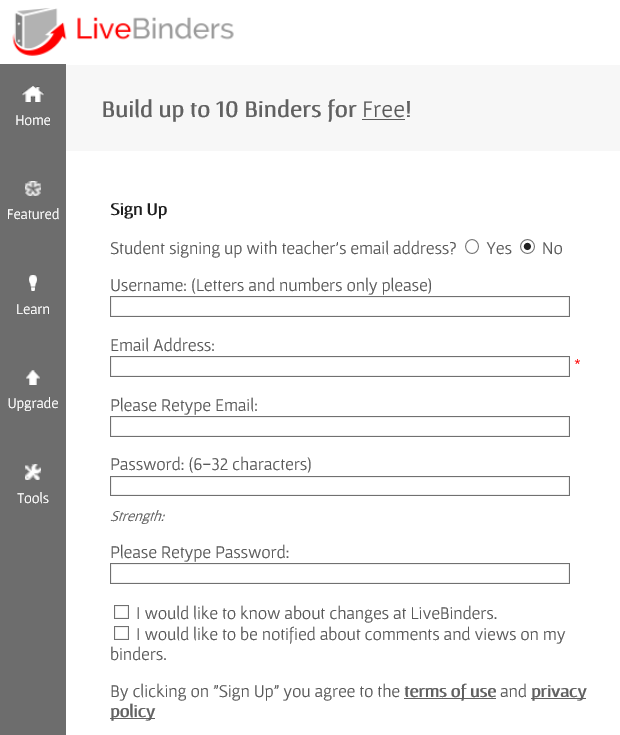
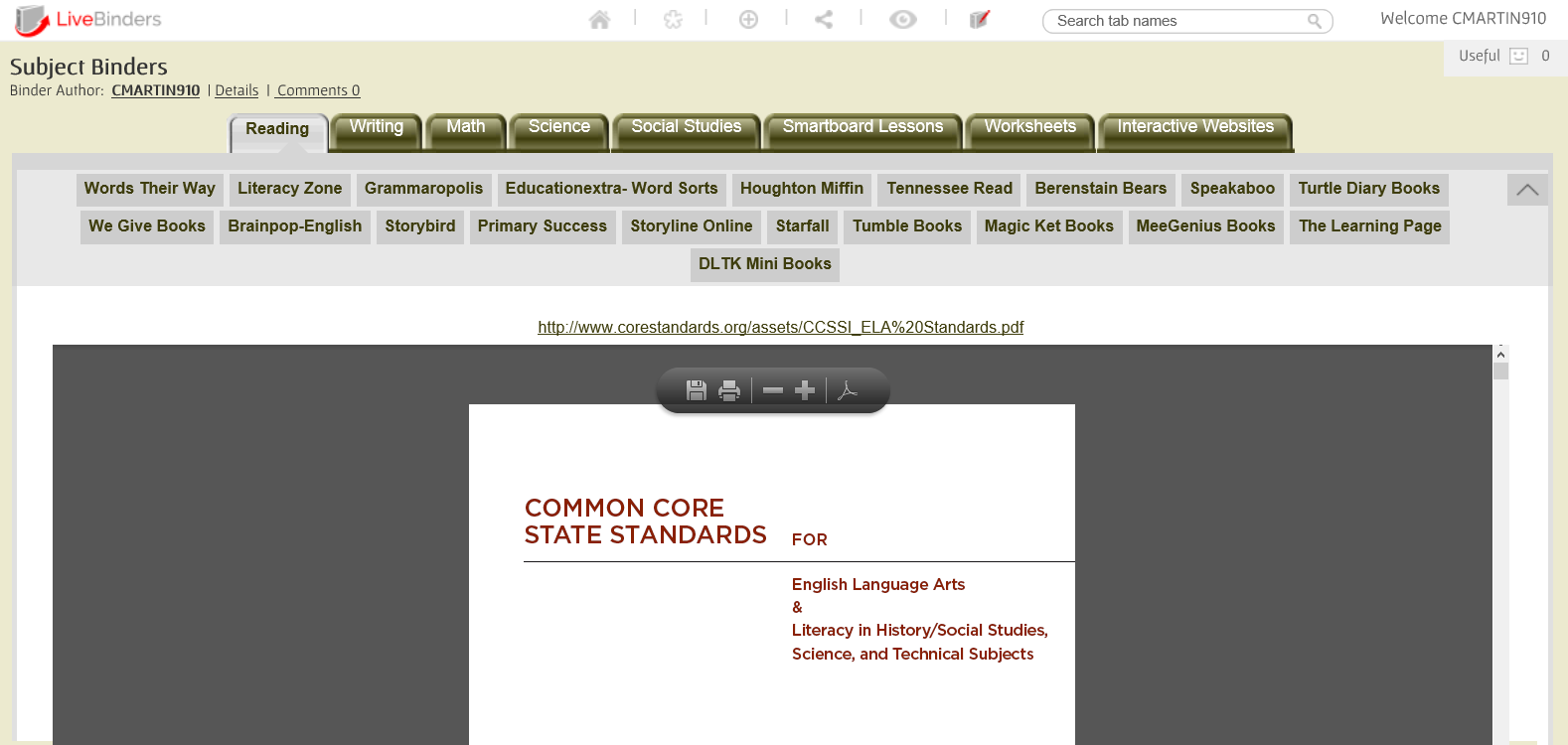
After signing up, you can create up to 10 binders with different links to websites. For elementary teachers, that’s enough for each subject and then some! Take a look 2 binders I have created. The first binder is for the content areas.
 
Live%2BBinder%2B4


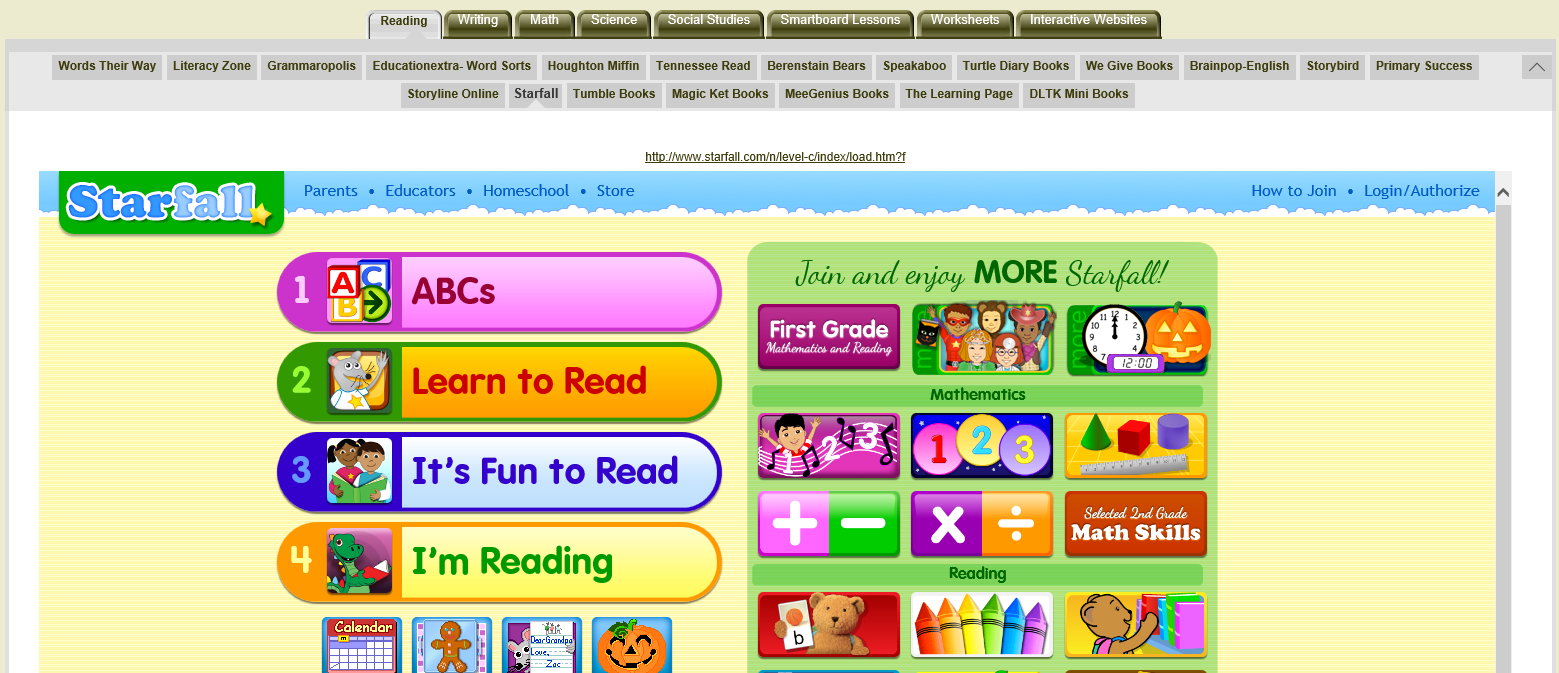
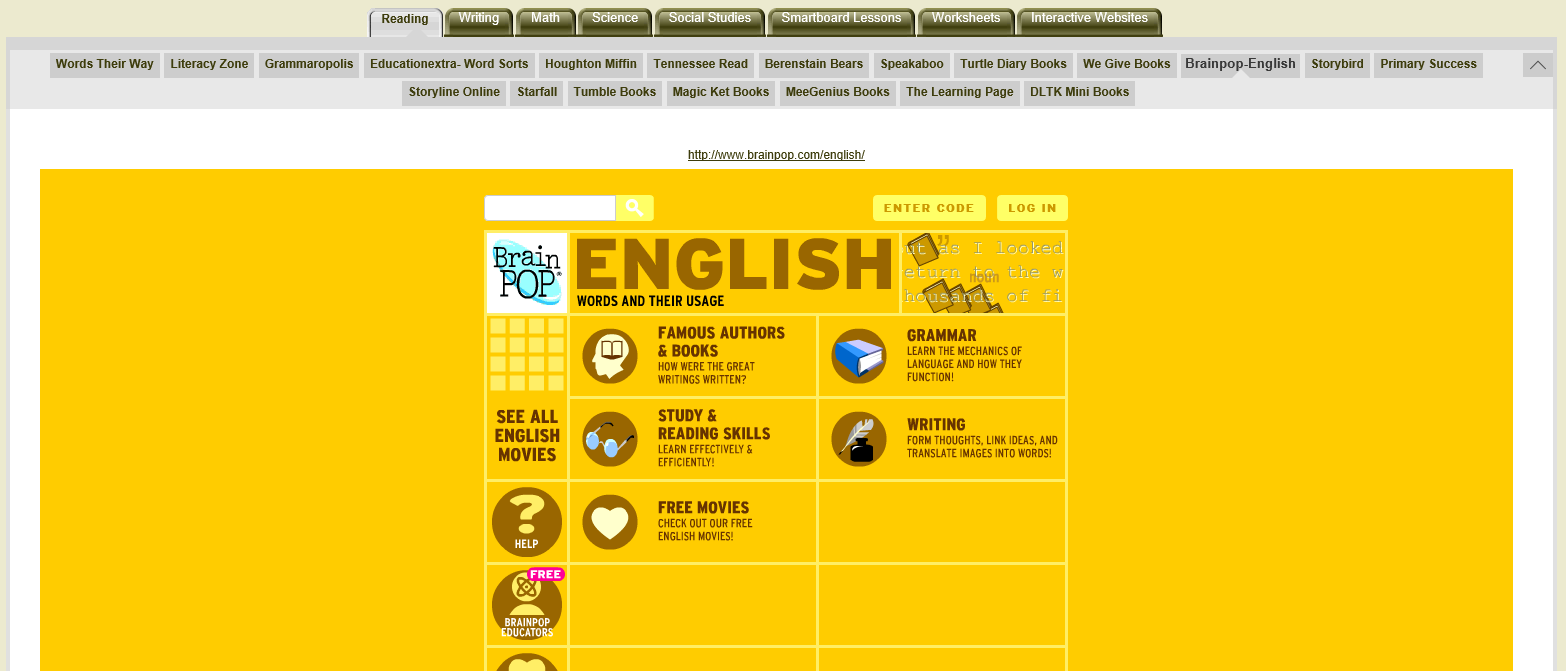
In the first tab, I’ve added all the reading websites I have found while I was teaching. Most of them are free (Tumblebooks, Starfall) . Others require just a log (Houghton Miffin) . One or two of them you have to pay for (Grammaropolis, Speakaboos).
 
 
Live%2BBinder%2B8

Live%2BBinder%2B9
Best part of all: you don’t have to open a new window! With most websites, you can explore the website from within Livebinder. That means no multiple tabs. You can jump from website to website in just one binder.

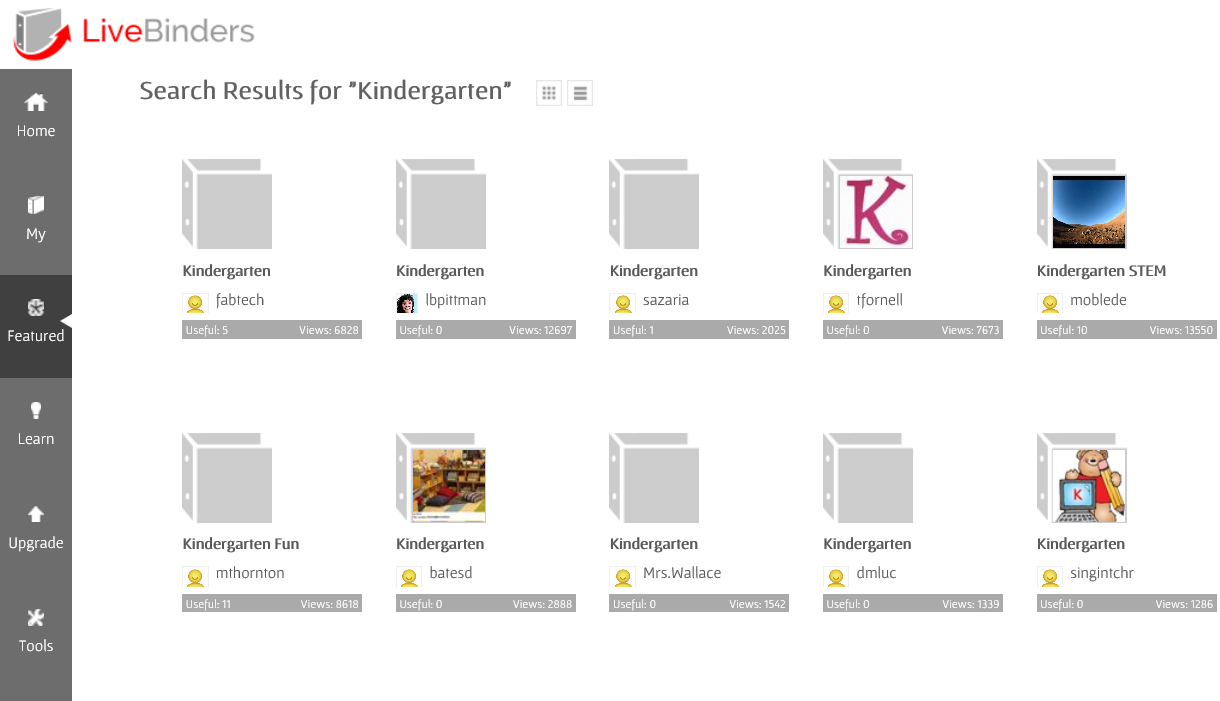
You can even browse other binders that others have created.

Live%2BBinder%2B12

This tool is wonderful! I look for websites at home, add them to Livebinder, and access them on my school computer. I simply keep Livebinder on my favorites bar! I hope Livebinder is as great for you as it is for me!