Posted on

Getting the Most out of PowerPoint Games

Getting the Most pout of your Powerpoint Game Featured Image

Getting the Most Out of Powerpoint Games Thumbnail Cover

I love games. Creating PowerPoint games is as much fun for me as playing them with my students, but there is so much more than just playing them. Here’s a few Teacher tips to making the most of out of each game.


All PowerPoint games are played with Microsoft PowerPoint:

This may seem obvious, but many teachers do not know this. You need Microsoft PowerPoint ($$$) or Microsoft PowerPoint Viewer (FREE) to play them. Each is available on any computer, laptop, or tablet. Games can also be played on any interactive board including Smartboard, ActivInspire, Ipevo, Mimio, and more. Google Slides can work for some games, but if you want animations and music, Microsoft PowerPoint and PowerPoint Viewer is the way to go.


FAQ Thumbnail 1

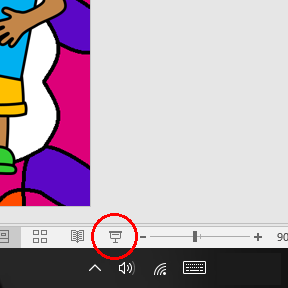
To play a PowerPoint game, simply click “Slideshow” >> “From Beginning”. You can also click on the small Projector Screen at the bottom right hand corner of Microsoft PowerPoint and Viewer.

Play them yourself before playing with your students:

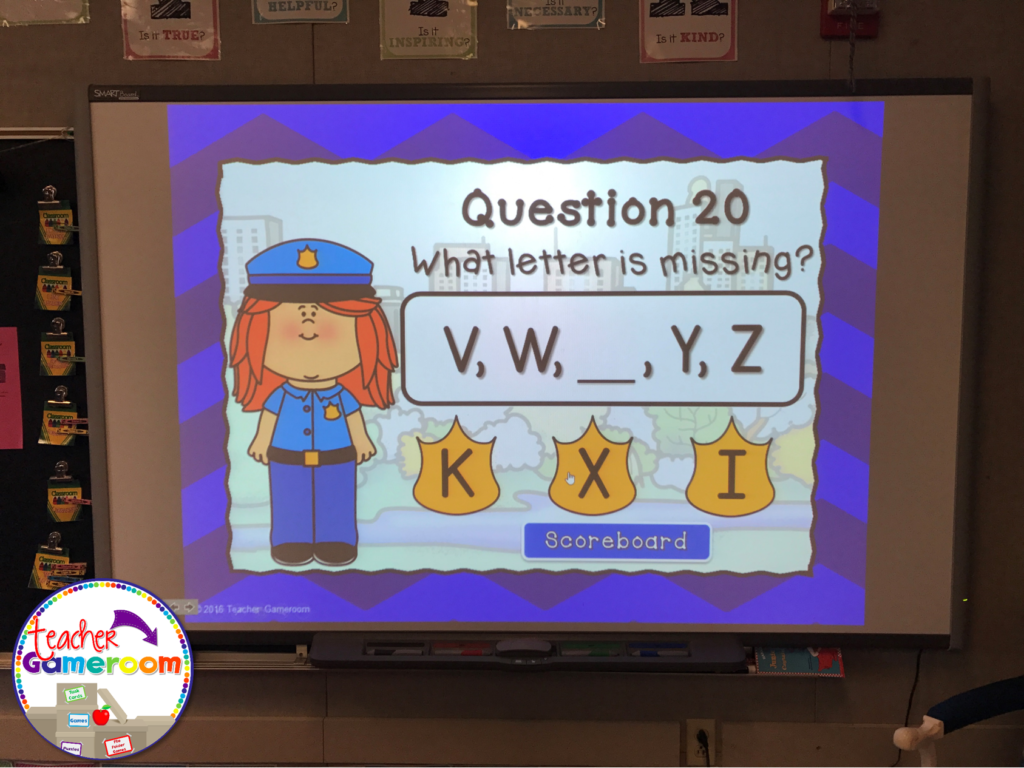
Familiarize yourself with Microsoft PowerPoint first. Once you’re comfortable, get to know the insides and out of a PowerPoint game. Play it a few times to get familiar with the buttons, questions, and answers. Most PowerPoint games include a printable answer key. Do a practice run through to see how long it takes to play each game in your teaching style.


Getting the Most Out of Powerpoint Games Thumbnail 1


Getting The Most Out Of Powerpoint Games Thumbnail 2 1024x768

Teach your students how to play them:

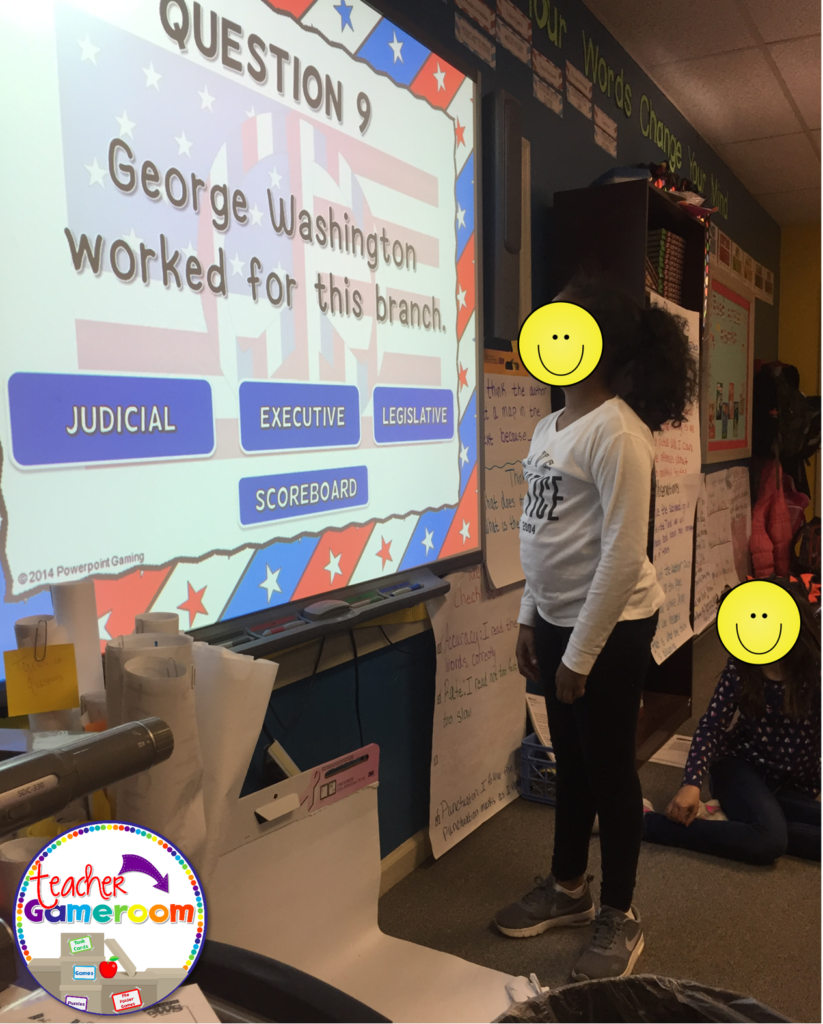
Teach your students how to play the games on different devices. Start with your interactive board. Model how the game is played. When students are familiar with the games, introducing new games will be easier.

Getting the Most Out of Powerpoint Games Thumbnail 3

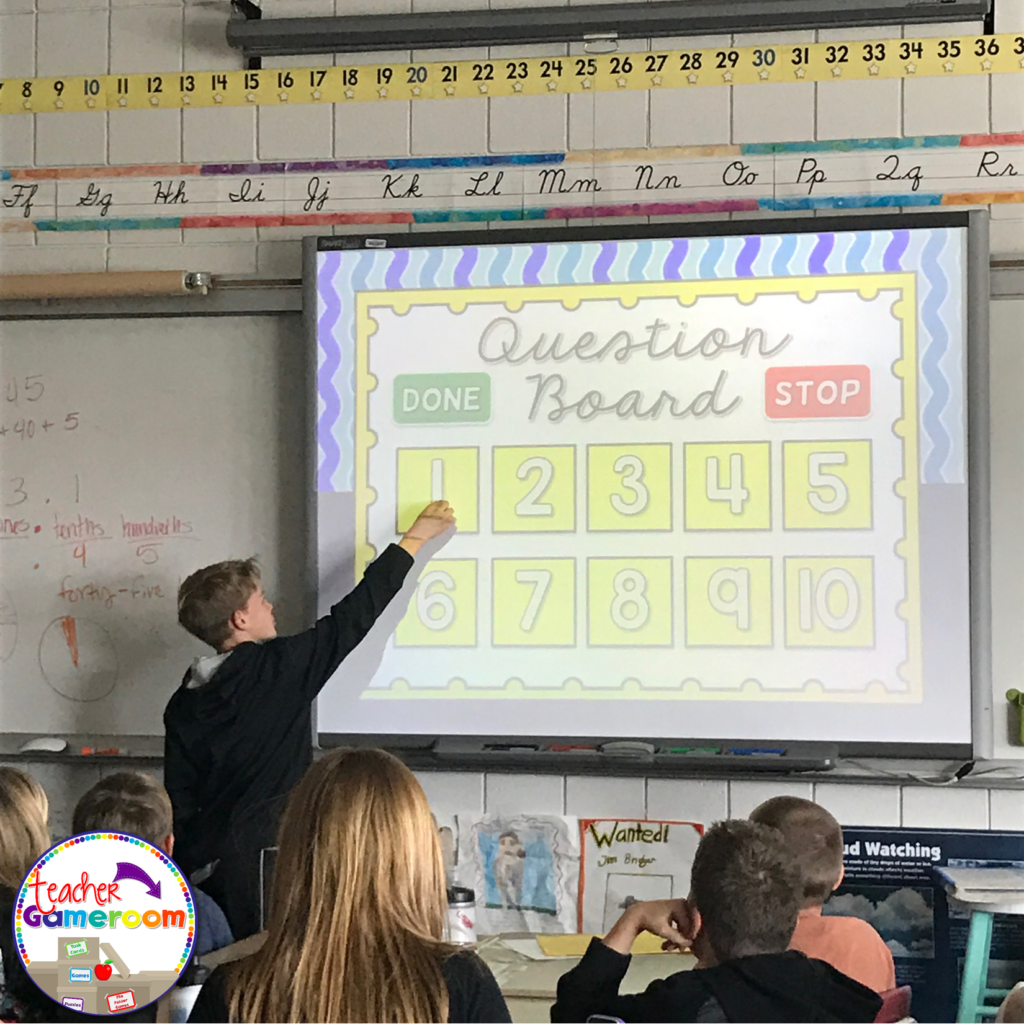
Teach them how to download, open, and save each game or activity. You can even teach them how to set it up for a substitute teacher, adding a little extra fun to the days when you are absent.


Getting The Most Out Of Powerpoint Games Thumbnail 4 1024x1024


I hope these tips help as you and your students enjoy the PowerPoint games in the classroom. Now that your have a grasp of how to use a game, check out my blog post of the 5 Ways to Use a PowerPoint Game. Don’t forget to pin this if it was helpful!


Getting The Most Out Of Powerpoint Games Thumbnail Pinterest 338x1024


Posted on 5 Comments

Replacing Nouns with Pronouns Powerpoint Game

Slide2
Cover

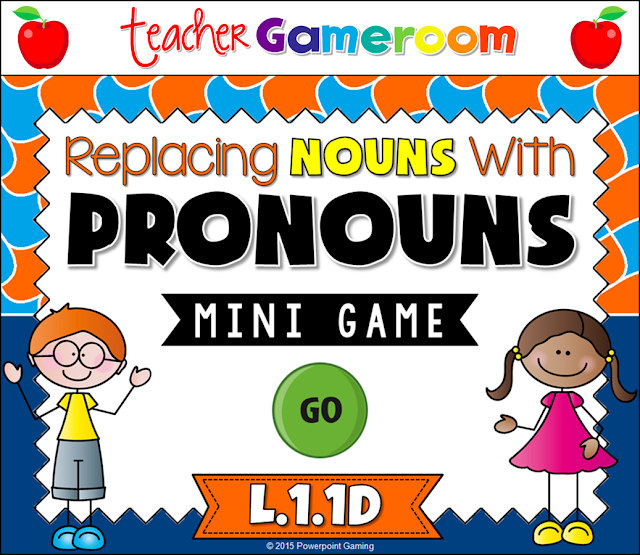
I love working with the 8 parts of speech, especially if I use School House Rock videos. To help assess want students learned (and to have a bit of fun) I made this wonderful game for my students to play.

Slide1

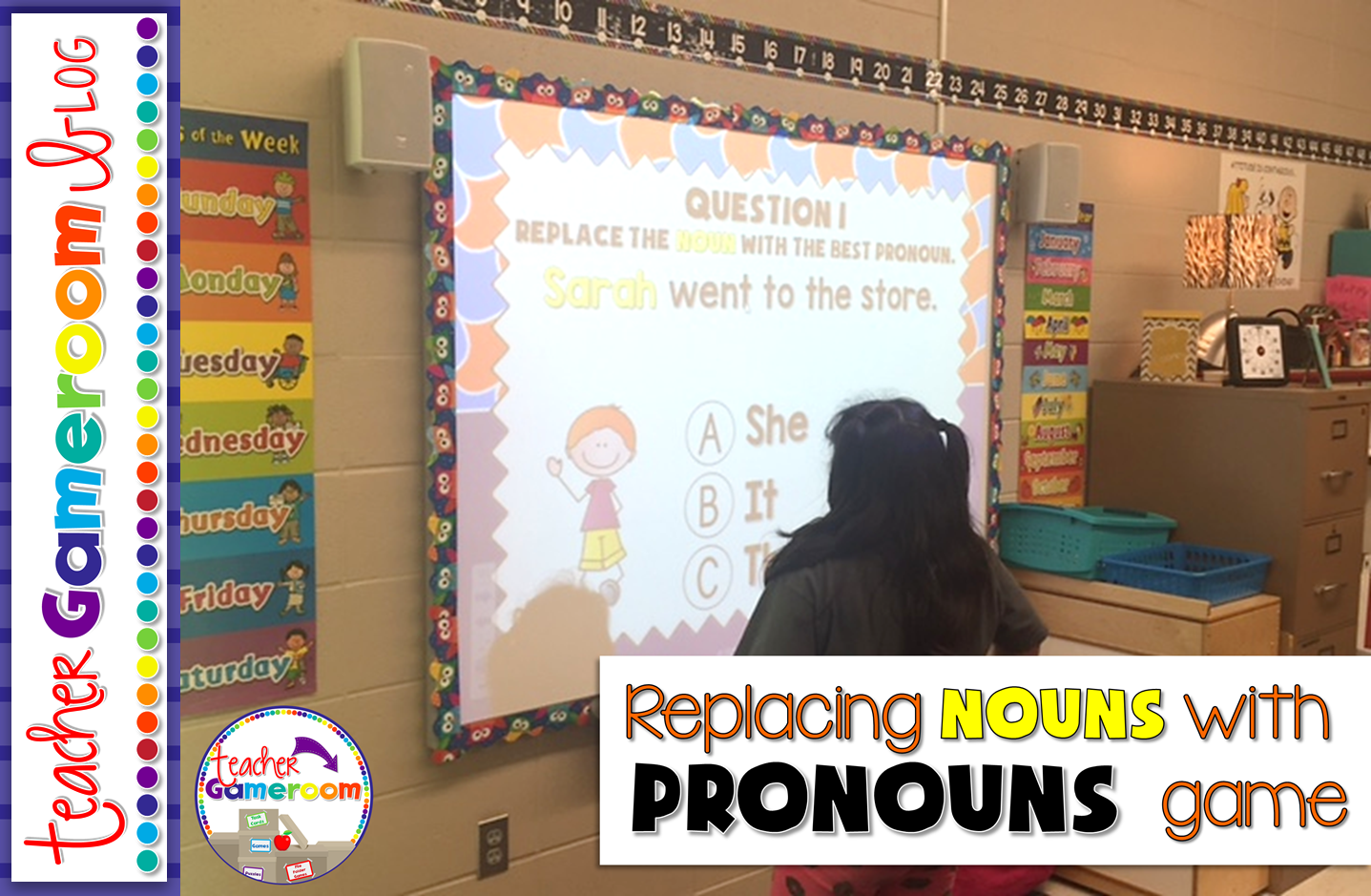
This is great for a quick review since there are only 10 questions and is multiple choice. This is great for centers as students can take turns answering questions or you can use it a whole class review. I would choose a random student by drawing popsicle sticks and they choose a question.


Slide2


Sometimes my students would go in order. Other times, they would pick a random number. Best part: once they’ve answered the question, it disappeared and I don’t have to worry about whether they’ve already answered it. 
Slide3
Slide4
Slide5

Each question gives students a sentence. The noun to be replaced is highlighted in yellow. Students must decided from 3 answer choices is best to replace the noun. X’s appear for wrong answers and checks appear for correct answers.

You can get this game here: Replacing Nouns with Pronouns PPT Game. You can also check out my other Parts of Speech products. Mac and PC versions are included! It even works on ipads and tablets, making it great for 1:1 classrooms.

Pin it for later:

Mini%2BGame%2B %2BReplacing%2BNouns%2Bwith%2BPronouns%2BPinterest%2B2


Posted on

Making 10 PowerPoint Game

Practicing addition is a basic skill for kindergartners. This games reinforces those skills in a fun, interactive way.
Z5Y9RCdlWcNiLbwN9wc MYQFVzn8ccDPf85IO N79QQ?size=1600x1200&size Mode=3

This game is a teacher versus student game. The students answer all the questions and if they get the answer correct, they get the points, but if they get it wrong, I get the points! Great motivator! Who doesn’t want to defeat their teacher?

 
Making Ten Gameboard
 
There are 20 questions in all. Students can choose 1 of 20 questions. Students are given an addition problem with an addend and a missing addend that equals to 10.
 Making Ten Gameboard

Students work out the problems and give their answer. They click on the “Answer Button” to see if they are correct. Then, they click on “Scoreboard” to choose another question to answer.

Making Ten Gameboard

Making Ten Gameboard

 
There are 20 questions in all. It even includes a type-in scoreboard that is used while in “Slideshow Mode.”

Making Ten Gameboard

Making Ten Gameboard

You can get this game here: Making Ten Powerpoint Game. Makes a great game for whole class, in small groups, or even for the substitute teacher. Here’s what other teachers are saying about this game

“My students LOVE this game! They beg to play every day. Thanks so much!” – Donnalyn T.

“Great resource to practice this standard. Perfect for leaving for sub.” – Kendria M.

Don’t forget to check out my other Making 10 games including seasonal and holiday themed games. Don’t forget to pin this for later!
 
A special thank you to Mercedes for taking these wonderful pictures for me!

Making Ten Pinterest

Posted on 12 Comments

Thanksgiving Blog Hop 2015

Header%2B1
      The Classroom clique proudly presents our Thanksgiving hop! Jump from blog to blog and gather some wonderful Thanksgiving traditions, recipes, and freebies.

Header%2B2

    
     I have so much to be thankful for! Over this past year has been a real struggle for me. Doing TPT full time, helping my sister take care of her 3 beautiful children, and managing my seizures has made me strong and so thankful for every thing I have. I thank my family, especially my mother who was always there for me. My friends who still put up with me and antics. My friends in the Classroom Clique. Lastly, I thank my followers. You guys keep me running and motivated, especially through the exciting moments and the toughs moments. Thank you. Thank you. Thank you!


Kiddy%2BCollage


Header%2B4

      As is tradition in our house, I do the baking. It’s mostly desserts. A few years ago, I challenged myself to make an apple pie from scratch (minus the pie dough). I have to say it was the most delicious pie we ever had. It was gone the next day. The recipe is very simple. I found it online at Pilsbury.com for Perfect Apple Pie. I added some a little powder sugar and apple juice to the filling to sweeten up the Granny Smith apples I used.

WP 20141016 006

WP 20141016 009

    I figured out how to do the Lattice topping for the pie crust. It wasn’t as hard as I thought it would be. I used eggs whites as a glaze for the top and covered the edges with foil (to stop the burnt edges).

WP 20141016 011

WP 20141016 012

     It came out beautifully and served with vanilla ice cream, it was the best dessert I had ever made.

WP 20141017 003


Each year at Thanksgiving I make a new dessert so my sister asked me to make peach pie. I’m up for the challenge! =)

Header%2B5


     I don’t have many Thanksgiving games in my store, but I made new a freebie just for this blog hop. Moreover, it’s a forever freebie!

Slide1


In this game, students use dry erase boards to write the lower case letter that matches the capital letter.

Slide3


This game covers all 26 letters of the alphabet. It’s a perfect game to review to check for understanding.

Slide4

Slide5


Students are given the capital letter and on their dry-erase boards, write the lowercase letter. Great for the entire class or in small groups. Students can also practice individually on the iPad.

You can grab this game here:

Thank you for stopping by. Be sure to stop by other teacher bloggers for more recipes, traditions, and freebies!


Posted on 22 Comments

Trick or Treat! Blog Hop

 photo Trick_or_Treat_Hop_Header_zps5ebqxrf4.png
I’m so happy to join The Classroom Game Nook in a “Trick or Treat” blog hop! Halloween is literally around the corner (one week away) and it’s time for teachers to go trick or treating with some awesome tips, tricks, treats, and more!

 photo tricks_header_zpsvmuosr0e.png

Sight words are fun. Tic-Tac-Toe is fun too! Why not put the two together? 

 photo IMG_1704_zpsqkdioqmh.jpg

My nephew who is in kindergarten practices his sights words every night. After a few weeks, he got tired of doing the flash cards. I decided to play Tic-Tac-Toe using his sight words. He was more than willing to play!

 photo IMG_1718_zpsawsc96vw.jpg

Set up is simple! Make a large Tic-Tac-Toe board on some paper. Write the sight words in each box.

 photo IMG_1716_zpsyrmx3ssg.jpg

 photo IMG_1714_zpsjenj6wys.jpg

Write X’s and O’s on some paper or index cards and you’re ready to go! The first time around, I folded a paper in thirds and just traced the lines. Later, I made some boards, X’s, and O’s on my computer and printed them out.

 photo IMG_1710_zpsbh6s6s3b.jpg

You can save paper by drawing a Tic-Tac-Toe board on some paper and insert it into a Sheet protector. Use a dry-erase marker to write the letters. You can change the words any time with a eraser or paper towel. You can even insert 2 pages in one sheet placed back-to-back for 2 games in 1. You also have a carrying case for your cards and dry-erase pen!
 photo IMG_1724_zpsunbkmsuz.jpg


 photo treats_header_zpsdtqms8le.png
When I think of Halloween, I think of all the sweets. In particular, candy corn. You can never have to much candy core! Here’s a sweet candy corn game for your classroom.
My nephew Isaiah loves adding numbers so here’s a fun Adding to 10 powerpoint game.


 photo Slide1_zpsud7owcvv.png

This Halloween themed game has students practicing adding numbers up to ten.

 photo Slide4_zpsi4vybcsi.png
 photo Pic 3_zpsxa9ubj9j.png
It’s played with dry-erase boards so it’s perfect for small groups. You can grab this wonderful freebie here. Be sure to grab it here:


Lastly, it’s giveaway time! Halloween’s a week away, but what about Thanksgiving? Once Halloween’s over, the turkeys go into hiding! You and your students can practice counting turkeys with this fun Counting Turkeys PPT Game.

 photo Cover_zpssux2jhb1.png
Before the big Turkey Day comes, make sure your students know how to count! Students play against the teacher as they count turkeys.

 photo Pic 1_zpsj0xp48as.png

Some turkeys are in rows while others are scattered about. Great for a Thanksgiving review game. You can check out this game here:

 photo Pic 2_zps8fczdimv.png
 photo Pic 3_zps4wvuxcwd.png
You can enter to win this wonderful game! You can enter below. I’m also having a milestone celebration where you can win a $25 gift card.
a Rafflecopter giveaway

Don’t forget to hop on over to another teacher blog!

 photo Connector_logo_zpsbnyh17kj.png