Posted on 10 Comments

You Ought to Know About Livebinder!

Yououghtaknowbloghopbanner

You ought to know about this website I found that is wonderful and perfect for any teacher in any grade or subject. Ladies and gentlemen, I present Livebinder!

 
Live%2BBinder%2B1
 
Before I start, I did update my blog. I spent about 2 weeks on it and I must say I am impressed with myself! Anyway, I taught in a 1:1 school. If your unfamiliar with that term, it means that every student in every grade has their own digital device, whether it’s a laptop, netbook, or tablet. I taught 2nd so we had netbooks.
 
As a teacher with students having laptops, it was kinda frustrating to have my favorite bar full of 20+ links to websites. Don’t even get me started on what my favorites folder actually looked like. During a professional development that was particularly useful, they introduced this website that acts as a favorites bar except its online! Yes, that means logging in, but after that, you can access your favorite websites from ANY computer!
 
For those who continue working at home (pretty much all of us!), it’s frustrating to find a website you love and then get to work and totally forget the website address because we saved it to our home computer. Livebinder is the solution!
 
Live%2BBinder%2B2


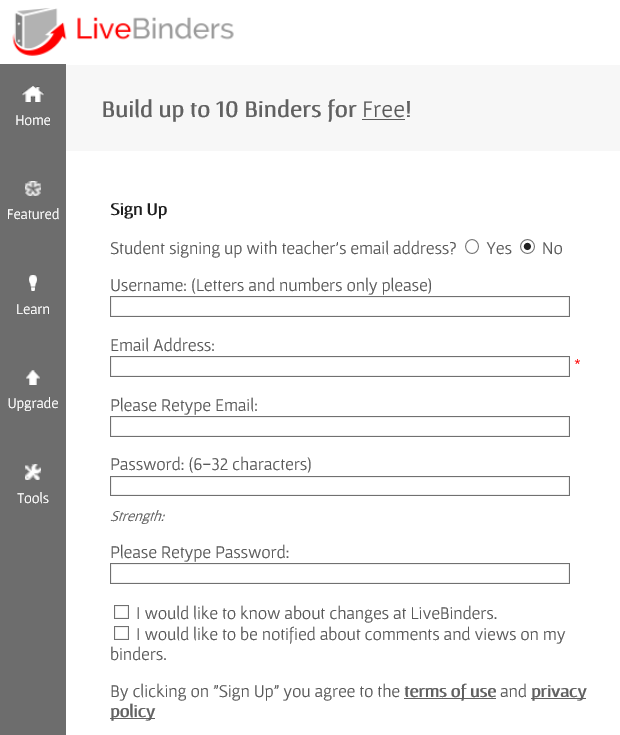
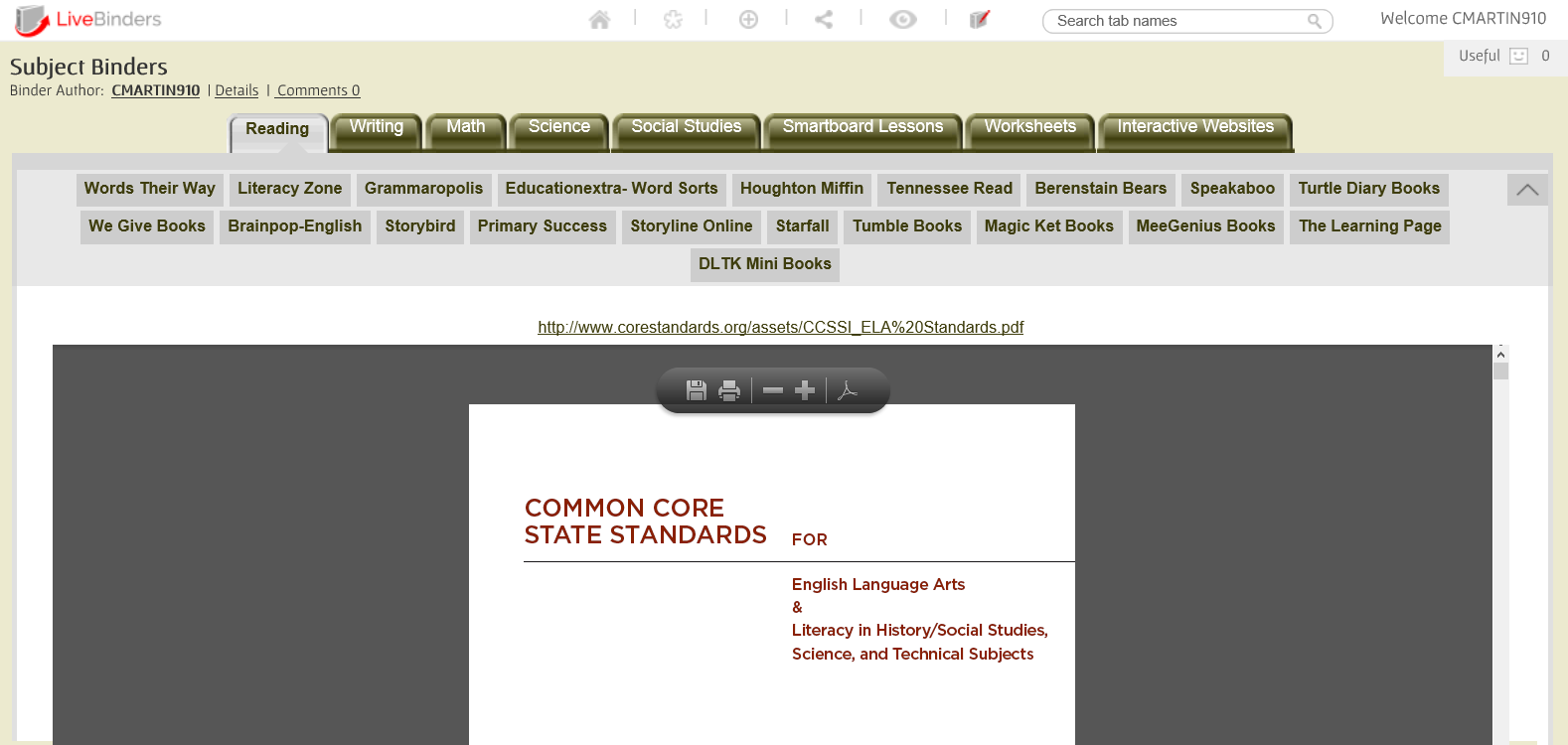
After signing up, you can create up to 10 binders with different links to websites. For elementary teachers, that’s enough for each subject and then some! Take a look 2 binders I have created. The first binder is for the content areas.
 
Live%2BBinder%2B4


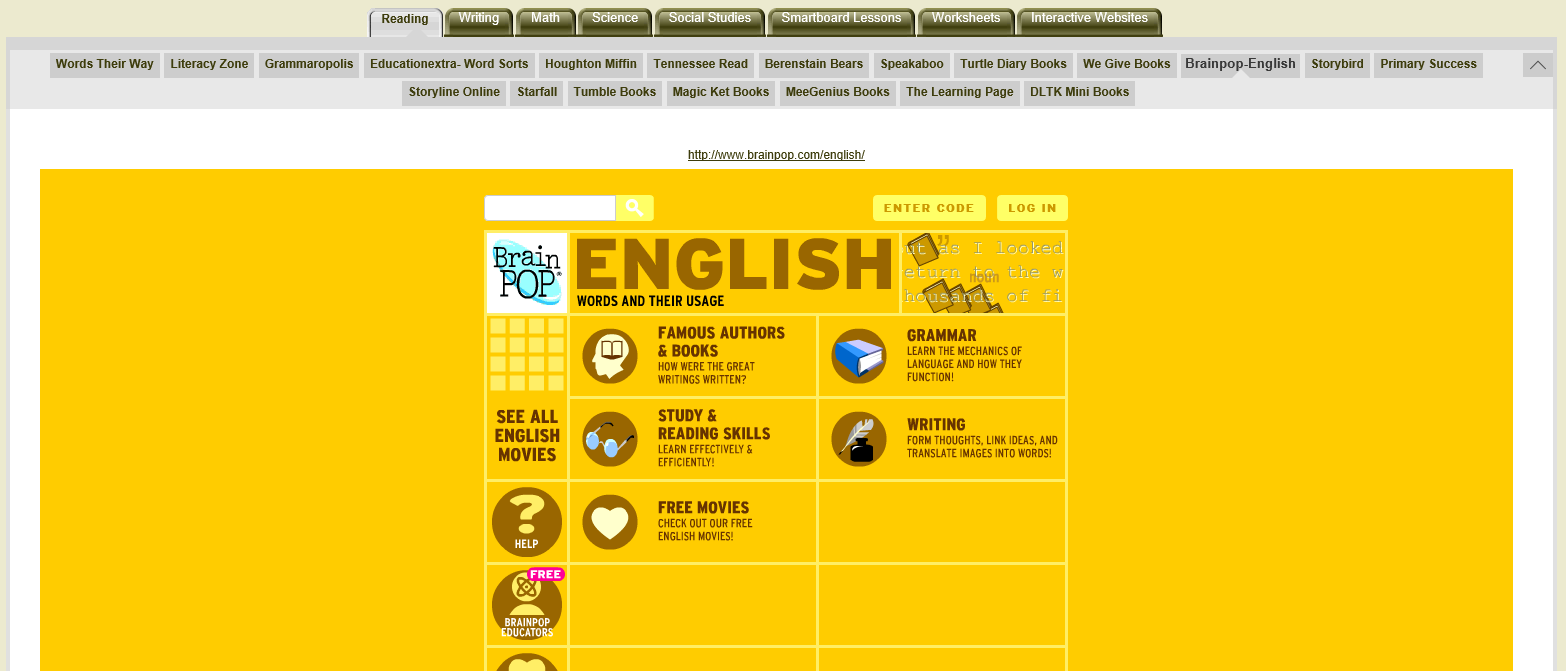
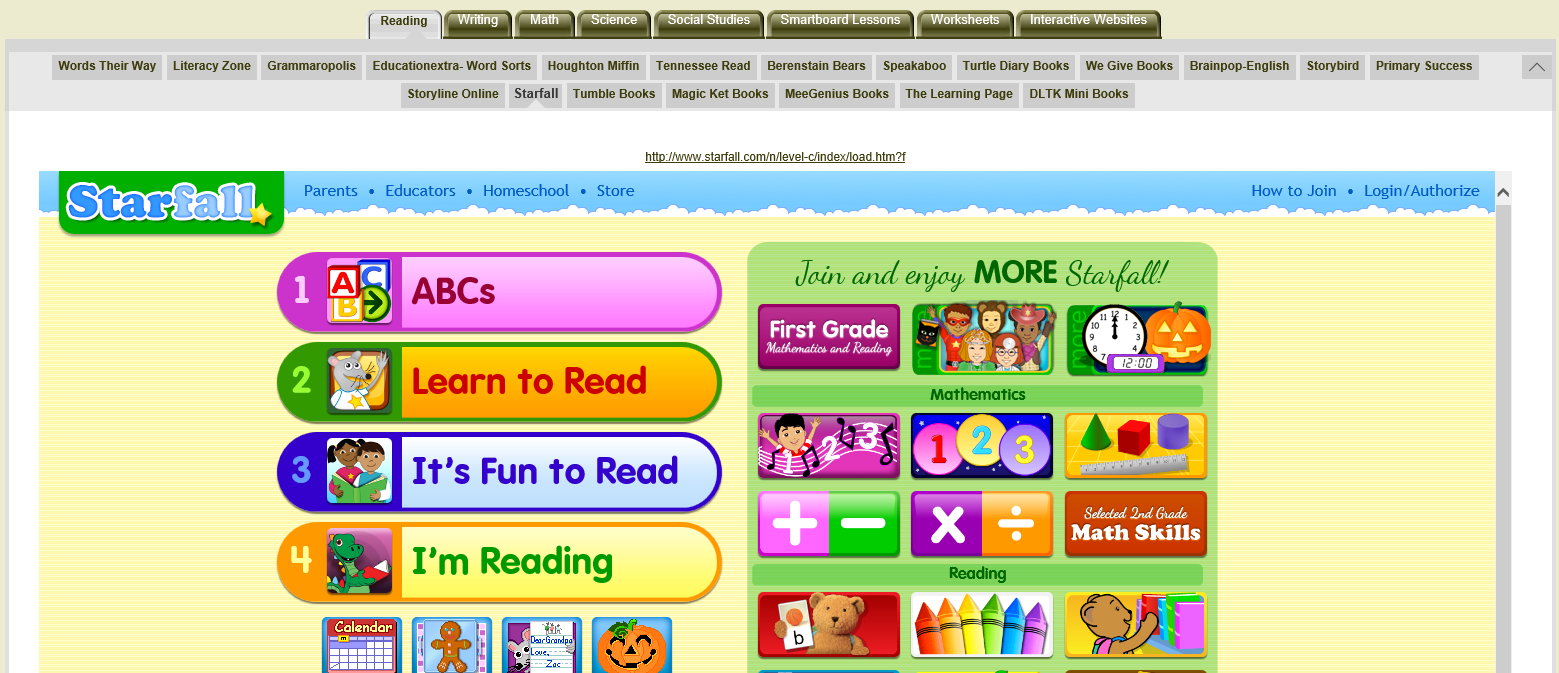
In the first tab, I’ve added all the reading websites I have found while I was teaching. Most of them are free (Tumblebooks, Starfall) . Others require just a log (Houghton Miffin) . One or two of them you have to pay for (Grammaropolis, Speakaboos).
 
 
Live%2BBinder%2B8

Live%2BBinder%2B9
Best part of all: you don’t have to open a new window! With most websites, you can explore the website from within Livebinder. That means no multiple tabs. You can jump from website to website in just one binder.
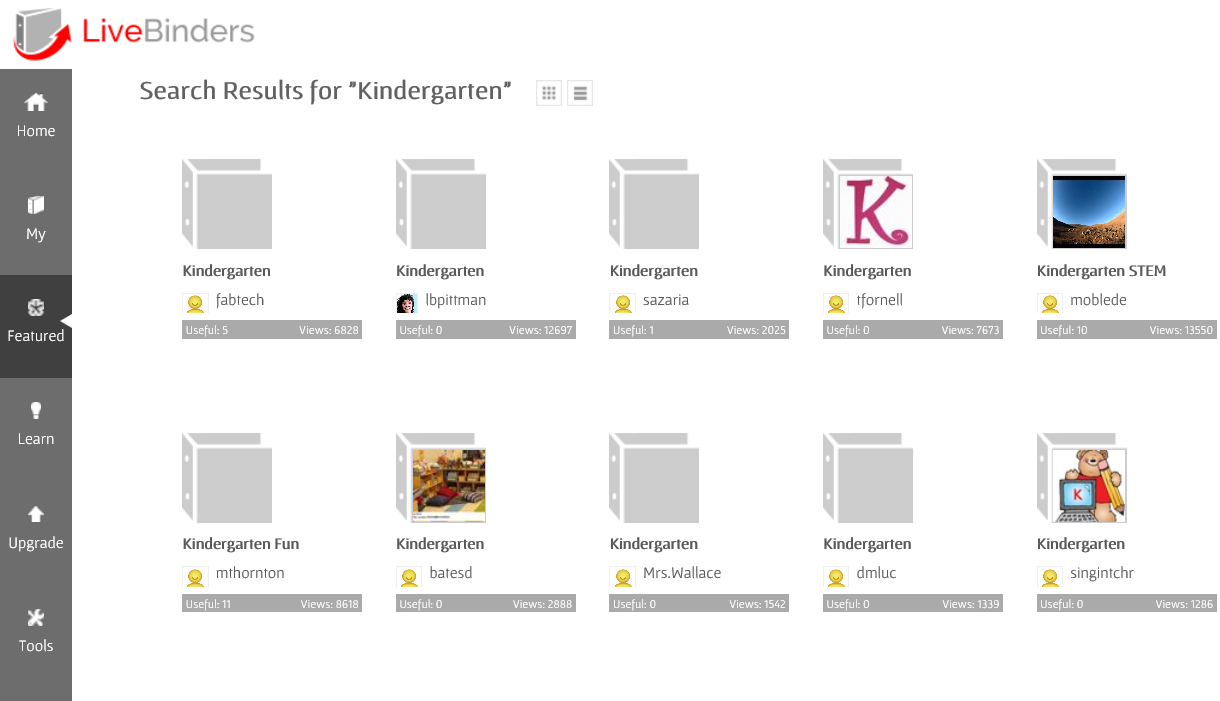
You can even browse other binders that others have created.
Live%2BBinder%2B12

This tool is wonderful! I look for websites at home, add them to Livebinder, and access them on my school computer. I simply keep Livebinder on my favorites bar! I hope Livebinder is as great for you as it is for me!


Posted on 6 Comments

Creating the Ultimate TPT Planner!

Post%2B27


Making products can be a lot of work. Balancing home and making products is even more work. I give kudos to the teacher that work at school, create products in their free, and manage the house. Brownie points all around. TPT is my full time job at the moment so between creating games and watching my niece and nephew can be a little frustrating a times. That’s why I created this:

Untitled


I had created a smaller version of this at the beginning of the school year that I kept up with, but finally decided get one made professionally. I spent about 2 weeks creating all the pages I may need for the entire school year (August to July). Check out each of the pages included and find out how you can score your own!
 
 
The cover is a clear plastic covering over a regular cover sheet I made..  Pretty nice. The binding is a black plastic coil. I had this made at Office Depot and they had other bindings as well. I figured if I’m going to opening and closing it all the time, a coil would best be suited. There are other bindings like the combs, stapled, and taped. 

WP 20141028 007
 
On the inside cover, I created an information sheet with my basic information (name, address, phone, websites, etc).  Next page has the table of contents. My planner contains 160 pages, mostly do to weekly planning sheets.
 

Pic%2B2
 
 A close up of the table of contents.
 
 
Pic%2B3
 

Each of the title pages are in color and the rest of the pages are in black and white. I included clips from EduClips and Ashley Hughes.
 

Pic%2B4Pic%2B5
 
Pic%2B6Pic%2B7
 
 
I keep track if every game I make and place it in my Powerpoint Games Section. This is a way for me to check back on games I may have already created or to give me another topic to cover. 
 
Pic%2B10
 
Every Saturday I plan for the following week. I decide what games I should/will work on, depending on the dates and any upcoming holidays. My planner includes a two page spread of each month, a monthly Blog Topic planner, and 5 weekly product planner sheet for each week in that month.
 
WP 20141023 019
 
Pic%2B8


My WeekIy Product Planner has a space for each day of the week (excluding weekends) and a Project space for my to list what projects I will work on. I also have a space for if the product is completed. I also have two areas at the bottoms for my Blog Topics for that week to write/post and what theme to post on my Facebook page (such as giveaways, blog hops, themed/holiday products, etc). 
 
Pic%2B9
 
The next section is my Bundles section. Here I list all the bundles I have created or will create. There are several pages of these because this is a yearly planner. It is broken up in to Math, Seasonal, and Holiday Bundles.
 
WP 20141023 036

WP 20141023 039

WP 20141023 038


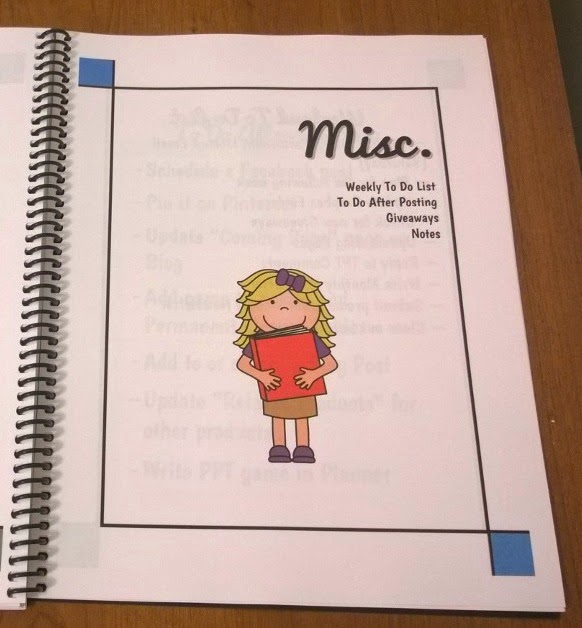
Lastly, there’s the Miscellaneous section which includes a Weekly To-Do List, my “What To Do After Posting” list, “Monthly Giveaway Log”, and Notes section (To be used hopefully for the TPT Conference).
 
WP 20141023 042

WP 20141023 043


Did you know that any donation of your products can be a write off in your taxes? Who knew, right?

WP 20141023 045
 
 
These are taking notes whenever I need them. I plan to use them when I go to the TPT Conference in July.
 
The last pages include my terms of use and a regency black cover (the same you see with most store back covers). I used free fonts I found online and clip art from Zip-A-Dee-Doo-Dah, EduClips, Whimsy Clips, and Ashley Hughes.
 
I made this online at Office Max/Office Depot. You can upload your file and create your own personal planner. You can choose everything, from the covers to the binding to which pages are in color or black and white. Overall, this cost my $32. Luckily, when I purchased this when there was 50% off sale so it cost me $16 for 160 pages (+ $10 shipping). It took a week to be created and shipped (I made it Thursday and received it Wednesday). My Office didn’t have Site-to-Store, but if it, My planner would be all in color.
 
Let me know if you have any questions about my planner. I’d be happy to answer them! Here’s a link to Office Max/Office Depot:http://www.officedepot.com/a/design-print-and-ship/


Class Dismissed!