Happy Teacher Appreciation week! Every day this week, I will have a new mini game that will be a freebie for the entire week. You can pick it up in my TPT store. In addition, I will giving away a game of your choice from my TPT Store.
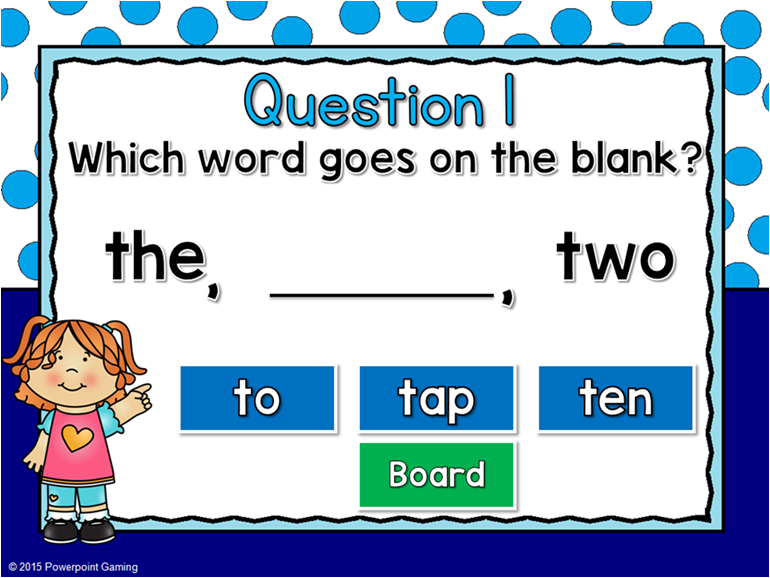
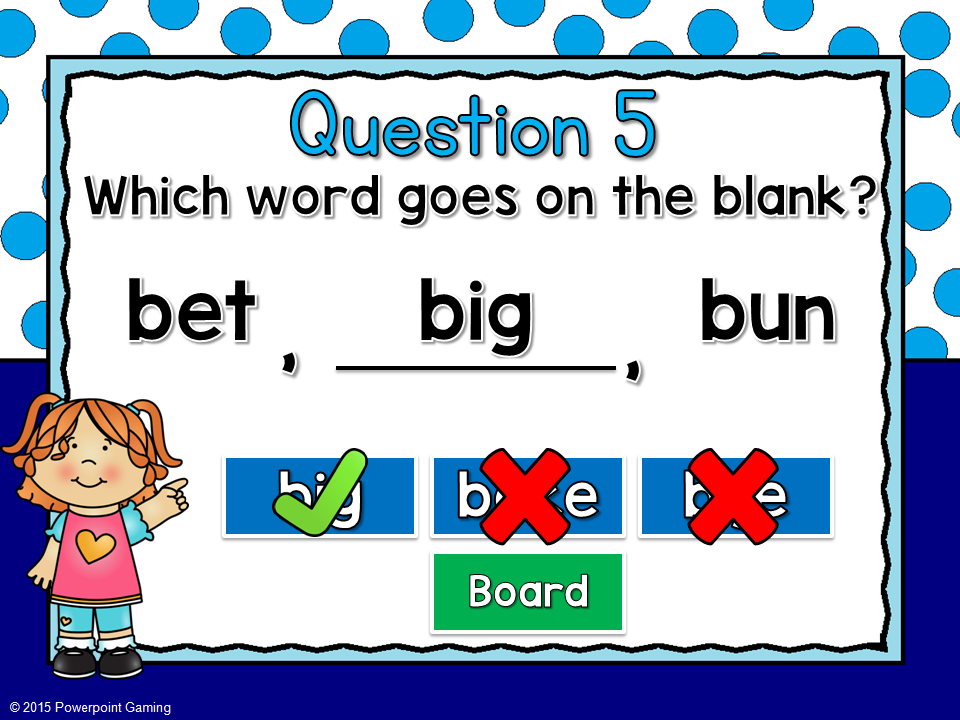
In this mini game, students choose the word that should be placed on the line that completes the ABC order. There are 10 questions in all.
Student are given 3 words to choose from. The first letter is the same. Students must use the second letter to determine the order.
Most words include sight words, Dolch words, and CVC words. This game is great for 1st and 2nd grade.
This game will be perfect for those students that need extra help. Don’t forget to leave some feedback. If you’d like me to make a full Alphabetical game, let me know!
Don’t forget to enter to win a free game of your choice from my TPT Store on Facebook. Enjoy your week. You deserve it!
Happy Teacher Appreciation week! Every day this week, I will have a new mini game that will be a freebie for the entire week. You can pick it up in my TPT store. In addition, I will giving away a game of your choice from my TPT Store.
In this mini game, students read the sentence and must decided if it is a fact or an opinion. There are 10 questions in all.
This game is perfect for a mini lesson when students are writing opinion papers. No scoreboard so no pressure.
Each sentence is about an animal to make it easier to determine the different between a fact and an opinion.
This game will be perfect for those students that need extra help. Don’t forget to leave some feedback. If you’d like me to make a full Fact or Opinion game, let me know! Don’t forget to enter to win a free game of your choice from my TPT Store on Facebook. Enjoy your week. You deserve it!
Teacher Appreciation week! Every day this week, I will have a new mini game that will be a freebie for the entire week. You can pick it up in my TPT store. In addition, I will giving away a game of your choice from my TPT Store.
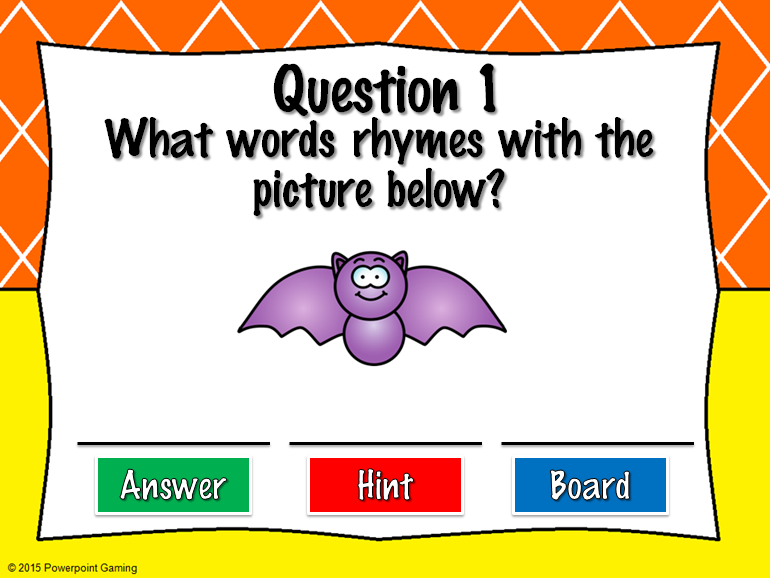
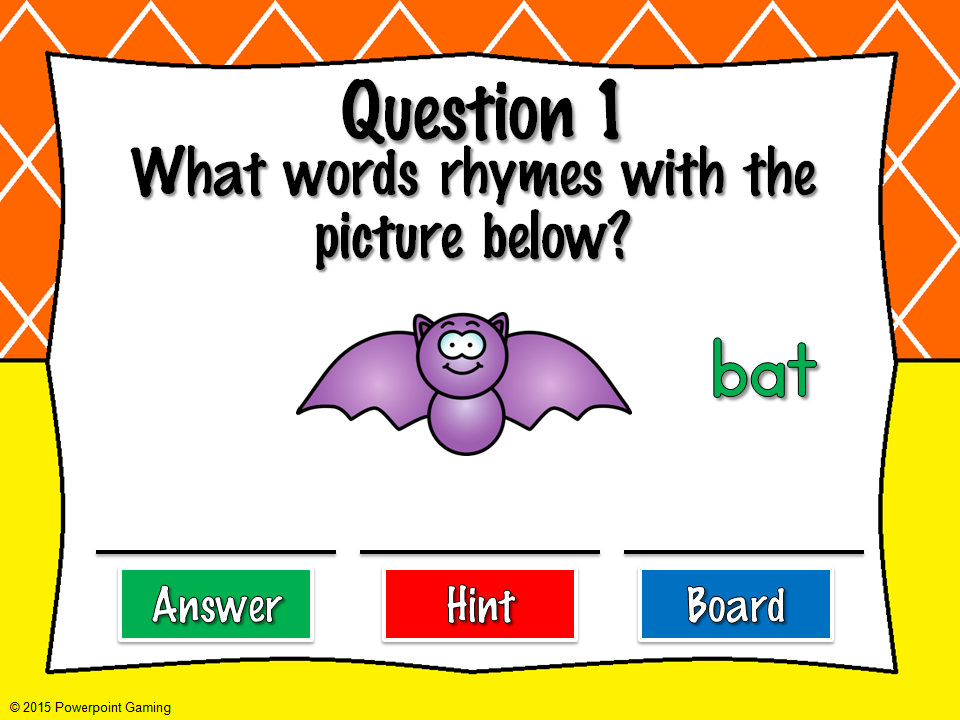
Some of you requested rhyming words as a game. In this mini game, students must create rhyming words from a given picture. There are 10 questions in all.
This game is perfect for circle time or as a quick review. No scoreboard is included so individuals can practice without any pressure.
Students are given a image and they must come up with words that rhyme with it. I have given you 3 possible answers, but some have many you can come up with (like -un words).
I also included a hint in case your students don’t know what an image is. For example, Question 8 is a coat, but some would say “jacket” instead. The hint will reveal what the image is in writing.
This game will be perfect for those students that need extra help. Don’t forget to leave some feedback. If you’d like me to make a full Rhyming Words game, let me know! Don’t forget to enter to win a free game of your choice from my TPT Store. Enjoy your week. You deserve it!
These are a few questions TPTers are asking, especially new sellers. Since the beginning of January, I’ve been keeping up with my sales and it’s been great for me! I’d like to share some tips that help me keep track of my expenses.
Tip #1: Buy an Expandable File Folder!
On a whim (and because it was on clearance), I bought this expandable file folder. There are 12 pockets (13 if you use the front pocket), one for each month of the year. It comes with the monthly tabs for you to insert or if you have OCD, like me, you can create your own. It also comes with letters of the alphabet and blank tabs to create your own label.
Every time I made a purchase, I would place the receipt in the appropriate month. This brings me to my next tip.
Tip #2:
Save every receipt!
Yes, save every receipt from every single purchase made for your store, no matter how little. I make trips to the Dollar Tree, sometimes just for some post-its. I save that receipt and when I get home, I place it on the folder.
Use highlighters to highlight purchases on receipts with multiple purchases or just make a separate purchase (just let the cashier know).
If you have to make a purchase using PayPal, print the sale transaction from Paypal.com. Just make a note about what the purchase it so you’ll know what it was for. Let’s face it. You’re not going to remember every purchase made a year from now.
If you have a PayPal account, get a PayPal business debit card. It’s a MasterCard so it’s used practically everywhere.
If you make a purchase on TPT, print it out and place it in the folder. It will come in handy in the future. Did I mention every purchase for your store is Tax-deductible?
Tip #3:
Invest in a printer, ink, and paper!
If you don’t have a printer, get one! Printing receipts for online purchases as you make them can be critical. Even though you can pull it up online, if the power goes out or the IRS wants a physical proof of a purchase, you’ll already have it. You won’t have to find it and pray that you didn’t delete a purchase from your purchase history.
If you need to buy ink or paper, don’t hesitate to buy it! Since it’s for your business, it’s tax deductible. I bought a wireless printer on Black Friday for $27.
Tip #4:
Keep track of all the giveaways!
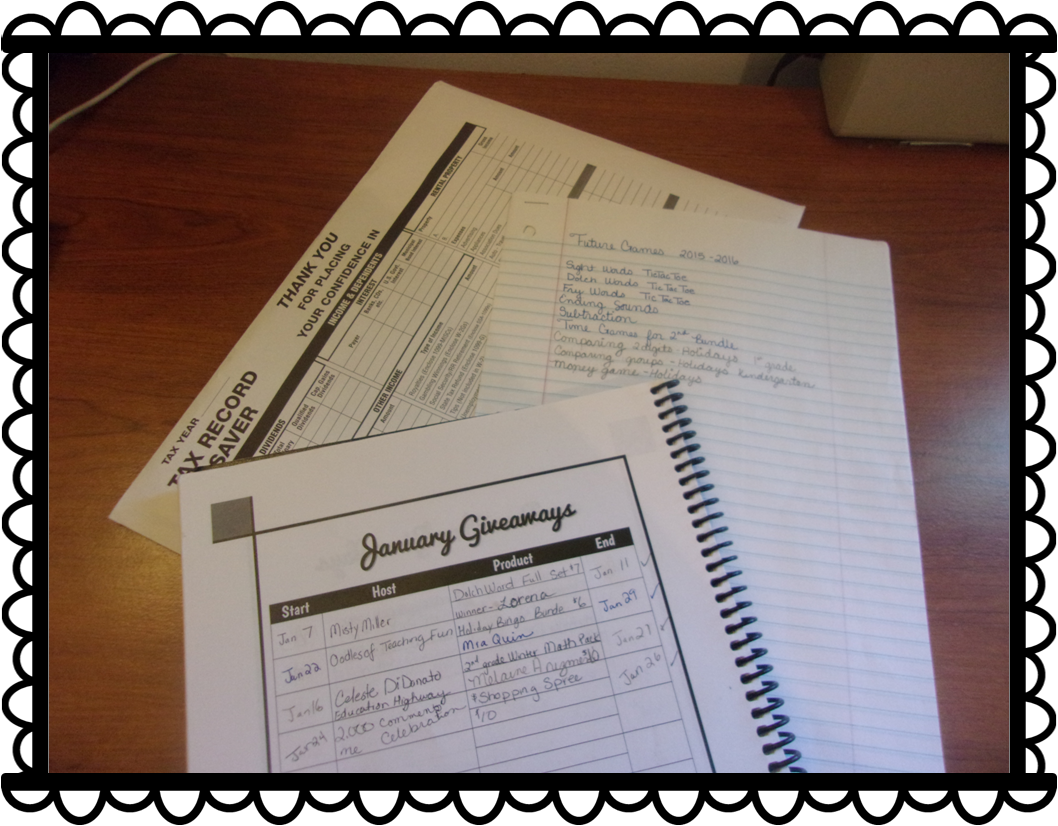
If you host a giveaway and include gift cards, save your gift card receipts. If you give away a Shopping Spree to your TPT store, keep a record of it. I write down the name of the giveaway, the name(s) of the winners of the giveaway, the start/end date of the giveaway, and what products they won or want (shopping spree/winner’s choice). I keep this record in my TPT Planner until the end of the month.
If you donate to a giveaway hosted by another seller, keep a record of it. I collect the same information as before and I also include the name of the giveaway and the host. This is also recorded in my TPT Planner. If you donate to Donorschoose or a GoFundme Project, print out a receipt. It may be tax deductible, especially if the donation is from your business. Be sure to check with your tax preparer. It doesn’t hurt to ask!
Tip #5
Use Microsoft Excel!
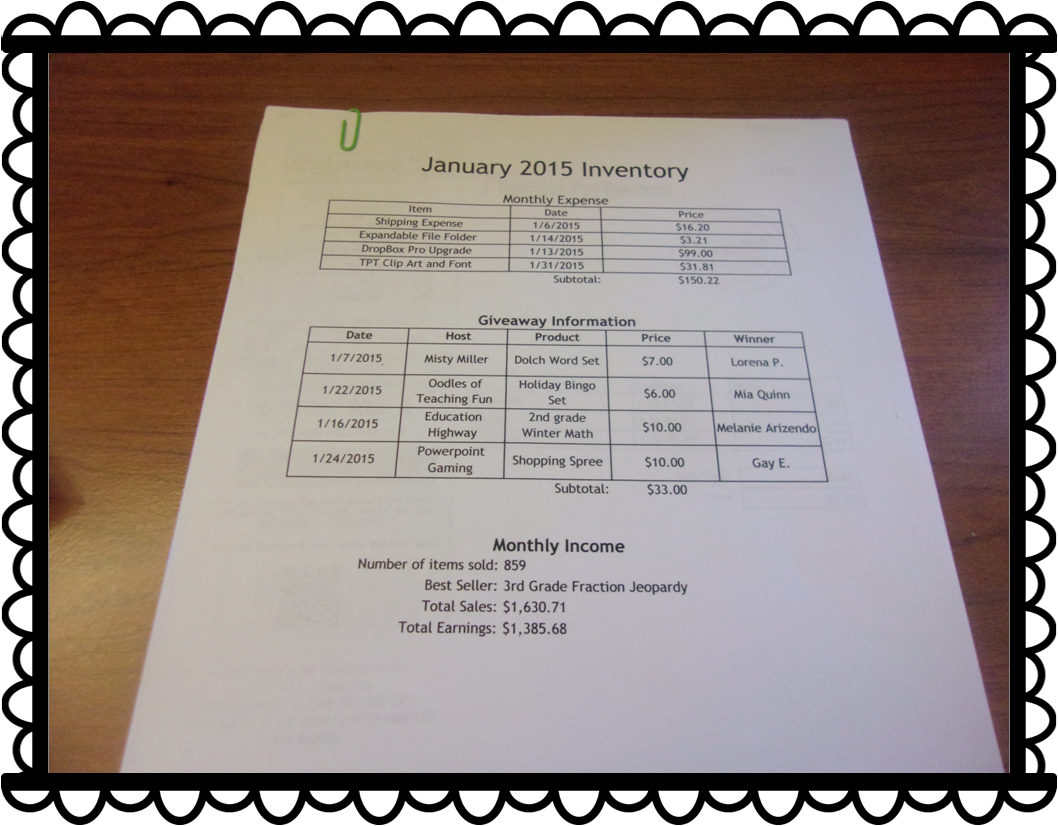
This is the part I dislike the most. The last few days of the month, I check through all my expenses and type them ALL in a Microsoft Excel Spreadsheet. Yes, this can be a tiresome ordeal, butthis will give you an online copy of all your purchases you’ve made and items you’ve donated throughout the month. You can set the spreadsheet to do all the calculations for you and you can include whatever information you choose. I print it out and place it in my file folder as a cover sheet for each month.
My cover sheet is divided into 3 sections:
Monthly Expenses
Giveaway Information
Monthly Income
In the Monthly Expenses section, I include the name of the item or purchase, the date of purchase, and the price. All my TPT purchases are added and placed at the bottom.
In the Giveaway Information section, I include the date, the hosts (even if it was me), products, prices, and the winners.
In the Monthly Income section, I include the number of items sold, the best selling product (and number sold), total sales, and total earnings.
I print it out. I collect all the receipts and paper clip them all together on the top and bottom. For those small in-store receipts, I place them in an envelope and label the envelope whichever month it is.
What does this do in the long run?
Keeping track of my inventory gives me a good reference point. I can check to see what items sold best during certain times of the year. I can decide if I need to cutback on expenses or if I can make more purchases (clip art addict and KG Font addict). It will be even more helpful when it comes Tax Season. I won’t have to search my house for every little receipt. It will all be in the same place all neat and ready to go.
Other things to add to the folder:
Taxes from the Previous year
Idea list for next year
Important emails & forms (like plane tickets and hotel reservations)
End of the Year Statements
Annual Purchase Statement from TPT
Goals Check-List
Anything Busniess or Tax Related
I hope you found this post to be useful. Here’s a few freebies you can use for your file folder.
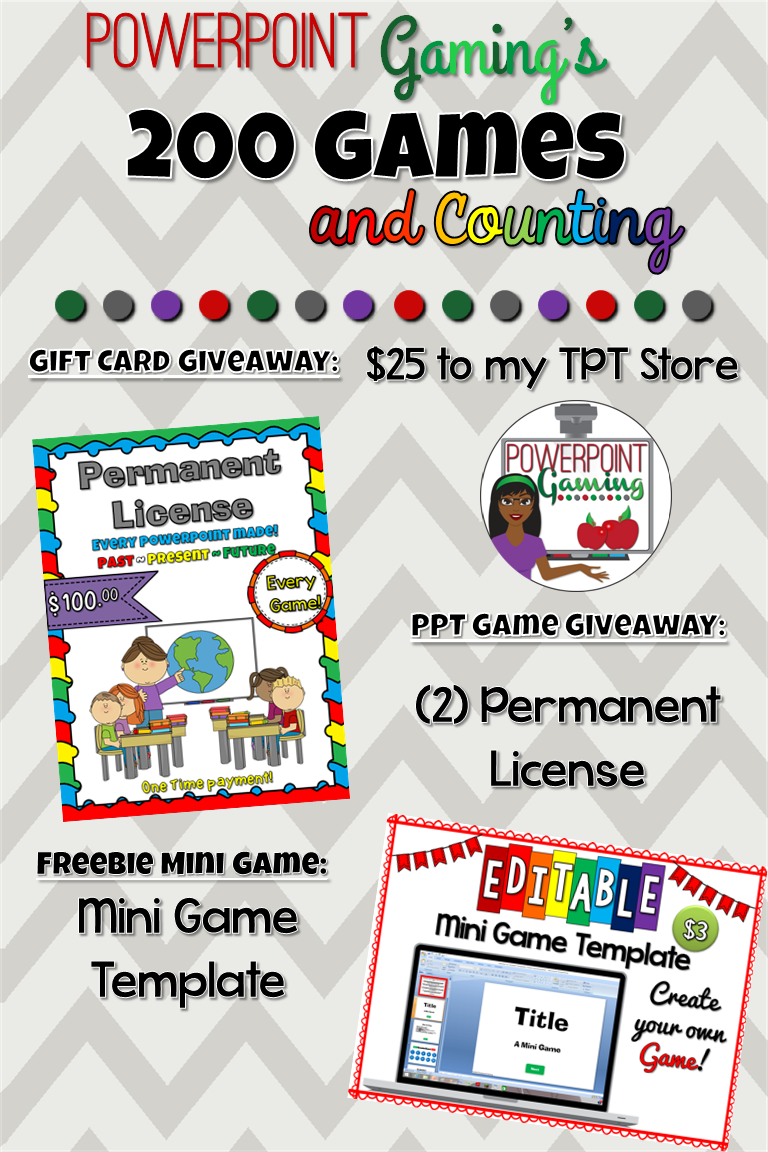
It’s Saturday, everyone! This week has been truly amazing! It’s the final day of my celebration. Here’s what up for grabs today!
Today’s gift card is for a $25 shopping spree to my TPT store. I know that I’ve already given this away, but I can’t help it! So many of you love my games that I just wanna give more away! So many that I’ll giveaway 2 shopping sprees! Here’s where you can enter
Today’s powerpoint game that’s up for grabs is for everyone! I don’t usually give these away, but I’m so excited about making 300 games, I’d make the exception.
If you love my games, you should consider purchasing a permanent license. This license give you access to every powerpoint game I’ve created over the years. To be exact, I’ve created
Today’s mini game freebie is a mini game template.
Now you can make your own mini games! There are 1 questions for you to create your very own game. Best of all, you can use it commercially.
Don’t forget to stop by my Facebook page each night for some games and flash freebies starting at 6 PM EST!