Posted on

TpT Tips: What to Do After Posting a Product

Post%2B%2326


Here are some more tips for TpT Beginners. Have you ever finished a product and posted it? Ever thought if there was anything else you could do before moving on to the next product? Here are 7 Things you can do after you’ve posted a product.


1.) Schedule a facebook post.

After posting your new product(s) on TPT, it’s time to start advertising! One of the best places to start is Facebook. If you haven’t set up a facebook page for your store, do so. Post your product, giving a small description to viewers. Offer it half price to really catch them. Use the original picture of your product (the same cover picture you used on TPT). The bigger, the better and don’t forget the link. If you want, you can schedule the product to posted at a later date by clicking on the clock on the bottom left hand corner on your post. You can set it up as later as 5 minutes or 5 days from now.


2.) Have a Flash Freebie or Giveaway

Make your product as a flash freebie is a great way for buyers  look at your product and get instant feedback. Flash Freebies can last anywhere from a few minutes to one day. Having a giveaway is also great too. It exposes your page to other viewers, especially if they share it or tag a friend.
 
3.) Pin it to Pinterest
 
Pin your product! Pinterest is free advertising for your product! Pin it to as many boards as you can! The more you pin it the more exposed your product becomes. Create a nice picture of your product that you upload from your computer.  They look much better than if you pin it using the pin button from the product page. Try using large pictures or real-life pictures of your product in use.
 
4.) Back Up your Product
 
I  can’t tell you how many times my products have jumped from one computer to another. Make sure your completed item is backed up and in a safe location. I recommend Dropbox because you can continue to work on it and it will automatically save to the web. You can also access it via the website from any computer. Other sites like Google Drive, SkyDrive, and MediaFire are great too.
 
5.) Add it to a “List of Inventory”
 
I keep track of every powerpoint game I make. Keeping a record of products helps me to keep track of the many games I have made. It gives me a reference. A place to go to when I need to know if I have made that particular product before. I keep a simple list of the item number, post date, and the product name. TPT also keeps a list of your products, but it nice to have a hands-on list whenever my computer or cellphone is unavailable and an idea comes to mind. I keep this list in a planner I created and use on a daily basis.
 
6.) Blog about it!
 
If you have a blog, write about it! Show buyers it works! The more pictures, the better. Showcase how it works and explain how it can be better for a teacher classroom. Whenever I am excited about a new product, I blog about it. When I created my first game that was not Math (All About Plants), I was estatic! It was the first game I had made since starting TpT that wasn’t a math game. I blogged about it. I continued to blog about new games that I think are awesome!

7.) Promote it on Social Media!

This is a given! I’ve already mention Facebook, Pinterest, and Blogs, but there’s so much more!! Tweet it! Instagram it! Add it to a Linky Party! Use the Seller’s Forum on TPT to promote it! Youtube it! Podcast it! Everyone has at least one of the social media sites I mentioned so why not put them to good use?


There are so many ways to get your products out there. Doing these things will surely increase sales and expose your store to others. I’ve included a mini poster with these steps to help you out in both color and black & white. Enjoy!

7%2BThings%2B %2BPosting%2Ba%2BProduct%2BpIC%2B17%2BThings%2B %2BPosting%2Ba%2BProduct%2BpIC%2B2

Get this poster by clicking here:


Class Dismissed!

Name


Posted on

TpT Tips: 5 Tips for TpT Beginners

5%2BTips%2BTues%2B1
 
 
I’d thought I’d share a few TpT Starter Tips that I learned over the years and what I think are some important things to do.
I’ve been a TpT Seller sine 2011. It’s been a great journey in the 3 years I’ve been with TpT. I remember trying to find free resources for my 5th grade Math and  Science class. I stumbled upon TpT and loved it. Who would have thought that if you could sell items on eBay, you could sell your classroom products? I’ve sold products on eBay before, but not like this.
 
 
Looking back now, there are so many things I had wished I had done. It would have helped me when I first started. I’m going share what I learned.
 
 
5%2BTips%2BTues%2B2
Being a new seller can be scary. You might be thinking “How do I post a product? Will it sell? How do I know which products do I create? How much should it cost?” These were my questions too. The best way to start is to get an account and follow a few TpT Stores. Don’t worry about your store name. You can change it later. Follow some of your favorite sellers. See what kinds of products they create and what they do to advertise. If possible, email them and ask those questions. Check out the TpT Seller’s Forum for help too.
 
 
5%2BTips%2BTues%2B3
If you think you can handle it, then it’s time to get started with your store. Time to think of a name and design. You can create one yourself or have others create one for you for a price. There are lots of commercial-free designs you can use. Be careful when choosing a name. You want a name that’s easy to remember and not too long. Some TpT sellers use their name like Kim Geswein. Others use names for the products they mostly create like me.  Choose carefully because it will be hard to change your name later if you don’t like it. Think about Wachovia. . . . .
 
 
5%2BTips%2BTues%2B4
 
Once you’ve decided on a name, get on Social Media immediately! That is, establish your name. You want to get your name as soon as possible. You want to be the one and only store with that name. Get on Gmail, Facebook, Twitter, Instagram, BlogSpot/Blogger, Pinterest, BlogLovin, and any other social media you want. You don’t have to do anything yet. Just get your name so that no one else can take it. Don’t wait, especially for Gmail and Facebook. I didn’t get the Gmail name I wanted when I started. Same with BlogSpot. Someone else had the email name “powerpoint gaming” so instead, I had to come up with an alternative.
 
 
5%2BTips%2BTues%2B5
Now that you have a name, you can share those awesome ideas and creations. Remember fair pricing. Don’t over price products, but don’t under price your hard work. Decide on a price range for your products. Ask yourself “Would you pay $$ for this?” Don’t forget about terms of use. Make sure you have decided what buyers can and cannot do with your products.
 
 
5%2BTips%2BTues%2B6
 
Once you have a few products posted, it’s time to advertise.  You can pin it to Pinterest. Share your new products on Facebook. Write a blog about it. Have a quick giveaway or post it as a flash freebie. Do whatever it takes to get your products out there. The TpT Seller’s Forum is great for promoting your products and sharing you social media pages/sites.
 
 
I hope these 5 tips get you off to a great start!
 
 
Class Dismissed!
Posted on

Celebrating 900+ Vote Freebie #6 – Spin the Wheel

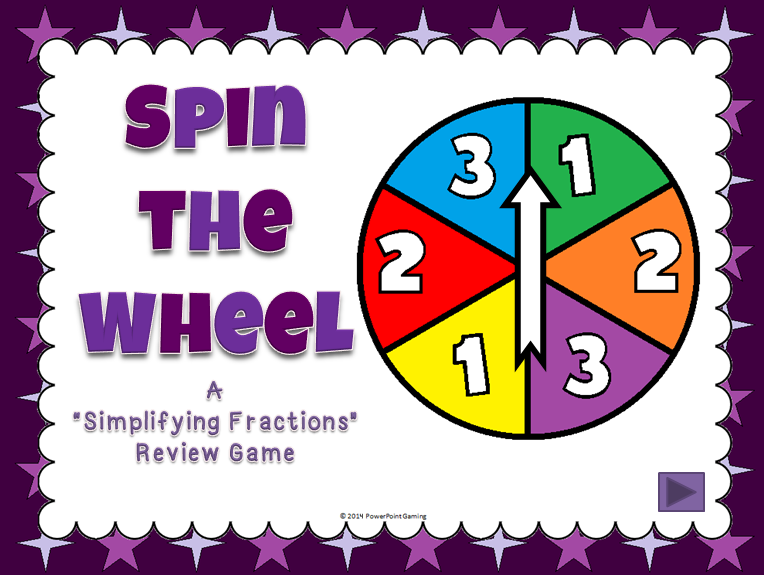
This is a brand new game I’ve created! Hopefully, it will be just as successful as my other games. Here’s the rundown of how to play this game.

Cover

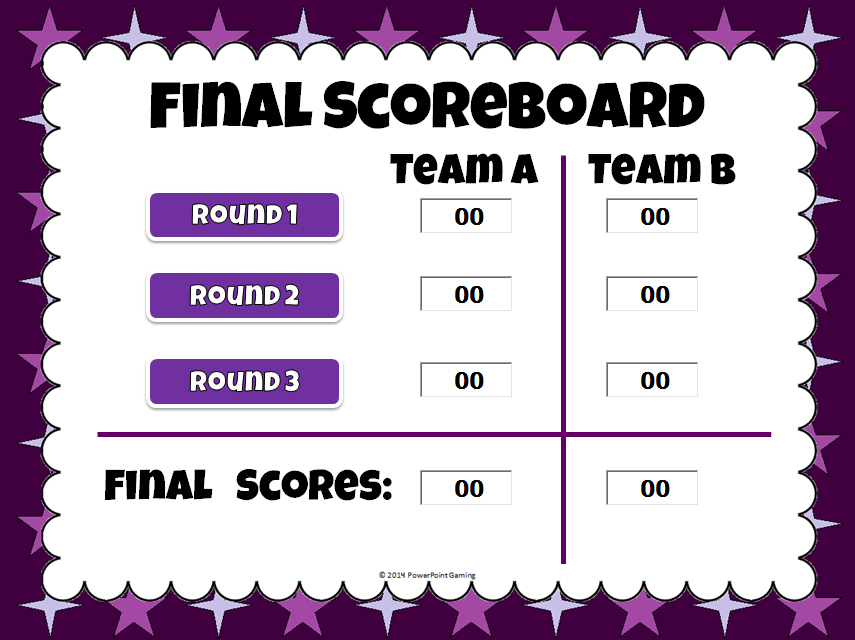
There are 3 rounds in all. The problems get harder as the game goes on. Scores are added up each  round for a final score.
 
Pic+3
 
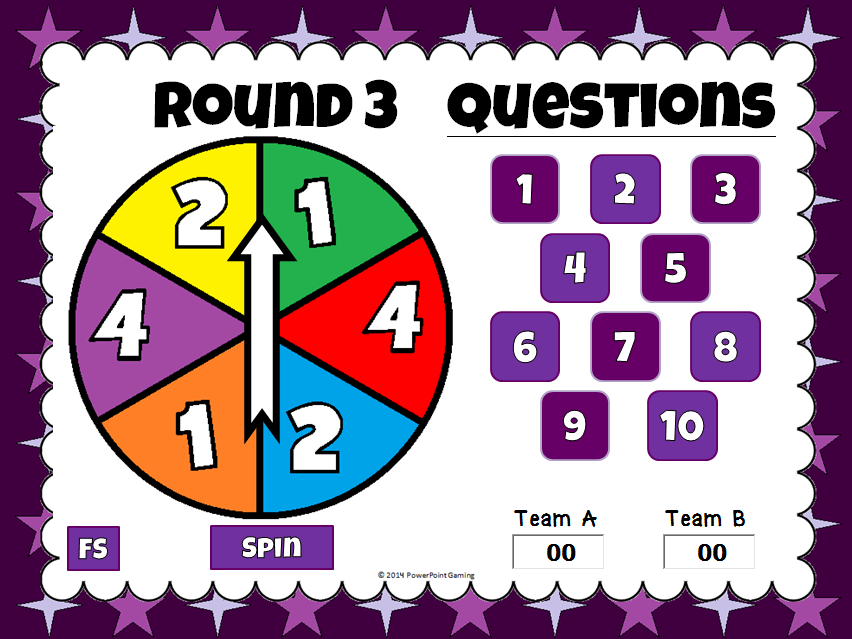
Each game board a wheel with different amounts, 10 questions, and type in scoreboard. A spin button at the bottom allows you to spin the wheel.
 
Pic+4Pic+1

Pic+5
 
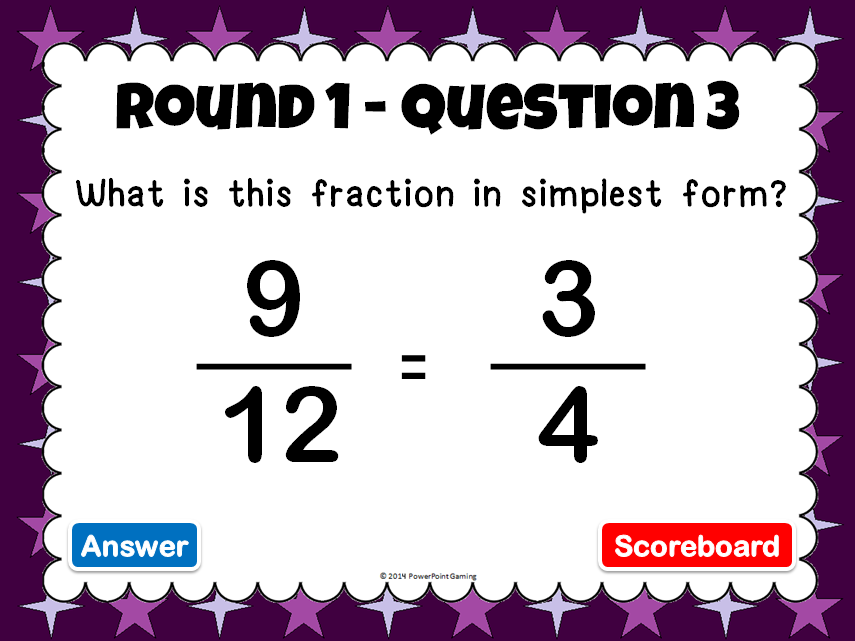
Questions are simple in the beginning. As the rounds go on, the questions get harder. The titles are the top let you know which question and round you are in.
 
Pic+6Pic+7

Pic+2
 
This makes a wonderful addition to your fractions review games.
 
Get it Here:
 
Thanks you for the comments as I celebrate 900+ votes. In the short amount of time I started this celebration, I have almost reached 1000 vote. Be sure to look for my 1000 Rating Celebration, which will happened within a few weeks.
 
 Next Post:
Fundrasier – Send me to TPT Conference
 
Class Dismissed


Posted on

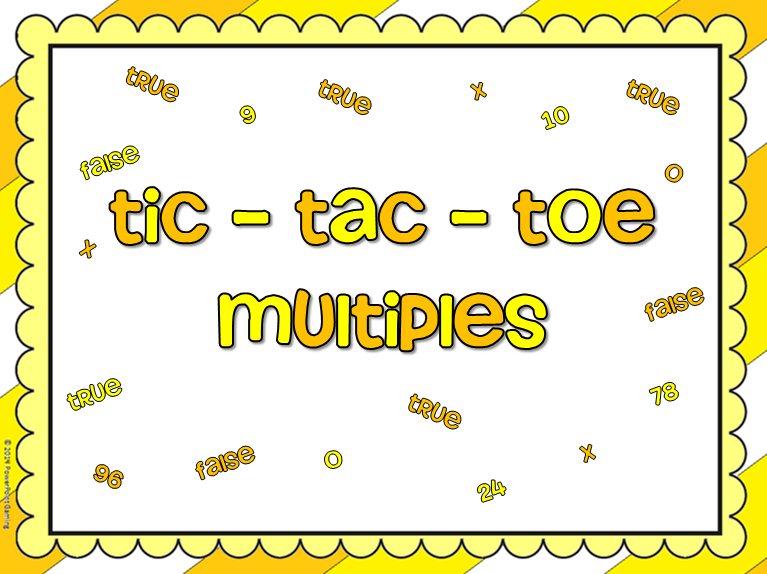
Celebratine 900+ Votes Freebie #5 – Multiples Tic-Tac-Toe – PPT Game

Here’s freebie no. 5. Fourth grade meaning factors and multiples!
 
Cover

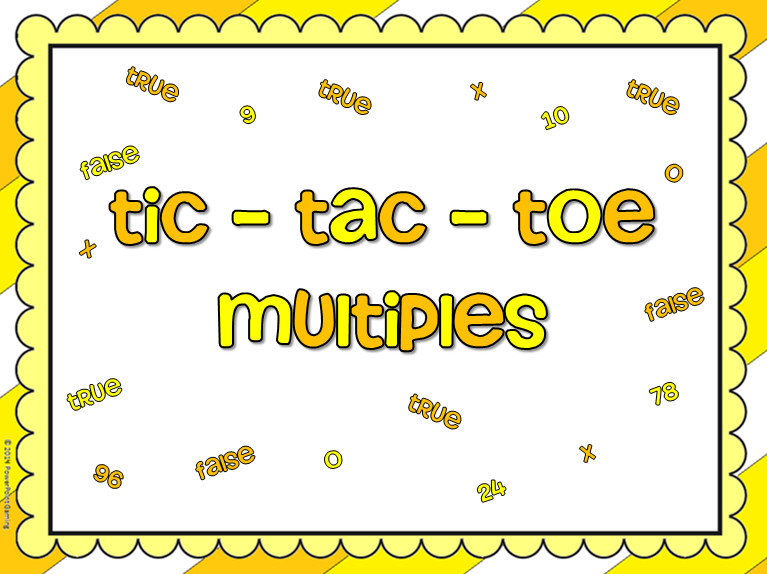
Just like regular Ti-Tac-Toe, only you have to answer the question right to get your X or O. This one is closer to Hollywood square because this game is true or false.

Pic+1

 
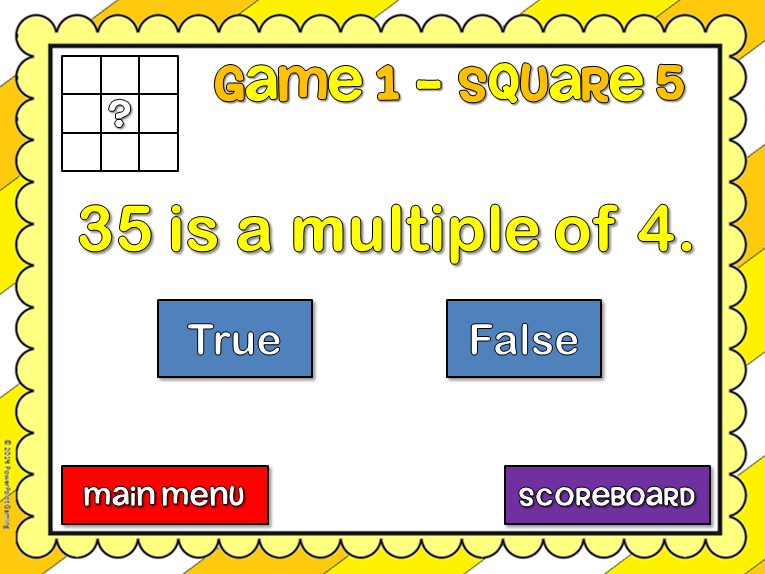
For each question, students must chooses true or false. There is a “check” for correct responses and an “x” for incorrect. The title helps you by telling which game mode you’re in as well as which square you’re in. There’s even a picture to help you visually. 
 

Pic+9


Pic+7Pic+8

 
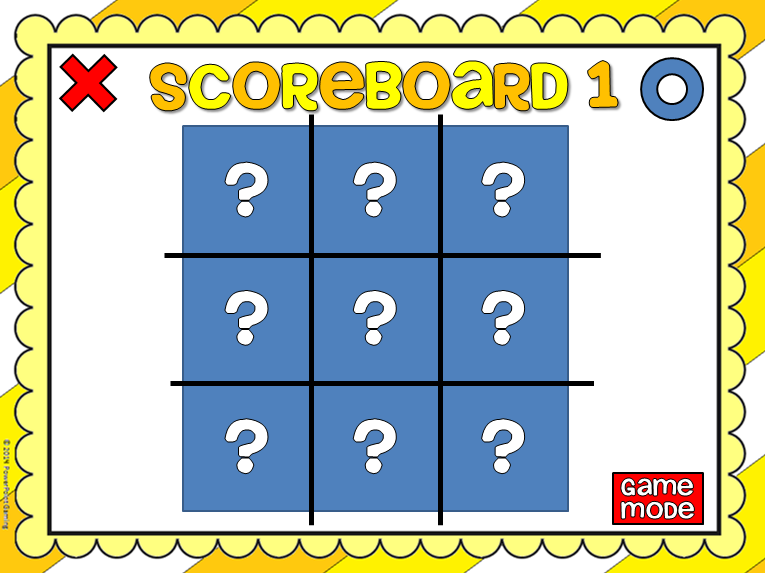
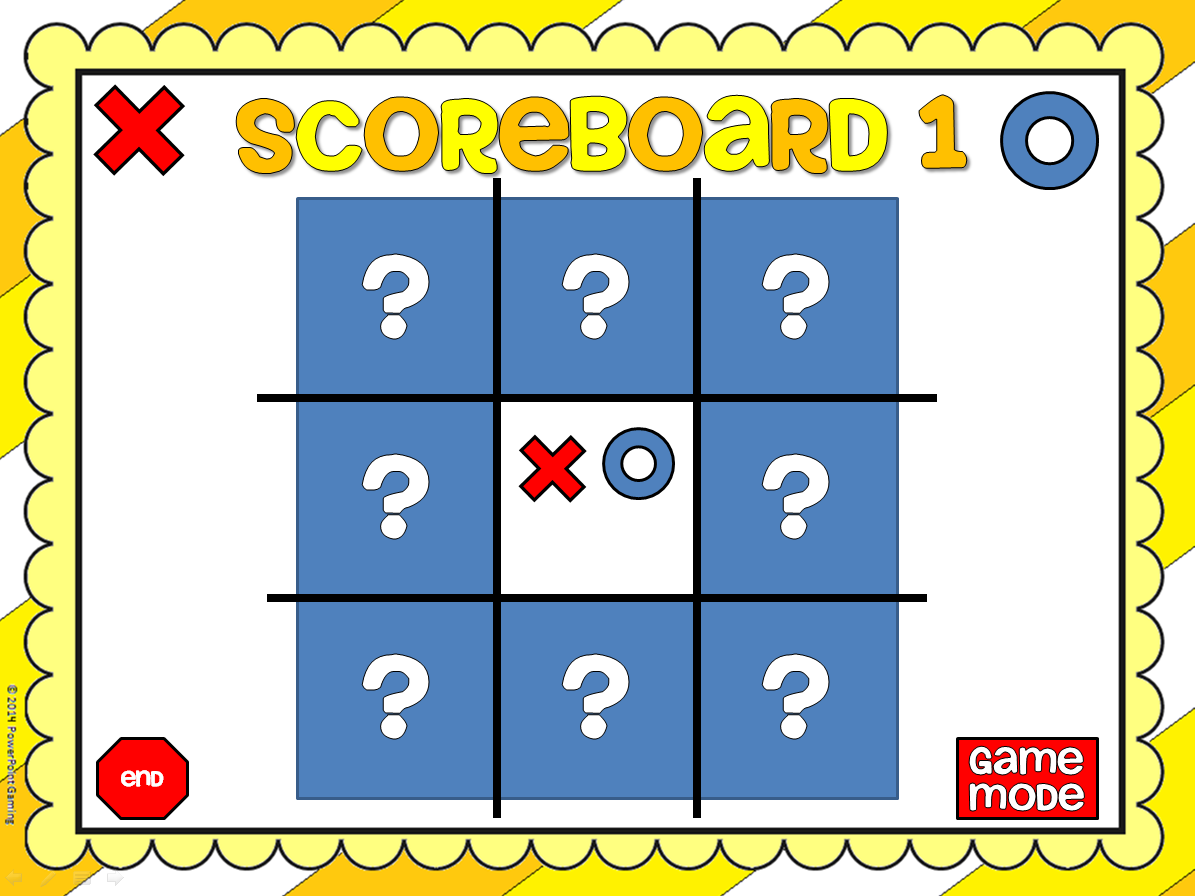
 Clicking main menu will take you to the first slide (title page) and scoreboard takes you back to scoreboard. The blue square disappears, revealing an “x” and an “o”. Click on the shape to place it.

Pic+5


That’s all there is to it. You can play all three games or however you like. You don’t have to go through the first to get the next game.

Pic+4


The game modes are divided in sections. Game 1: 1 – 4, Game 2: 5 – 8, and Game 3: 9 – 12. The How to Use” button gives you directions on how to use this game.

 
Enjoy this Freebie!
 
Get this game here:
 
 
Tomorrow: 5th Grade
 
Ssssssssshhhhhhhhhhh!
It’s a secret!
All I can say is it’s something you’ve never seen from PPT Gaming!
 
 
Be sure to subscribe to this blog or follow me on TPT.
 
Class Dismissed!
 
Posted on

Celebrating 900+ Votes Freebie #4 – 3rd Grade

3rd Grade! Here we go!
 
 
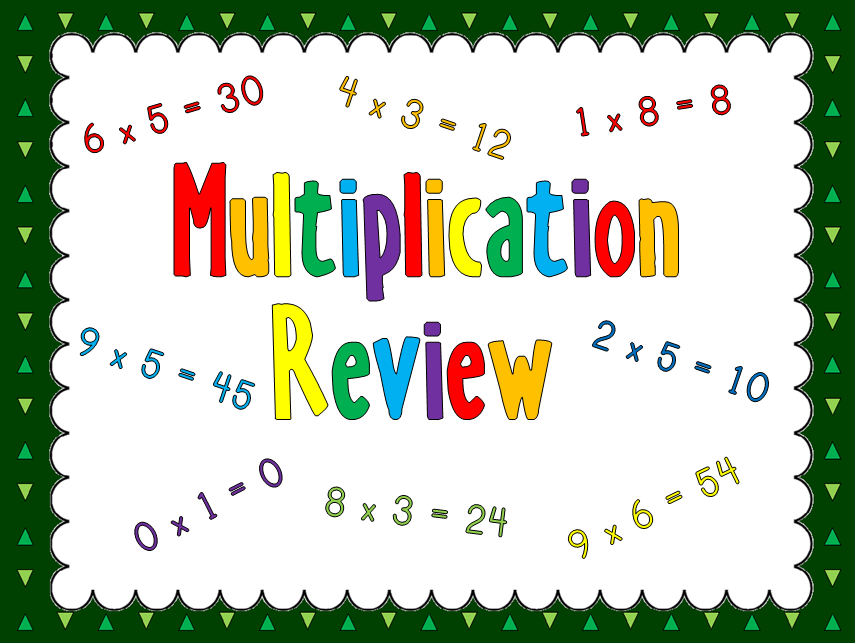
The game I made for 3rd grade is a multiplication jeopardy game. Since “Jeopardy” is copyrighted, I had to name it “Multiplication Review Game”.

Cover
 

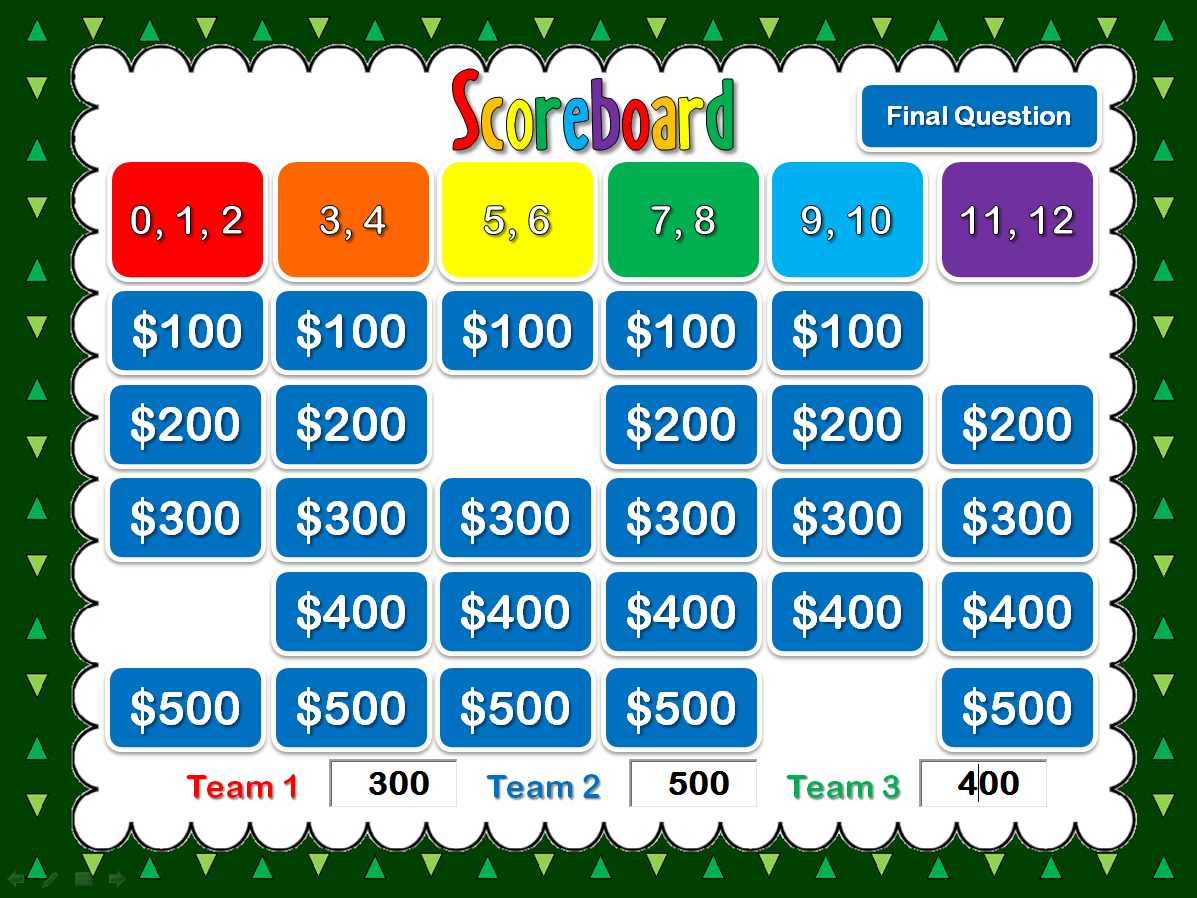
Since multiplication is a big part of 3rd grade and I haven’t made a jeopardy game solely for multiplication. There are 6 categories.


Pic+1

 
The amounts disappear as they are clicked on so you don’t have worry if you have used it or not. Scores can be typed in on the key board too! (All in Slideshow mode!)
 
Pic+4
 
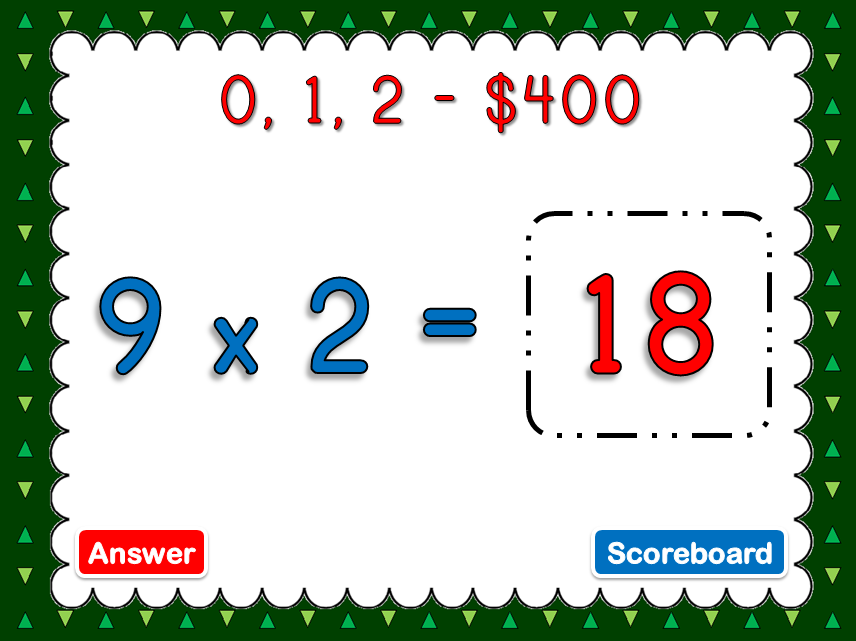
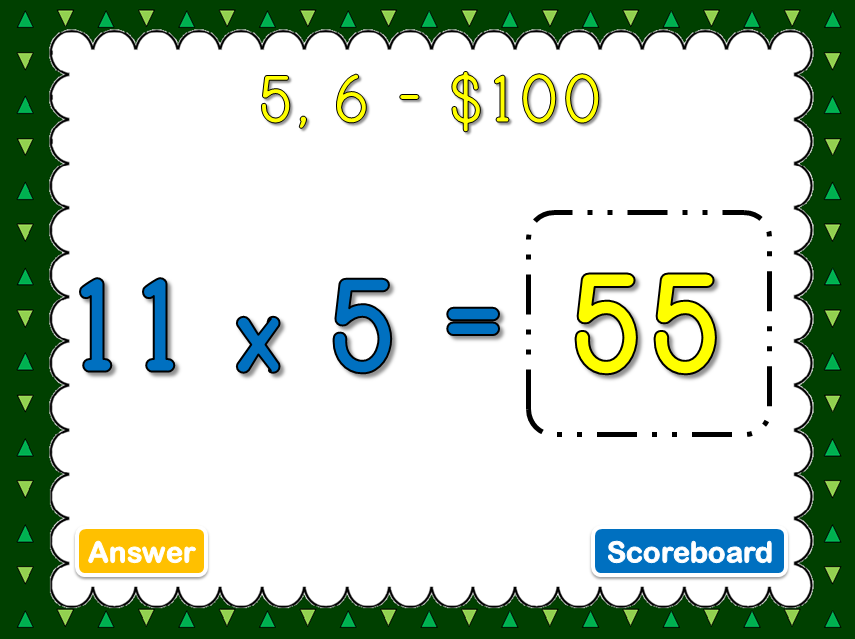
The questions simple enough. It’s almost like a huge flash card, except that you don’t have to hold that huge stack of cards.
 
Pic+2

Pic+3

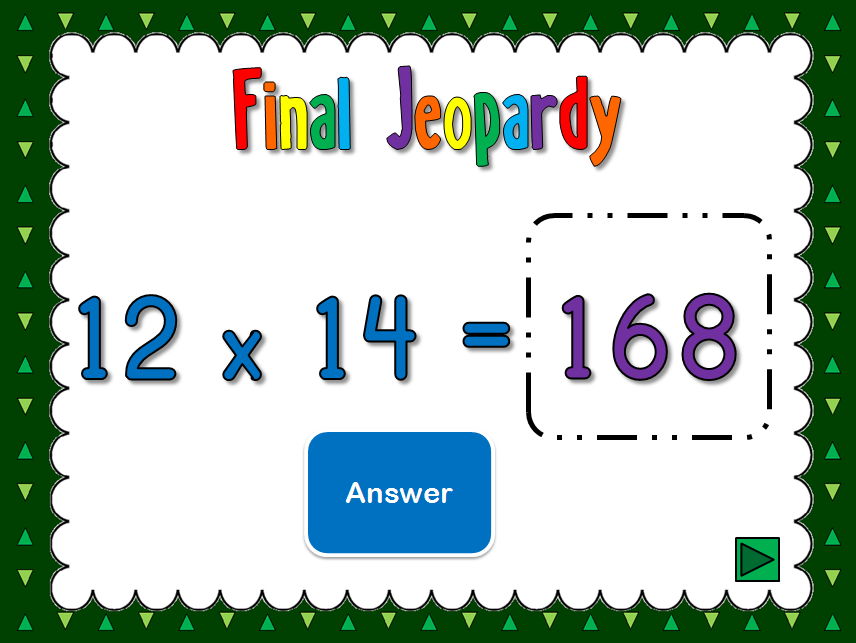
It even comes with a final question, which is beyond what the students should have to know, though that’s what makes it fun (and makes them think/work harder)

Pic+5
I created the backgrounds and graphics. The fonts. however, came from kevinandamanda.com.fonts. They have a wide variety of fonts and I mostly use their fonts for worksheets, but this time, I used it in a ppt game.

Kevin+and+Amanda+Font+Button

Don’t forget to download and leave some feedback!
 
Get it here:
 
Be sure to subscribe to my blog or follow me on TPT so you don’t miss out on the next freebie!
 
Tomorrow:
Multiples Tic-Tac-Toe PPT Game
 
Cover

Class dimissed!


Posted on

Expanded Form Bingo Game

Expanded Form Bingo Game
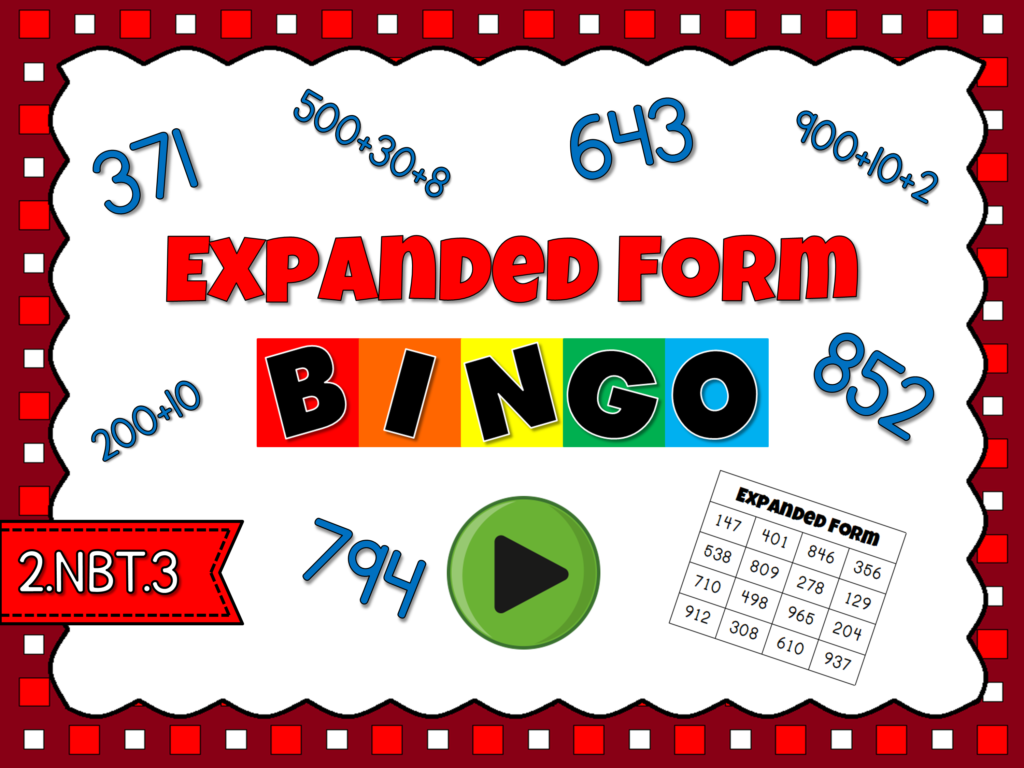
This is best Expanded Form Bingo Game I’ve used! While working with my 2nd graders, I wanted to review expanded form in a nontraditional way. After searching online and coming up empty, I decided to create my own. The game I made is a powerpoint bingo game: Expanded Form Bingo
Expanded Form Bingo Powerpoint Game Cover 300x300
This game has students covering 3 digit numbers that are in standard form. The number is in expanded form so they have to find that number form on their bingo cards. 
Pic+2Pic+3
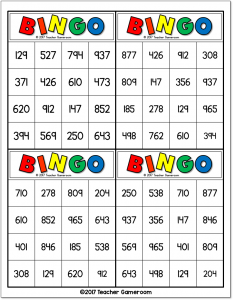
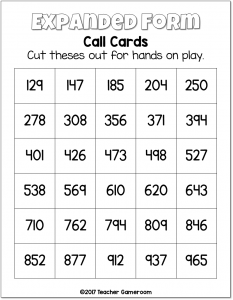
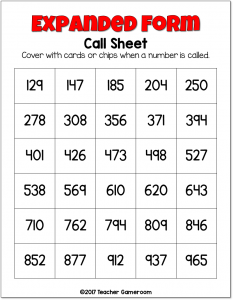
There are 30 unique bingo cards. No two cards are alike. There are 4 cards per sheet, saving time and ink. All you have to do is print them out and cut the cards out. There aren’t any bingo chips, but dollar tree has a 100 pack for $1. Target also have some mini erasers that work great too. There is a call sheet for you so that you can mark the numbers as they are called.
Expanded Form Bingo Game 1 233x300 Expanded Form Bingo Game 2 233x300 Expanded Form Bingo Game 3 233x300
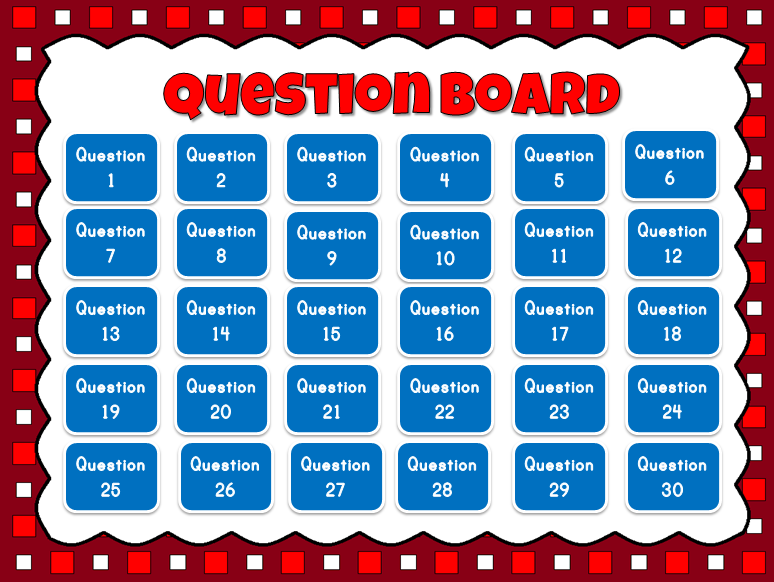
The scoreboard itself has all the questions. You can choose where to start. The numbers aren’t in order so even if you decided to start with question 1, the answer won’t be like 168. I think the first number is 794.
Pic+1
There aren’t that many graphics, though I did create the background and border. Sometimes, you just need something simple to engage the students. This one was definitely one of them. My students enjoyed it so much, they asked to play it again the next day!

Get it here:

Expanded Form Bingo Powerpoint Game Cover 300x300
Since I’ve created this game, my students have been begging to play this game over and over again. It’s lead me to create more bingo games. You can check out 13 fun games to keep your students happy and engaged. Don’t forget to stop by my TPT store for games and worksheets to pair with this fun activity.