Posted on

5 Easy Writing Prompts for December

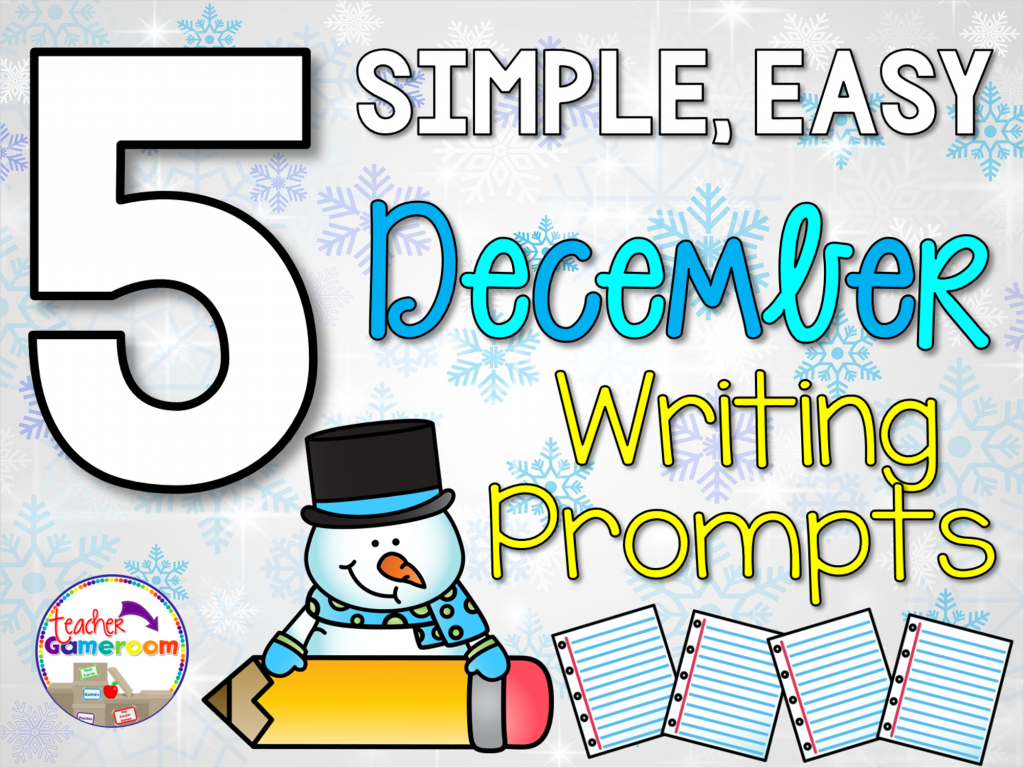
Featured Image - 5 December Writing Prompts


Header 1024x768

Writing is one of my favorite topics to teach students. Some of their stories seems to leap off the page while others, not so much. The writing is very important for helping students develop great writing. Here are 5 easy prompts for students to use in December.


1.) I woke up and there was snow everywhere!

This can be a real treat for students, especially if they have never seen snow fall. Ask students to write about what it looked like, how cold it was, and what they did in the snow. Snowball fights, sledding, building a snowman. You can’t go wrong with a simple snow writing prompt.


2.) I decorate my Christmas Tree with . . . .

One of my favorite things about Christmas it decorating the tree. Every year we do a different theme so ask your students to write about what type of tree they have (real or fake), what kind of lights they add (colored or solid white), and how they decorate it (ornaments).


3.) One Christmas tradition in my family is . . .

Another thing that makes Christmas special is traditions. For my family, I always make apple pie. We also open 1 present on Christmas eve that is pajamas and a movie. We wear pajamas all day and play games and watch movies. Ask you students about their traditions. If they don’t have one, ask them to create one! Never too late in trying  something new!


4.) My favorite December song is . . .

Jingle Bells,  Frosty the Snowman, 12 Days of Christmas. So many songs are sung in the month of December so ask your students to write about their favorite Winter or Christmas song. What is their favorite part? When and where do they sing it? Do they caroling?


5.) What I want for Christmas is . . .

Most likely the easiest thing to write about. What do they want? Tell them to describe the gift. What does it do? What colors does it come in? Have they been good enough to get it this year? You could even ask them what good deeds they have done this year so that Mom, Dad, or Santa can bring it to them.


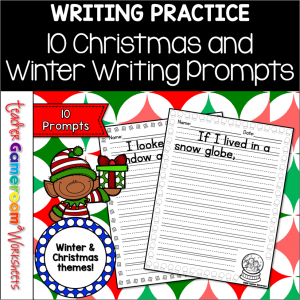
These prompts are great for any time during December. With winter around the corner, some are perfect for January and February. Feel free to use these topics when and where ever needed. If you need some Christmas and Winter themed paper, you can find some here: 40 Christmas and Winter Themed Writing Paper .
Christmas And Winter Writing Prompts 300x300

You can also find even more December writing prompts for your writing center here. It would be a great class addition to make a Winter/Christmas book for the classroom using a binding machine. If you don’t know how to use a binding machine, find out more in my blog post, You Ought to Know About Binding Machines.


Posted on

5 Ways to Use a PowerPoint Game

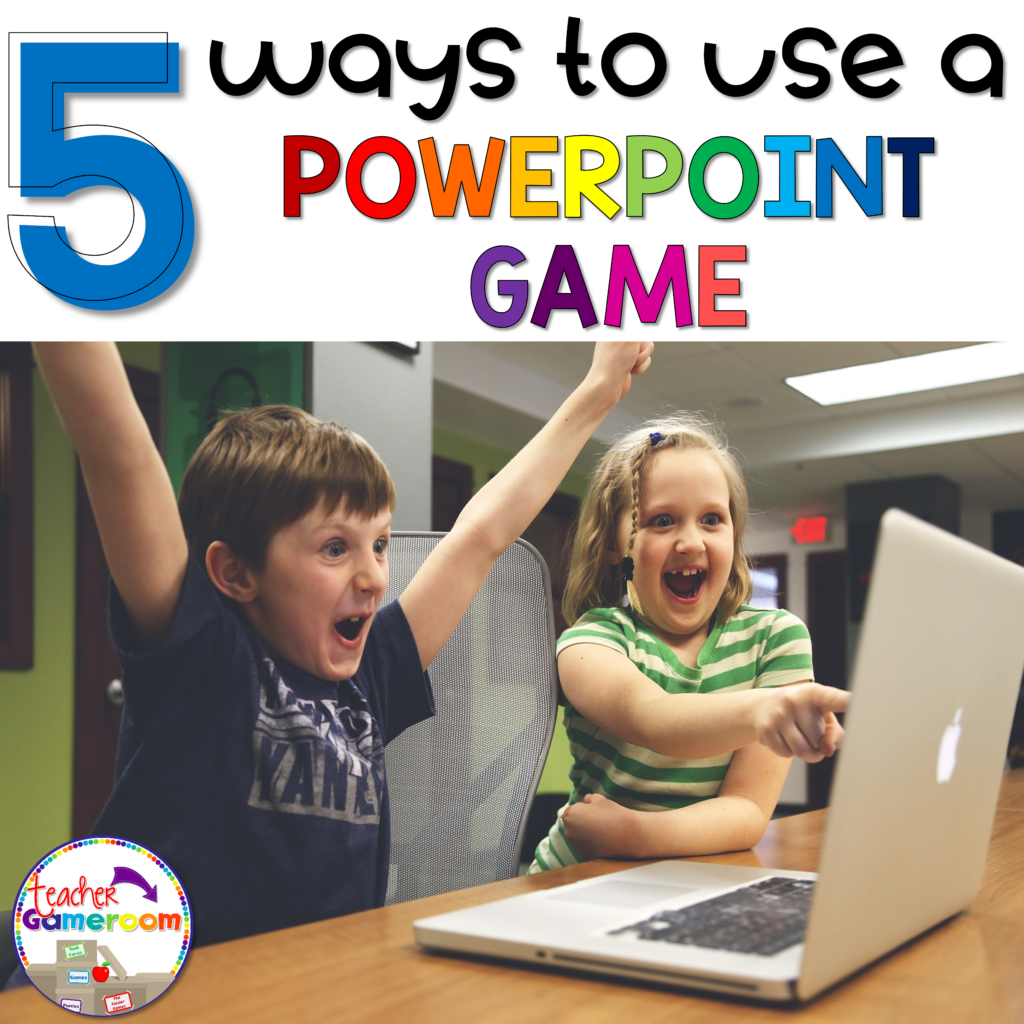
5 Ways to Use a Powerpoint Game Cover

 5 Ways to Use a Powerpoint Game Cover

Using PowerPoint games are wonderful! They can truly enhance any lesson and kids love it. The first time I used one, my students were engaged the entire time! I know it was something I definitely wanted to invest in. If you’re unsure about using PowerPoint game, read “Getting the Most of out PowerPoint Games” here

But did you know there’s more than one way to use them? I was messing around with some games and learned a few things I’d love to share with out. If you don’t have an interactive board, tablet, or Smartboard or a even a classroom computer, this is the post for you! Here are 5 ways to use a PowerPoint game.


1.) The Traditional Way
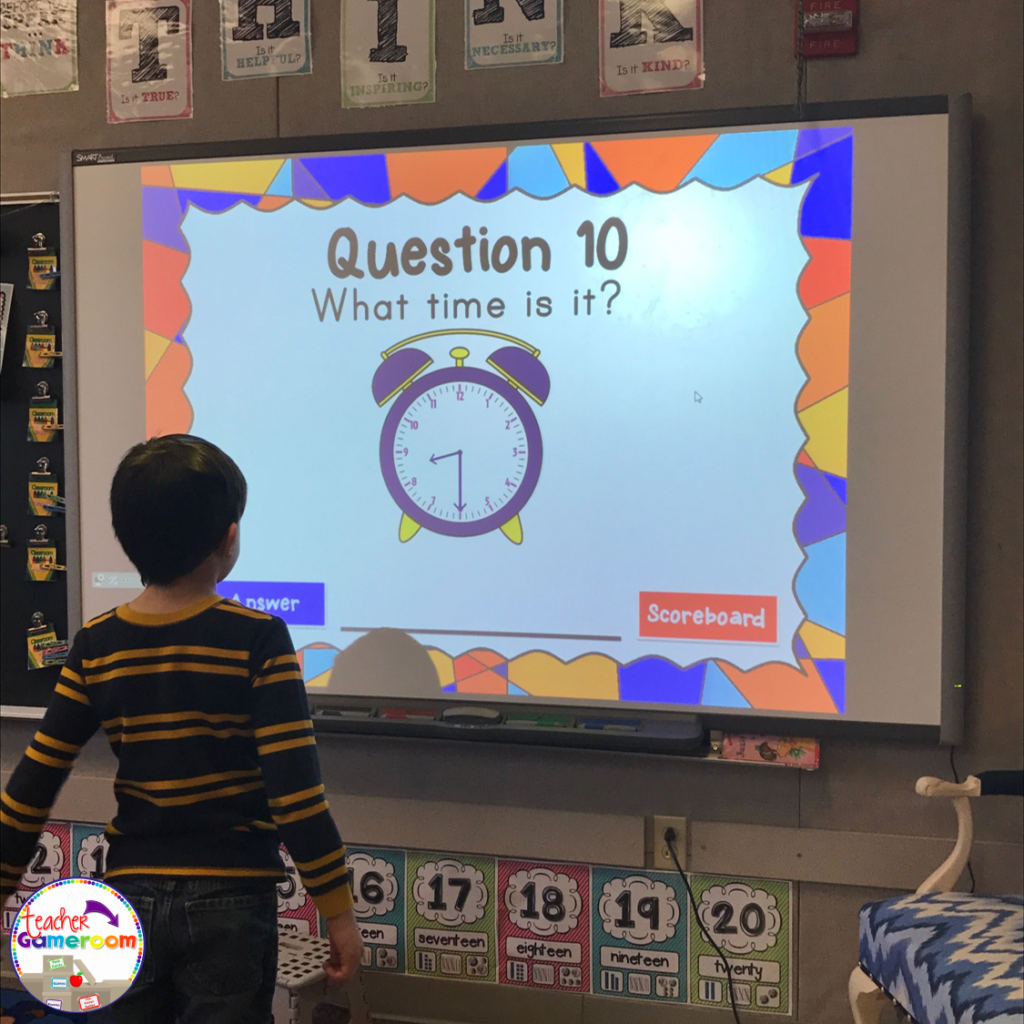
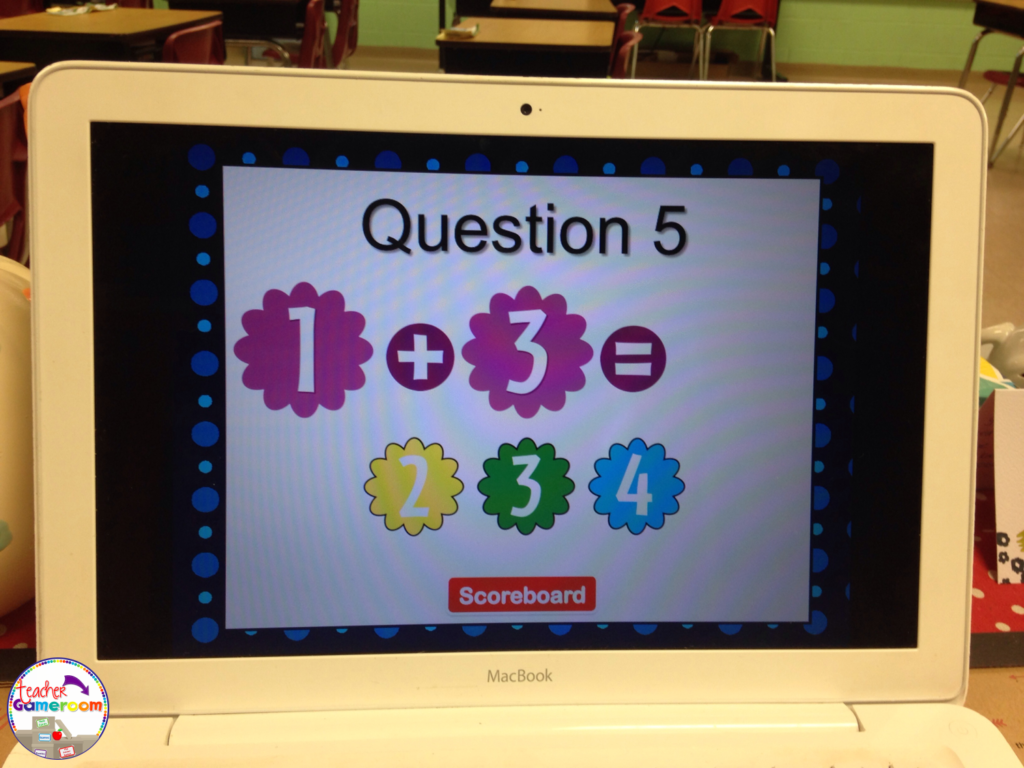
No explanation needed here. PowerPoint games can be used on any device that has Microsoft PowerPoint or Microsoft PowerPoint Viewer (FREE). Just load it up and your ready to go. NO PREP NEEDED. Such a timesaver and great for centers. Learn about this game in this blog post: Time to the Half Hour PowerPoint Game


Time to the 1/2 Hour

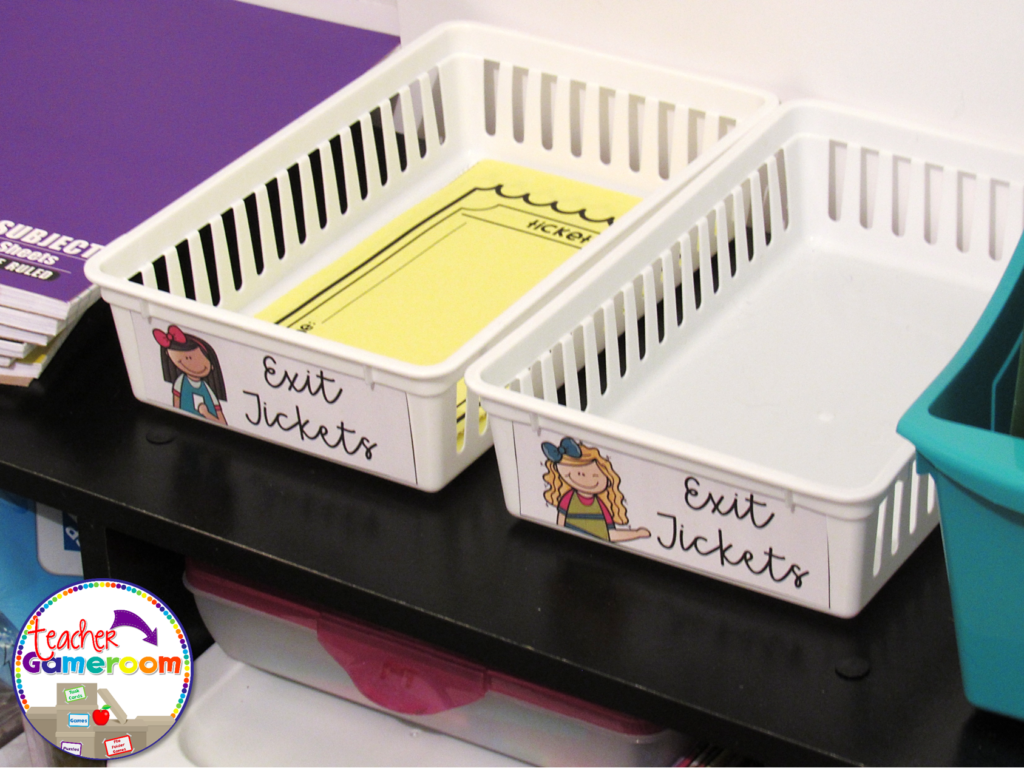
2.) Exit Ticket
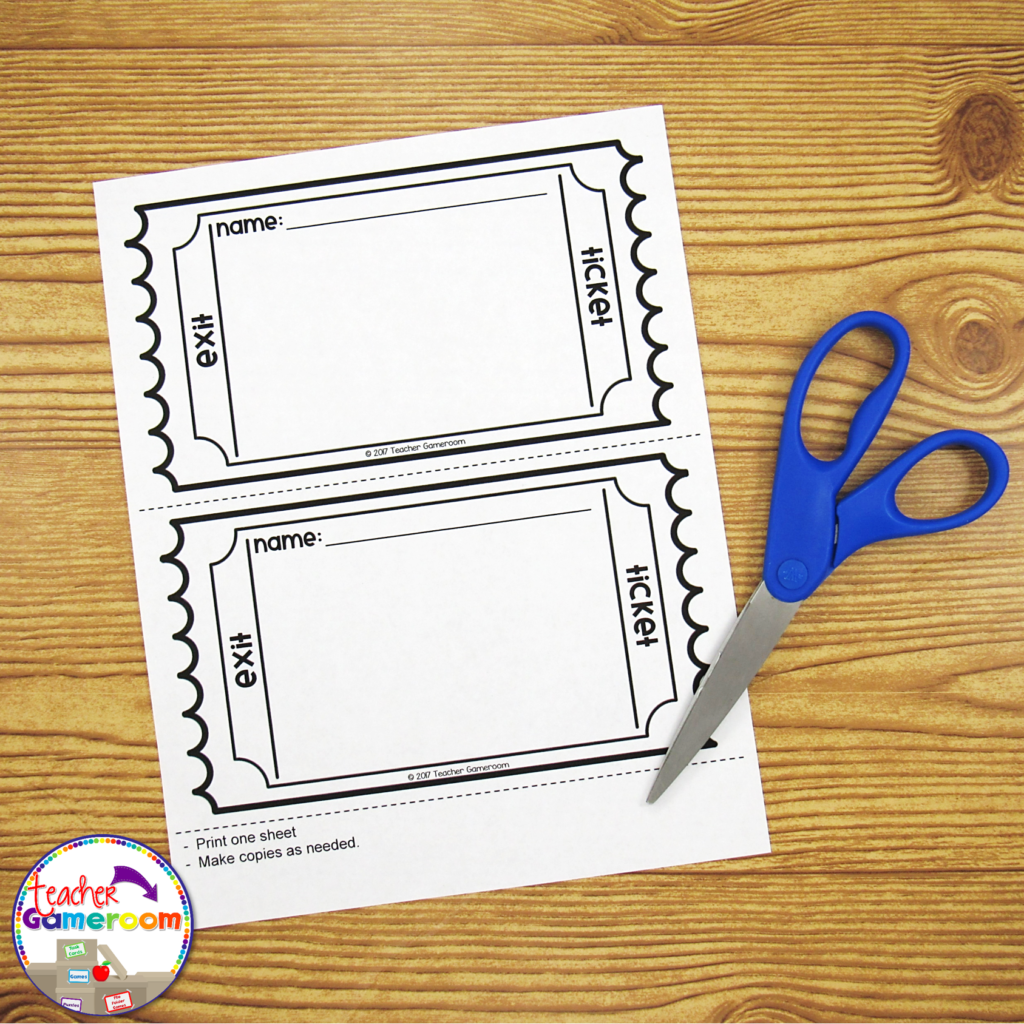
If you use exit tickets, you’ll love this! Exit Tickets are questions given to students at the end of a lesson to test the knowledge and understanding of that lesson, usually in the form on 1 question on a small piece of paper. The student turns it in and later, the teacher checks it to see which of their students understood the lesson. Learn how to use EXIT TICKETS here: How to use Exit Tickets in the Classroom 

 Thumbnail 1 1024x768

Thumbnail 3 1024x1024

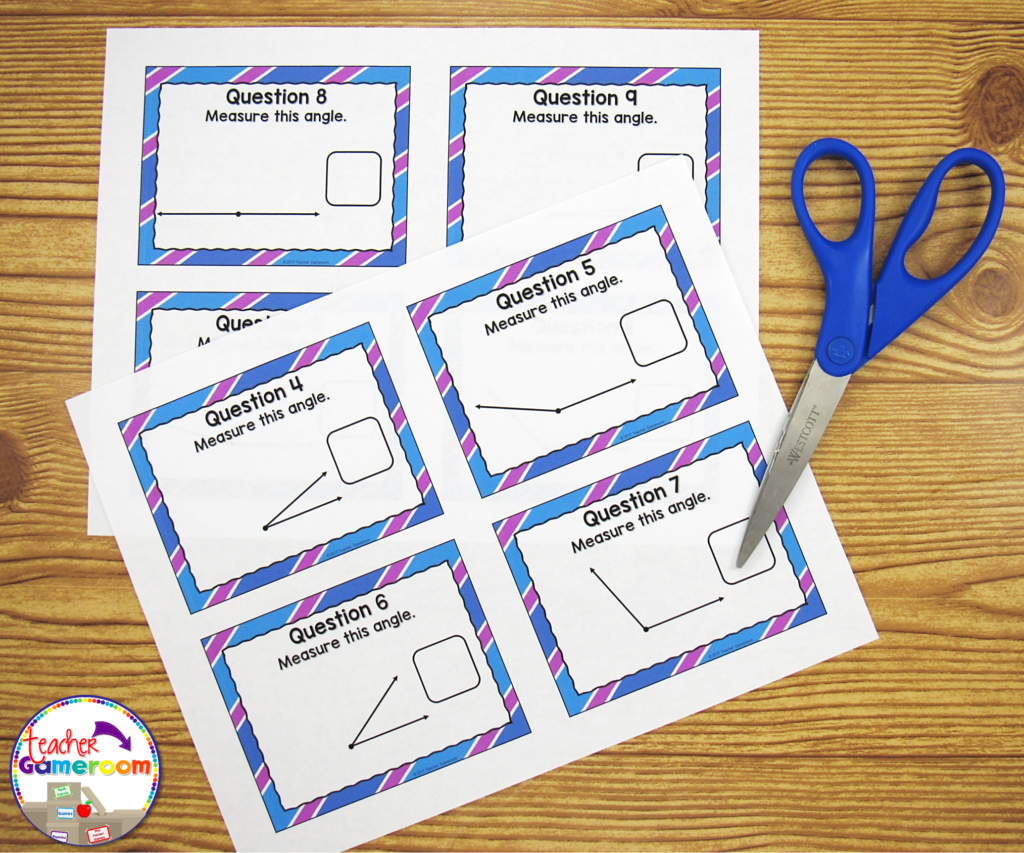
You can use the questions from a PowerPoint game just for that! Print out one question for each day of the topic you’re teaching. Click on the print button and print “4 slides per page”. Make copies and cut them out. Use one question each day as an exit ticket. Most games I create have 20 questions. That’s a whole month’s worth of tickets for one topic!

Thumbnail 4 1024x853


3.) Task Cards

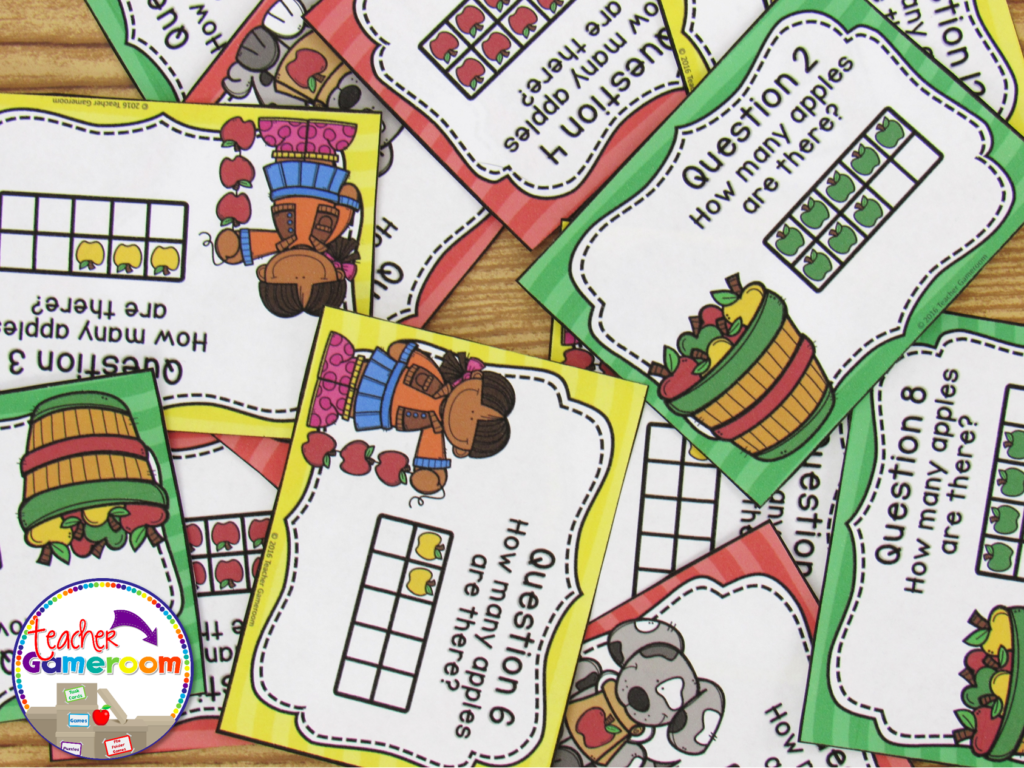
Task cards are cards that have one question on each card. Students answer the question and write their response on a recording sheet to turn in to the teacher. 

Thumbnail 7 1024x768

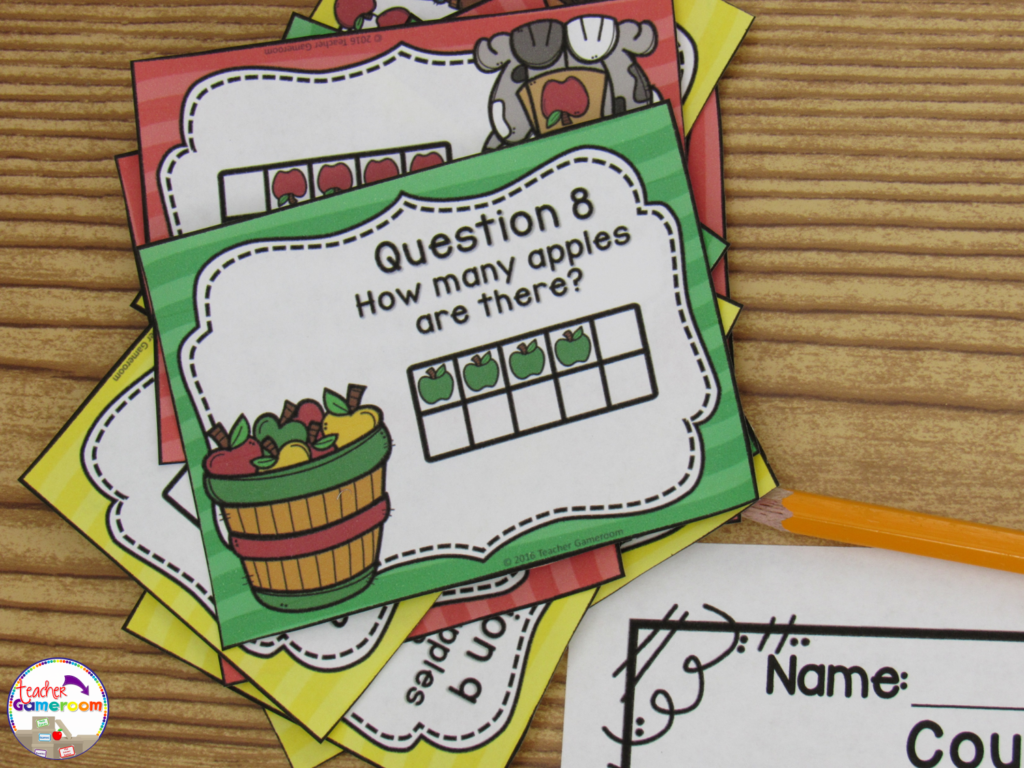
PowerPoint games can be turned into task cards with a just a few clicks. Did you know you can print PowerPoint games? You can print PowerPoint games by printing “Handout – 4 Slides per page”. Cut and laminate that cards. Store them in mini boxes or on book rings.

Counting to 10 With Ten Frames

4.) Problem of the Day
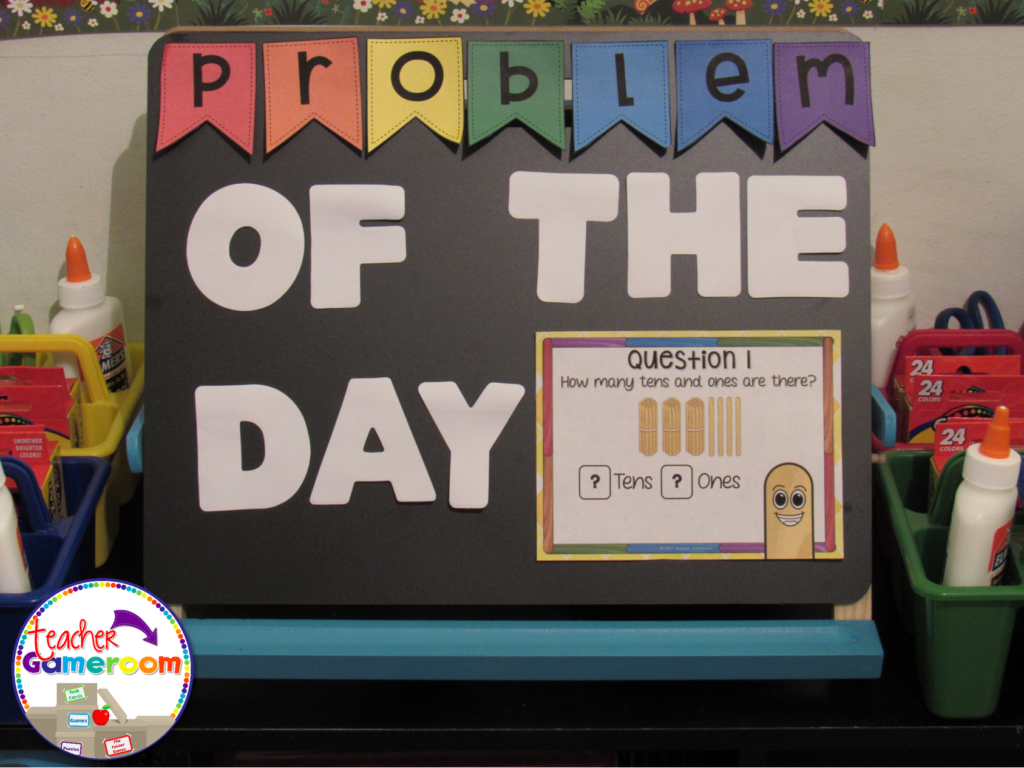
Conversely to exit tickets, you can use PowerPoint games questions as a problem or question of the day. Print and post each question before the start of any lesson. Print “Handout – 2 slides per page” in Google Slides.

5 Ways to Use a Powerpoint Game 5

5 Ways to Use a Powerpoint Game 6


5.) Scoot/Walk the Room
Scoot is a popular game where students move from chair to chair answering a single question. Walk the Room is similar in that students walk around the classroom, finding and answering questions. You can print out questions and post them around the room and or on students desks. If you have student computers, you can still play! Students just move from computer to computer.

5 Ways to Use a Powerpoint Game 8


There are even more ways to use powerpoint games. Try some of these activities out with freebies in my store. Let me know how you use your PowerPoint games. If you need help with any of my games, I’d be happy to help!

Until next week, enjoy your weekend!  


5 Ways to Use a Powerpoint Game Pinterest

Posted on 13 Comments

“The Black Box Experiment” – The First Day of School Activity

Black Box ExperimentBlog Header
Blog%2BCover
 
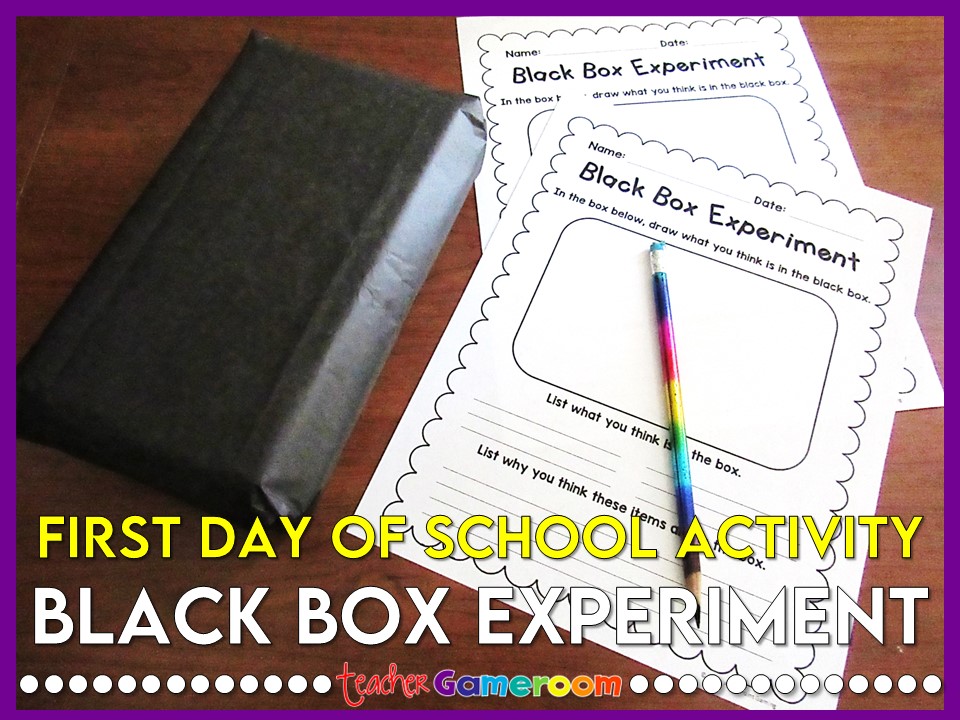
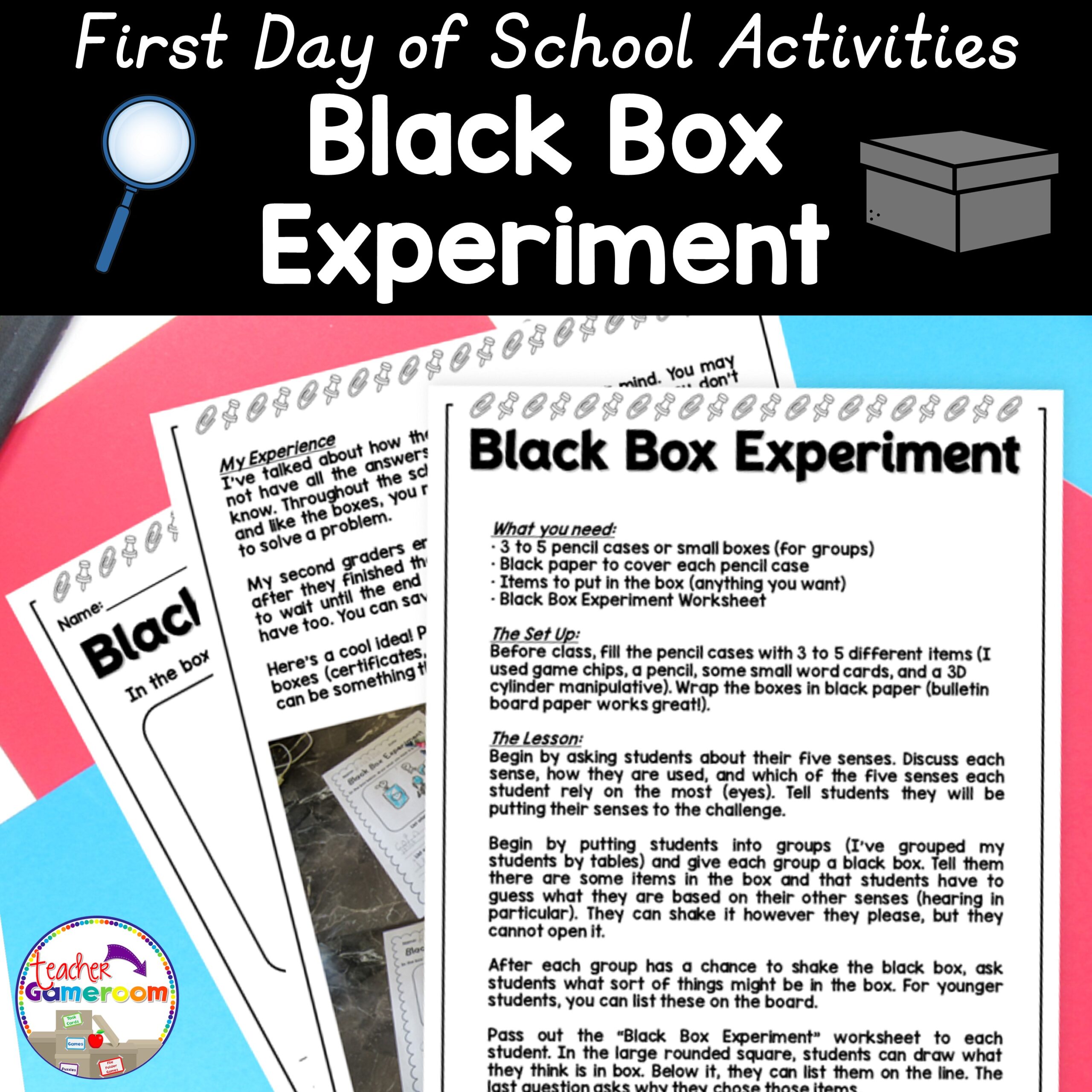
The first day of school will be here before we know it and I can’t wait! The first day of school can be tricky and if you don’t take care, you could have a rocky start. With that in mind, I’ve learned a few things to do on that first day that will get the students thinking! One of my favorite is the Black Box Experiment.
When I did my student teaching some years ago, my mentor and I planned our first day out completely. One thing he did was the black box experiment. When I began my 2nd year teaching, I did this experiment with my 2nd graders. I filled a regular pencil boxes (the same you can get at the store for about $1, even cheaper right before school starts) with everyday school items. Mostly just some things I found around the classroom. Then I closed it and wrapped it in black bulletin board paper.
1

On the first day of school during science time, I pulled out the boxes. I had made about 3 to 5 boxes (enough for each table). I didn’t tell the students what was in it. They had to use their senses to figure out what was in the box. It was a great experience for them and for me as well.

2

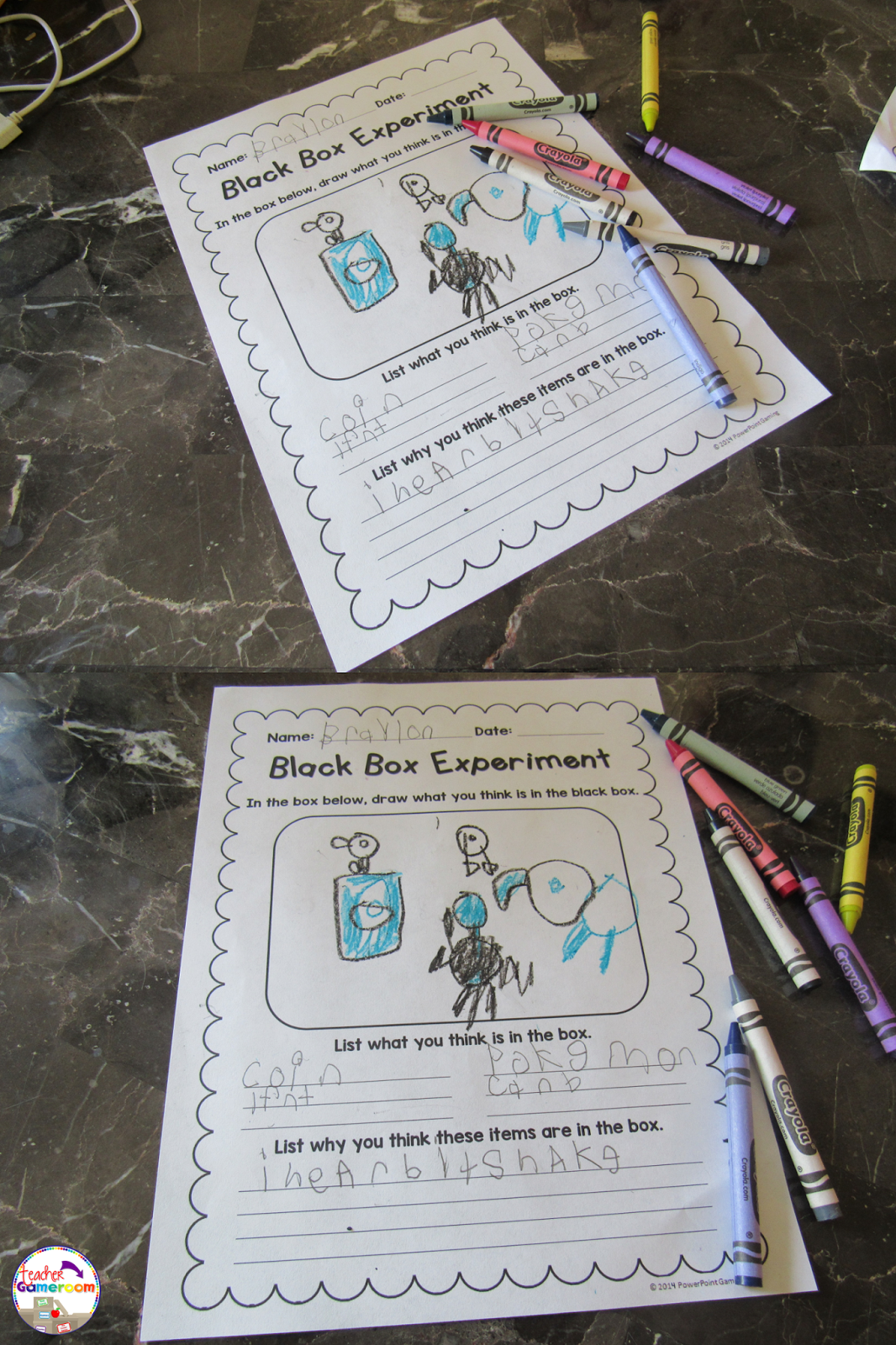
When I did it with my mentor, we simply had the students write about it. When I did it with my 2nd graders, I created a worksheet where they could draw what they thought was in the box and write down their reasons. At the end of the day, I used their drawings and posted them on my bulletin board.

3
 4

The answers the students gave were funny while others were spot on (I think everyone knows the sound of a coin). You can gain some insight into their thinking as well as get a sample of their writing and drawing. I remember one student thought there were cards in the boxes. Another thought there was a toy elephant inside!
5
Through the school year, I made references to that experiment, especially for my struggling students (making the analogy that even though we don’t know something, eventually we will figure it out aka open the box). At the end of the year, we opened the boxes and the students were surprised at what it was. Some were happy while others were disappointed. Next time, I plan to put small 2nd grade promotion certificates and small prizes inside the boxes! If you’d like to try this experiment in your classroom, you can purchase this set in my TPT Store. It gives you more details and plans out the entire lesson from start to finish.
Black Box Experiment Cover 1 300x300

Have a happy first day of school! Don’t forget to check out other great first day activities! 


Pin it for later.
 
Black%2BBox%2BExperiment%2B%25282017%2529%2BPinterest


Posted on 5 Comments

Replacing Nouns with Pronouns Powerpoint Game

Slide2
Cover

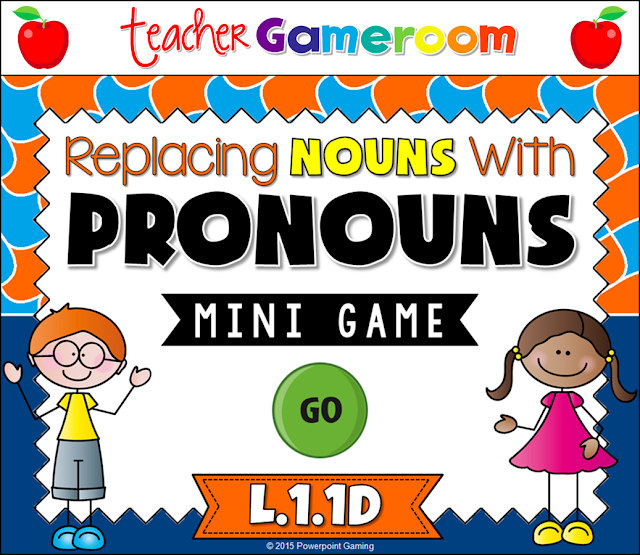
I love working with the 8 parts of speech, especially if I use School House Rock videos. To help assess want students learned (and to have a bit of fun) I made this wonderful game for my students to play.

Slide1

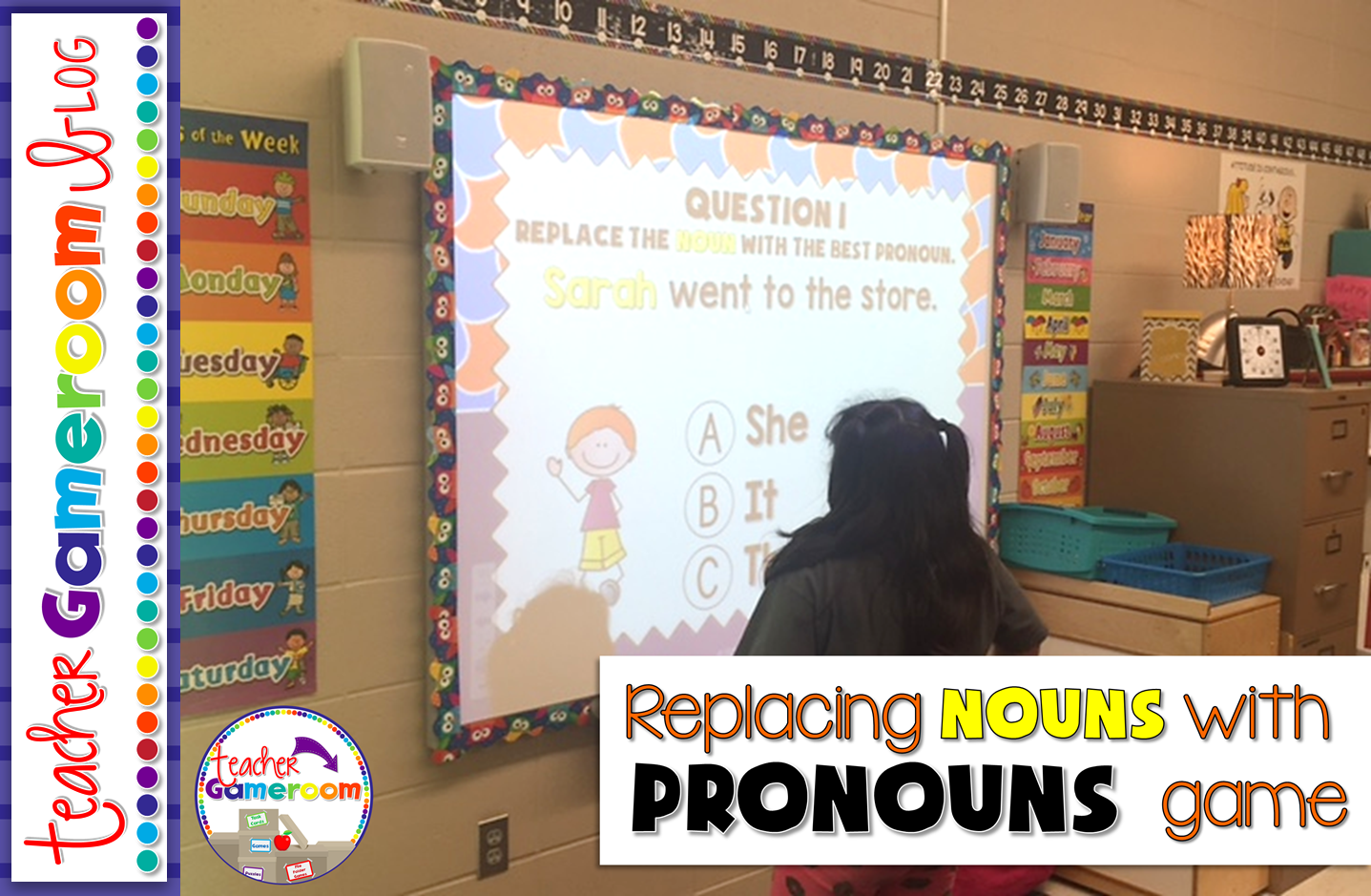
This is great for a quick review since there are only 10 questions and is multiple choice. This is great for centers as students can take turns answering questions or you can use it a whole class review. I would choose a random student by drawing popsicle sticks and they choose a question.


Slide2


Sometimes my students would go in order. Other times, they would pick a random number. Best part: once they’ve answered the question, it disappeared and I don’t have to worry about whether they’ve already answered it. 
Slide3
Slide4
Slide5

Each question gives students a sentence. The noun to be replaced is highlighted in yellow. Students must decided from 3 answer choices is best to replace the noun. X’s appear for wrong answers and checks appear for correct answers.

You can get this game here: Replacing Nouns with Pronouns PPT Game. You can also check out my other Parts of Speech products. Mac and PC versions are included! It even works on ipads and tablets, making it great for 1:1 classrooms.

Pin it for later:

Mini%2BGame%2B %2BReplacing%2BNouns%2Bwith%2BPronouns%2BPinterest%2B2