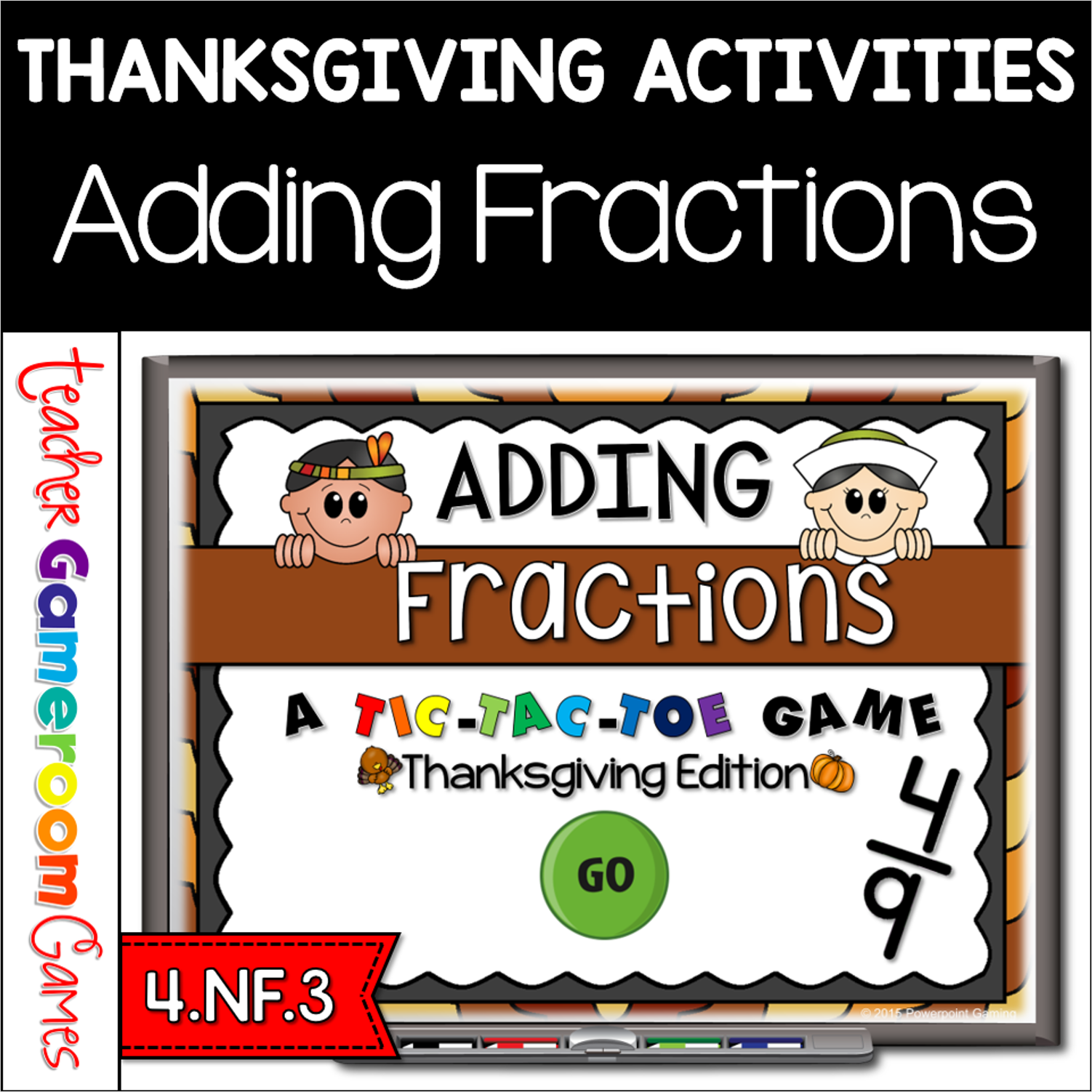
Engage students with this fun, interactive Thanksgiving themed time game. In this tic-tac-toe powerpoint game, students play against one another as they practice adding fractions. In this twist on the classic game, students must answer the questions correctly in order to place their “x” or “o”. There are 3 game modes with 9 questions per game. Each game mode reinforces certain fractions skills in adding, simplifying and unlike fractions. There are 27 questions total and you just click on each question to go to it. The question disappears after you’ve clicked on it so you know you’ve answered it. Great for a guided math center Thanksgiving activity. Great for individual practice on the iPad!
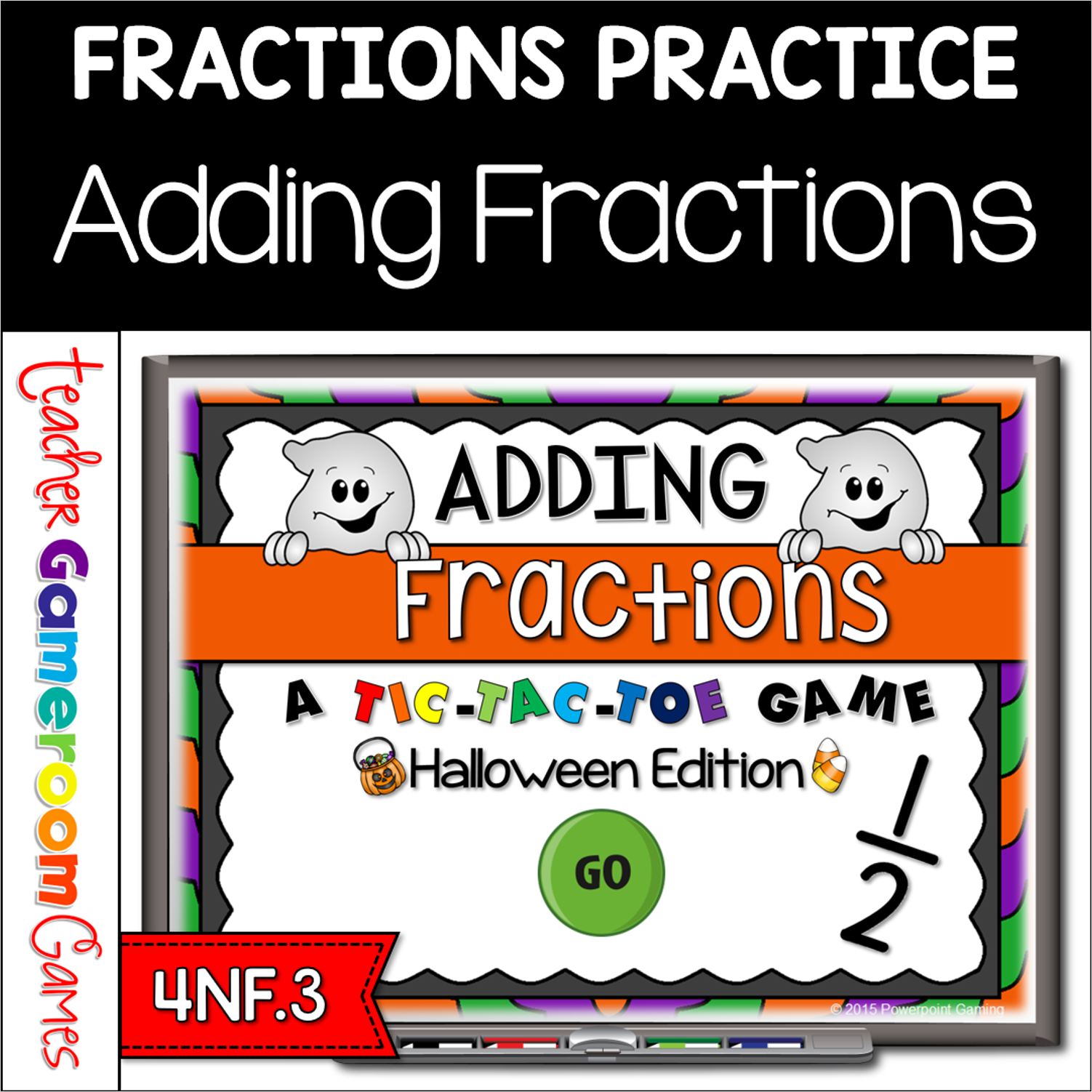
ngage students with this fun, interactive Halloween themed time game. In this tic-tac-toe powerpoint game, students play against one another as they practice adding fractions. In this twist on the classic game, students must answer the questions correctly in order to place their “x” or “o”. There are 3 game modes with 9 questions per game. Each game mode reinforces certain fractions skills in adding, simplifying and unlike fractions. There are 27 questions total and you just click on each question to go to it. The question disappears after you’ve clicked on it so you know you’ve answered it. Great for a guided math center Halloween Day activity. Great for individual practice on the iPad!
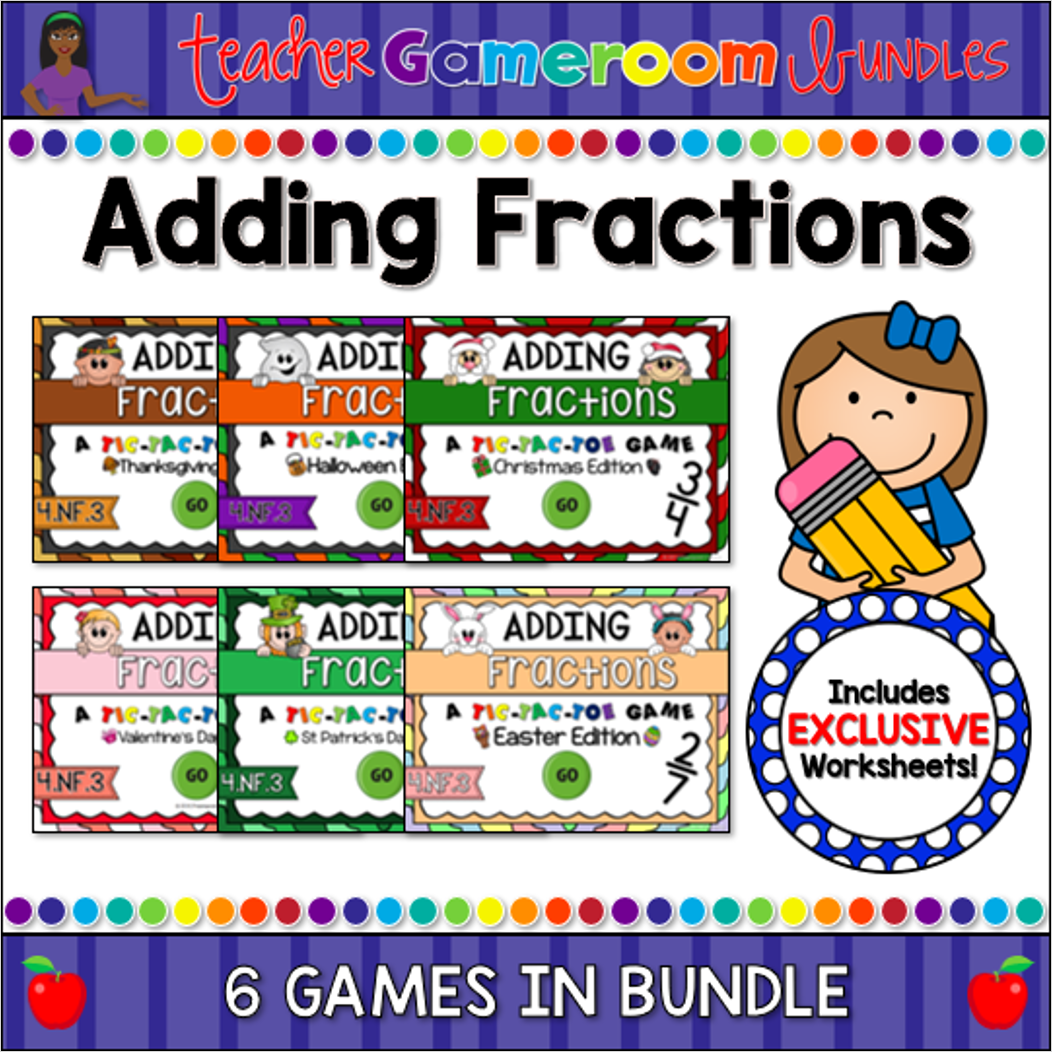
Engage students with these fun, interactive adding fractions games. In each “Tic-Tac-Toe” powerpoint game, students practice adding fractions. In this twist on the classic game, students must answer the questions correctly in order to place their “x” or “o”. There are 3 game modes with 9 questions per game. There are 27 questions total and you just click on each question to go to it. The question disappears after you’ve clicked on it so you know you’ve answered it. Great for a guided math center or rainy day activity. Great for individual practice on the iPad!
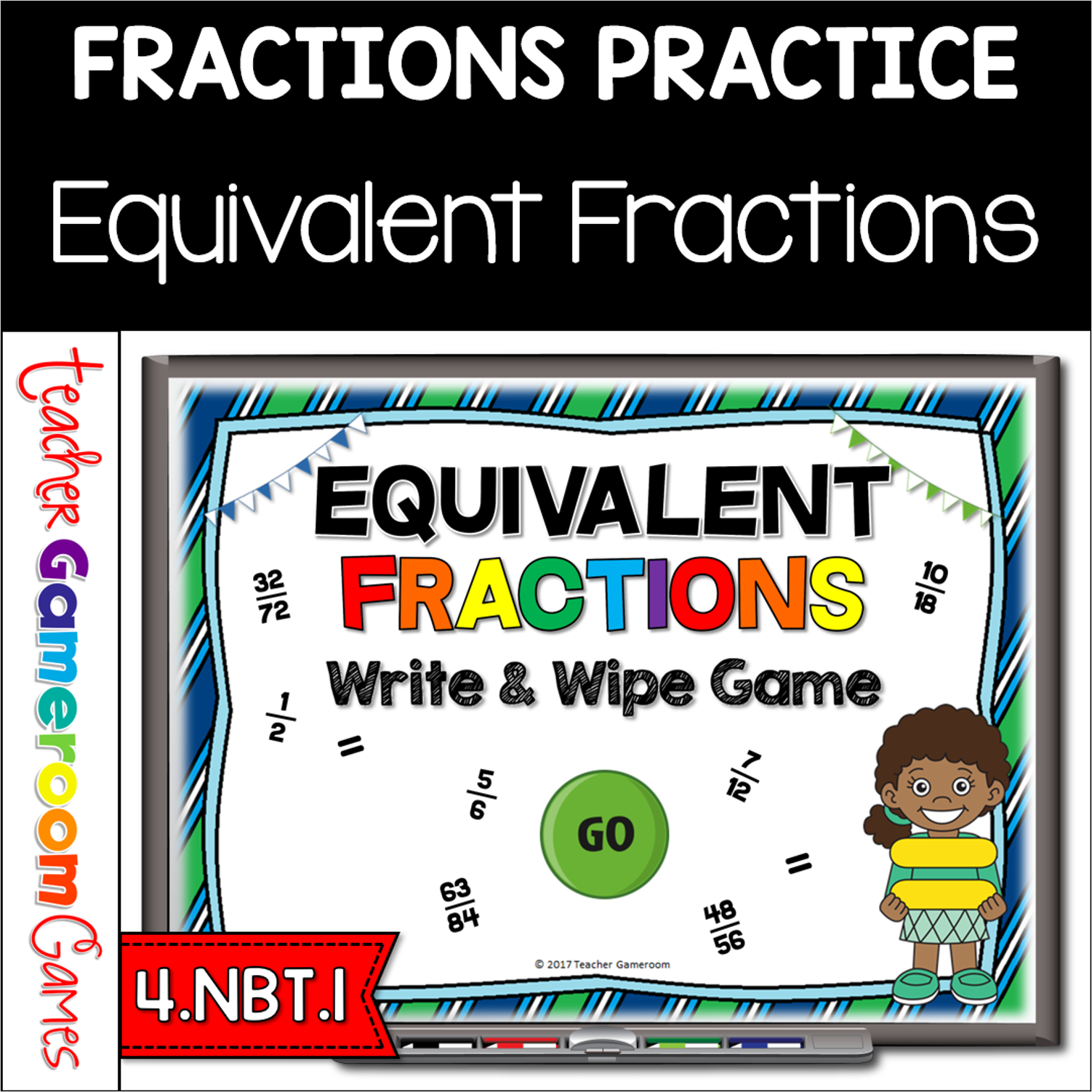
Engage 4th grade students with this fun, interactive equivalent fraction game. Students determine the equivalent for the fraction provided. Students are given the numerator of the fraction and have to find the denominator to make the fractions equivalent. There are 25 questions in all and you just click on each question to go to it. The question disappears after you’ve clicked on it so you know you’ve answered it. Great for a quick whole morning review or dry erase marker activity. Great for individual practice on the iPad or tablet!
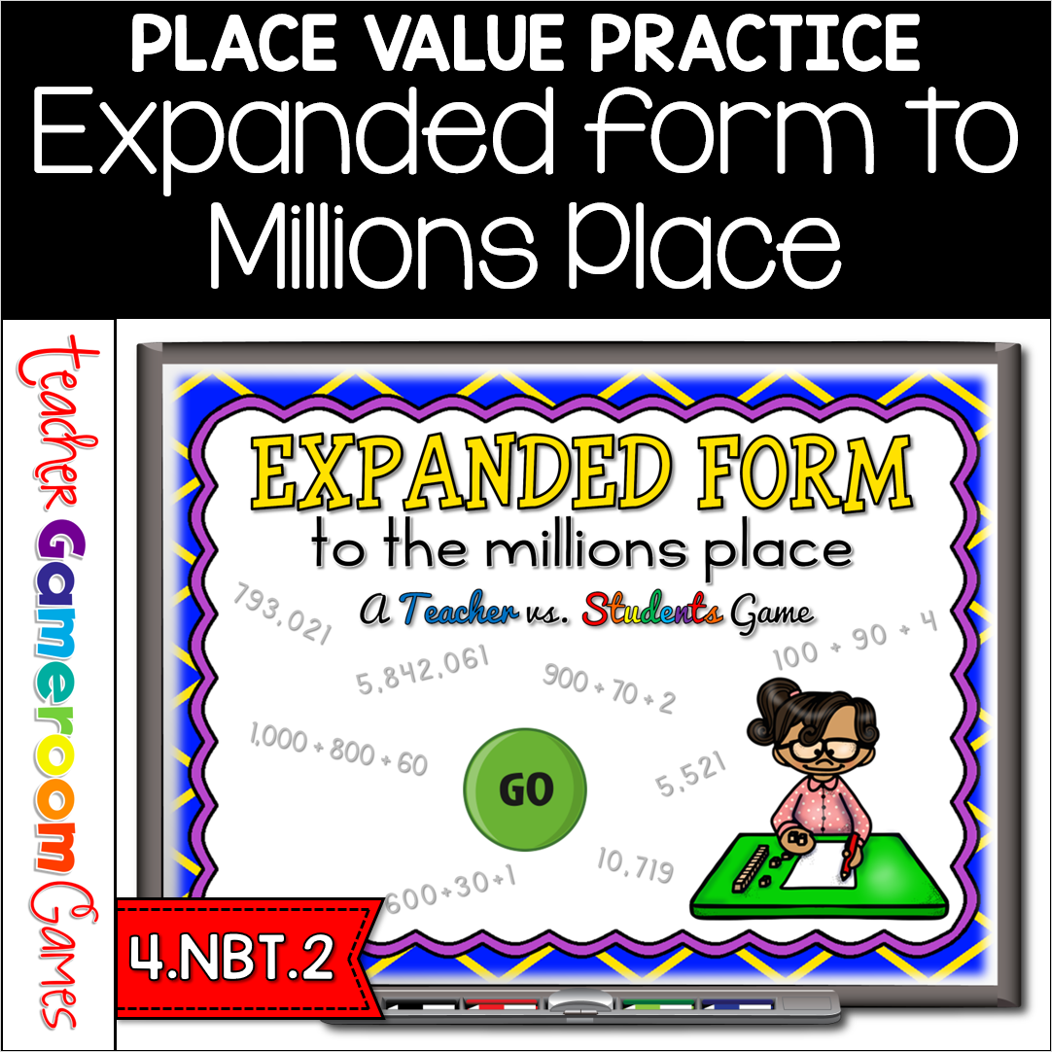
Engage 4th grade students with this fun, interactive expanded form game. In this teacher vs student Powerpoint game, students practice writing numbers in expanded form. Number range from 1,000 to 9,000,000 (millions place). This makes a great review for the beginning of the school year. There are 25 questions in all and you just click on each question to go to it. The question disappears after you’ve clicked on it so you know you’ve answered it. There are 2 scoreboards: a touch scoreboard and type in scoreboard. The type-in scoreboard allows you to type in scores during Slideshow Mode. . Great for a math review or center activity. Great for individual practice on the iPad or tablet!
Engage students with this fun, interactive line graph game. Students will answer questions about 3 different line graphs. Questions include most/least favorites, totals for each group, and comparing groups. There are 3 graphs in this game, each with 7 questions, giving you a total of 20 questions (including a tie breaker). You just click on each question to go to it. The question disappears after you’ve clicked on it so you know you’ve answered it. There are 2 scoreboards: a touch scoreboard and type in scoreboard. The type-in scoreboard allows you to type in scores during Slideshow Mode. Great for a guided math center or rainy day activity. Great for individual practice on the iPad!