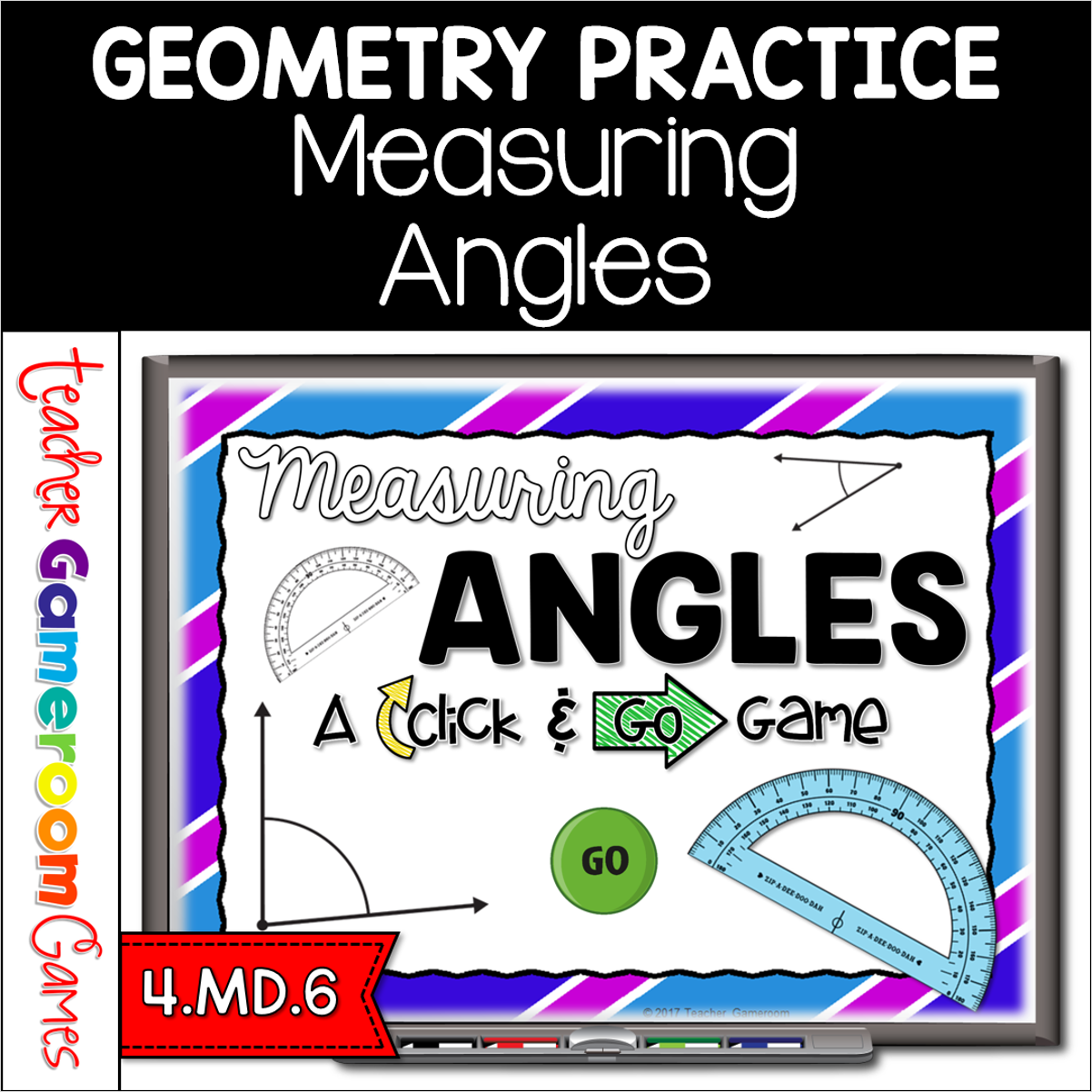
Engage 4th grade students with this fun, interactive measuring game. In this click and go powerpoint game, students measuring different angles to the nearest 5 degrees. The measurement range from 0 to 180 degrees. No protractor? No problem! A clickable protractor appears for the PC and Mac version. A moveable protractor is available for google slides. There are 40 questions in all. Great for a whole class review or geometry center activity. Great for individual practice on the iPad or tablet!
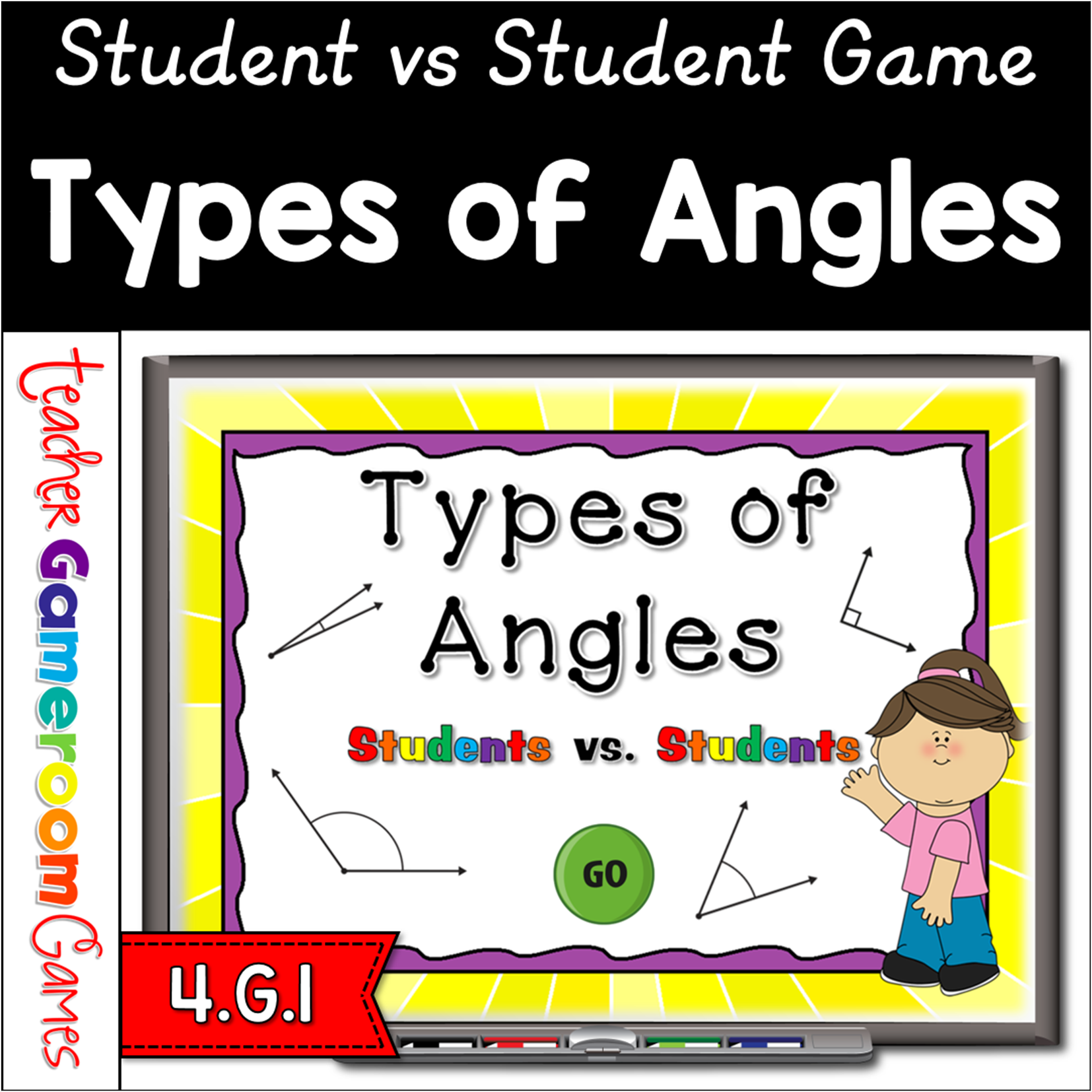
Engage students with this fun, interactive angles game. Students will compete against one another as they identify different types of angles. Angles include acute, obtuse, and right. There are 20 questions and you just click on each question to go to it. The question disappears after you’ve clicked on it so you know you’ve answered it. There are 2 scoreboards: a touch scoreboard and type in scoreboard. The type-in scoreboard allows you to type in scores during Slideshow Mode. There is even a Mac/iPad version you can use! Great for a guided math center or rainy day activity. Great for partners to practice on the iPad!
Engage students in this fun, competitive Geometry game. Students compete against one another or in teams to correctly identify different angles. This includes acute, obtuse, right, and straight angles. There are 20 questions and you just click on each question to go to it. The question disappears after you’ve clicked on it so you know you’ve answered it. There is a type-in scoreboard. The scoreboard can be typed in during Slideshow Mode. Great for individual practice on the iPad!