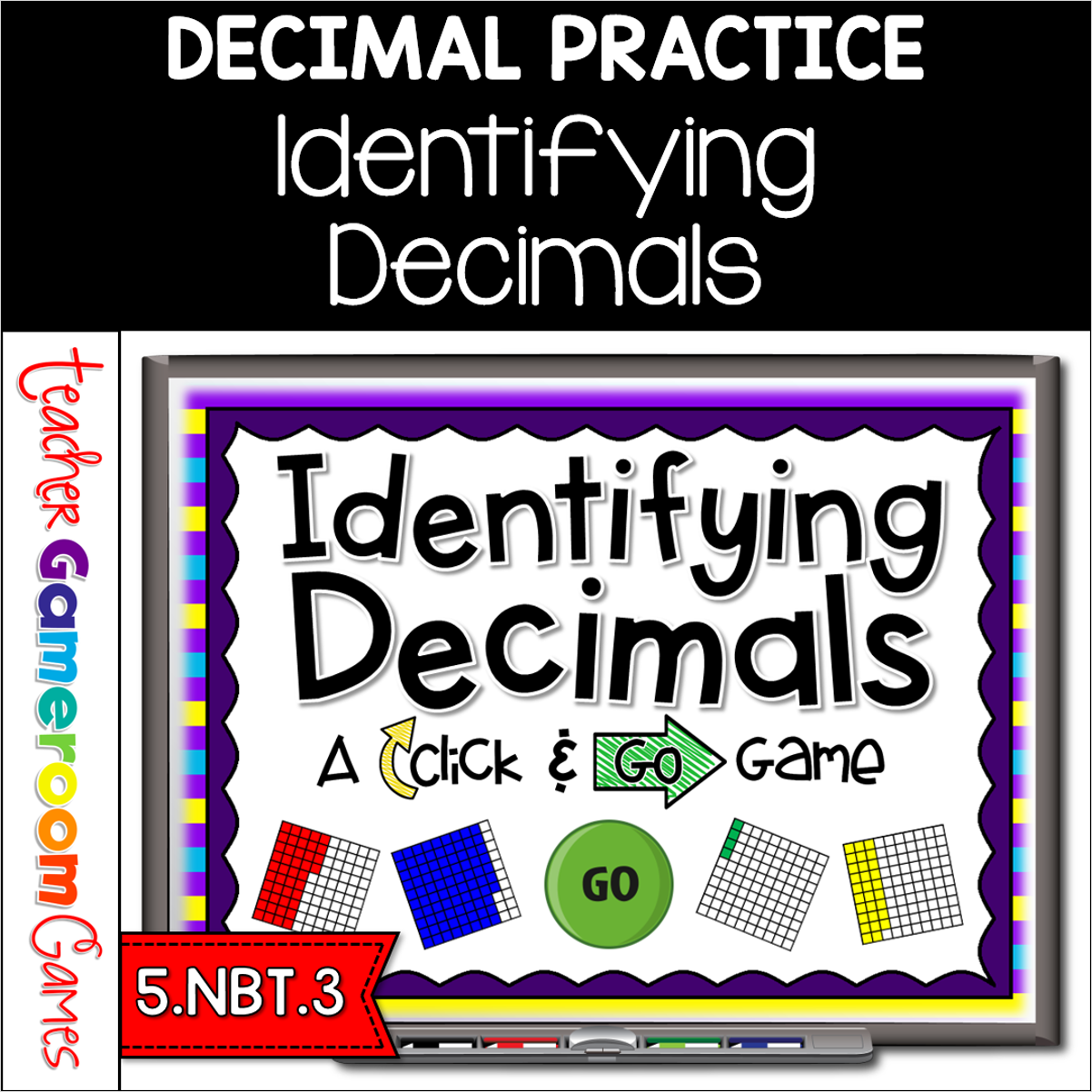
Practice identifying decimals with this simple PowerPoint game for smartboards. Students will identify decimals using a base ten block of 100, represented as 1 = 0.01. There are 40 questions in all, and you just click on each question to go to it. Great for a small group reviewing or math center activity. Great for individual practice on the iPad or tablet!
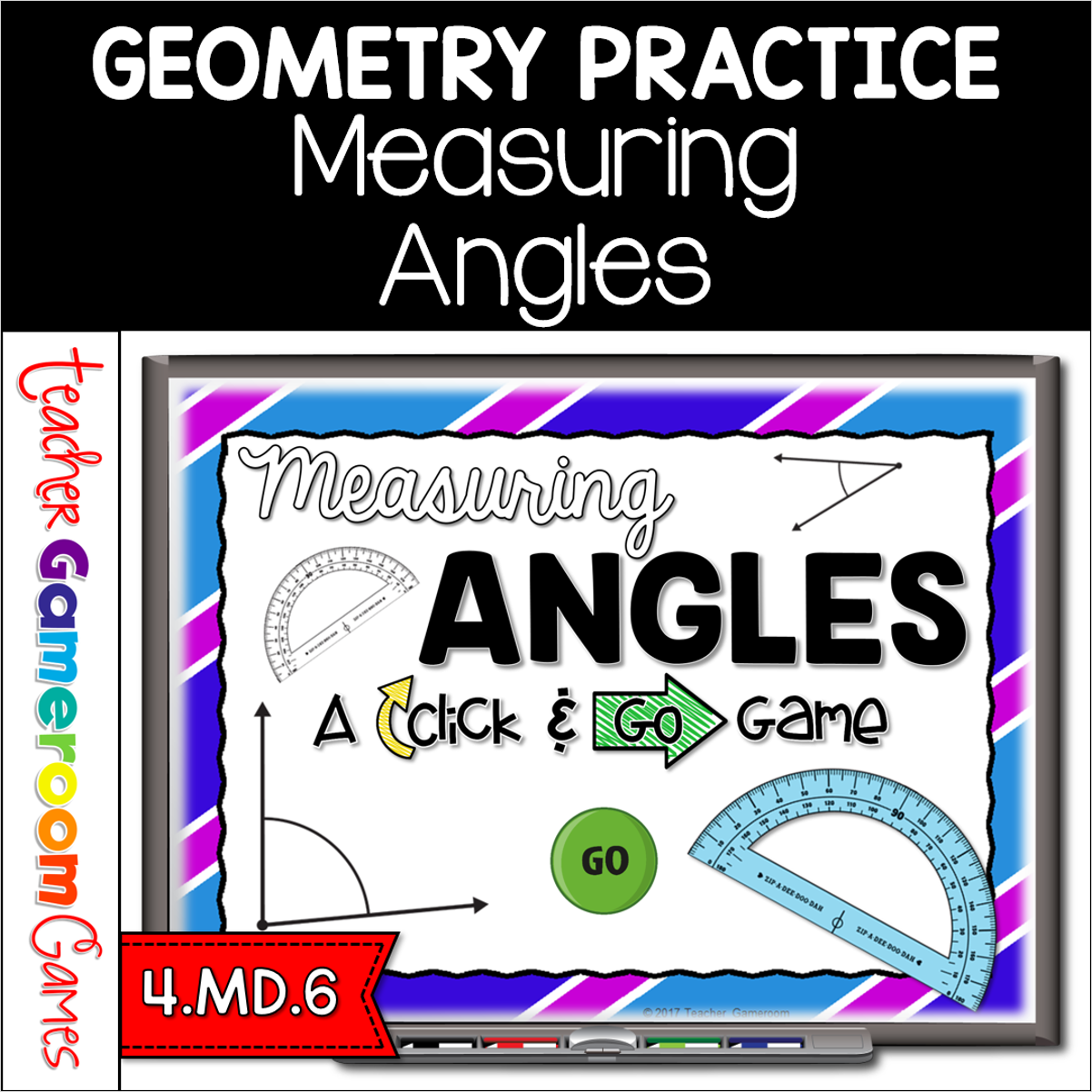
Engage 4th grade students with this fun, interactive measuring game. In this click and go powerpoint game, students measuring different angles to the nearest 5 degrees. The measurement range from 0 to 180 degrees. No protractor? No problem! A clickable protractor appears for the PC and Mac version. A moveable protractor is available for google slides. There are 40 questions in all. Great for a whole class review or geometry center activity. Great for individual practice on the iPad or tablet!
Engage 5th and 6th grade students with this fun, interactive decimal multiplication game. In this Click & Go PowerPoint game, students practice multiplying 3 – 4 digit numbers. Numbers start from the ones or tenths place. There’s no scoreboard and there are 40 questions in all. Simply click “Next” to go to the next question and “Back” to go to the previous question. Great for a simple multiplication review or whole class activity. Great for individual practice on the iPad or tablet!
Celebrate Christmas with this fun, interactive division game. In this “Click & Go!” powerpoint game, students practice dividing 4 digit numbers by 1 digit numbers. Simple and very easy to navigate, it makes the perfect review game for the holiday season. There are 30 questions in all and you just click on the “next” button to go to the next question. Great for a quick ELA morning review or Month activity. Great for individual practice on the iPad or tablet!
Engage students with this fun, interactive English Language Arts game. In this Click & Go! powerpoint game, students read Hockey themed sentences and determine if the words make a complete sentence or a fragment. There are 30 questions in all and you just click on the “next” button to go to each question. Great for a whole class review or a Daily 5 writing center mini lesson. Great for individual practice on the iPad or tablet!