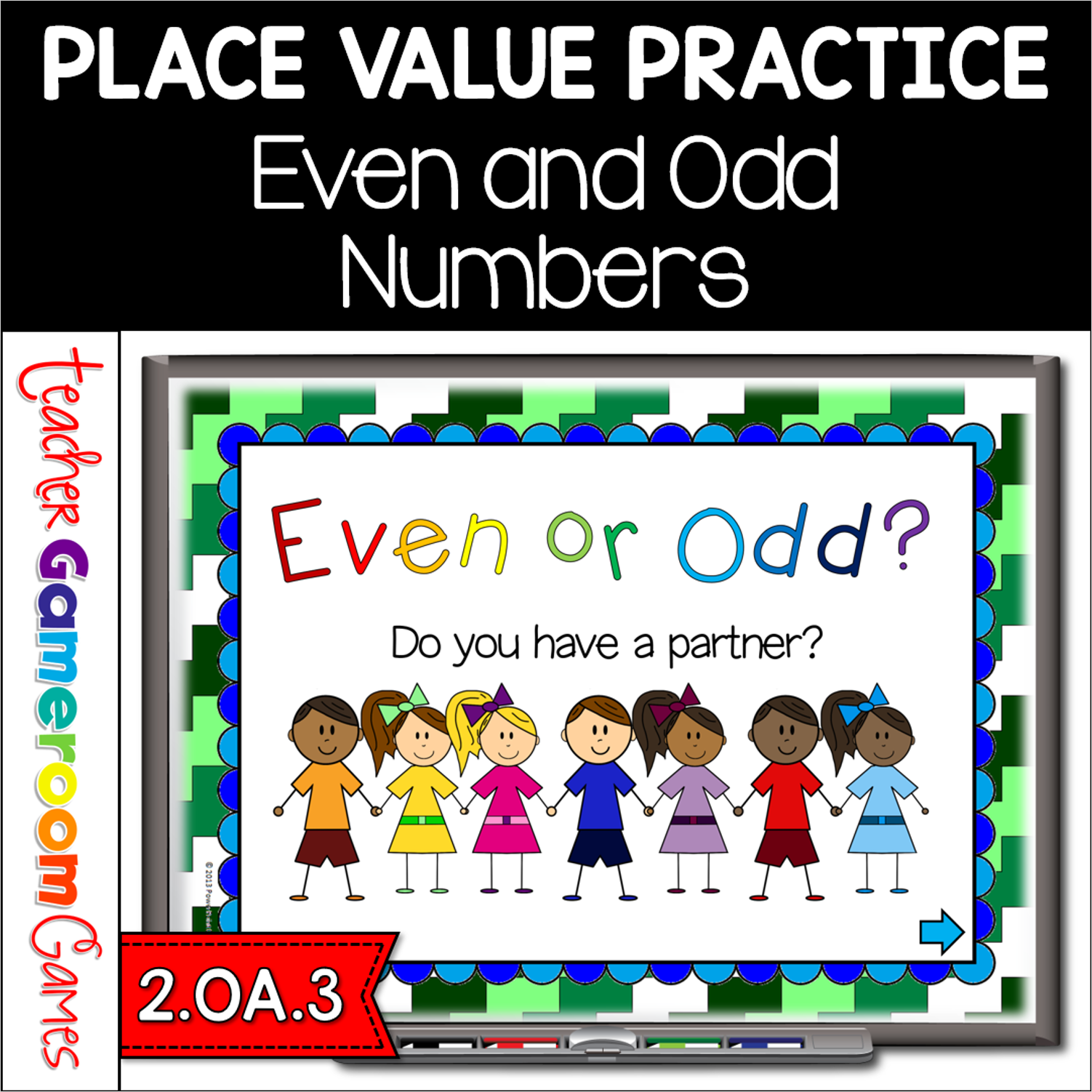
Here’s a fun powerpoint game to play with your students as a group. Students are given a group of students to count and determine if there are an even or odd amount of students. If every student has a partner, the number is even. If one student does not have a partner, the number is odd. . This is one way I taught my students about even and odd objects. Great for a guided math center or rainy day activity.
Engage students with this fun, interactive math game. Students are playing against the teachers as they determine if a group of Easter peeps are even or odd. Includes cute, colorful Easter bunny peeps. There are 20 questions and you just click on each question to go to it. The question disappears after you’ve clicked on it so you know you’ve answered it. There are 2 scoreboards: a touch scoreboard and type in scoreboard. The type-in scoreboard allows you to type in scores during Slideshow Mode. Great for a guided math center or Easter activity. Great for individual practice on the iPad!
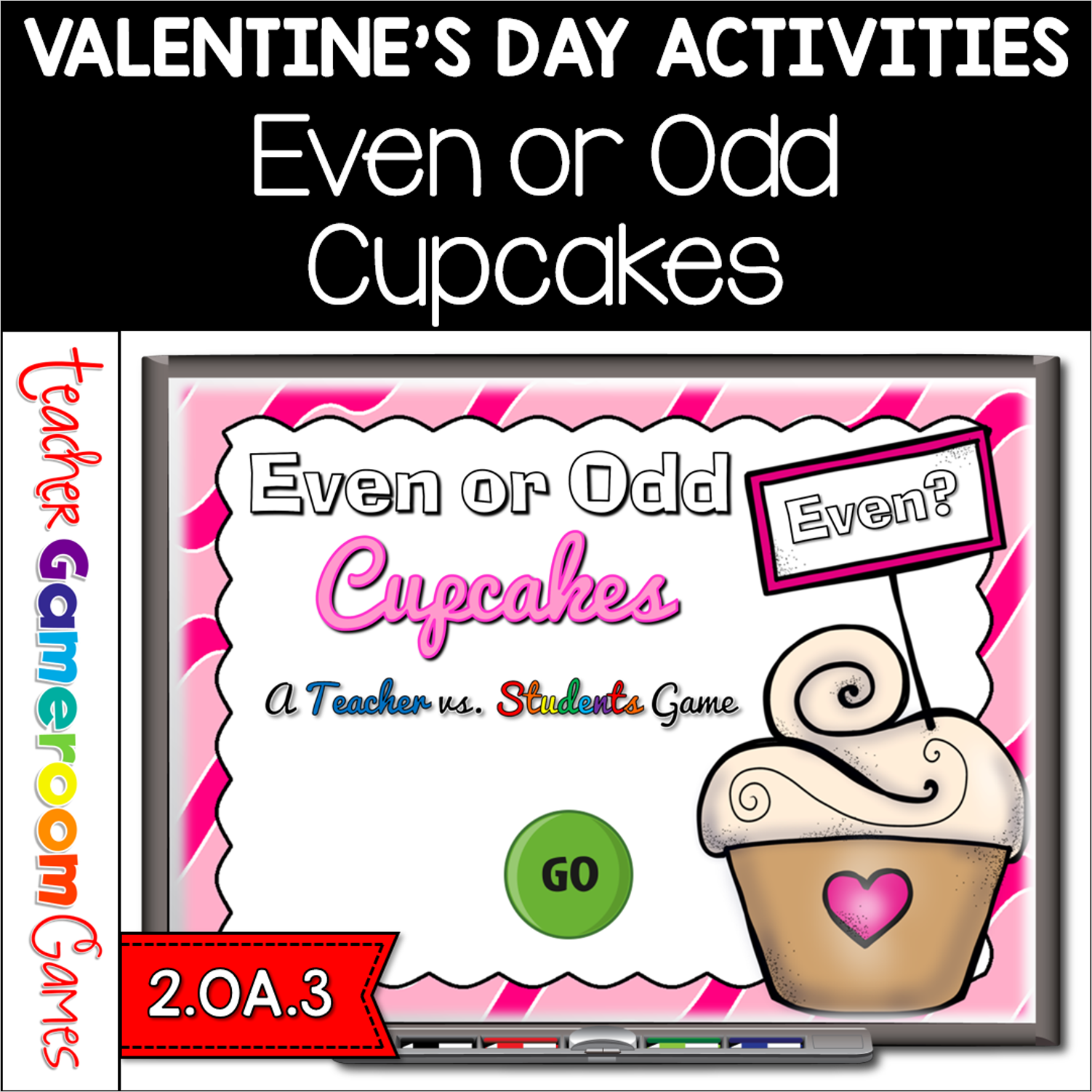
Celebrate Valentine’s day with the sweet even or odd game. It’s the teacher against the students as your students try to determine if a group of cupcakes are even or odd. A fun game to play on Valentine’s Day! There are 20 questions and you just click on each question to go to it. The question disappears after you’ve clicked on it so you know you’ve answered it. There is a type-in scoreboard. The scoreboard can be typed in during Slideshow Mode. Great for a guided math center or rainy day activity. Great for individual practice on the iPad!
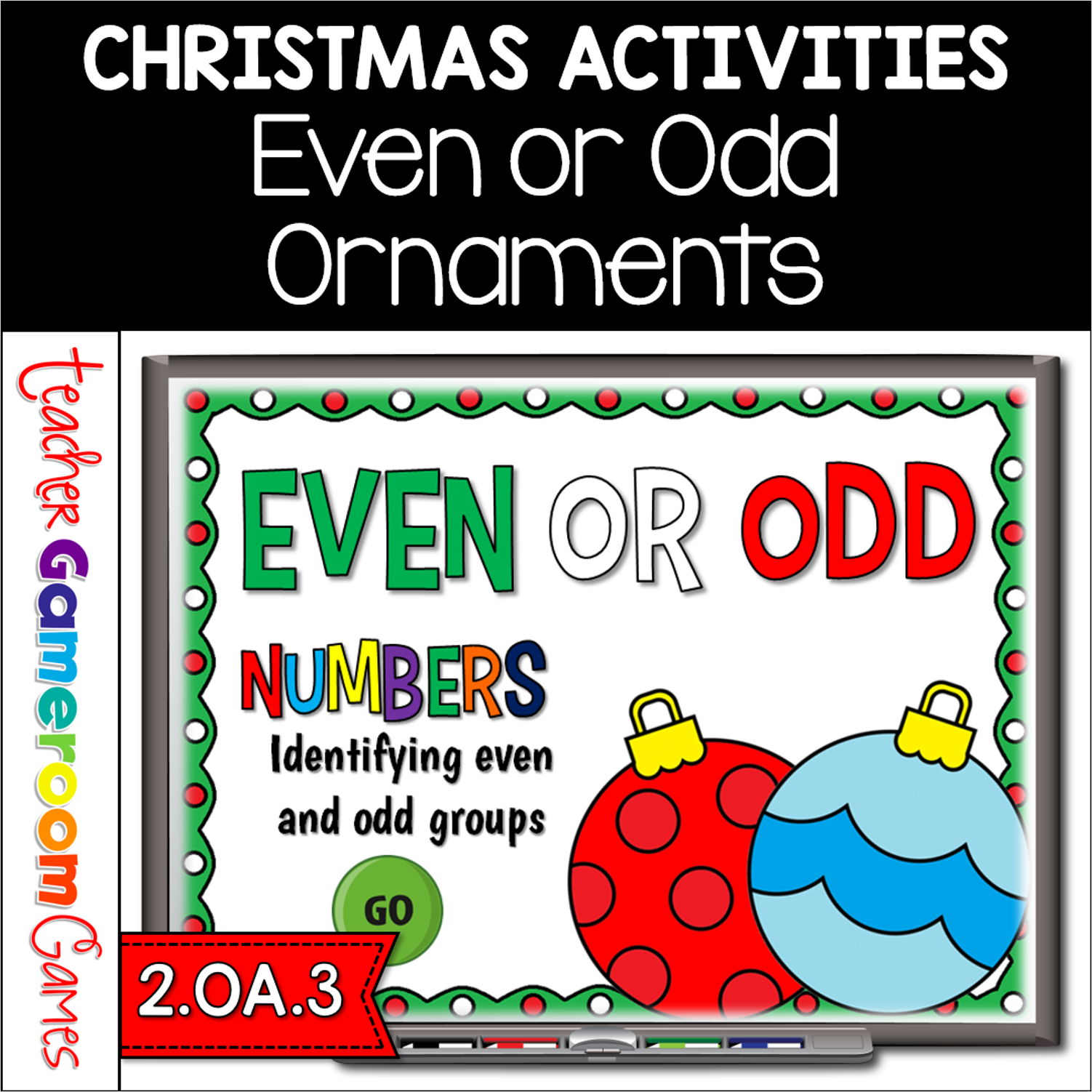
Practice identifying even or odd numbers with this fun Christmas games. Students must count the number of Christmas ornaments and determine whether that number is even or odd. There are 20 questions and you just click on each question to go to it. The question disappears after you’ve clicked on it so you know you’ve answered it. There is a type-in scoreboard. The scoreboard can be typed in during Slideshow Mode. Great for a guided math center or rainy day activity. Great for individual practice on the iPad!
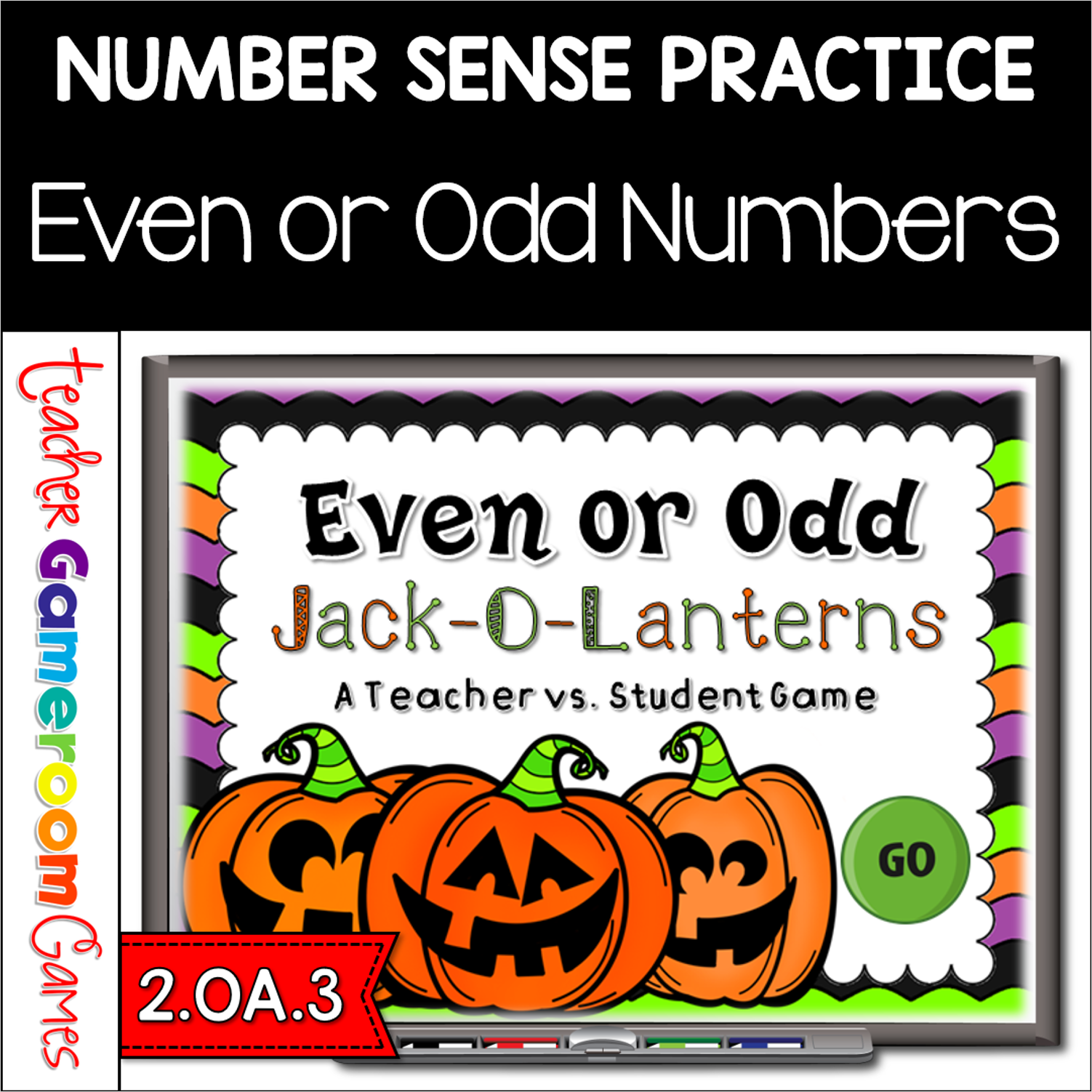
Practice identifying even and odd numbers with this fun Jack-O-Lanterns Even or Odd Game. Students are to count the Jack-O-Lanterns and then determine whether or not that number is even or odd by clicking the right word. This is a teacher vs student game (see description below) so your student will love competing against you. There are 20 questions and you just click on each question to go to it. The question disappears after you’ve clicked on it so you know you’ve answered it. There is a type-in scoreboard. The scoreboard can be typed in during Slideshow Mode. Great for a quick morning review or Halloween activity. Great for individual practice on the iPad or tablet!
Engage 2nd grade students with this fun, interactive even or odd game. In this teacher vs student powerpoint game, students must count each set of Winter themed items including snowflakes, snow-covered trees, penguins, and snowman. They must then determine if the total is even or odd. There are 21 questions (including a tie-breaker question) and you just click on each question to go to it. The question disappears after you’ve clicked on it so you know you’ve answered it. There are 2 scoreboards: a touch scoreboard and type in scoreboard. The type-in scoreboard allows you to type in scores during Slideshow Mode. Great for a guided math center or Winter Day activity. Great for individual practice on the iPad!