I’ve bundled all my Time to the Half Hour games: Teacher vs Student, Time Bingo, Tic-Tac-Toe (Half Hour), and Student vs Student Time PPT Game. This bundle also includes exclusive worksheets only found in this bundle. There are a minimum of 20 questions per game. All analog clocks.
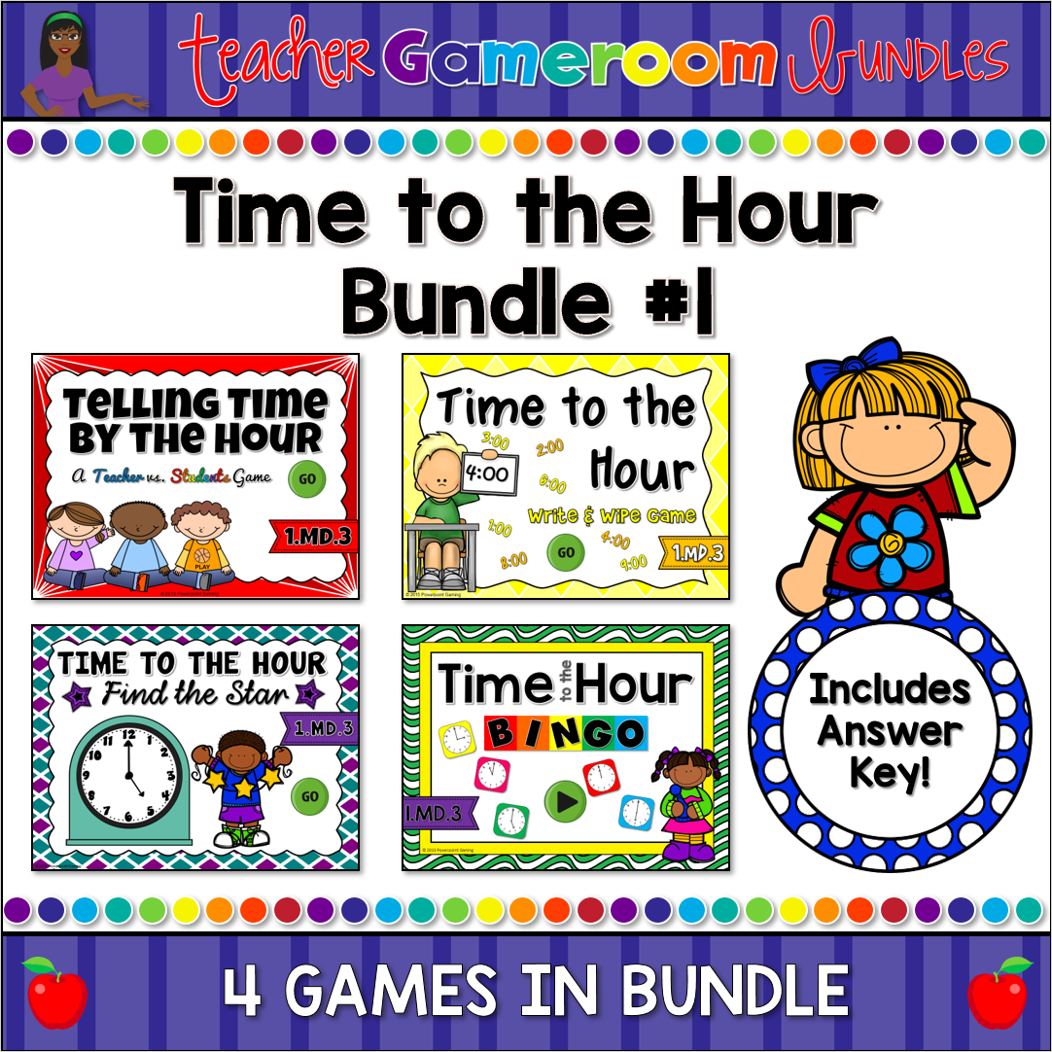
I’ve bundled the first 4 games of my “Time to the Hour” games together! Each game reinforces the telling time to the hour in various ways. The games include analog clocks from 1:00 to 12:00. Each game has 20 to 25 questions with type-in scoreboards where applicable. Each game also includes a Mac-iPad Version. Great for a guided math center or rainy day activity. Great for individual practice on the iPad!
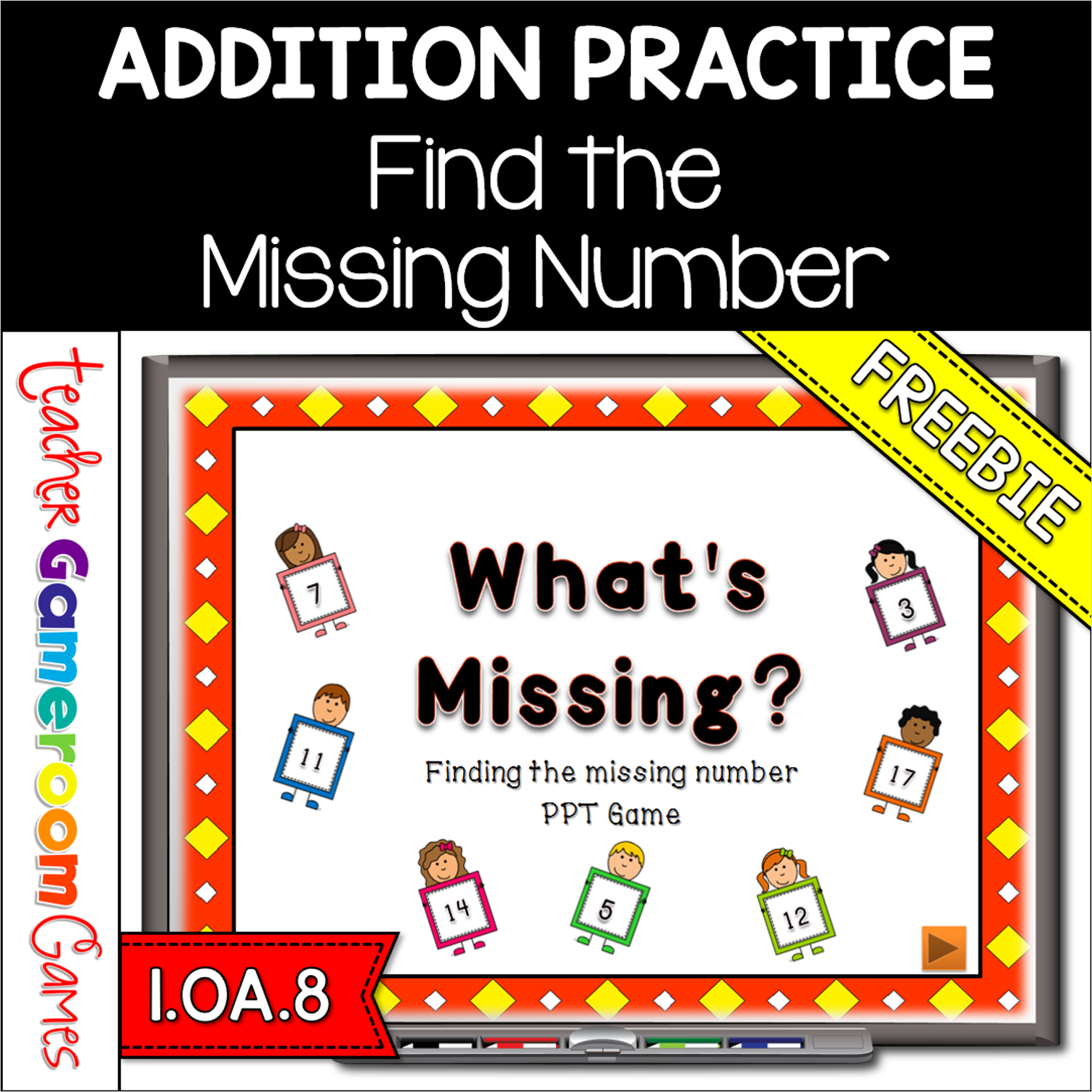
Here is my second forever freebie for 1st grade: What’s Missing? The PowerPoint game is a team effort. The class is divided into teams. Each team answer a question to get points. They are looking for one of the addends or the answer. If correct, the team gets the points. . The type-in scoreboard allows you to type in scores during Slideshow Mode. Great for a guided math center or rainy day activity. Great for individual practice on the iPad!
Classic Tic-tac-toe with a twist! Students answer questions to get their shape (x or O). These are time questions with analog clocks. There are 3 game modes (hour, half-hour, and mixed), allowing you to choose where to start. Simple design with a “How to play” slide. Great for review or rainy day fun!
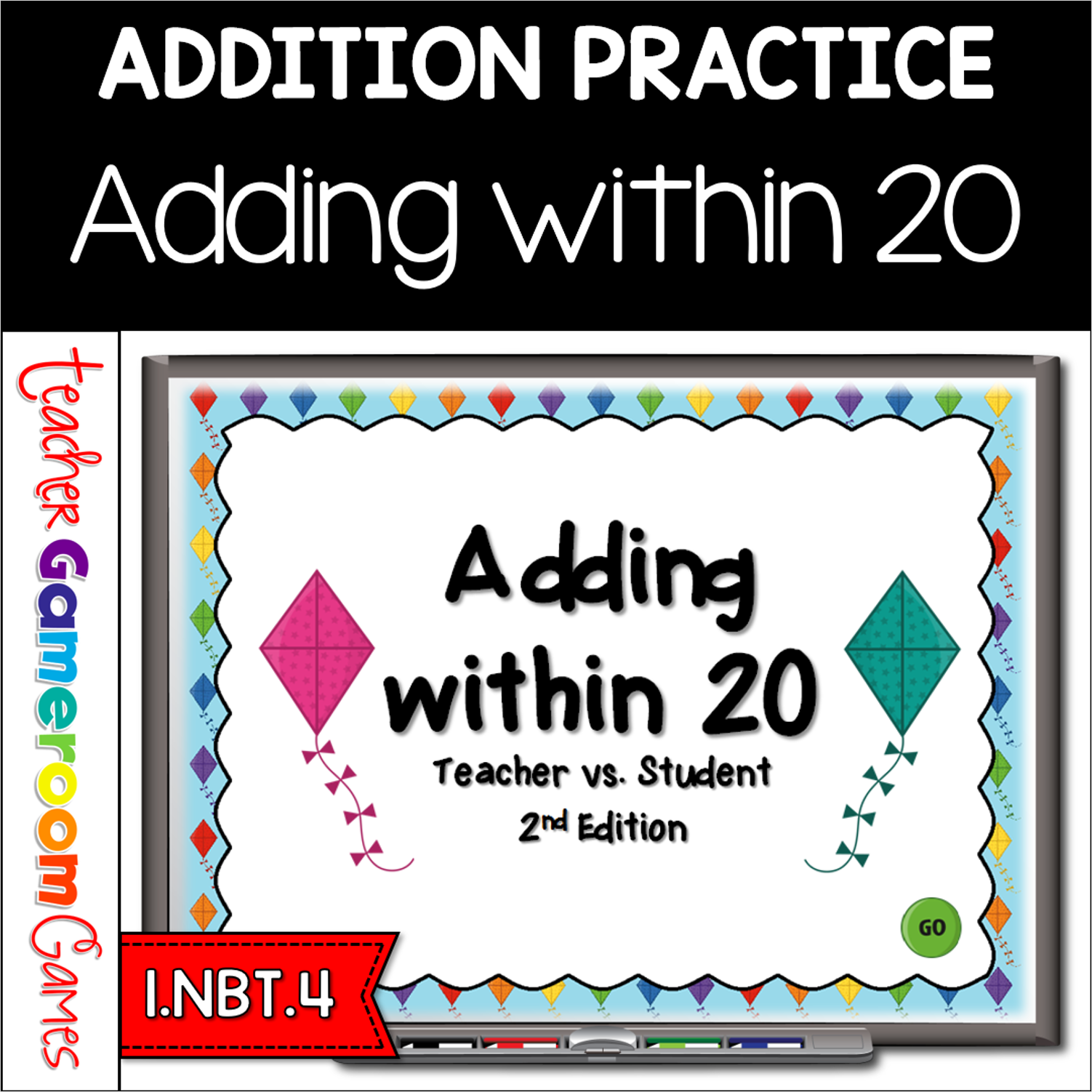
This is the 2nd edition of the “Adding Within 20” PowerPoint . There are 20 questions and you just click on each question to go to it. The question disappears after you click it so you know you’ve answered it. The first addend is a number. The second addend is a group of kites that students must count . Great for a guided math center or rainy day activity. Great for individual practice on the iPad!
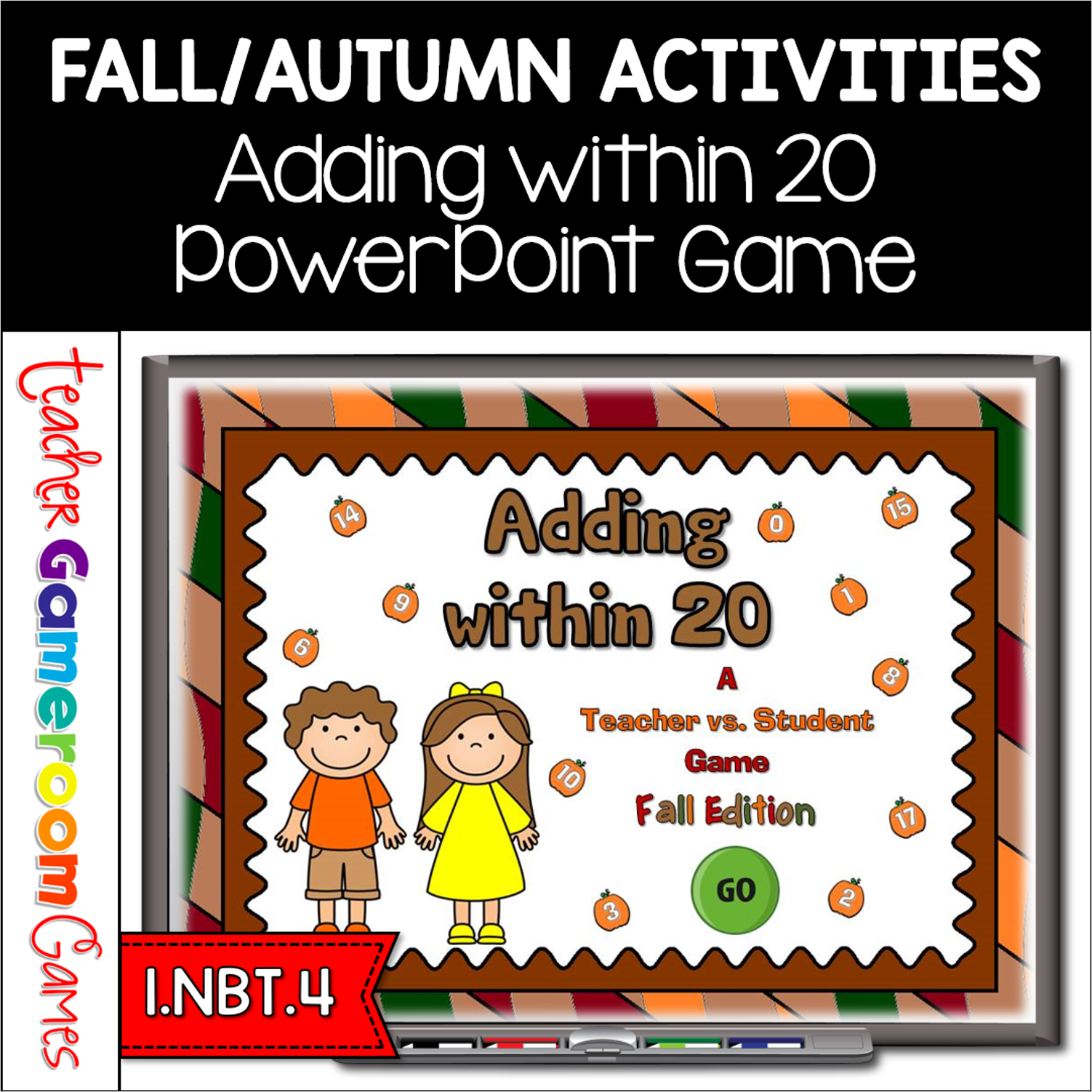
Build adding fluency with this fun autumn themed addition game. Great for your entire class or even one-on-one practice. There are 20 questions and you just click on each question to go to it. The question disappears after you’ve clicked on it so you know you’ve answered it. There’s even a tie breaker question. Includes a type-in scoreboard. that can be typed in during Slideshow Mode. It also includes a tiebreaker question. Great for a guided math center or Fall activity. Great for individual practice on the iPad!