Students are given a CCVC word and must spell it. Students move the letter tiles to create the word. Examples include frog, star, plow, swim, etc. There are 20 questions in all, and you just click on each question to go to it. Great for a quick ELA morning review or classroom activity. Great for individual practice on the iPad or tablet!
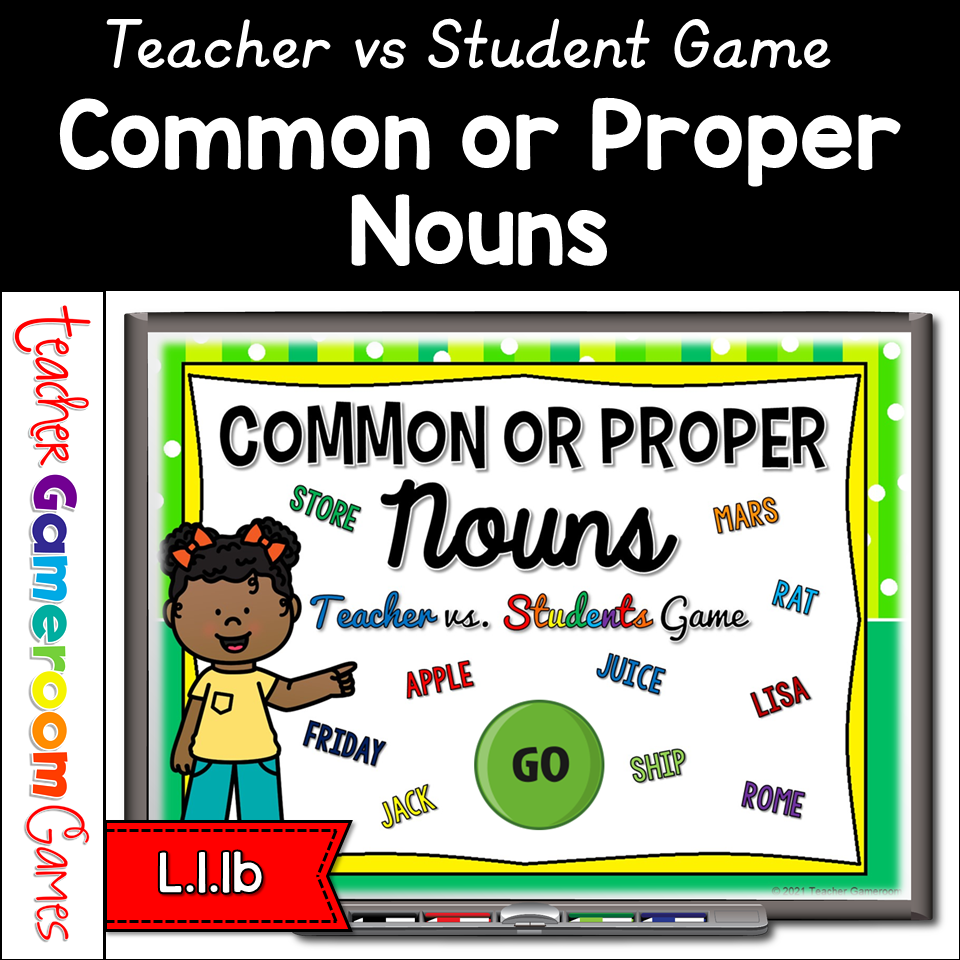
In this Teacher vs. Student’s PowerPoint game, students are given a word and they must determine whether it is a common or proper noun. There are 20 questions in all, and you just click on each question to go to it. The question disappears after you’ve clicked on it, so you know you’ve answered it. The scoreboard allows you to type in scores during Slideshow Mode. Great for a quick ELA morning review or parts of speech center activity. Great for individual practice on the iPad or tablet!
In this PowerPoint game, students answer word problems with addition and subtraction. There are 20 questions in all, and you just click on each question to go to it. The question disappears after you’ve clicked on it, so you know you’ve answered it. The scoreboard allows you to keep score during Slideshow Mode. The students get points for correct answers and the teacher gets points for incorrect answers. Great for a quick math morning review or February activity. Great for individual practice on the iPad or tablet!
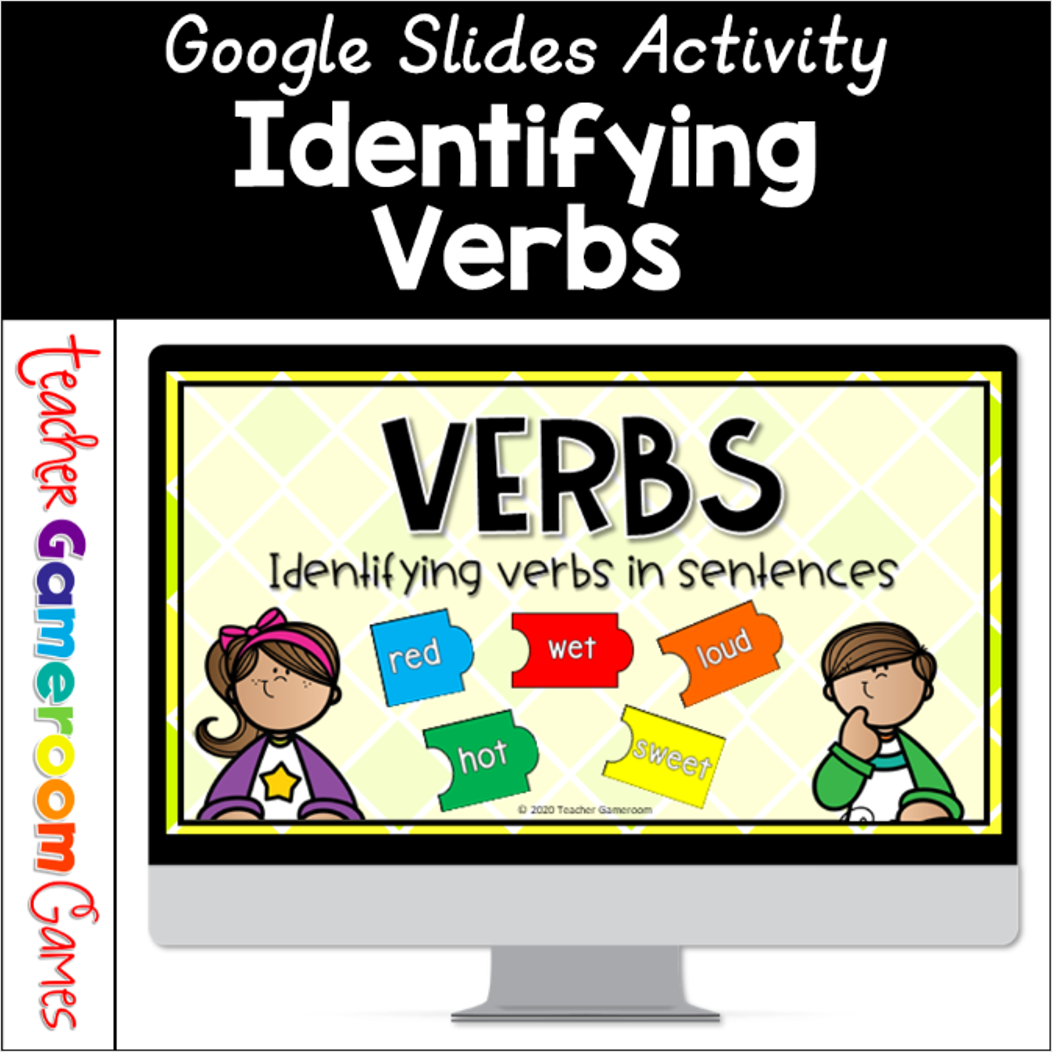
Reinforce verbs with this fun, interactive google slides activity. First grade students read sentences and move the nouns to the yellow box. There are 30 questions. Each sentence has 4 to 6 words and only 1 or 2 nouns to choose from. Great for a ELA review or Parts of Speech Center activity. Great for individual practice on the iPad or tablet!
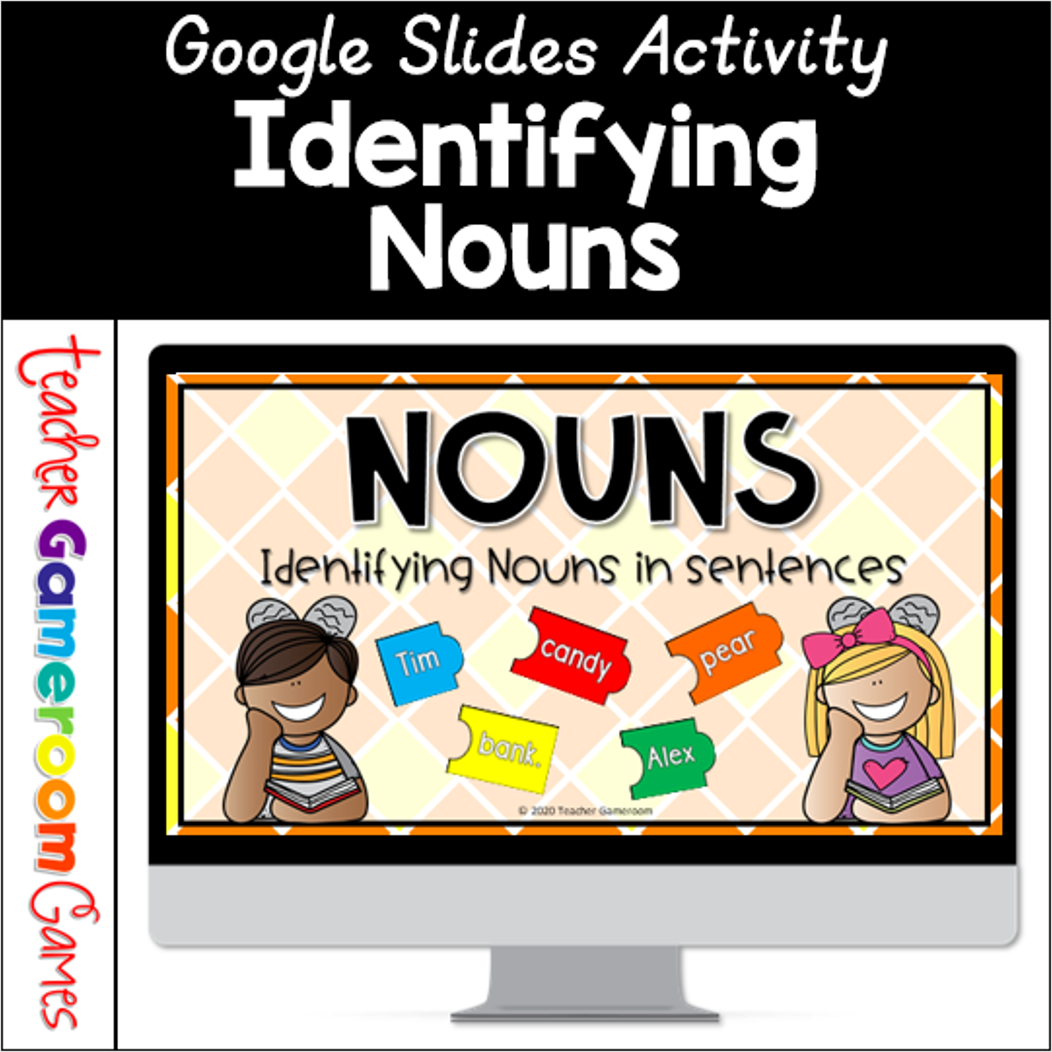
Reinforce nouns with this fun, interactive google slides activity. First grade students read sentences and move the nouns to the yellow box. There are 30 questions. Each sentence has 4 to 6 words and only 1 or 2 nouns to choose from. Great for a ELA review or Parts of Speech Center activity. Great for individual practice on the iPad or tablet!
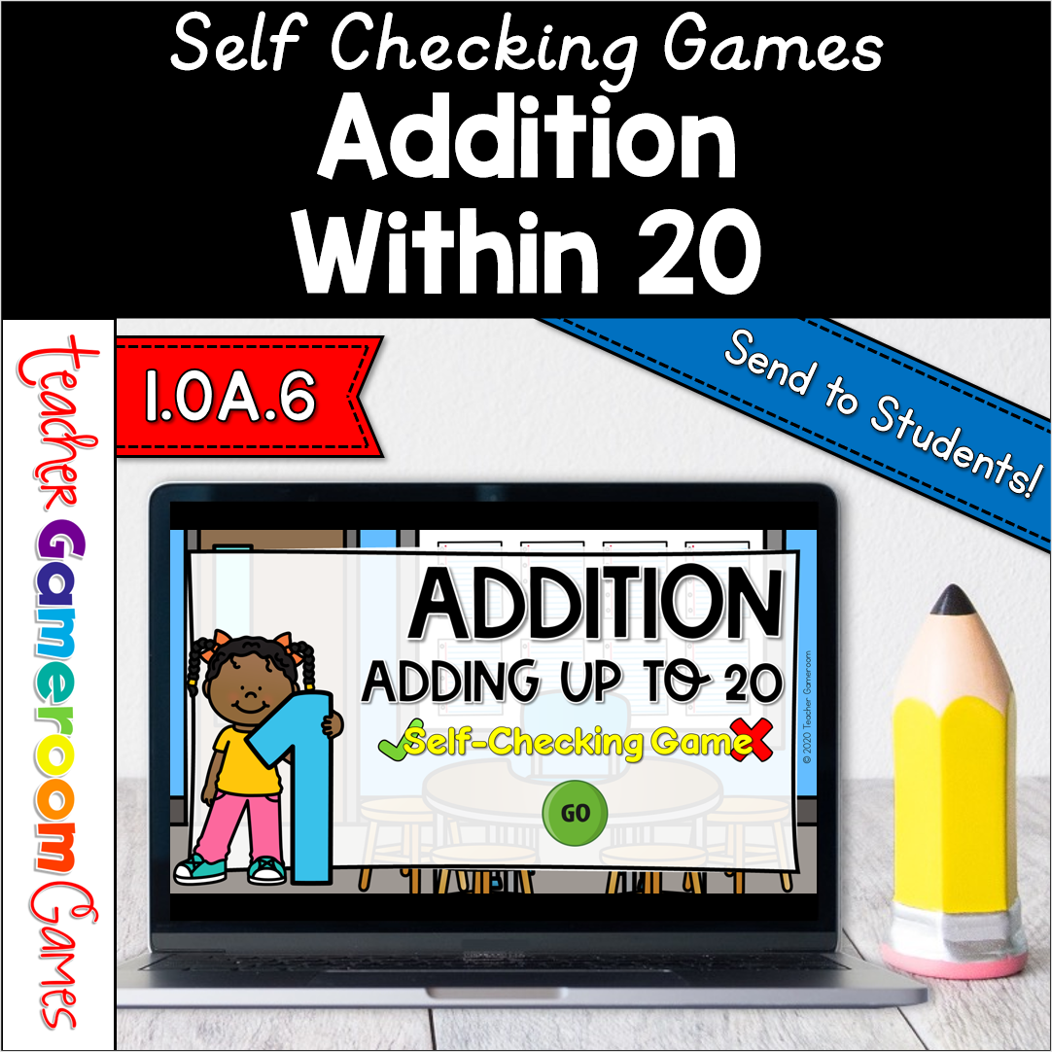
Send this digital self-checking game to your students to practice their addition skills. Students practice adding numbers with answers up to 20. No prep. No clean up and answers are checked immediately with checks or Xs. It’s digital and YOU CAN SEND THIS TO YOUR STUDENTS OR UPLOAD TO PASSWORD PROTECTED CLASSROOM WEBSITES. There are 20 questions in all, and you just click on the NEXT button to go to each questions or the BACK button to go to the previous. Great for individual practice on a computer, laptop, or tablet. Perfect for Distance Learning!