Send this digital writing prompt to your students to practice their writing skills. Choose from 10 simple, relatable topics good for any grade. This google slides activity includes a pdf with 10 links to Google Slides writing prompts that are already loaded into Google Drive. Just click on a prompt, create a copy for your Google drive, and assign it to your students. Also includes directions on how to assign it in Google classroom and a printable version so you can physically send it home to students. Great for a writing center activity.
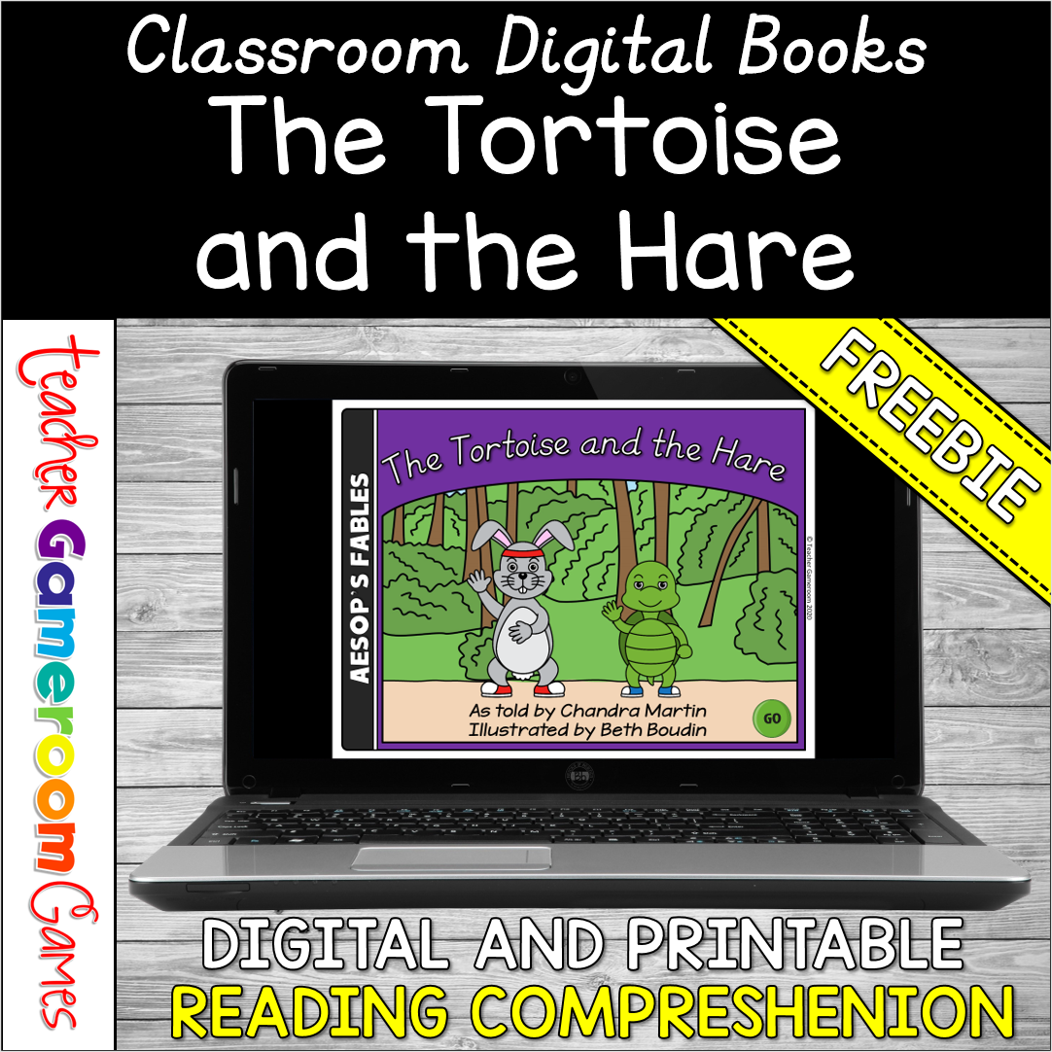
Enhance your ELA lesson with this fun, interactive Digital Powerpoint Book. The ppt book works just like a read book with page turning animations. Great for small groups centers or individual assignments. Includes 2 ELA worksheets: the story with reading comprehension questions and an “Elements of a Story” Not 1:1? No problem! Printable versions are available in Black and White and in Color. You can upload them to password-protected website and assign them for nightly reading. Great for remote learning or distance learning.
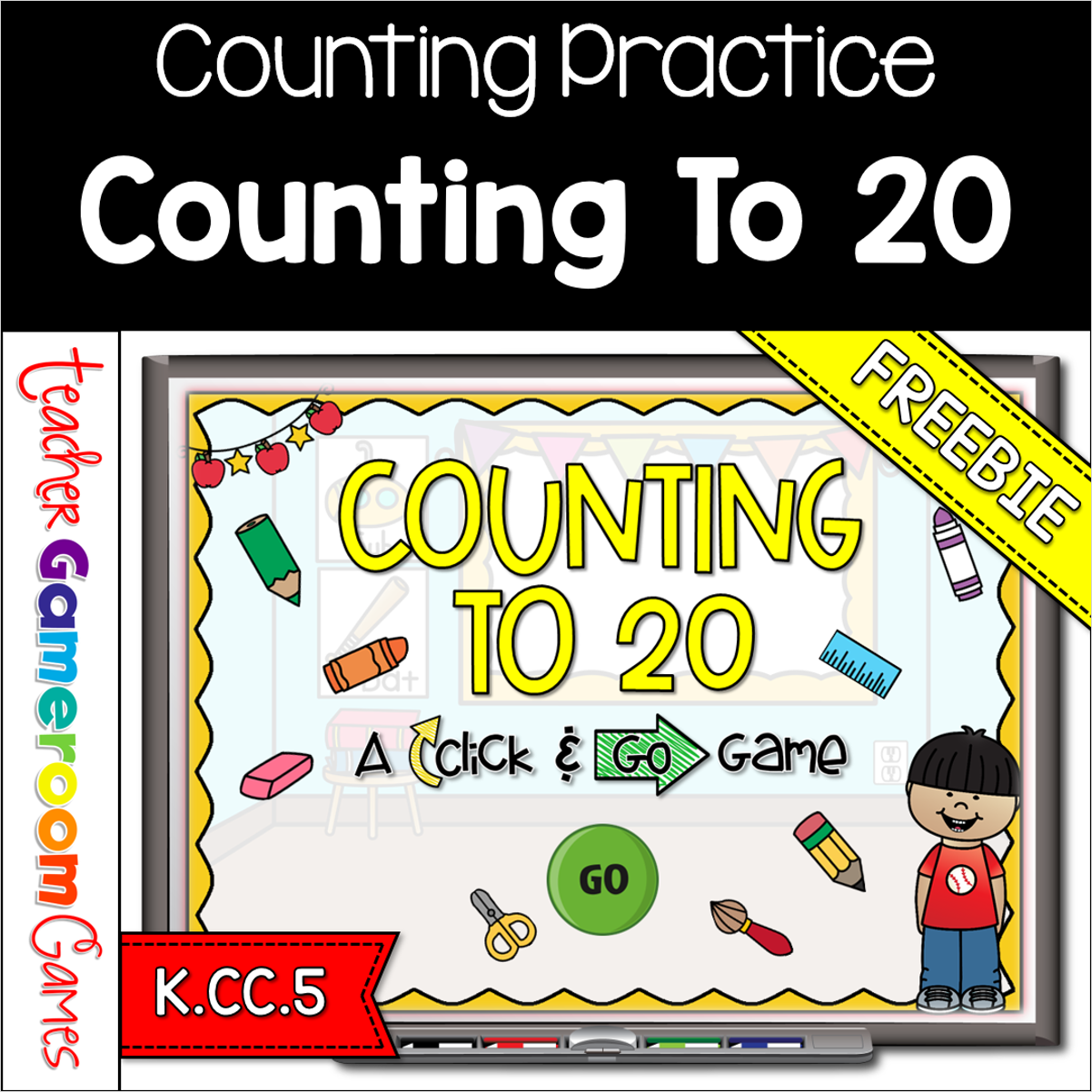
Engage kindergarten students with this fun, interactive counting game. In this click and go PowerPoint game, students count schools supplies in mixed bunches and in lines. This includes crayons, markers, erasers and more. There are 20 questions in all, and you just click “ANSWER” to reveal the answer and then click “NEXT” to go to the next question. Great for a quick morning review or math center activity. Great for individual practice on the iPad or tablet!
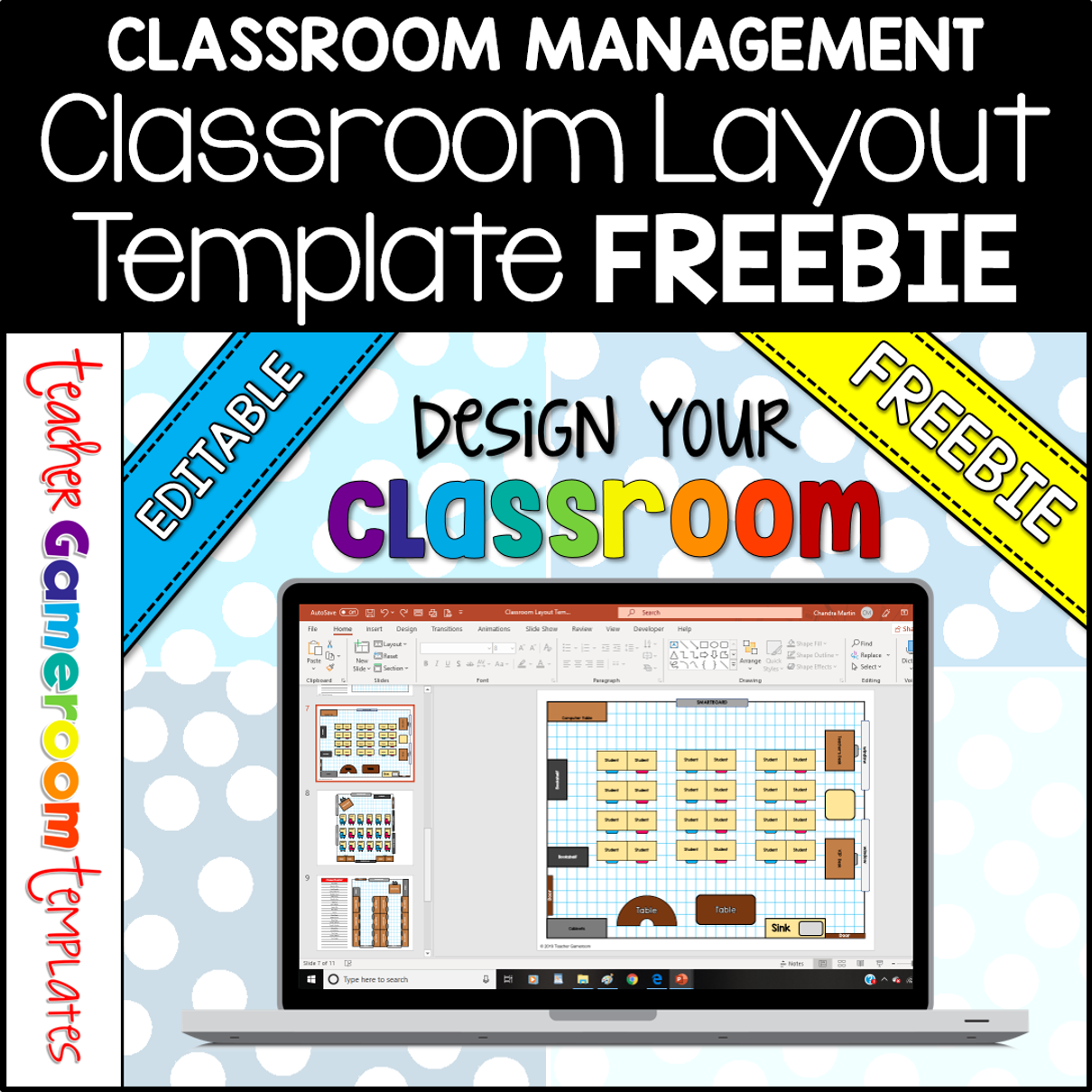
FREE – Arrange students’ desks and the furniture in your classroom with the digital classroom layout and seating chart. Moveable clip art allows you to design your classroom and add names to student’s desks. Create multiple layouts for multiple classes. Great for all grades and classroom of various sizes!
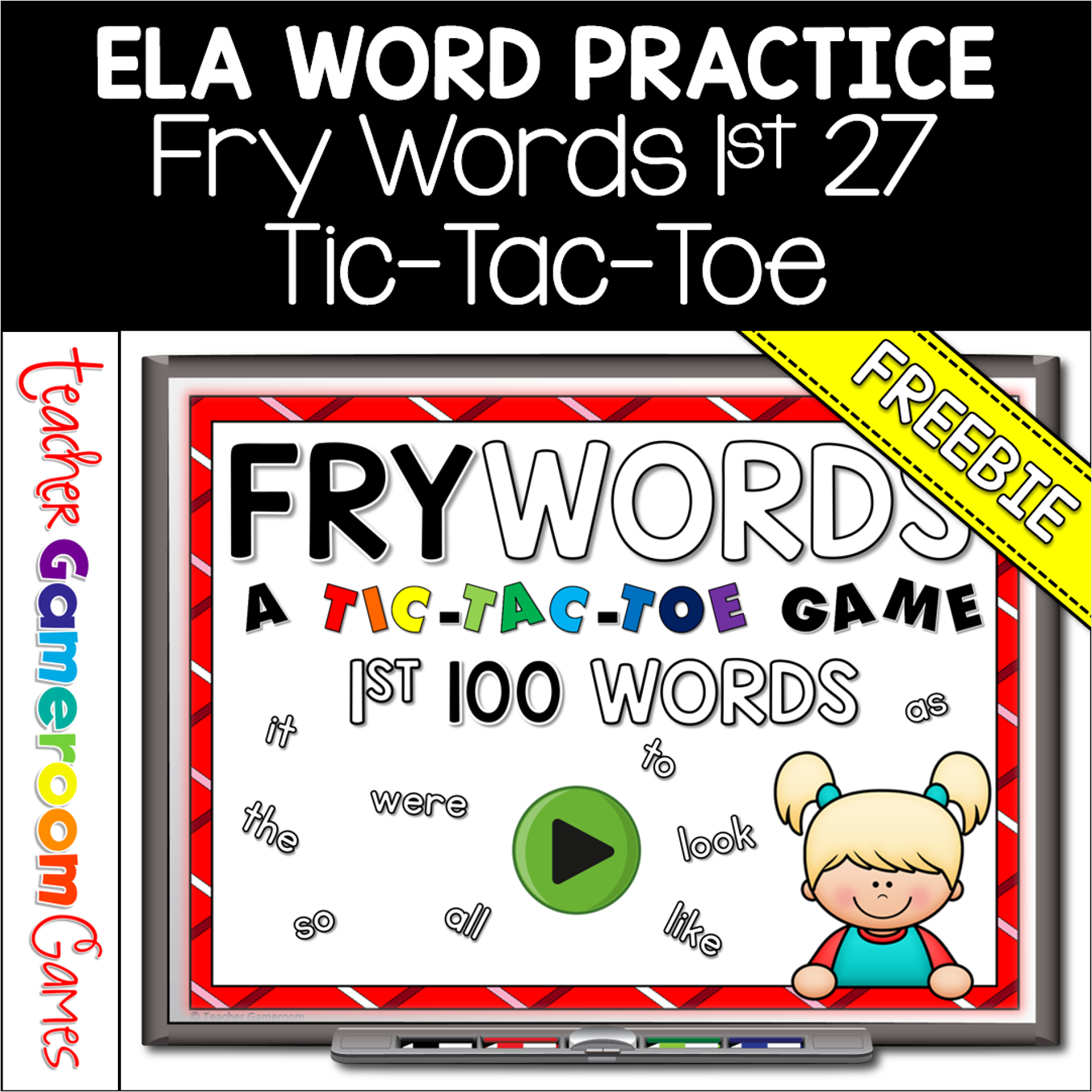
Engage students with this fun, interactive language arts game. In this tic-tac-toe powerpoint game, students read the fry word and place their “X” or “O”. There are 3 game boards, each with 9 fry words from the first 100 fry words set. There’s a reset button to reset the board so students can play multiple times. Great for a quick ELA morning review or center activity. Great for individual practice on the iPad or tablet!
Practice identifying the 50 United States with this quick review Teacher vs. Student game. Students must correctly identify the US state from a picture. There are 10 questions and you just click on each question to go to it. The question disappears after you’ve clicked on it so you know you’ve answered it. There is a type-in scoreboard. The scoreboard can be typed in during Slideshow Mode. Great for a brain break or quick time filler.