This freebie is a quick sample of my mini game sets. In this game, students review identifying fraction circles. There are 5 questions and you just click on each question to go to it. The question disappears after you’ve clicked on it so you know you’ve answered it. Great for introducing fractions or as a quick review. Great for individual practice on the iPad or tablet!
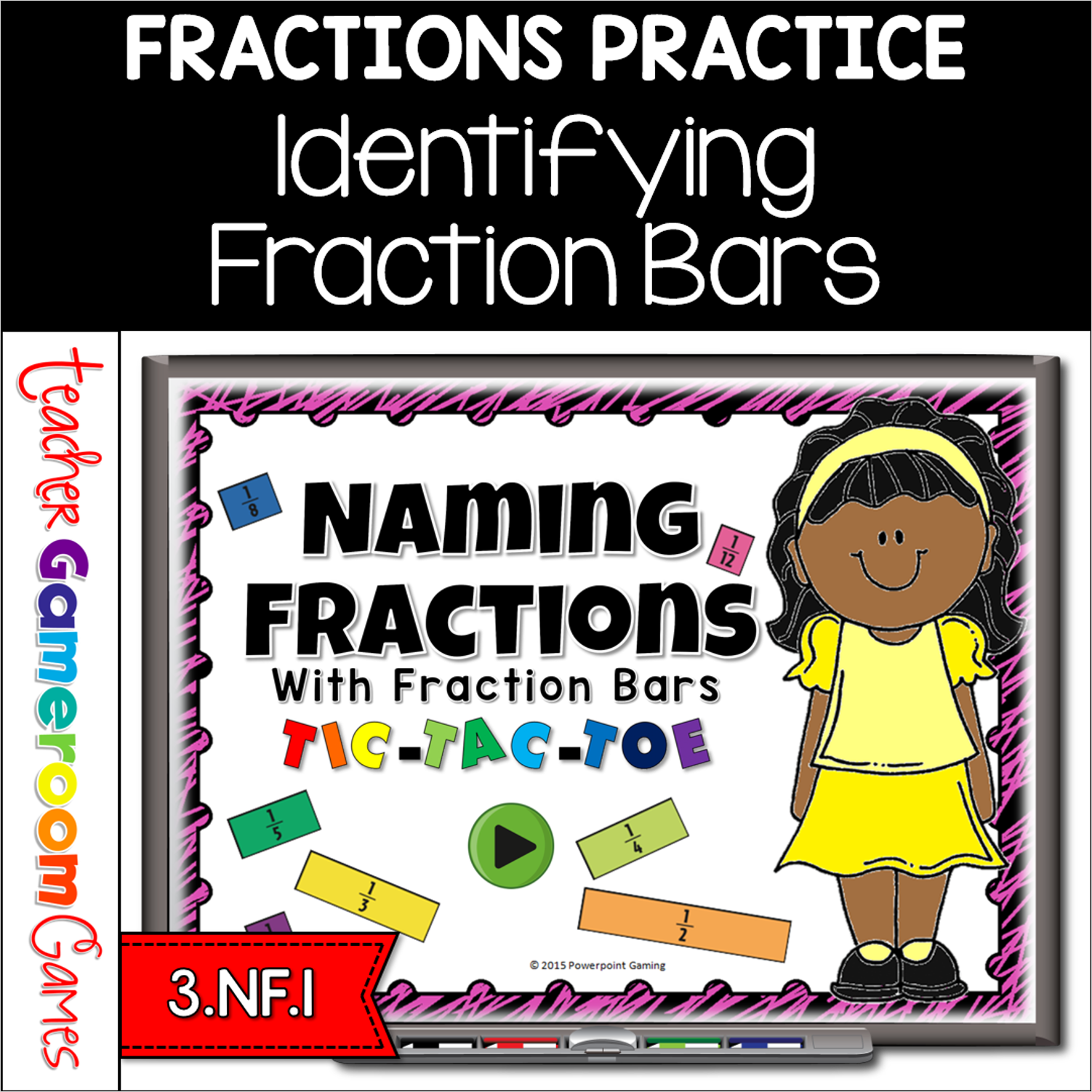
Engage students with this fun, interactive fractions game. In this fun twist on the classic tic-tac-toe game, students must identify fractions when given colored fractions bars. Great for students playing in pairs or small groups. There are 3 games modes: Fractions 1 through 5, fractions 6 through 12, and all fractions (1-12). There are 30 questions in all and you just click on each question to go to it. The question disappears after you’ve clicked on it so you know you’ve answered it. Great for a guided math center or rainy day activity. Great for individual practice on the iPad!
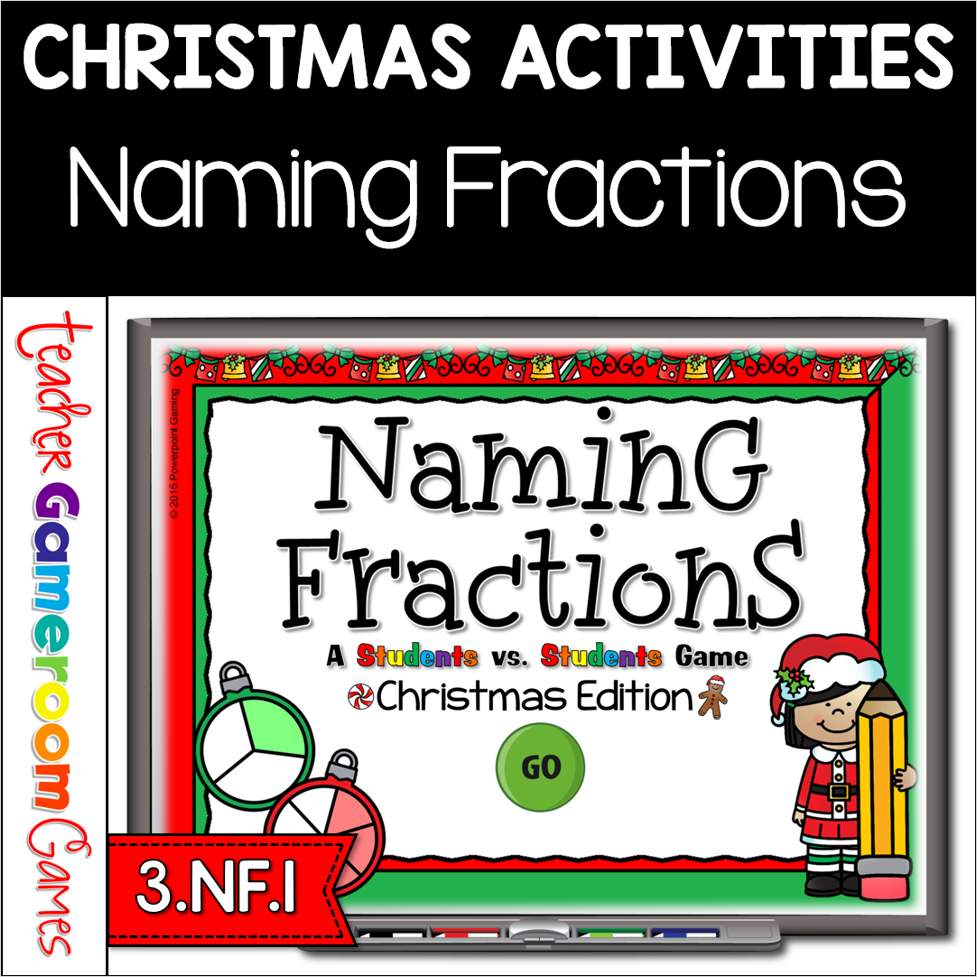
Engage students with this fun, interactive fractions game. In this Christmas themed powerpoint game, students compete against one another as they name fractions. Play with up to 4 teams. Fractions include halves, thirds, fourths, fifths, sixths, and eighths. Great as an introductory game or as an assessment. There are 21 questions in all (including a tie breaker question) and you just click on each question to go to it. The question disappears after you’ve clicked on it so you know you’ve answered it. There are 2 scoreboards: a touch scoreboard (Mac/iPad) and type in scoreboard (PC). The type-in scoreboard allows you to type in scores during Slideshow Mode. Great for a guided math center or Christmas activity. Great for individual practice on the iPad! You can even print the Mac/iPad version and use them as task cards.