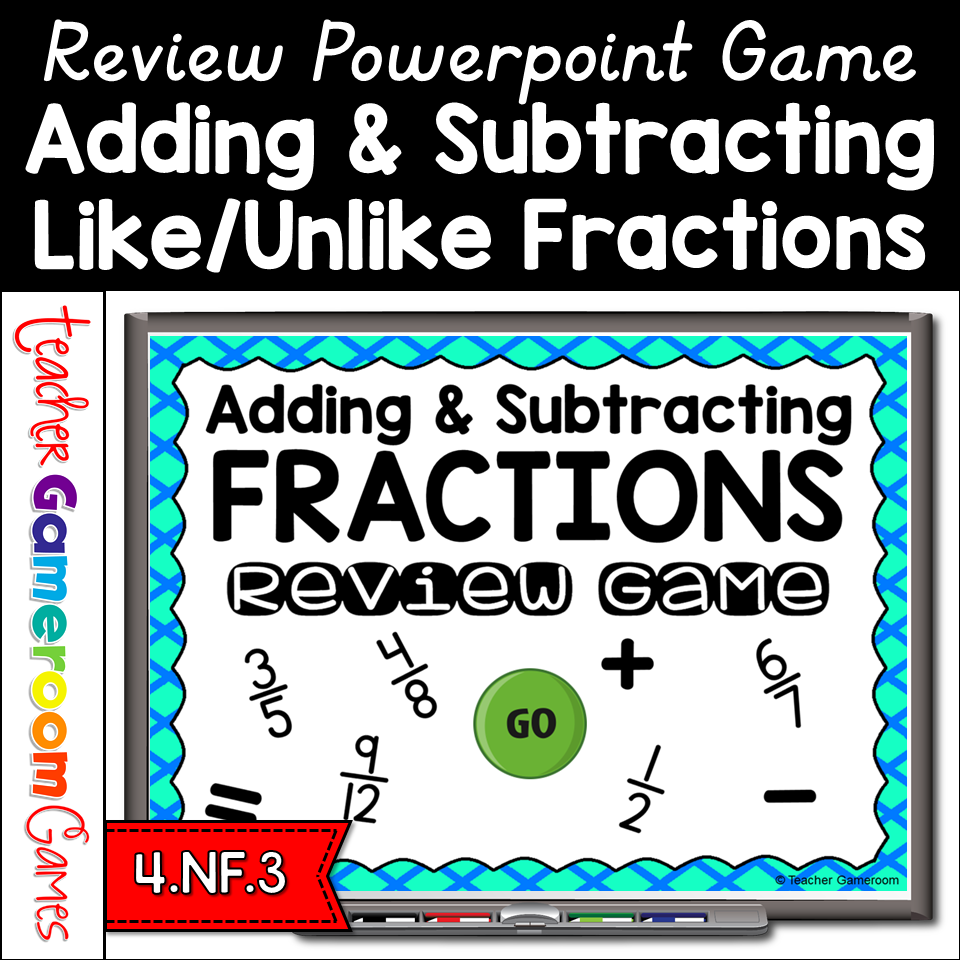
Review Adding and Subtracting like and unlike Fractions with this digital review game. There are 25 questions, and you just click on each question to go to it. The question disappears after you’ve clicked on it, so you know you’ve answered it. You can just click on the team score button to record score. Great for a guided math center or rainy-day activity. Great for individual practice on the iPad! No prep! Just download and play!
Practice place value topics with the PowerPoint review game. This game is just like jeopardy. The questions focus on place value, specifically Numbers and Operations in Base Ten (NBT). There are 6 categories, and you can have up to 5 teams. There are 30 questions in all, and you just click on each question to go to it. The question disappears after you’ve clicked on it, so you know you’ve answered it. The scoreboard allows you to type in scores during Slideshow Mode. Great for math centers activity or as a whole class review before a test. Perfect for zoom meetings during distance learning.
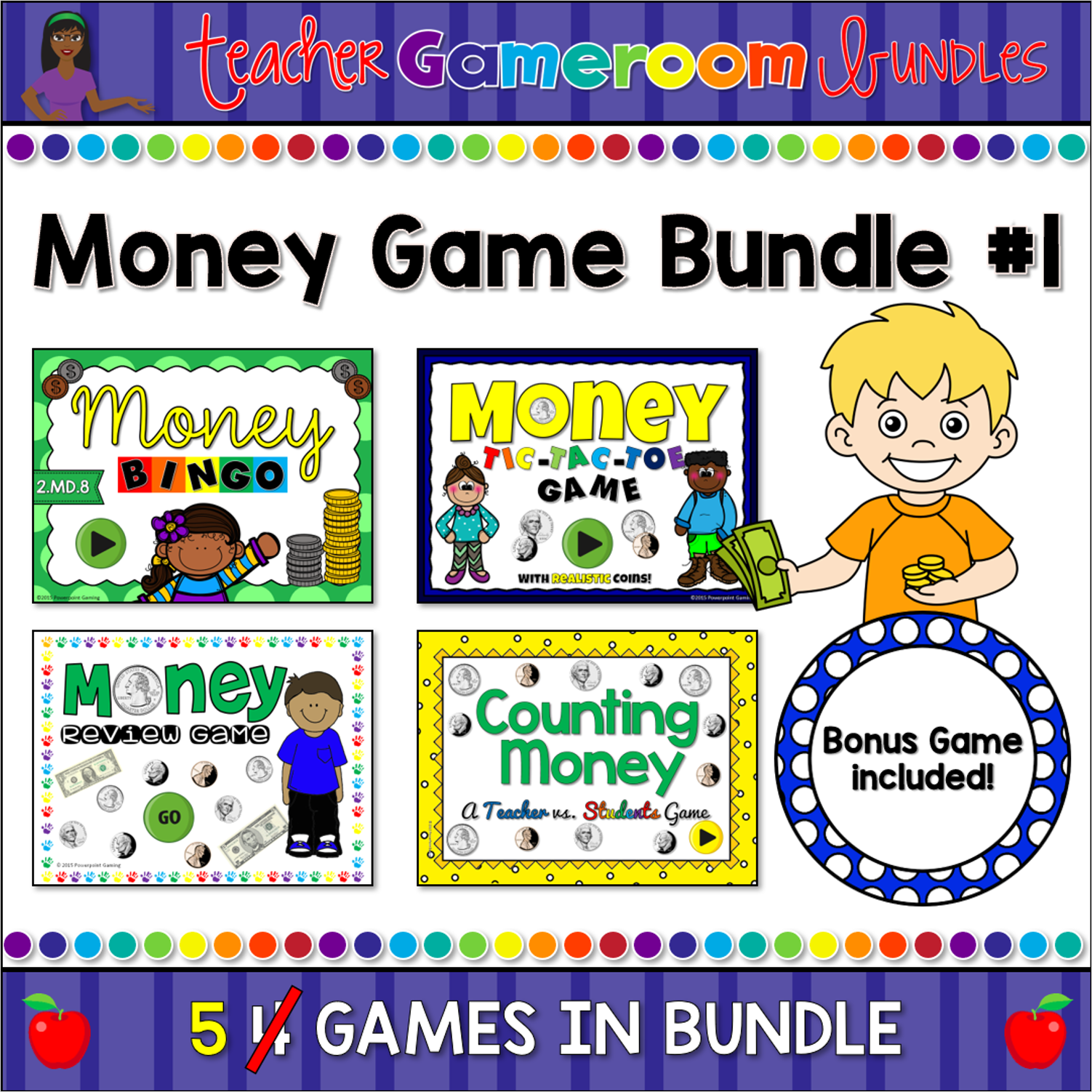
Engage students with this fun, interactive money game bundle. This set includes 4 of my most popular money games into one big set. The games in this set are: Money Review game (a jeopardy style game), Money Bingo (with numerous bingo cards), Money Tic-Tac-Toe (with 3 different games to choose from), and Money Hangman (guess the answer to a funny joke). Each game has at least 20 questions and has a “How to Play” slide. Great for a guided math cente5 or rainy day activity. Great for individual practice on the iPad!
Engage students with this fun, interactive money game. You students will love playing the exciting Jeopardy – style PowerPoint game. Students compete against one another as they answer questions about money. Questions include counting coins and dollar bills, adding and subtracting money, and word problems. There’s also a final question. There are 21 questions and you just click on each question to go to it. The question disappears after you’ve clicked on it so you know you’ve answered it. There are 2 scoreboards: a touch scoreboard and type in scoreboard. The type-in scoreboard allows you to type in scores during Slideshow Mode. Great for a guided math center or rainy day activity. Great for individual practice on the iPad!
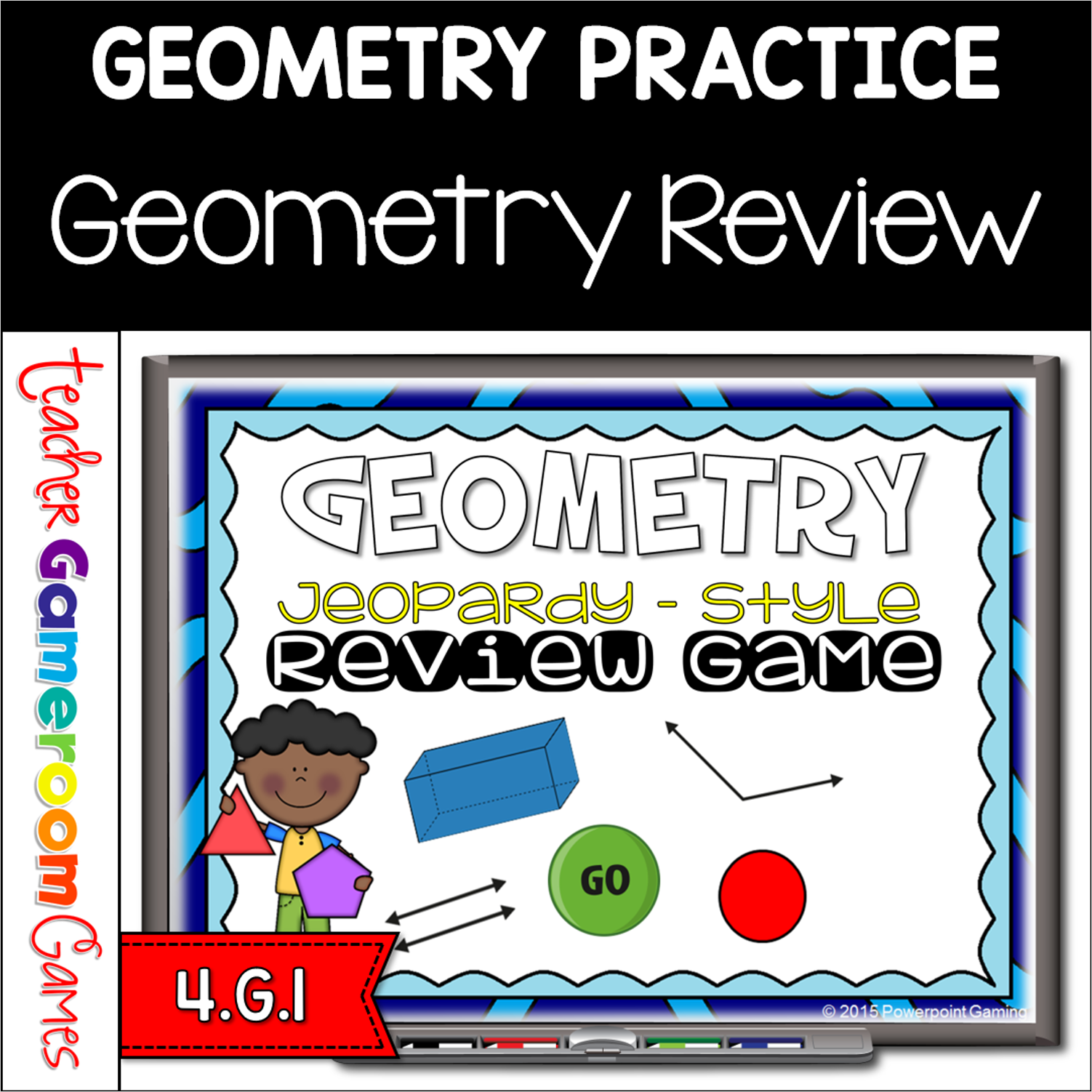
Engage students with this fun, interactive geometry game. This game review geometry topics including 3D shapes, angles, lines, and more. Included is a final question you can edit to meet your needs. There are 30 questions and you just click on each question to go to it. The question disappears after you’ve clicked on it so you know you’ve answered it. This game includes a Type-in Scoreboard. The type-in scoreboard allows you to type in scores during Slideshow Mode. Great for a math center or rainy day activity.
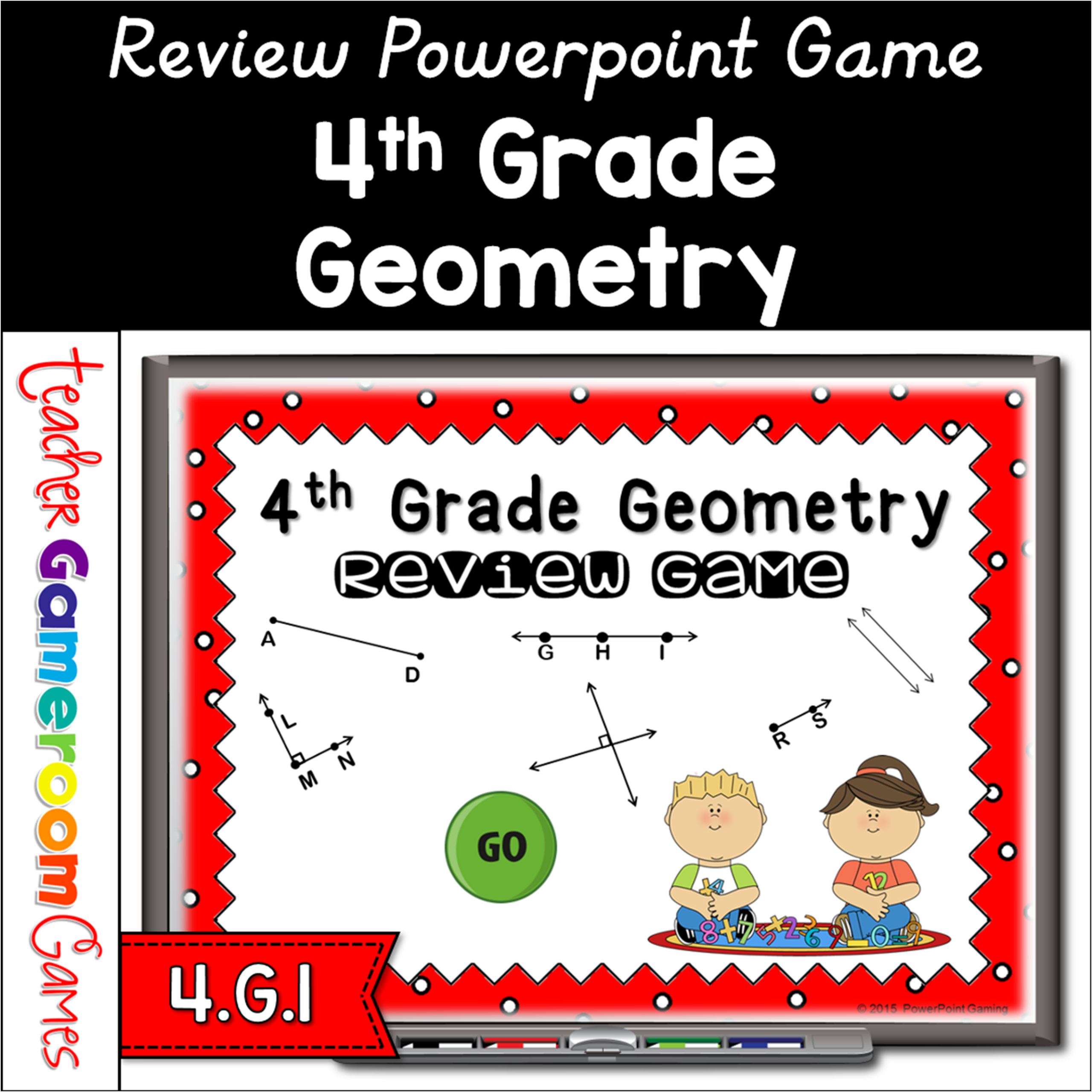
This PowerPoint game is just like Jeopardy. Click on a question and students answer it correctly to get the points. This game caters to 4th grade geometry. Questions include identifying lines, angles, and symmetry. Students will love it. Great for a review before a test and distance learning!!