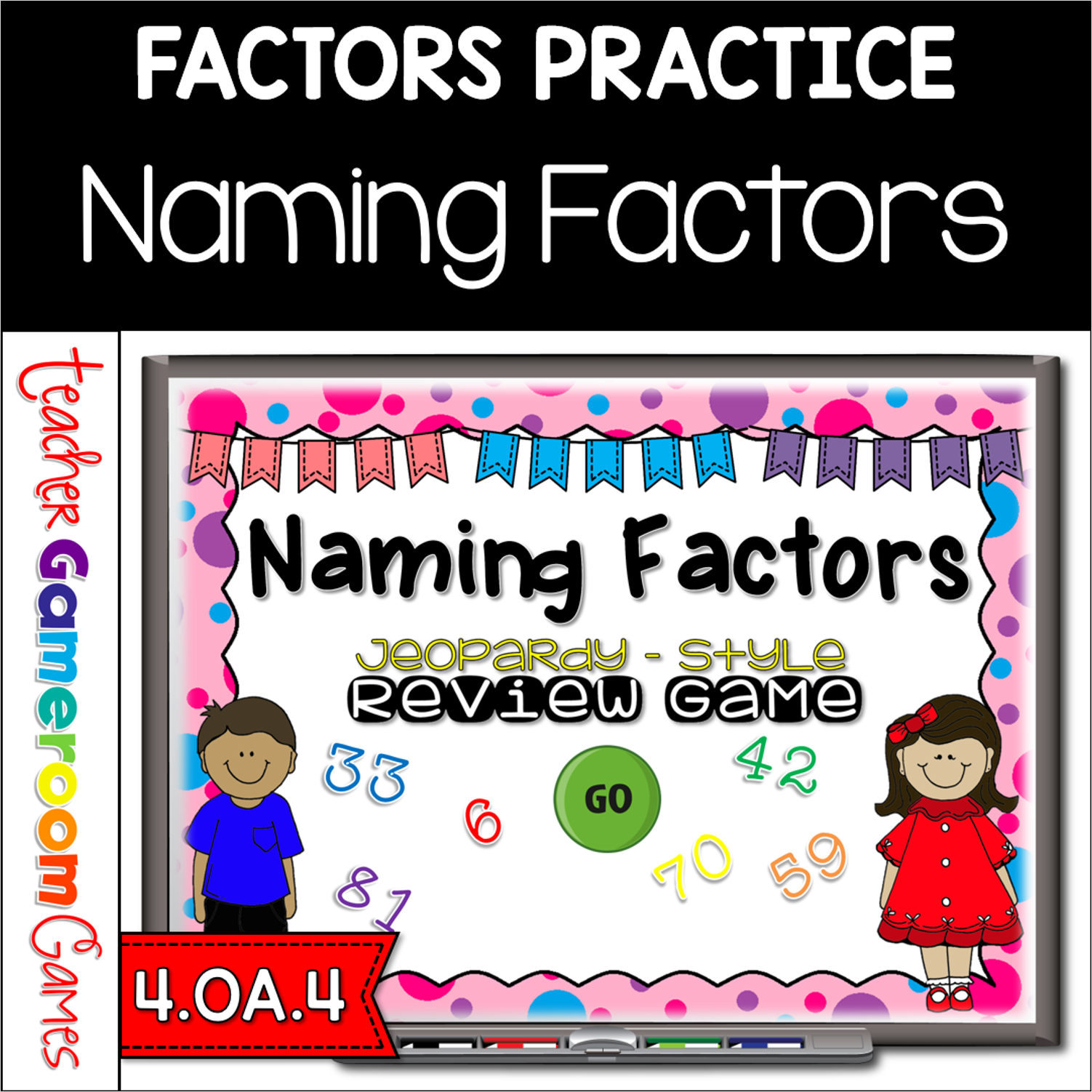
Engage 4th grade students with this fun, interactive math game. In this review powerpoint game, students practice listing the factors for numbers 0 – 100. There are five categories, each being a number range. Students are asked to name 7 or all of the factors.Numbers that have less that 8 factors, students must name them all. Numbers with more that 8 factors must name at least 8. A great game for review before a test. The type-in scoreboard allows you to type in scores during Slideshow Mode. . Great for a multiplication review or math activity. Great for individual practice on the iPad or tablet!
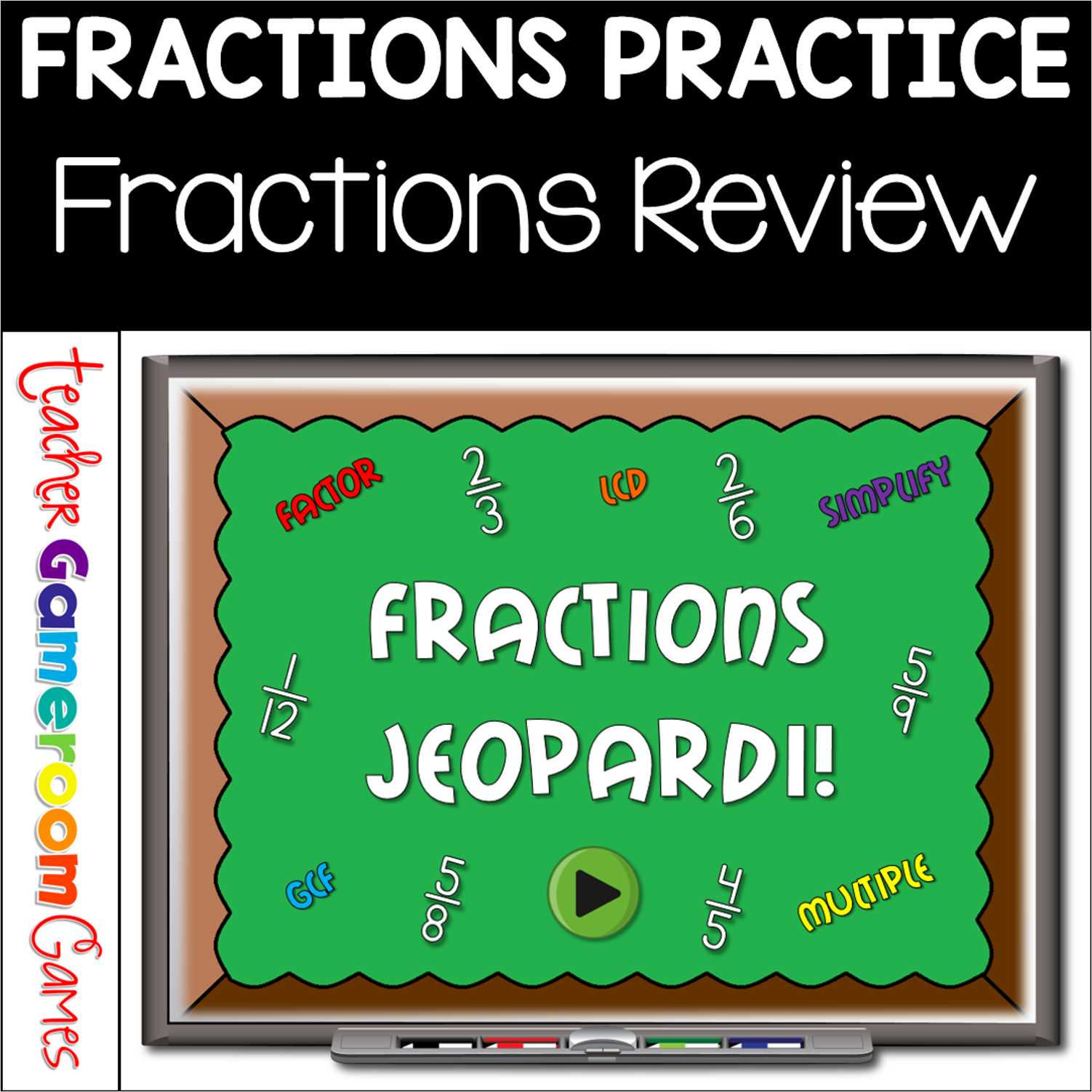
In this digital review powerpoint game, students demonstrate their math skills by practicing their math fluency with factors, multiples, prime, and composite numbers. There are 6 categories for a total of 30 questions. There is a final question for students to solve. Great for review before a test or a rainy day activity. No prep. No clean up.
The powepoint game is just like Jeopardy. Students can be divided into teams and answer questions about time. There are 5 categories with money amounts from $100 to $500. Click on an amount and you will be taken to a question. Students each money for correct answers. Buttons disappear after you have clicked on them. Also, the scoreboard is typable during Slideshow mode. With this game, there is a “Draw the time” category. If you have a clock manipulative, you may need to use it. My students enjoy playing this game very much! Great for a math review or time center activity. Great for individual practice on the iPad or tablet!
This powerpoint game is tons of fun for the entire class. There are 6 categories including word problems . There is also a type in scoreboard. The numbers do disappear as you click on them. Click on the answer button to reveal the answer and click on the scoreboard button to go back to board to see what questions are left. Also includes a Final Jeopardy question with 3 ways to solve it. Great for a guided math center or rainy day activity. Great for individual practice on the iPad!
Practice addition facts with this fun, interactive powerpoint game. In this jeopardy game, students practice counting and addition. There are 6 categories including doubles facts, making 10 to add and more. There are 20 questions in all and you just click on each question to go to it. The question disappears after you’ve clicked on it so you know you’ve answered it. There are 2 scoreboards: a touch scoreboard and type in scoreboard. The type-in scoreboard allows you to type in scores during Slideshow Mode. . Great for a quick ELA morning review or Month activity. This goes with 2nd grade envision math Addition strategies unit.
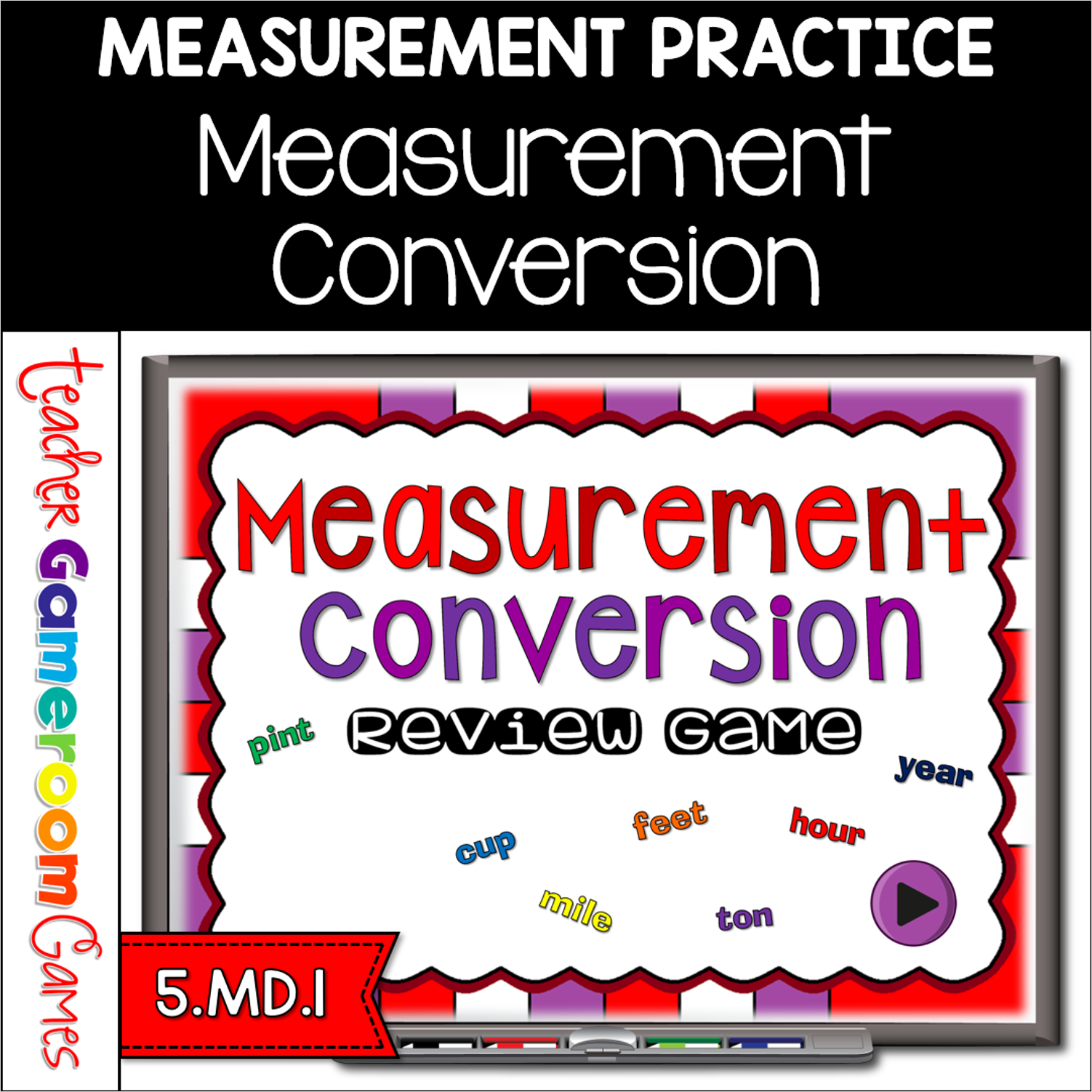
Students must convert different measurements including length, weight, capacity, and time. Students compete against one another groups.. There are 20 questions and you just click on each question to go to it. The question disappears after you’ve clicked on it so you know you’ve answered it. There are 2 scoreboards: a touch scoreboard and type in scoreboard. The type-in scoreboard allows you to type in scores during Slideshow Mode. Great for a guided math center or rainy day activity.