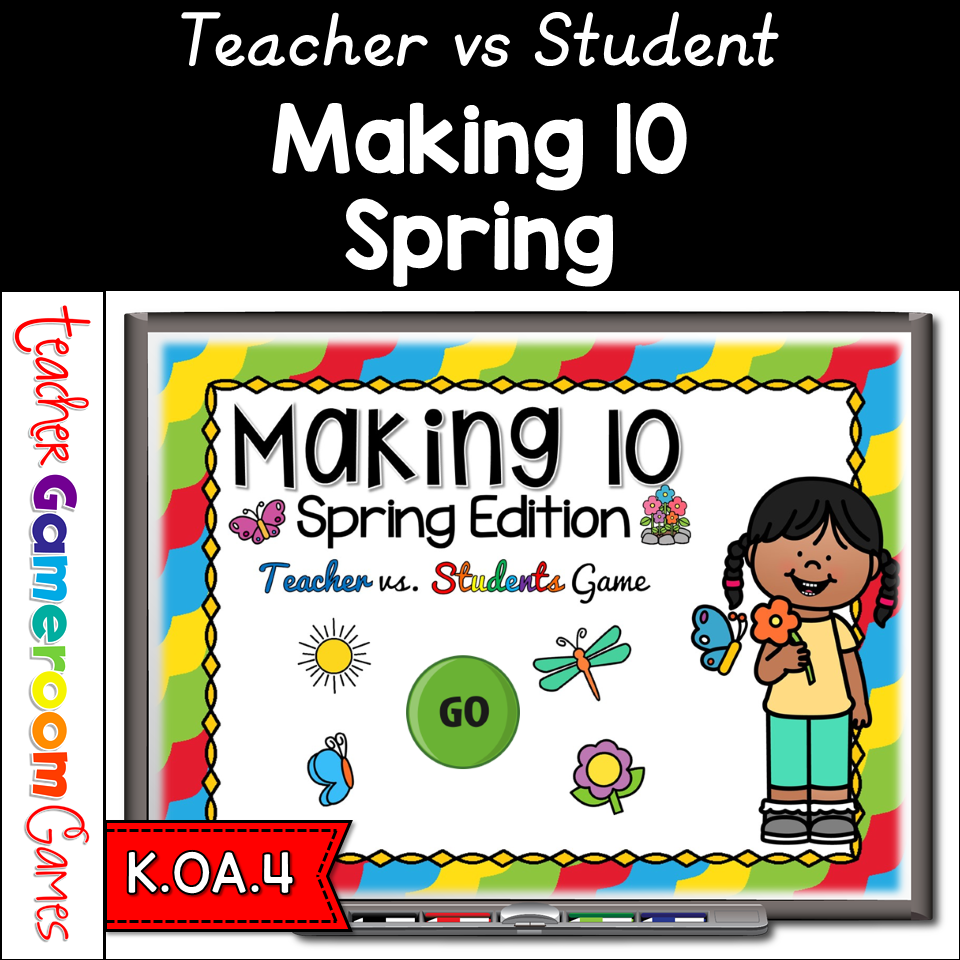
Engage Kindergarten students with this fun, interactive making 10 game. Students use ten frames to determine what numbers is used to make ten. There are 20 questions in all, and you just click on each question to go to it. The question disappears after you’ve clicked on it, so you know you’ve answered it. The scoreboard allows you to type in scores during Slideshow Mode. Great for a quick Math morning review. Great for individual practice on the iPad or tablet!
In this teacher vs student game, students use ten frames to find what makes 10. There are 20 questions in all, and you just click on each question to go to it. The question disappears after you’ve clicked on it, so you know you’ve answered it. The scoreboard allows you to type in scores during Slideshow Mode. Great for a quick Math morning review or Month activity. Great for individual practice on the iPad or tablet!
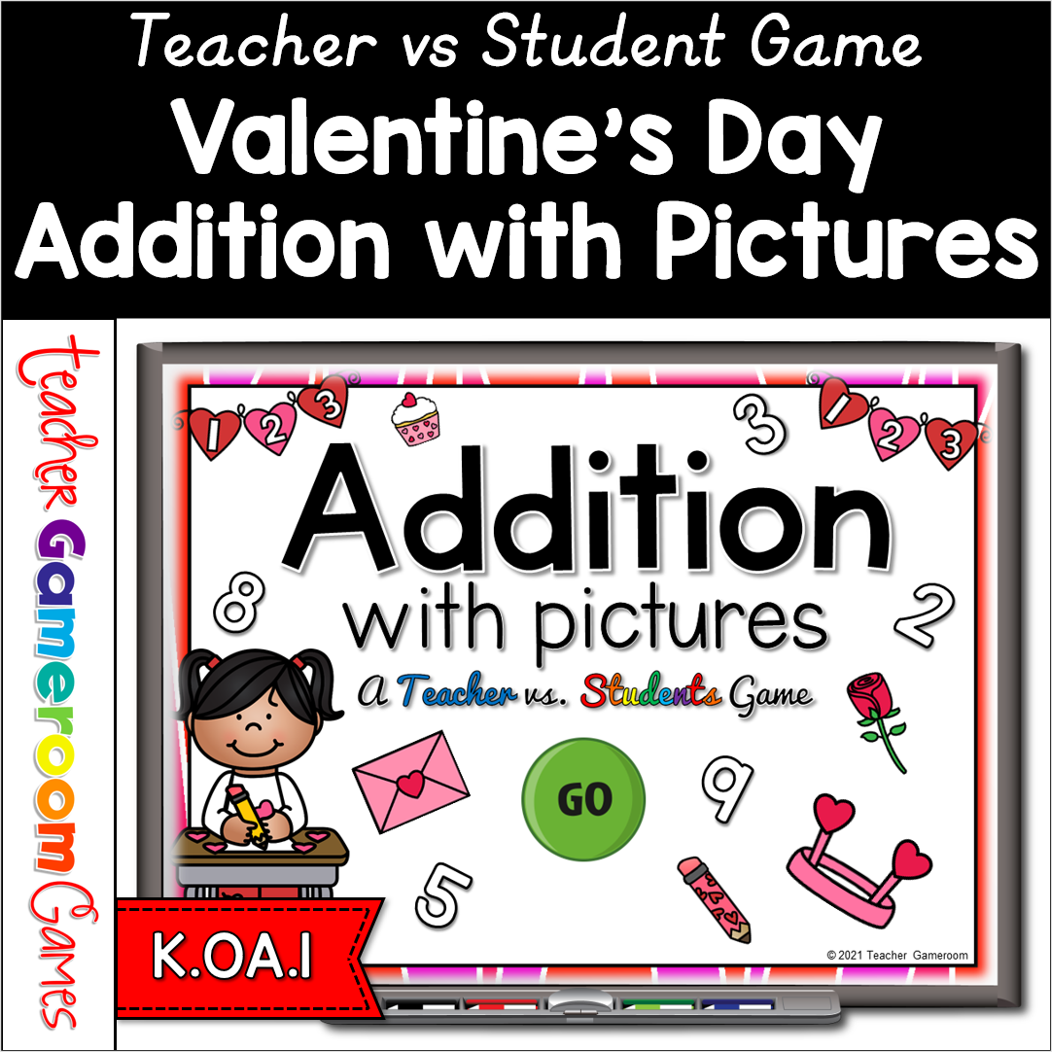
Celebrate Valentine’s Day with this fun, interactive addition PowerPoint game for your kindergartners. Students create an addition equation using the Valentine’s Day objects. There are 26 questions in all (tie breaker question included) and you just click on each question to go to it. The question disappears after you’ve clicked on it, so you know you’ve answered it. The scoreboard allows you to keep track of the score during Slideshow Mode. Great for a quick addition morning review or February activity. Great for individual practice on the iPad or tablet!
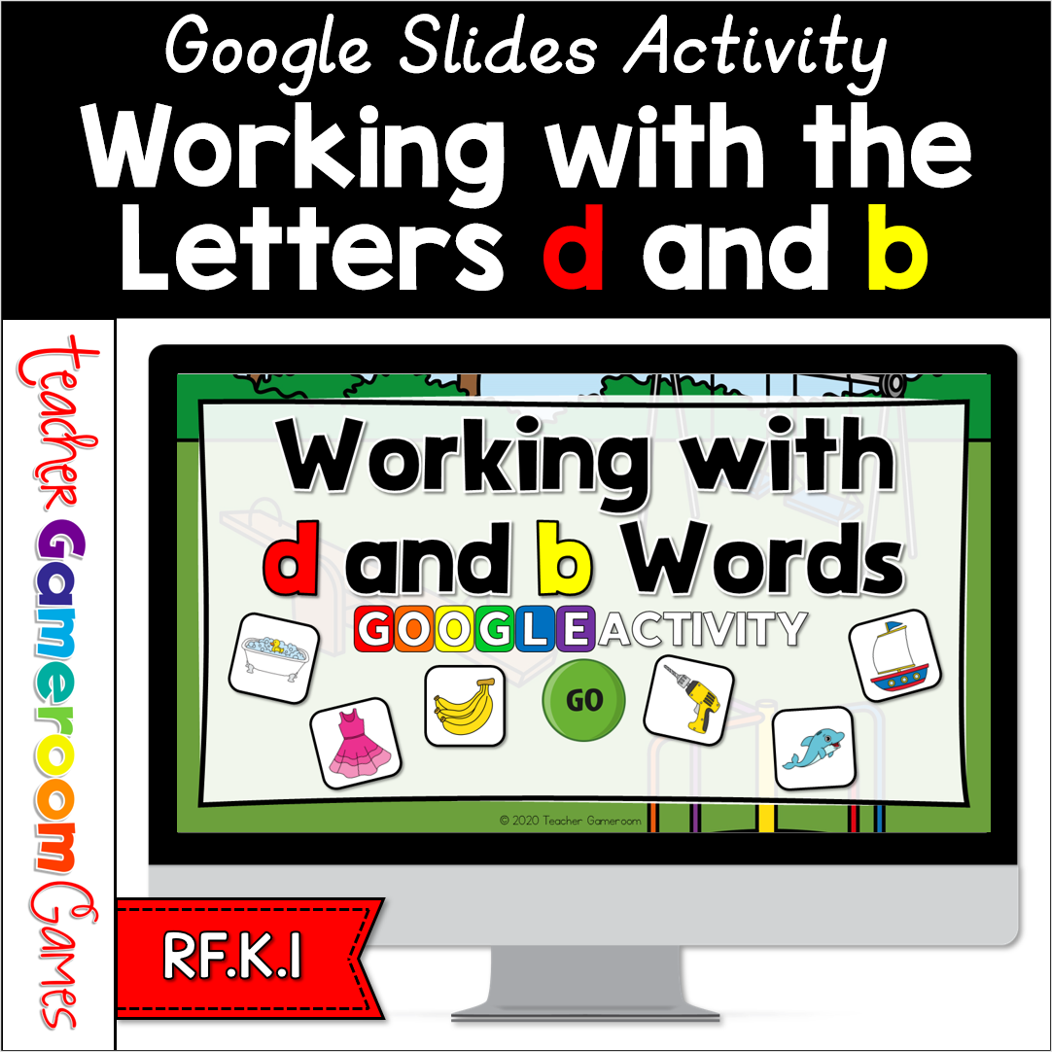
Send this digital activity to your students to practice their letter recognition skills. This game helps students reinforce the position of the letters “b” and “d”. Student spell the word correctly by moving the letter tiles onto the line. There are 20 questions in all, and you just click on each question to go to it. Great for a quick ELA morning review or Month activity. Great for individual practice on the iPad or tablet!
Send this digital self-checking game to your students to practice their alphabet skills. Students give an Uppercase letter and they must choose their match. There are three (3) choices to choose from. Checks (✔️) will appear for correct answers and X’s will appear for incorrect answer. There are 26 questions in all, one for each letter. You just click the next button to go to the next question or the back button to go to the previous question. Feel free to send this to your students or upload to password-protected websites. Great for a quick ELA morning review or center activity. Great for distance learning on computers or tablets!
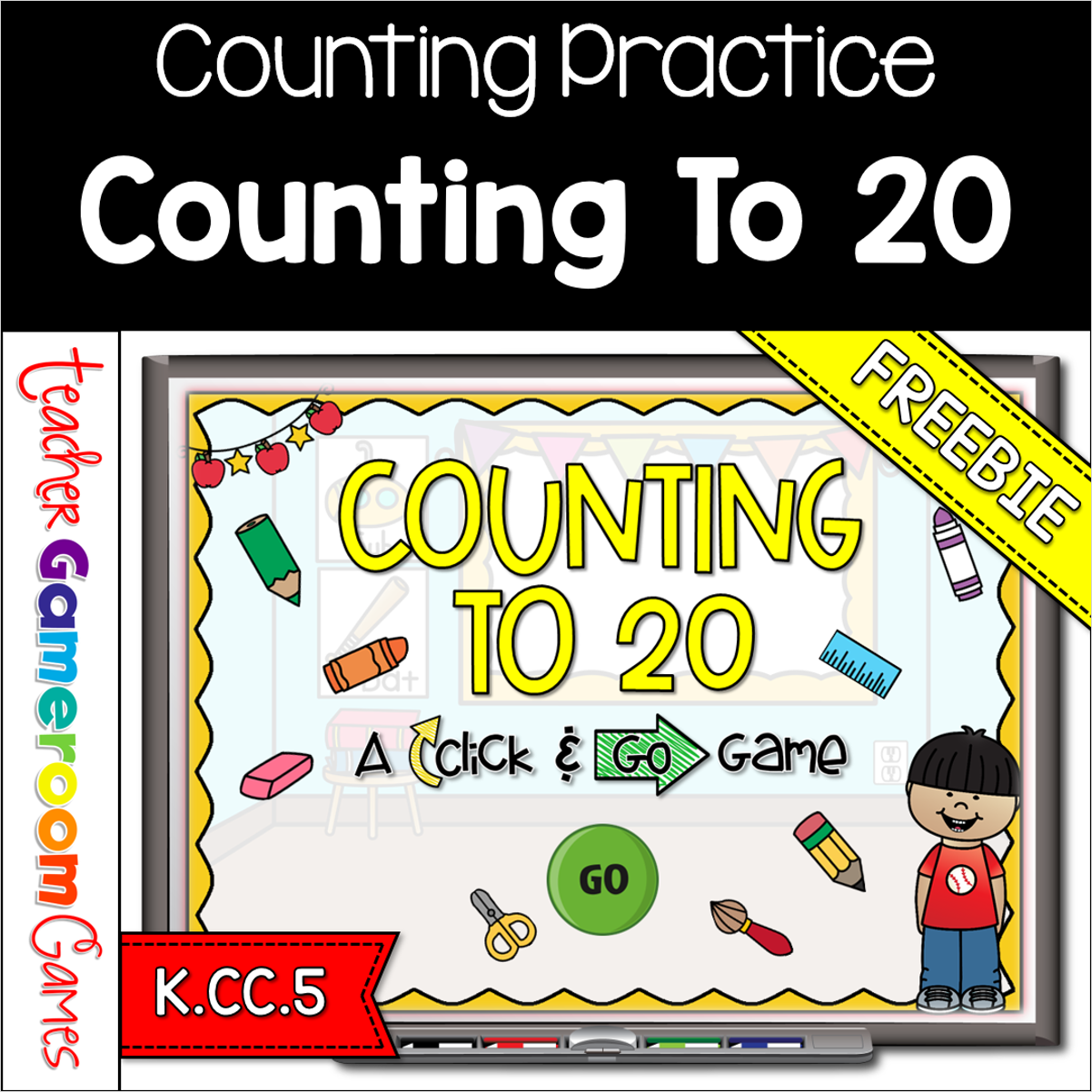
Engage kindergarten students with this fun, interactive counting game. In this click and go PowerPoint game, students count schools supplies in mixed bunches and in lines. This includes crayons, markers, erasers and more. There are 20 questions in all, and you just click “ANSWER” to reveal the answer and then click “NEXT” to go to the next question. Great for a quick morning review or math center activity. Great for individual practice on the iPad or tablet!