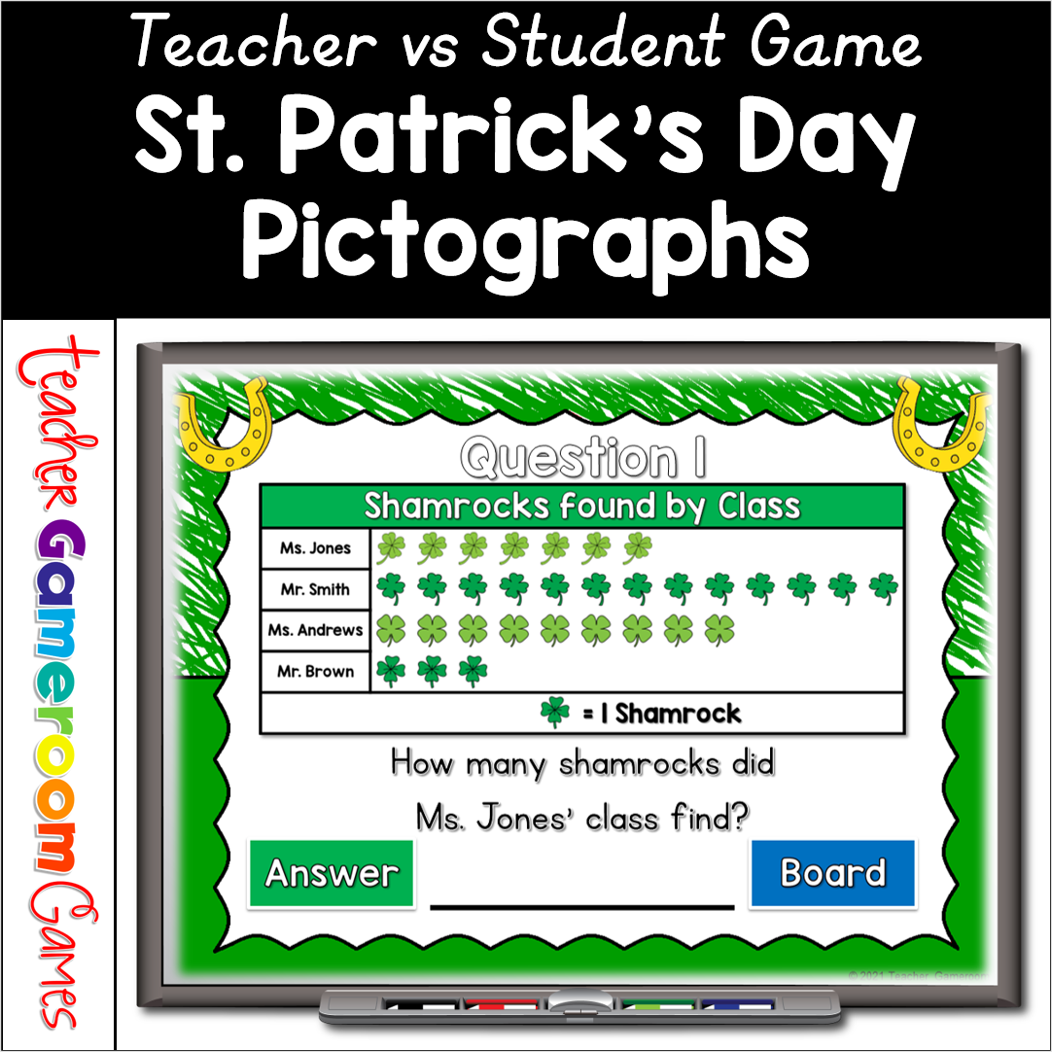
Celebrate St. Patrick’s Day with this fun, interactive pictographs game for your students. In this teacher vs student PowerPoint game, students answer questions about 4 St. Patrick’s day themed picture graphs. There are 20 questions in all, and you just click on each question to go to it. The question disappears after you’ve clicked on it, so you know you’ve answered it. The scoreboard allows you to keep score during Slideshow Mode. Great for a quick pictographs review or February activity. Great for individual practice on the iPad or tablet!
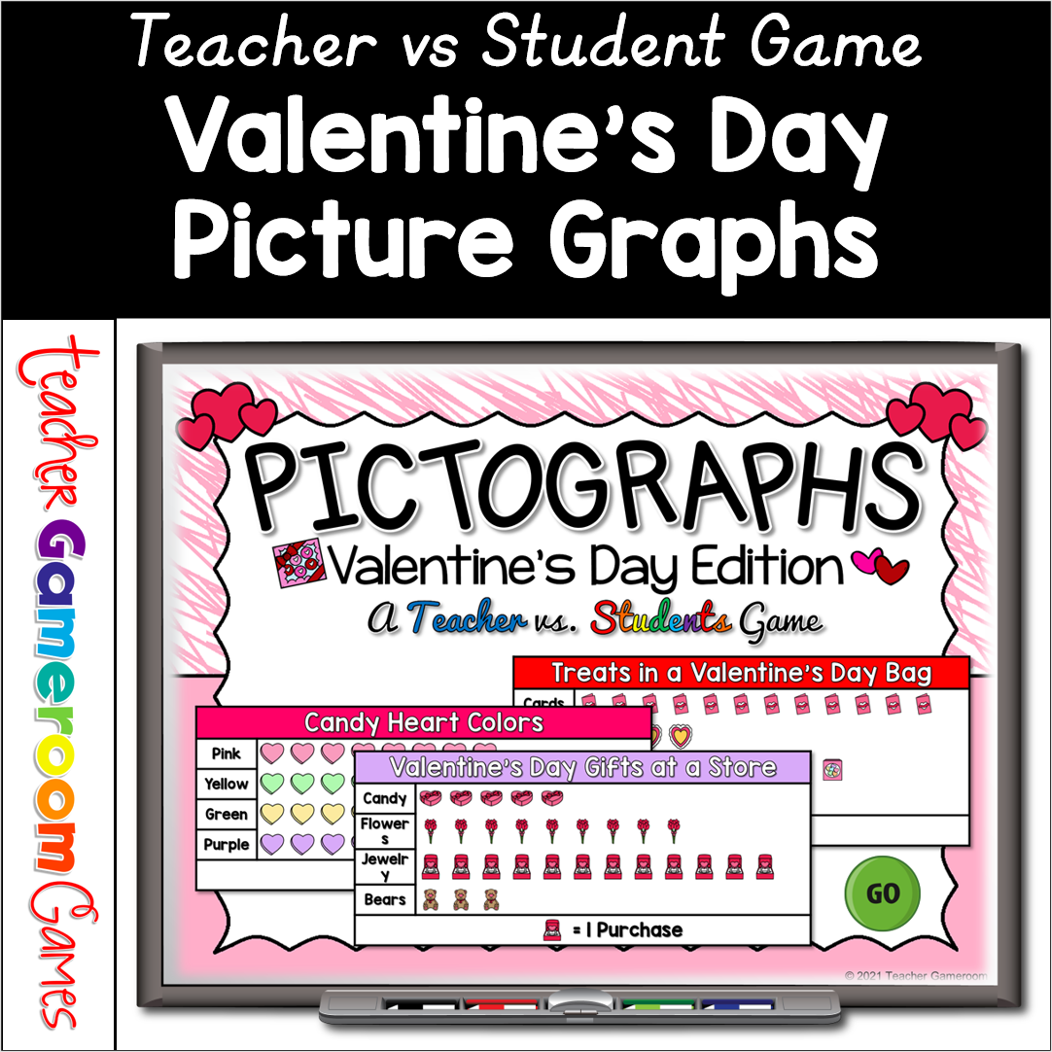
Celebrate Valentine’s Day with this fun, interactive pictographs game for your students. In this teacher vs student PowerPoint game, students answer questions about 4 Valentine’s Day themed picture graphs. There are 20 questions in all, and you just click on each question to go to it. The question disappears after you’ve clicked on it, so you know you’ve answered it. The scoreboard allows you to keep score during Slideshow Mode. Great for a quick pictographs review or February activity. Great for individual practice on the iPad or tablet!
Engage 1st grade students with this fun, interactive time game. Students tell time on analog clocks to the nearest half hour (ex 1:30 or 1:00). Like traditional task cards, these task cards are digital and can be used on iPads, tablets, and other mobile devices that have Microsoft Powerpoint (just powerpoint viewer). Students answer the question on each card and record the answer on a recording sheets (included). Questions include analog clicks with time for every half hour. No cards to print and cut out. Just print the recording sheet and make copies or have students use their paper. Great for morning work or math centers. Extra licenses are $1.50.
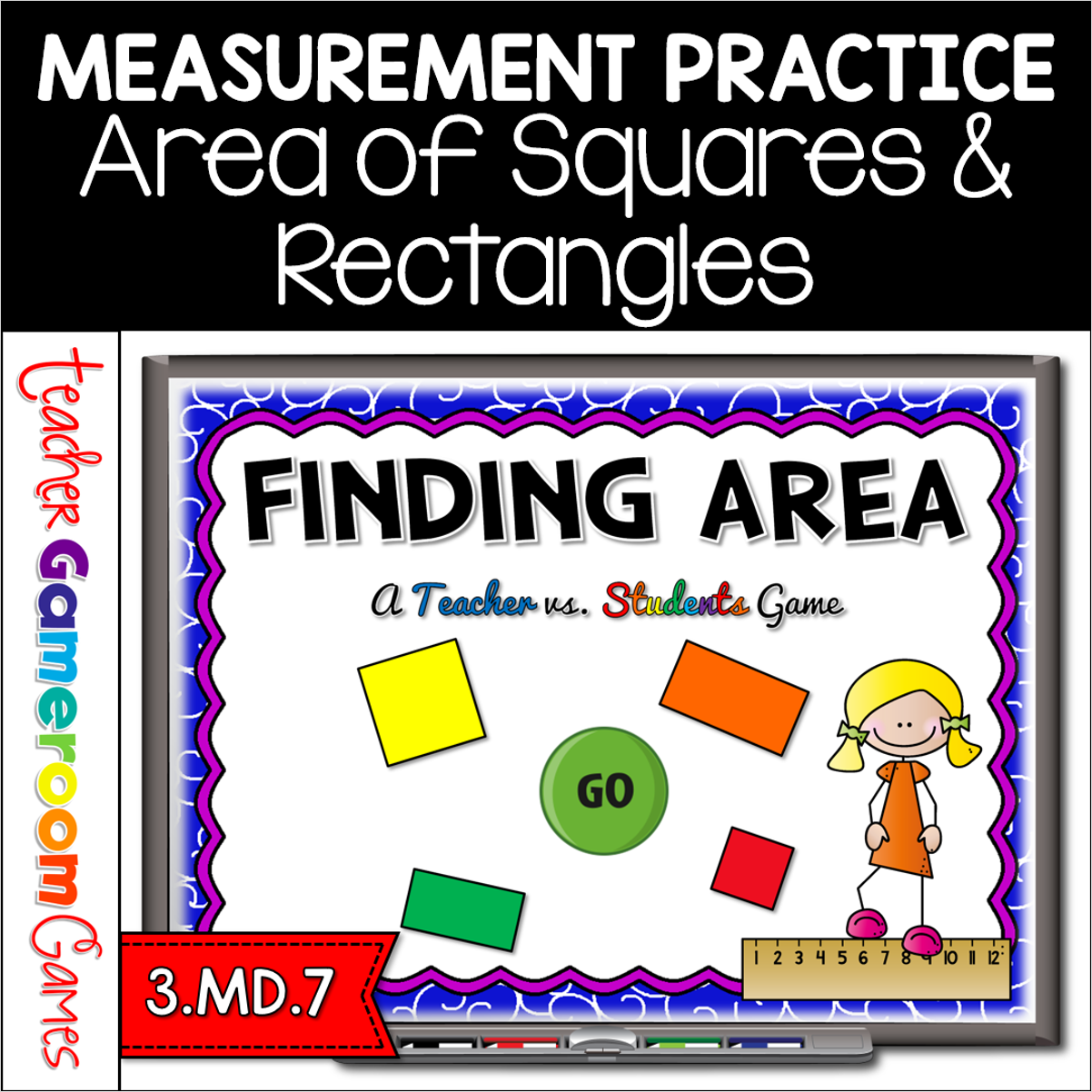
Engage 3rd grade students with this fun, interactive area game. In this teacher vs student PowerPoint game, students find the area of squares and rectangles. Perfect for using the formula: Length x width (L x W). There are 26 questions in all, and you just click on each question to go to it. The question disappears after you’ve clicked on it so you know you’ve answered it. There are 2 scoreboards: a touch scoreboard and type in scoreboard. The type-in scoreboard allows you to type in scores during Slideshow Mode. Great for a quick math morning review or measurement activity. Great for individual practice on the iPad or tablet!
Reinforce measurement skills with this comparing lengths worksheet. Students look at 3 objects and color the object that is tallest or shortest. Includes 4 worksheets: 1 Color-the-shortest, 1 color-the-tallest, and 2 mixed review. Answer key is included. Great for a morning work or center activity.
Engage first grade students with this fun, interactive activity. In this google slides activity, students place clip art of skyscrapers in order from shortest to tallest and tallest to shortest. Each activity has 10 to 20 questions. Great for a whole class review or math center activity. Great for individual practice on the iPad or tablet! Extra licenses are $2.50.