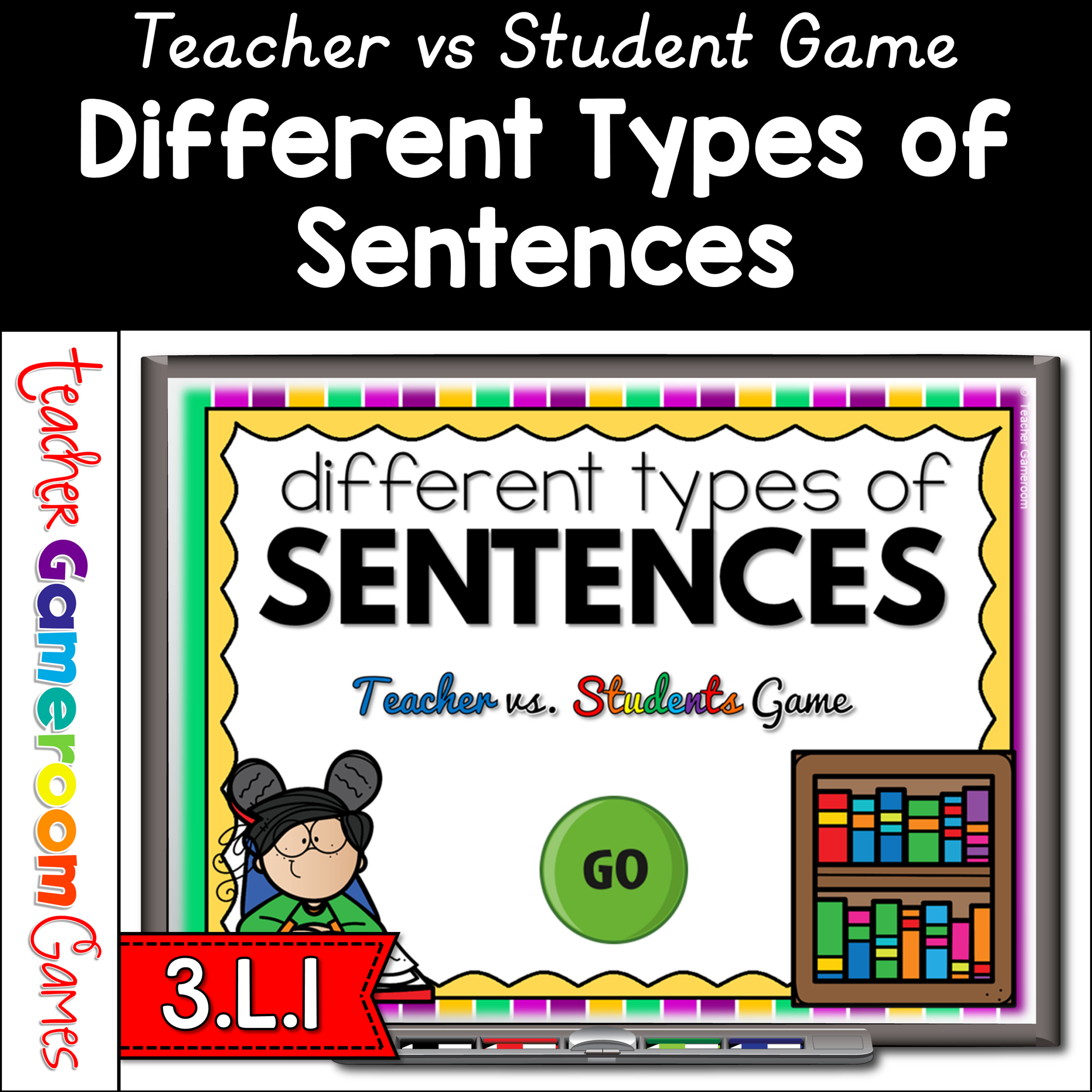
Practice identifying different types of sentences with this interactive game. In this Teacher vs Student game, students read sentence and determine what type of sentence it is. Students compete against the teacher to win the most points. There are 20 questions in all, and you just click on each question to go to it. The question disappears after you’ve clicked on it, so you know you’ve answered it. The scoreboard allows you to type in scores during Slideshow Mode. Great for a quick ELA morning review or Month activity. Great for individual practice on the iPad or tablet!
Engage students with this fun, interactive geometry game. Students compete against one another as the name the faces, edges, and vertices of 3D shapes. Questions are for either the number of faces, edges, or vertices of different shapes such as a cube, rectangular prism, and more. There are 20 questions and you just click on each question to go to it. The question disappears after you’ve clicked on it so you know you’ve answered it. There are 2 scoreboards: a touch scoreboard and type in scoreboard. The type-in scoreboard allows you to type in scores during Slideshow Mode. Great for a guided math center or rainy day activity. Great for individual practice on the iPad!
Missed my session from the 2020 TPT conference? Now you can have access to all the tips and tricks to help you build your resources in Microsoft Powerpoint! In this interactive video, watch I as show you basic tips and tricks for using Powerpoint to create resources. You can follow along and create your own resources as there are pauses in the video that allow you to stop and try the tricks yourself.
Topics include:
✏️ Tools to use to Create/Update a product
✏️ Using Animations and Transitions
✏️Different Pages in a resource (Terms of use, Credits, Ads Page, etc.
✏️ Using The Slide Master
✏️ Working with Fonts and Clip Art
✏️ Using and Creating your own Templates
TPTforward21 Missed my session from the 2021 TPT conference? Now you can have access to all the tips and tricks to help you build your resources in Microsoft Powerpoint! In this interactive video, watch as I show you even more tips and tricks for using Powerpoint to create resources. Watch on another device and try these tips that will definitely increase productivity!
Topics include:
✏️ Customizing Tabs in Powerpoint
✏️ Using Guidelines and Rulers
✏️ Adding and Creating New Shapes
✏️ Flattening a Resources
✏️ Adding a Landscape and Portrait Worksheet in one PDF
✏️ Photo Editing and using Photo Album
✏️ Making Videos, PNGs, and Gifs
Practice identifying lowercase and uppercase letters in this interactive tic-tac-toe game for smartboards. Students identifying uppercase and lowercase versions of the letter “A”. Includes 4 games to choose from and games automictically reset. Great for a quick ELA morning review or Month activity. Great for individual practice on the iPad or tablet!
Practice dividing whole numbers by unit fractions. This powerpoint allows students to play in teams as they divide whole numbers by unit fractions (1/#). There are 26 questions in all, including a tie breaker question, and you just click on each question to go to it. The question disappears after you’ve clicked on it, so you know you’ve answered it. The scoreboard allows you to type in scores during Slideshow Mode. Great for a math review before a test or assessment. Great for individual practice on the iPad or tablet!