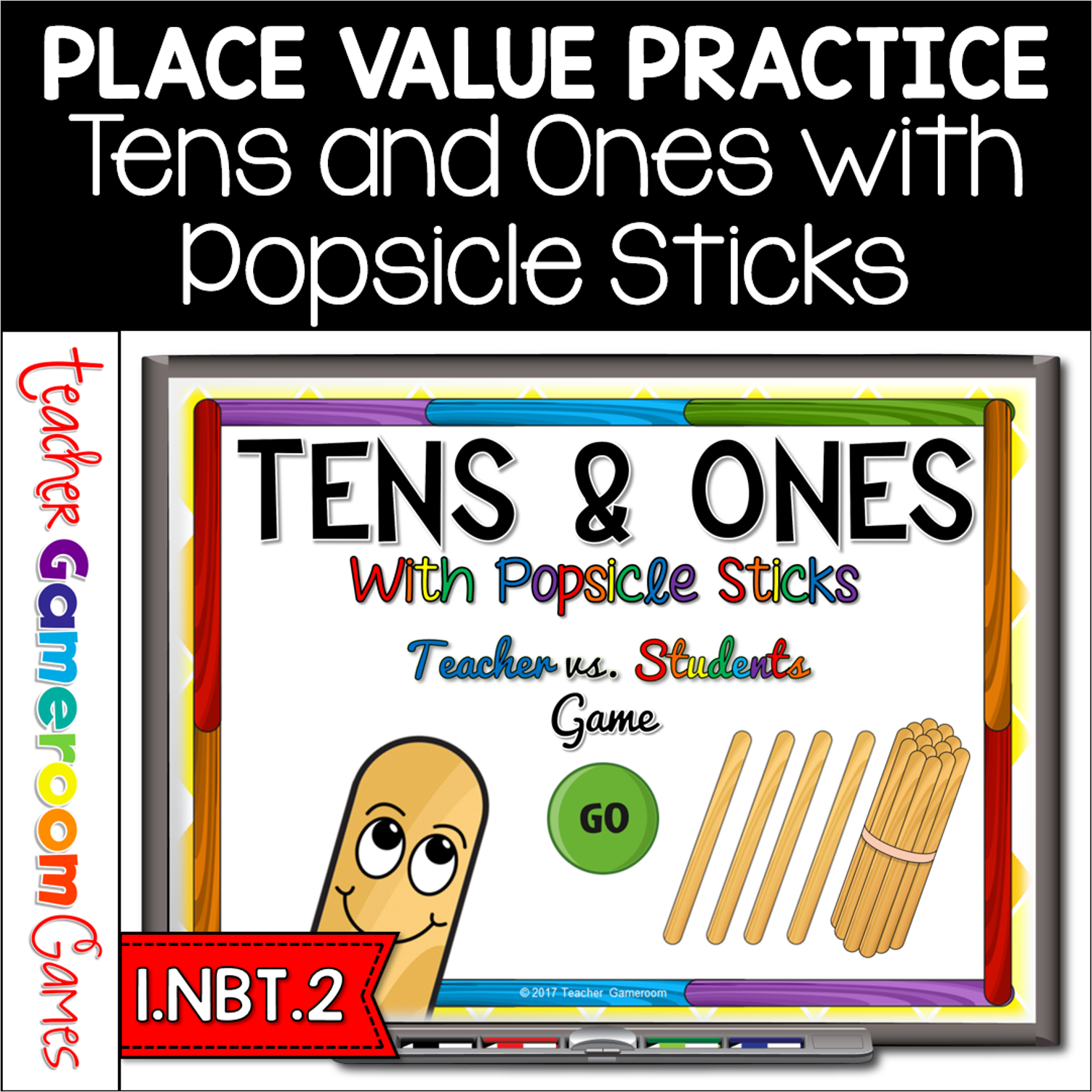
Engage students with this fun, interactive math game. In this teacher vs. student game, students name the tens and ones when given a number popsicle sticks. There are individual sticks, representing ones, and bundles of 10 sticks, representing tens. There are 20 questions and you just click on each question to go to it. The question disappears after you’ve clicked on it so you know you’ve answered it. There are 2 scoreboards: a touch scoreboard and type in scoreboard. The type-in scoreboard allows you to type in scores during Slideshow Mode. Great for a guided math center or rainy day activity. Great for individual practice on the iPad! Extra licenses are $1.25.
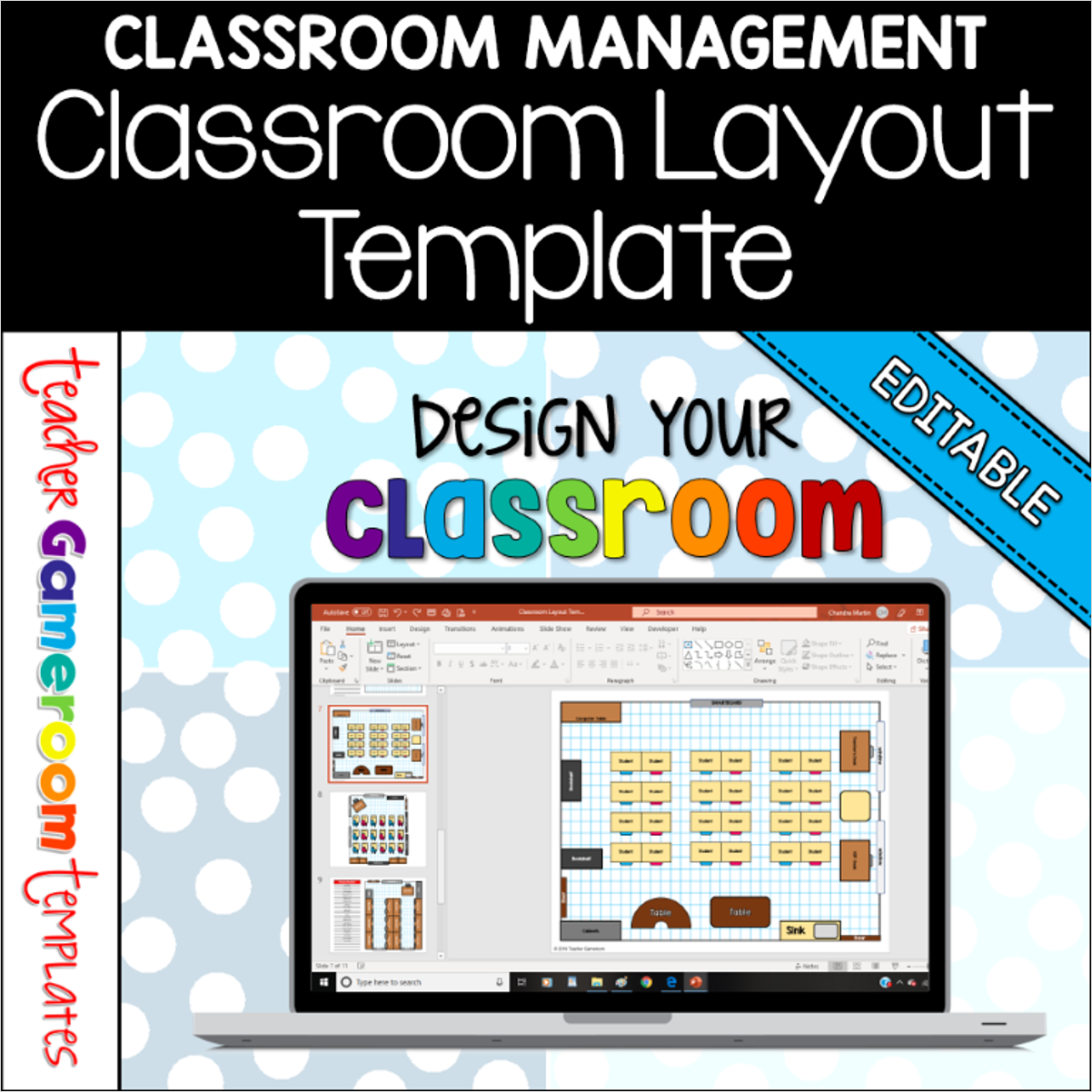
Arrange student desks and the furniture in your classroom with the digital classroom layout and seating chart. Moveable clip art allows you to design your classroom and add names to student’s desks. Includes desks, tables, bookshelves, numerous types of boards, and more. Create multiple layouts for multiple classes. Great for all grades and classroom of various sizes!
The perfect game for indoor recess! No supplies. No mess! No clean up. “Four Corners” is a classic rainy-day game. Now it’s digital! In this game, “Four Corners”, one student is the caller. Students pick one of 4 corners labeled around the room. The caller picks a corner and students in that corner is out. The game continues like this until 3 or less students are left. The caller then picks more than one corner (or pick a winning corner) and the student left is the winner.
This version is digital with a 10 second clock and random number picker. Now EVERY student can play and has a chance to win. Works with PC, Macs, and Google Slides and is editable. Great for indoor recess or brain break activity.
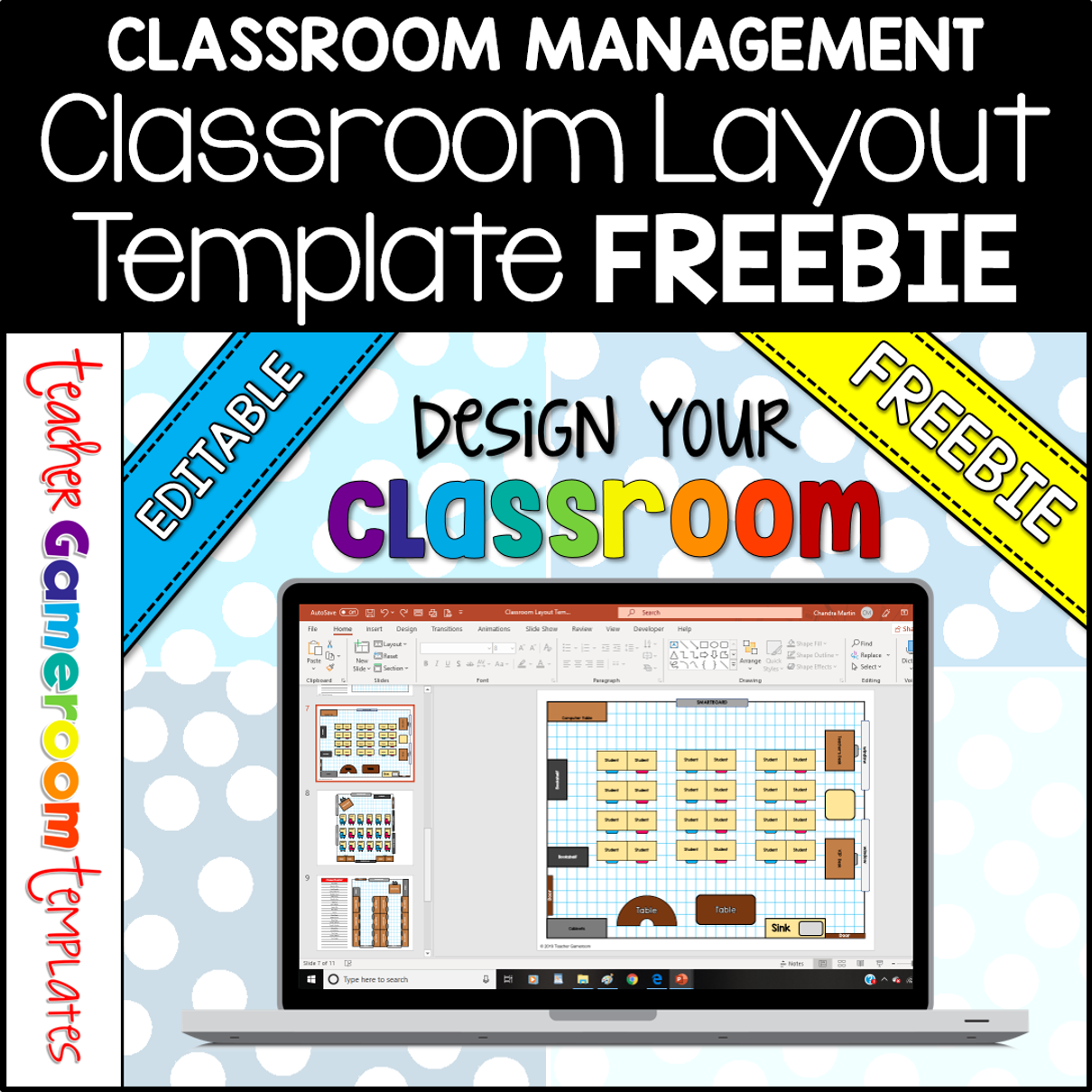
FREE – Arrange students’ desks and the furniture in your classroom with the digital classroom layout and seating chart. Moveable clip art allows you to design your classroom and add names to student’s desks. Create multiple layouts for multiple classes. Great for all grades and classroom of various sizes!
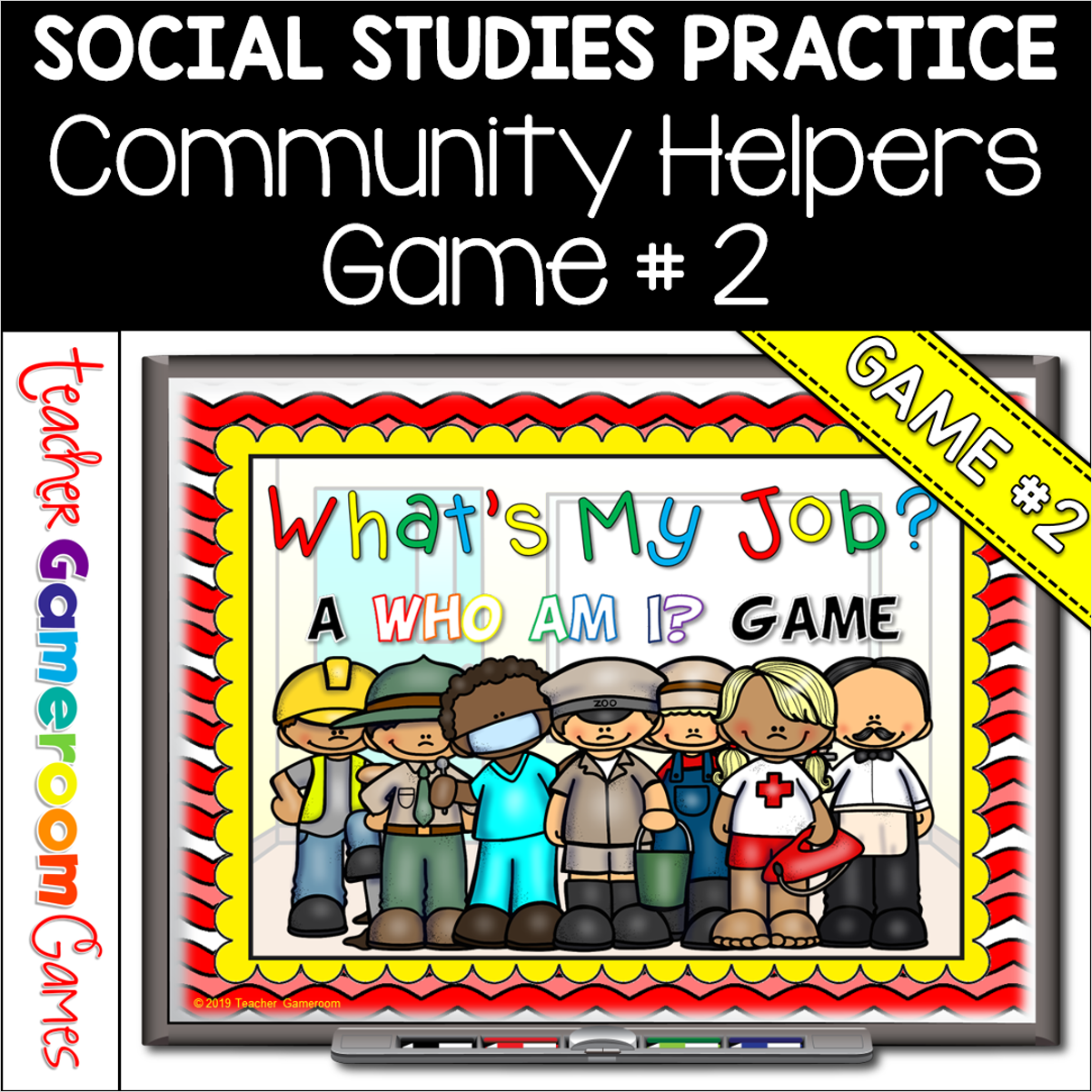
Engage students with this fun, interactive community helpers game. In this “Who am I” game, students must guess the community worker. There are 10 questions and you just click on each question to go to it. Each question has 3 clues and student have to guess which community helper it describes. Clues include tools they may use, what they do, and where they may work. Great for a whole class review or rainy day activity. Great for individual practice on the iPad!
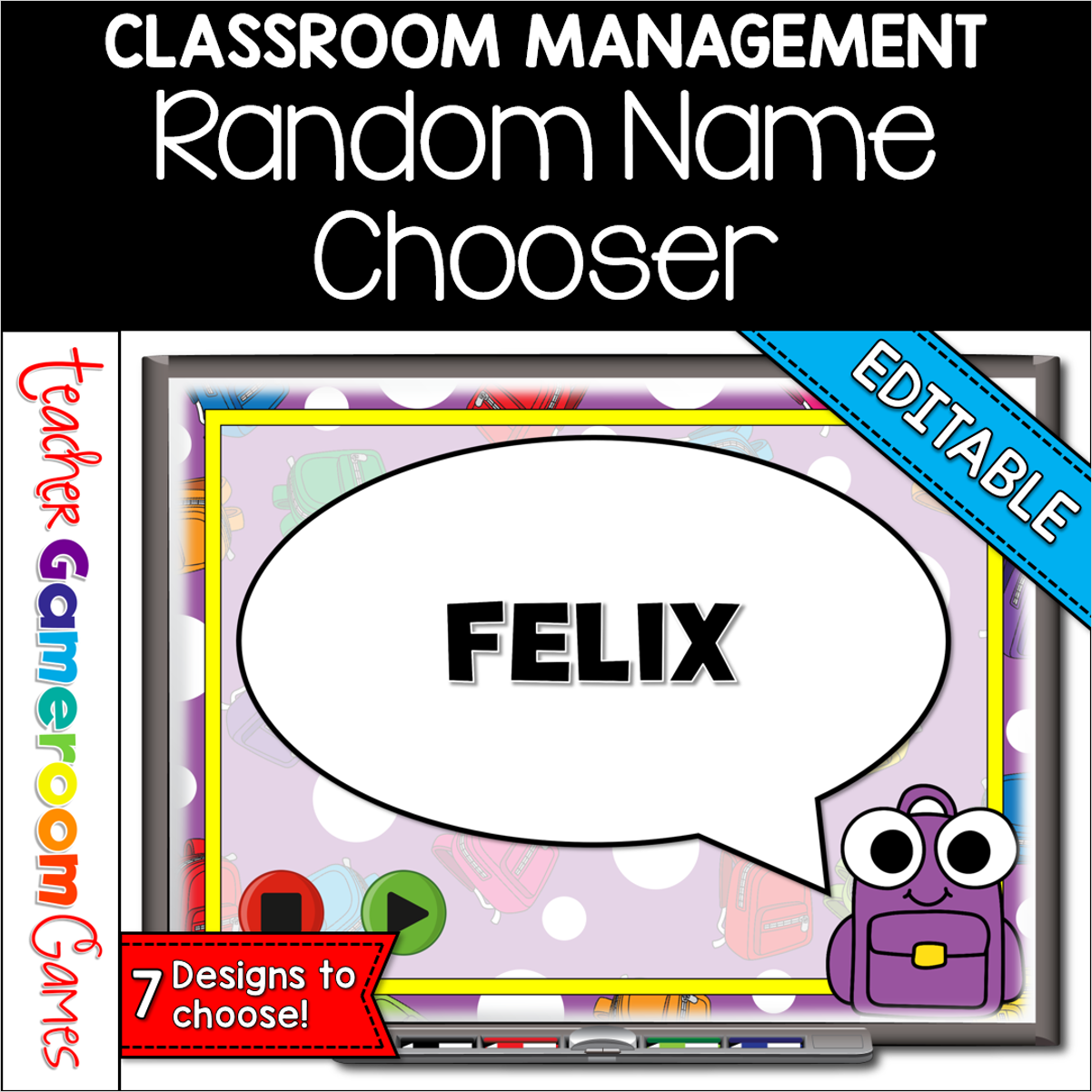
Need an easier way to choose a random student? This digital random name picker is perfect for you. Add a student’s name to each slide then play! The Powerpoint will choose a random student! There are 7 designs to choose from! Perfect for any elementary classroom and works on any device that is Powerpoint enabled. Great for reviewing activities.