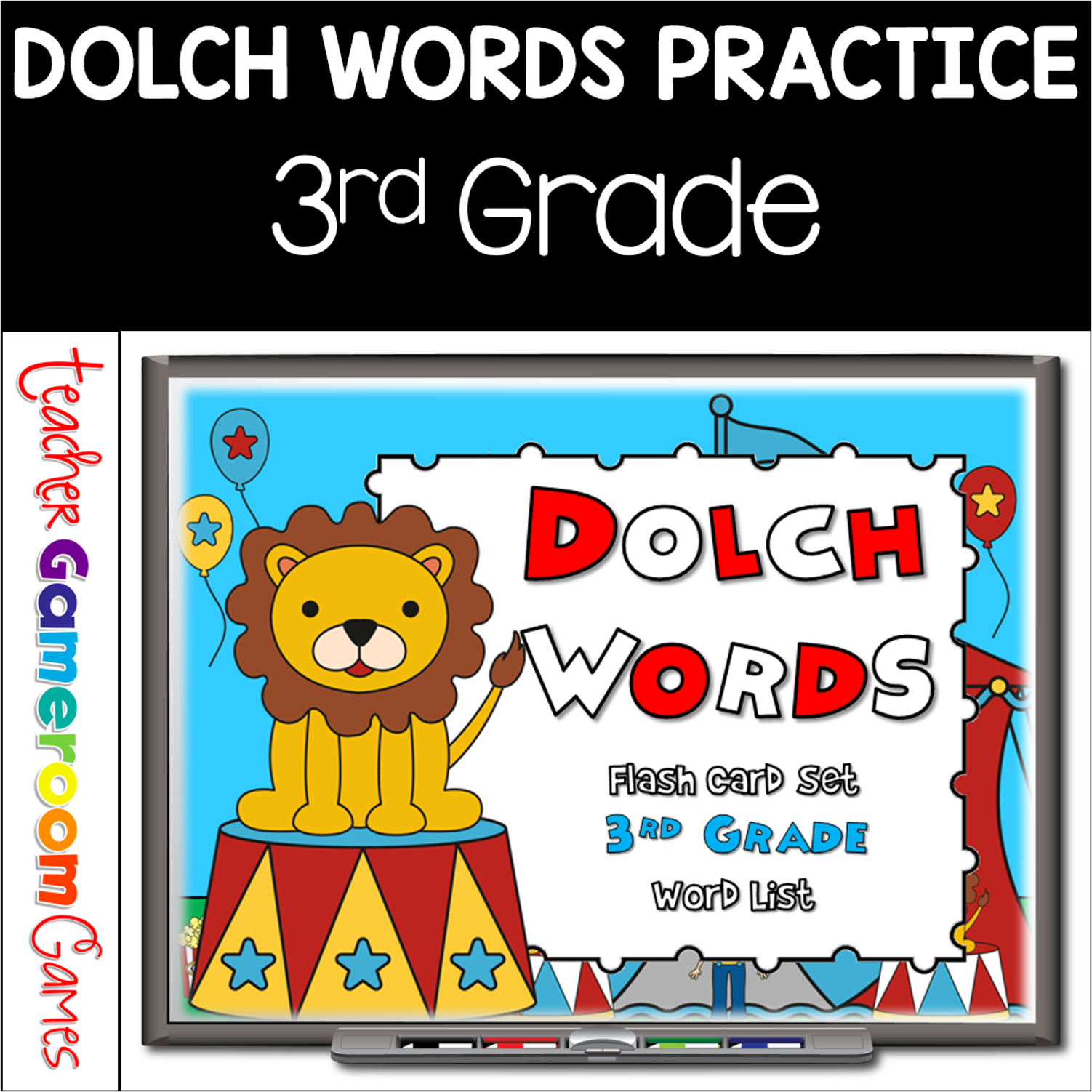
Practice fluency with these Circus Themed Dolch Words/Sight Words flash cards. Students can practice them at home (with the purchase of additional licenses). Best of all, slides will always be random, no matter what (aside from the first slide)! There’s even 2 font styles to choose from: D’Nealian and Zaner-Bloser/Manucript.
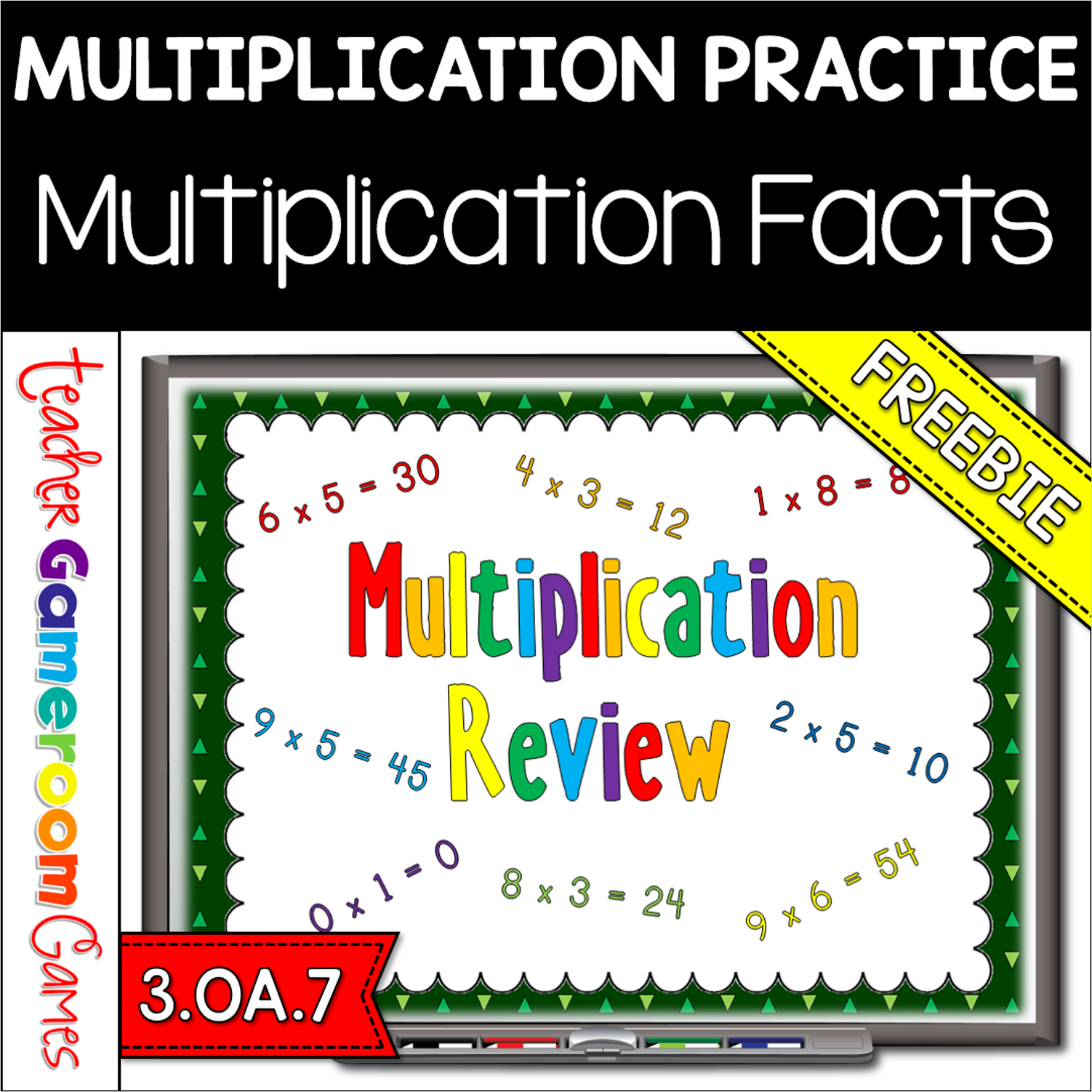
This game is just like Jeopardy (can’t use it in the title). I have other multiplication games, but they don’t tackle all the facts or was coupled with division. This game soley focuses on multiplication. There are 6 categories. Each number is paired with another, except the first which has 3 (0, 1, and 2). There is a finall question that asks students what 12 x 14 is. There are 31 questions and you just click on each question to go to it. The question disappears after you’ve clicked on it so you know you’ve answered it. The type-in scoreboard allows you to type in scores during Slideshow Mode. Great for a guided math center or rainy day activity. Great for individual practice on the iPad!
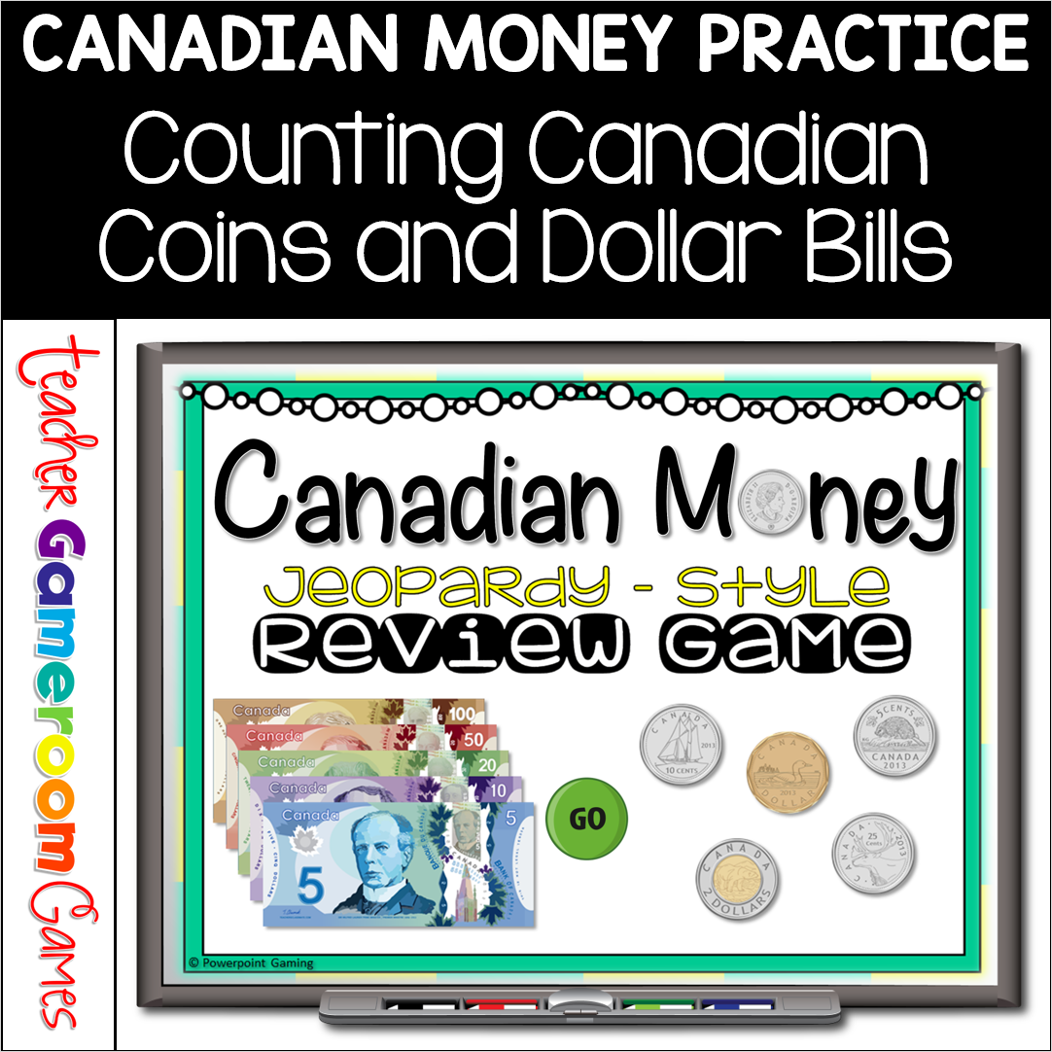
Engage grade 4 and 5 students with this fun, interactive money game. In this jeopardy powerpoint game, students answer questions about Canadian money. This includes addition and subtraction as well as word problems. Realistic coins (1¢, 5¢,10¢, 25¢, $1, $2) and bills ($5, $10, $20, $50, $100) make for a great end of unit review. There are 30 questions in all and you just click on each question to go to it. The question disappears after you’ve clicked on it so you know you’ve answered it. There are 2 scoreboards: a touch scoreboard and type in scoreboard. The type-in scoreboard allows you to type in scores during Slideshow Mode. . Great for a math review or rainy day activity. Great for individual practice on the iPad or tablet!
Practice elapsed time with this yummy, Christmas dessert game! In teams, students compete against one another while answering time questions. There are 3 types of questions: start time, stop/finish time, and elapsed time. Each question deals with a different type of dessert. Yummy! There are 20 questions and you just click on each question to go to it. The question disappears after you’ve clicked on it so you know you’ve answered it. There is a type-in scoreboard. The scoreboard can be typed in during Slideshow Mode. Great for a guided math center or rainy day activity. Great for individual practice on the iPad!
Engage 3rd grade students with this fun, interactive measurement game. In this write and wipe powerpoint game, students find the perimeter of 2D shapes. The shapes come in several different shapes and sizes including triangles, rectangles, squares, and other figures. Also includes regular polygons (sides that measure the same) and has the lines for indications. There are 25 questions in all and you just click on each question to go to it. The question disappears after you’ve clicked on it so you know you’ve answered it. Great for a quick math morning review or measurement activity. Great for individual practice on the iPad or tablet!
Engage students with this fun, interactive fractions game. In this Christmas themed powerpoint game, students compete against one another as they name fractions. Play with up to 4 teams. Fractions include halves, thirds, fourths, fifths, sixths, and eighths. Great as an introductory game or as an assessment. There are 21 questions in all (including a tie breaker question) and you just click on each question to go to it. The question disappears after you’ve clicked on it so you know you’ve answered it. There are 2 scoreboards: a touch scoreboard (Mac/iPad) and type in scoreboard (PC). The type-in scoreboard allows you to type in scores during Slideshow Mode. Great for a guided math center or Christmas activity. Great for individual practice on the iPad! You can even print the Mac/iPad version and use them as task cards.