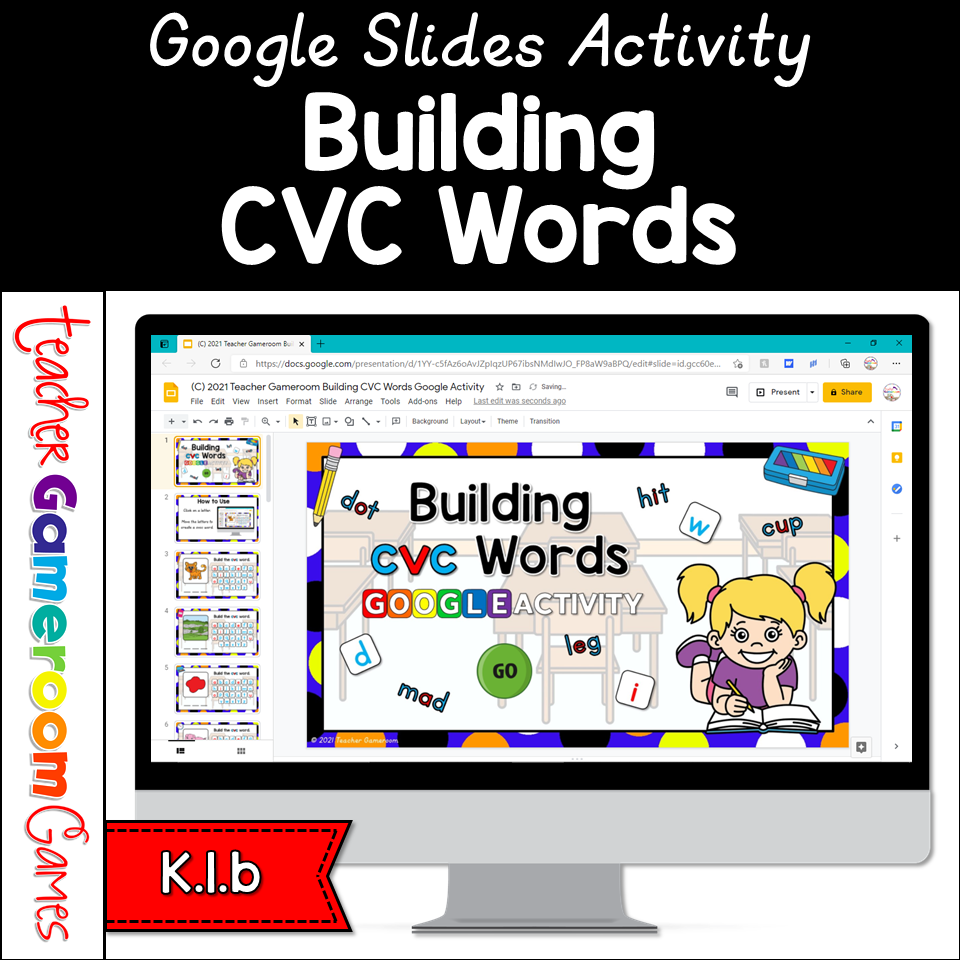
Send this digital Google Slides activity game to your students to practice their CVC word building skills. Students are given a CVC word and must spell it. Students move the letter tiles to create the word. Examples include map, red, pig, top, sub, etc. There are 20 questions in all, and you just click on each question to go to it. Great for a quick ELA morning review or classroom activity. Great for individual practice on the iPad or tablet!
Engage Kindergarten students with this fun, interactive making 10 game. Students use ten frames to determine what numbers is used to make ten. There are 20 questions in all, and you just click on each question to go to it. The question disappears after you’ve clicked on it, so you know you’ve answered it. The scoreboard allows you to type in scores during Slideshow Mode. Great for a quick Math morning review. Great for individual practice on the iPad or tablet!
In this Teacher vs. Student’s PowerPoint game, students are given a word and they must determine whether it is a common or proper noun. There are 20 questions in all, and you just click on each question to go to it. The question disappears after you’ve clicked on it, so you know you’ve answered it. The scoreboard allows you to type in scores during Slideshow Mode. Great for a quick ELA morning review or parts of speech center activity. Great for individual practice on the iPad or tablet!
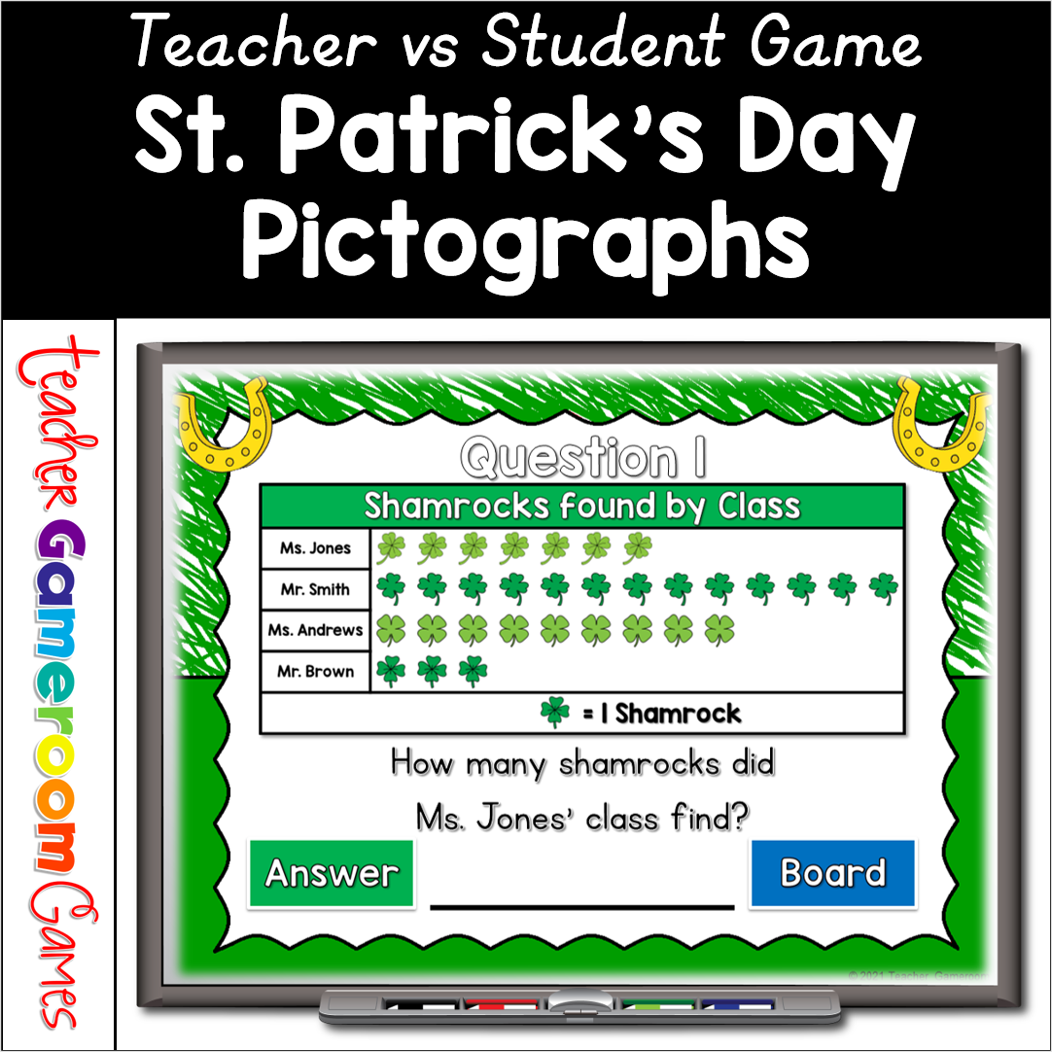
Celebrate St. Patrick’s Day with this fun, interactive pictographs game for your students. In this teacher vs student PowerPoint game, students answer questions about 4 St. Patrick’s day themed picture graphs. There are 20 questions in all, and you just click on each question to go to it. The question disappears after you’ve clicked on it, so you know you’ve answered it. The scoreboard allows you to keep score during Slideshow Mode. Great for a quick pictographs review or February activity. Great for individual practice on the iPad or tablet!
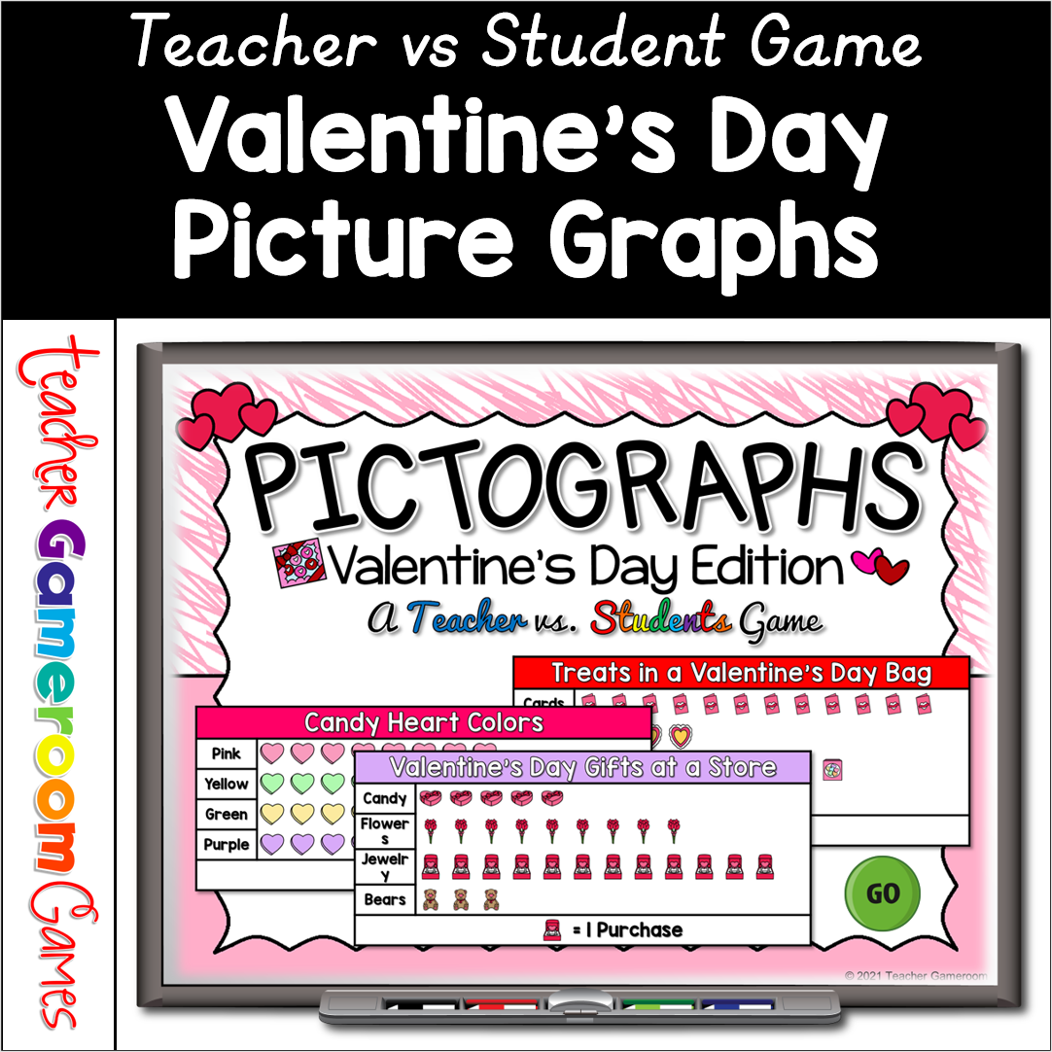
Celebrate Valentine’s Day with this fun, interactive pictographs game for your students. In this teacher vs student PowerPoint game, students answer questions about 4 Valentine’s Day themed picture graphs. There are 20 questions in all, and you just click on each question to go to it. The question disappears after you’ve clicked on it, so you know you’ve answered it. The scoreboard allows you to keep score during Slideshow Mode. Great for a quick pictographs review or February activity. Great for individual practice on the iPad or tablet!
Celebrate Valentine’s Day with this fun, interactive addition PowerPoint game for your kindergartners. Students create an addition equation using the Valentine’s Day objects. There are 26 questions in all (tie breaker question included) and you just click on each question to go to it. The question disappears after you’ve clicked on it, so you know you’ve answered it. The scoreboard allows you to keep track of the score during Slideshow Mode. Great for a quick addition morning review or February activity. Great for individual practice on the iPad or tablet!