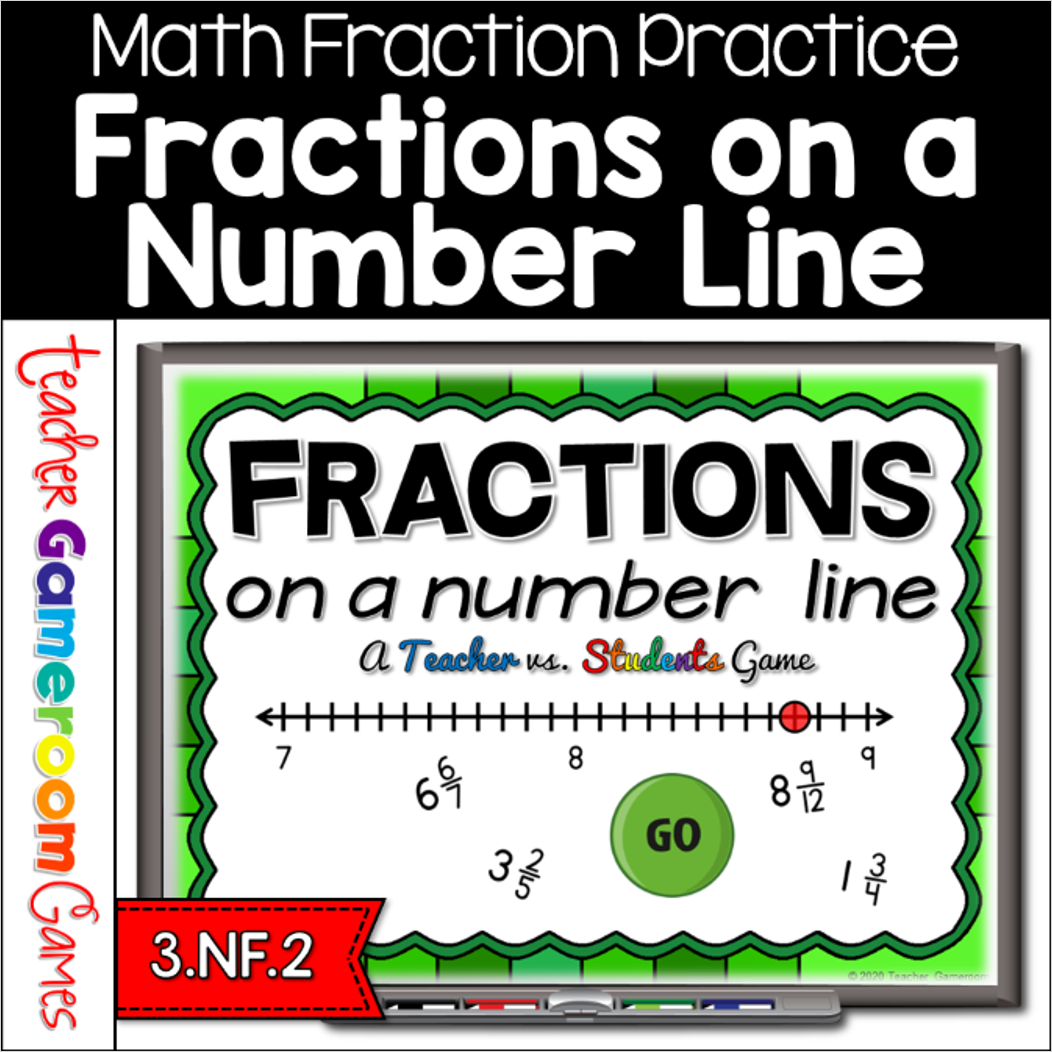
Engage 3rdd grade students with this fun, interactive fractions game. In this teacher vs student PowerPoint game, students identifying fractions on a number line. This includes fractions bigger than 1 ( in other word, mixed numbers). Student must answer correctly to get points. Wrong answers reward the teacher with points. There are 26 questions in all, and you just click on each question to go to it. The question disappears after you’ve clicked on it, so you know you’ve answered it. The touch scoreboard allows you to add in scores during Slideshow Mode. Great for a whole class review or small group activity. Great for individual practice on the iPad or tablet!
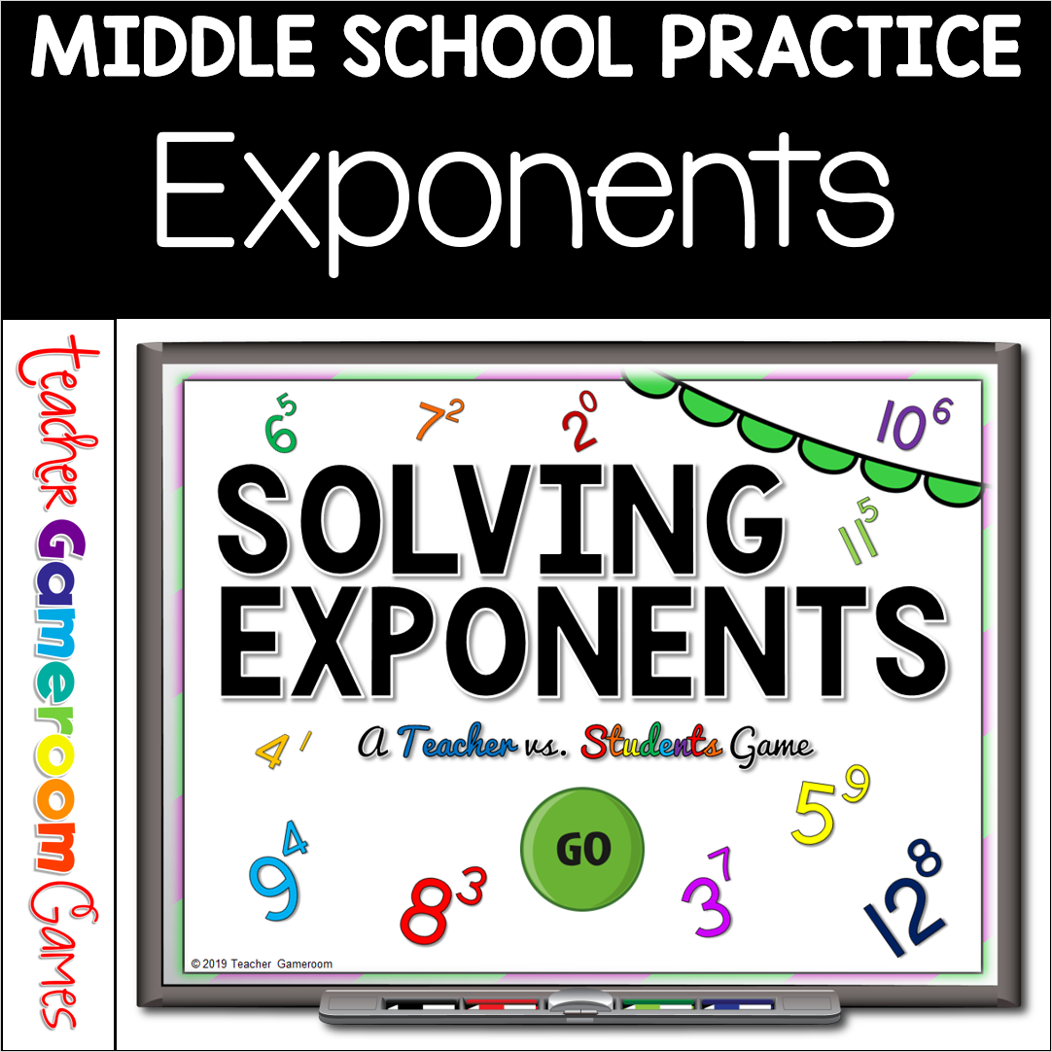
Review exponents with this solving exponents PowerPoint game. Students review exponents from 0-12. There are 25 questions in all and you just click on each question to go to it. The question disappears after you’ve clicked on it so you know you’ve answered it. Includes a PC/MAC and a Google Slides version. The scoreboard allows you to type in scores during Slideshow Mode for PC/MAC version. Google Slides does NOT need to be in PRESENTER MODE. Great for a quick ELA morning review or Month activity. Great for individual practice on the iPad or tablet!
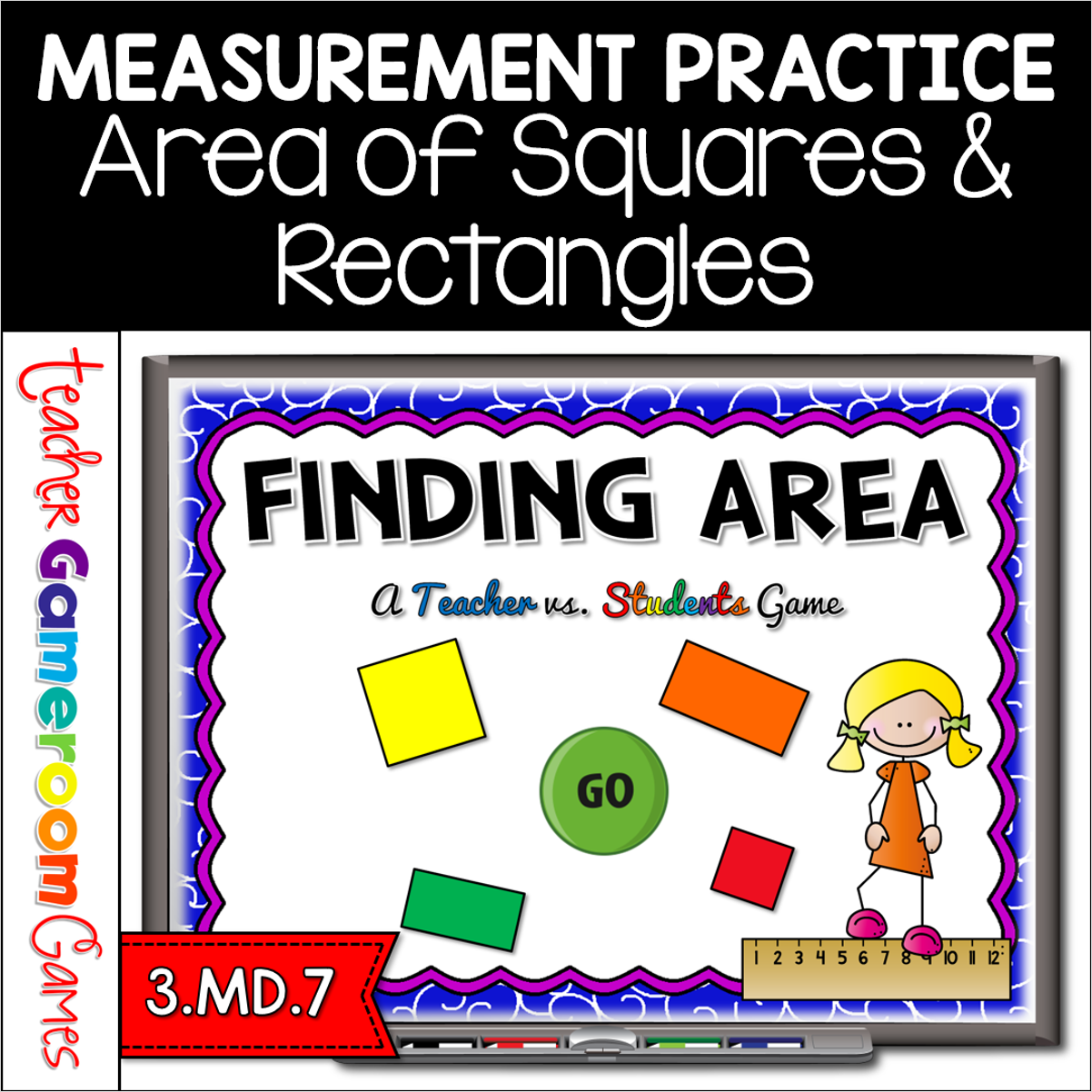
Engage 3rd grade students with this fun, interactive area game. In this teacher vs student PowerPoint game, students find the area of squares and rectangles. Perfect for using the formula: Length x width (L x W). There are 26 questions in all, and you just click on each question to go to it. The question disappears after you’ve clicked on it so you know you’ve answered it. There are 2 scoreboards: a touch scoreboard and type in scoreboard. The type-in scoreboard allows you to type in scores during Slideshow Mode. Great for a quick math morning review or measurement activity. Great for individual practice on the iPad or tablet!
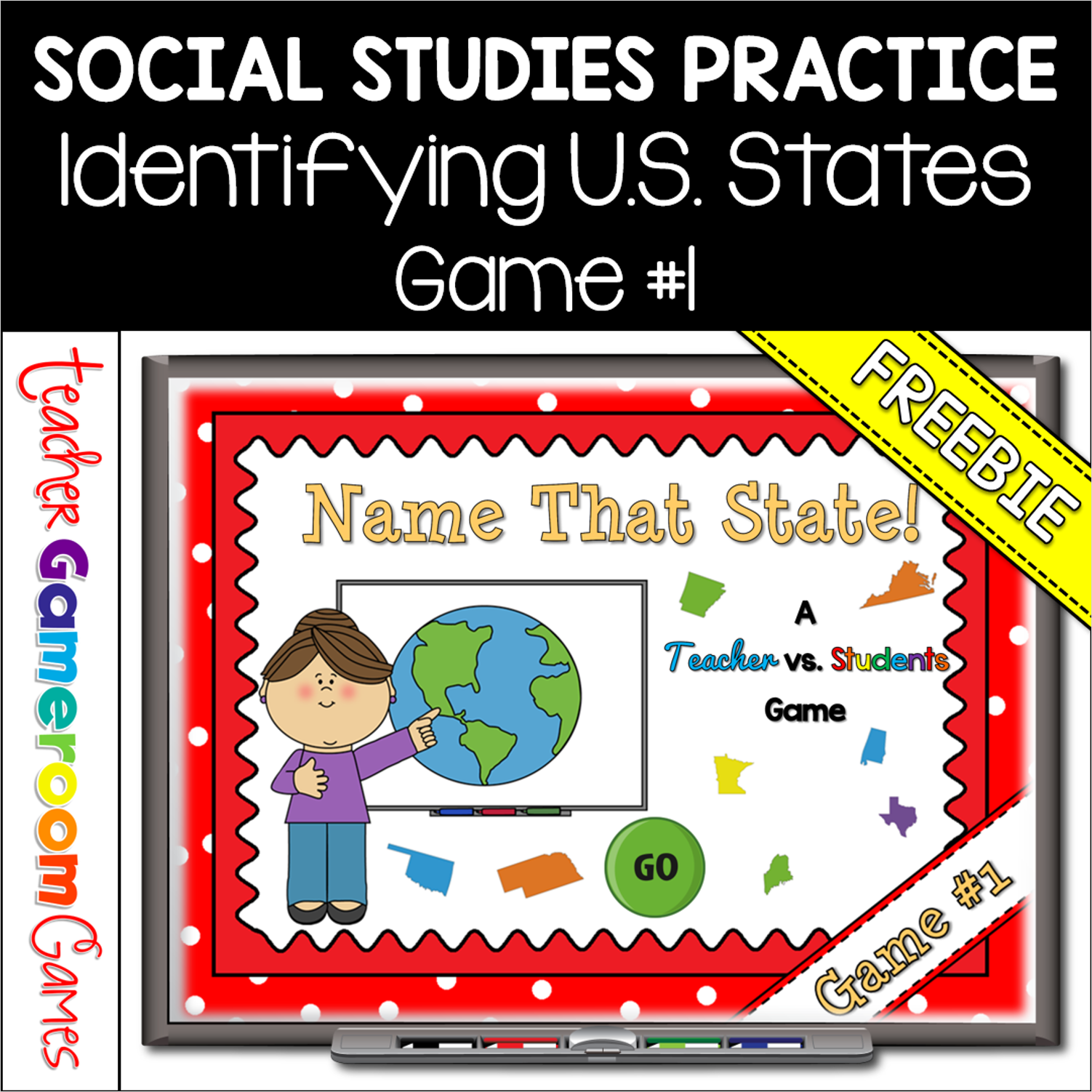
Practice identifying the 50 United States with this quick review Teacher vs. Student game. Students must correctly identify the US state from a picture. There are 10 questions and you just click on each question to go to it. The question disappears after you’ve clicked on it so you know you’ve answered it. There is a type-in scoreboard. The scoreboard can be typed in during Slideshow Mode. Great for a brain break or quick time filler.
Engage 2nd grade students with this fun, interactive math game. In this teacher vs student powerpoint game, students practice skip counting by 5’s. Students are given 4 numbers and they must determine the next 3 numbers. Starting number ranges from 0 to 1000. There are 20 questions and you just click on each question to go to it. The question disappears after you’ve clicked on it so you know you’ve answered it. There is also type-in scoreboard. The scoreboard can be typed in during Slideshow Mode. This is a Teacher vs. Student game (see description below). Great for a guided math center or rainy day activity. Great for the iPad.
Digital game for Place value! Students are asked different questions about place value including identifying place value, modeling numbers, and more. There are 25 questions and you just click on each question to go to it. The question disappears after you’ve clicked on it so you know you’ve answered it. There is a type-in scoreboard. The scoreboard can be typed in during Slideshow Mode. There are 5 different types of questions. Great for a guided math center or rainy day activity.