Engage students with this fun, interactive geometry game. Students compete against one another as the name the faces, edges, and vertices of 3D shapes. Questions are for either the number of faces, edges, or vertices of different shapes such as a cube, rectangular prism, and more. There are 20 questions and you just click on each question to go to it. The question disappears after you’ve clicked on it so you know you’ve answered it. There are 2 scoreboards: a touch scoreboard and type in scoreboard. The type-in scoreboard allows you to type in scores during Slideshow Mode. Great for a guided math center or rainy day activity. Great for individual practice on the iPad!
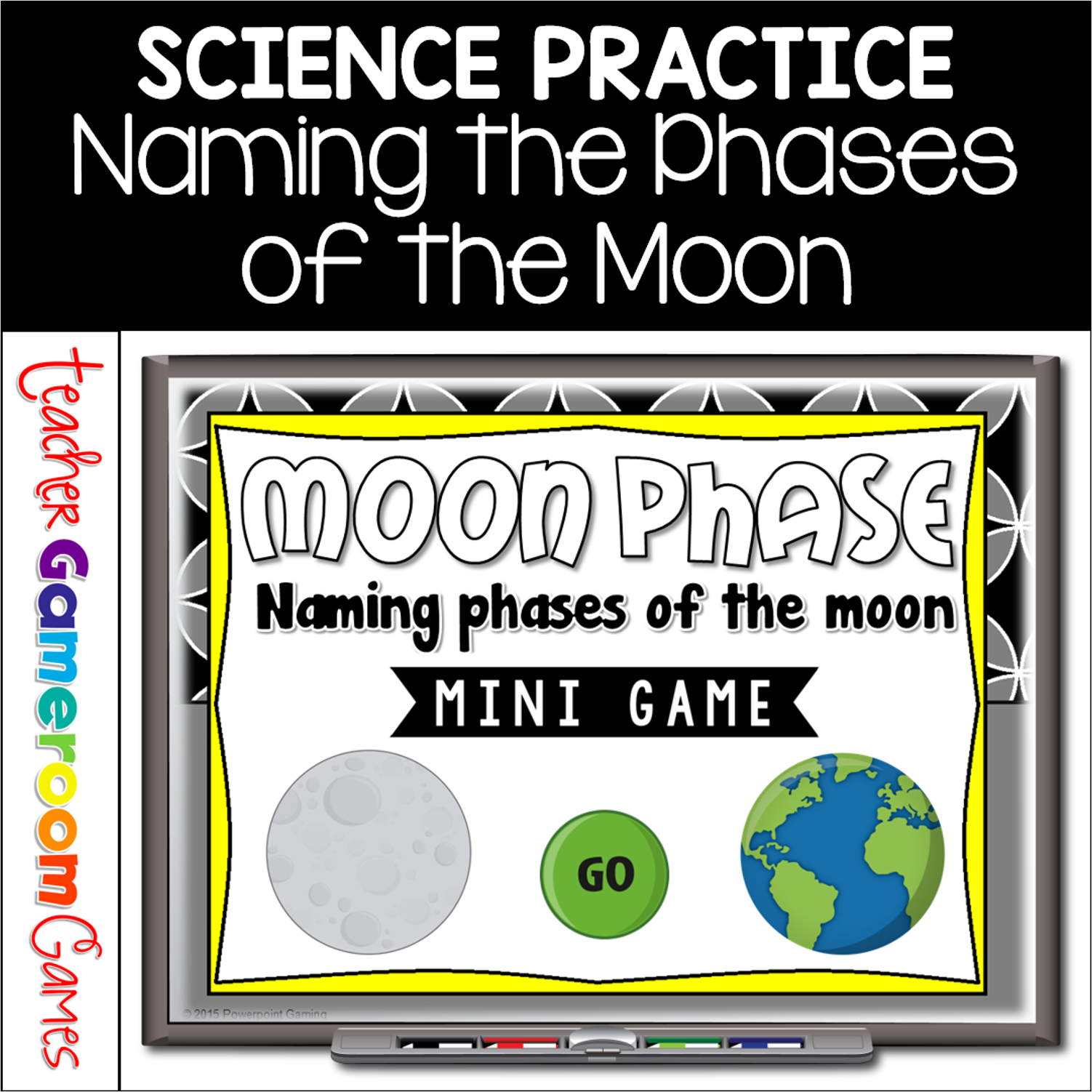
Engage students with this fun, interactive space game. In this mini game, students are answering questions about the different phases of the moon. The first 8 questions ask students to name the given phase of the moon. The last 2 question as which phase comes after a certain moon phase. There are 10 questions and you just click on each question to go to it. The question disappears after you’ve clicked on it so you know you’ve answered it. Great for a quick review or rainy day activity. Great for individual practice on the iPad!
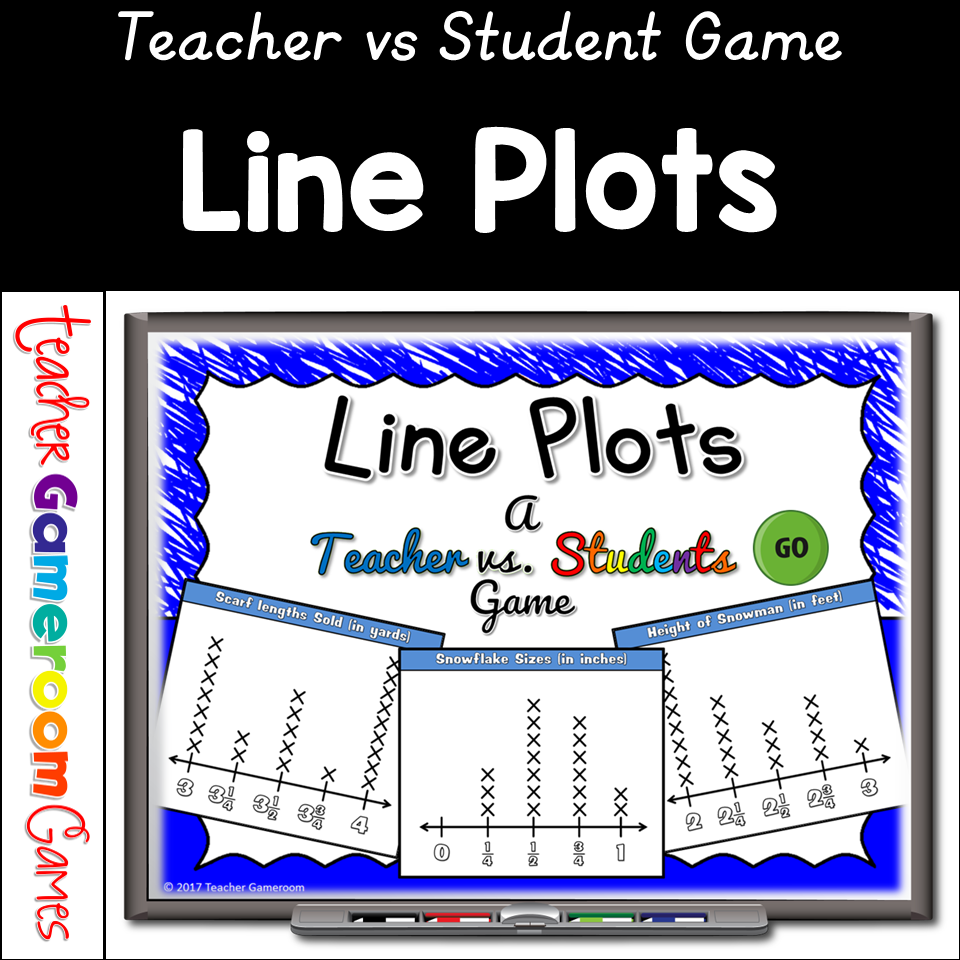
Engage students with this fun, interactive line plot game. Students will answer questions about 3 winter themed line plots. Questions include most/least favorites, totals for each group, and comparing groups. There are 3 graphs in this game, each with 7 questions, giving you a total of 20 questions (including a tie breaker). You just click on each question to go to it. The question disappears after you’ve clicked on it so you know you’ve answered it. There are 2 scoreboards: a touch scoreboard and type in scoreboard. There are 2 scoreboards: a touch scoreboard and type in scoreboard. The type-in scoreboard allows you to type in scores during Slideshow Mode. Great for a guided math center or rainy day activity. Great for individual practice on the iPad!
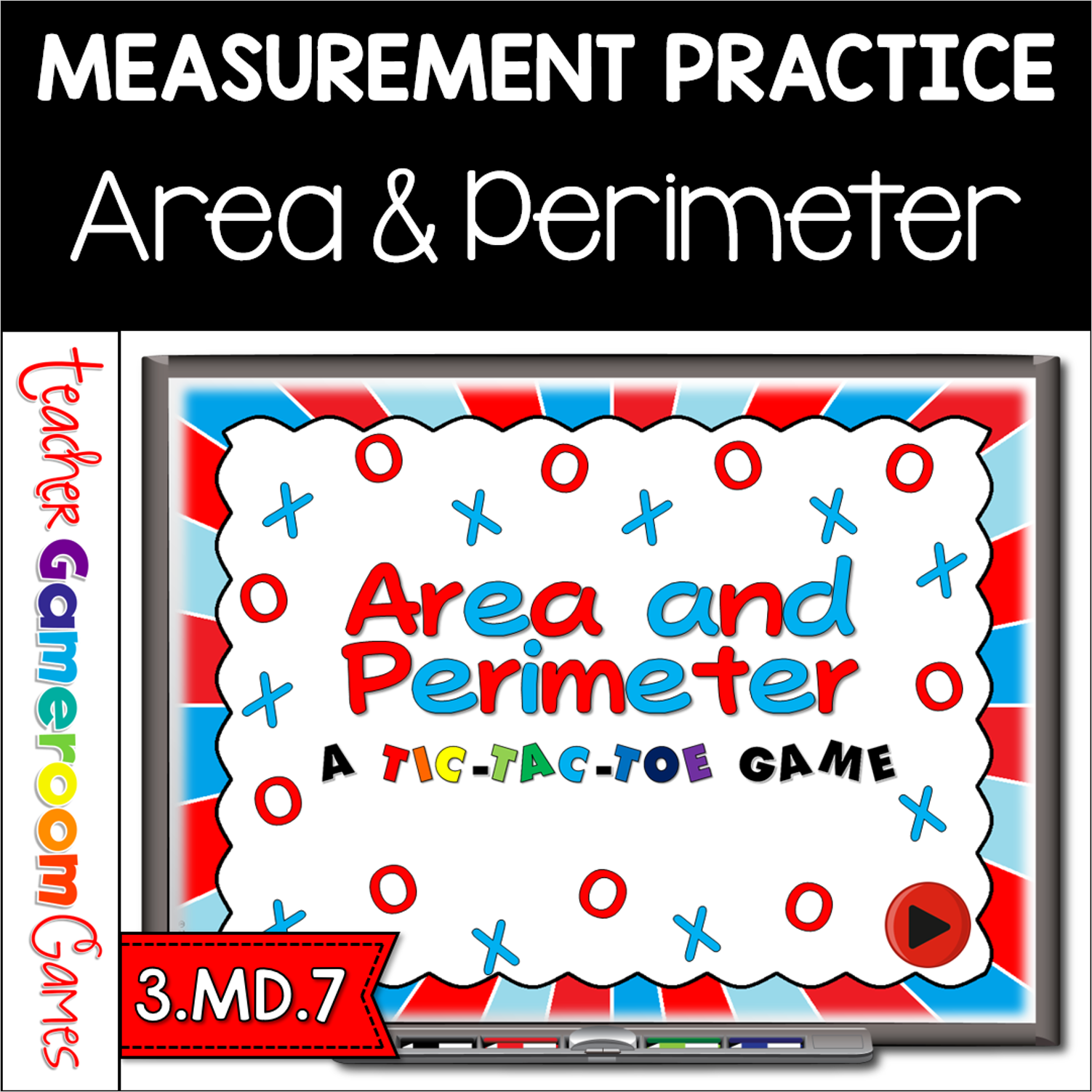
Review simplest form with this fun twist on the Classic Tic-Tac-Toe game. This PowerPoint point has 3 game modes (more bang for your buck) that includes yes/no simplest form, putting fractions in simplest form, and equivalent form of fractions. To play, students click on a square and are taken to a question. If correct, they can click on their shape (O or X) and the next player goes. If wrong, the other team places their shape.
This powerpoint game review plants in general including parts of the plant and what each part does. This games has different questions which include identifying different parts of a plant, what each part does and how plants make foods. There are 20 questions and you just click on each question to go to it. The question disappears after you’ve clicked on it so you know you’ve answered it. There is a type-in scoreboard. The scoreboard can be typed in during Slideshow Mode. Great for a science review or center activity.
Engage students with this fun, interactive geometry game. Students compete against one another as the name the faces, edges, and vertices of 3D shapes. Questions are for either the number of faces, edges, or vertices of different shapes such as a cube, rectangular prism, and more. There are 20 questions and you just click on each question to go to it. The question disappears after you’ve clicked on it so you know you’ve answered it. There are 2 scoreboards: a touch scoreboard and type in scoreboard. The type-in scoreboard allows you to type in scores during Slideshow Mode. Great for a guided math center or rainy day activity. Great for individual practice on the iPad!