Homophones Game Bundle

Homophones Bundle Cover Scaled
Practice using correct homophones in sentences with this interactive game bundle. In each game, students read sentences and determine the best homophone for the sentence. Students can compete against each other or teams. Each game is self checking, includes everything you need and has 20 -30 questions. The question disappears after you’ve clicked on it, so you know you’ve answered it. The scoreboard allows you to add scores during Slideshow Mode. Little to NO PREP! Great for a quick ELA morning review or Month activity. Great for individual practice on the iPad or tablet!
 
Products included in the bundle:
 
Questions/Materials include in each activity :
✔️ 4 PPT Gams (1 PC/Mac, 1 Google Slides, 1 Easel Activity, 1 Printable Activity)
✔️ Bingo games includes 32 Bingo Cards, 1 Call Sheet
✔️ 20 – 30 Questions per activity
✔️ Works great on Smartboard, Activboard, Whiteboard, and Promethean Boards
✔️ Works on tablets and iPads
✔️ Printable Answer Key
✔️ How to Play slide and Terms of use Page
✔️ Common Core aligned – L.3.4
✔️ 38 Slides per game
✔️ Mac-iPad Version compatible!
✔️ Google Slides Version included!
✔️ Digital Easel Activity included!
✔️ Additional Licenses $5.00
 
Recent Updates:
✂️ None
 
❤️ ❤️ Love my games? Purchase a grade level bundle and get every game made for your specific grade level. Purchase an All-Access Pass and gain access to every PPT Game ever made! ❤️ ❤️
Having issues? Submit any issues in the Q&A Section at the bottom or check out my Frequently Asked Questions on my blog. I will contact you as soon as possible! ⛔️IN ORDER FOR THE BUTTONS TO WORK AND IMAGES TO SHOW UP, THE GAME MUST BE PLAYED IN SLIDESHOW MODE IN MICROSOFT POWERPOINT. ⛔️ Google slides version play as is, NOT IN PRESENTER MODE. Please be aware.
Please leave feedback for my product! Earn TPT Credits! Thank you for your purchase!
Happy Teachings!
Follow Me on Social Media:
⚙️ TpT
⚙️ Facebook
⚙️ Pinterest
⚙️ Website
⚙️ Instagram
⚙️ Twitter
⚙️ YouTube
Terms of Use:
By purchasing this product, you agree not to share, resell, copy, or alter this product in anyway. You agree not share without the purchase of multiple licenses. All sales final. Clip Art is not included as a separate file and is included as part of the background. Cover Designs by Surfer Kids Clip Art. Fonts by Kimberly Geswein. Video music provided by: Purple Planet – Sweet Success
© 2022 Teacher Gameroom (Chandra Martin)
✉️ Need to reach me? Email me: teachergameroom@gmail.com ✉️

Homophones Bingo Game

Homophones Bingo Game Cover Scaled
Practice using correct homophones in sentences with this interactive game. In this Bingo, students read sentences and determine the best homophone for the sentence. Students cover the words in their bingo cards. There are 30 questions in all, and you just click on each question to go to it. The questions disappears after you’ve clicked on it, so you know you’ve answered it. Includes 30 bingo cards, call sheet, and printable/digital call cards. Great for a quick ELA morning review or Month activity. Great for individual practice on the iPad or tablet!
 
Questions/Materials include:
✔️ 1 PPT Game (1 PC/Mac, 1 Google Slides, 1 Easel Activity, 1 Printable Activity)
✔️ 32 Bingo Cards, 1 Call Sheet
✔️ 30 Questions
✔️ Works great on Smartboard, Activboard, Whiteboard, and Promethean Boards
✔️ Works on tablets and iPads
✔️ Printable Answer Key
✔️ How to Play slide and Terms of use Page
✔️ Common Core aligned – L.3.4
✔️ 38 Slides per game
✔️ Mac-iPad Version compatible!
✔️ Google Slides Version included!
✔️ Digital Easel Activity included!
✔️ Additional Licenses $1.50
❓ What is a Bingo Game ❓
A Bingo is a very basic game. Traditionally, numbers are called and you place a marker on that number on your card. In this case, students must answer the question and cover the answer on their bingo cards. The call cards are the Powerpoint and you can project them on your smartboard or computer. Markers and Chips may not included.
Recent Updates:
✂️ None
Other Related Products:
❤️ ❤️ Love my games? Purchase a grade level bundle and get every game made for your specific grade level. Purchase an All-Access Pass and gain access to every PPT Game ever made! ❤️ ❤️
Having issues? Submit any issues in the Q&A Section at the bottom or check out my Frequently Asked Questions on my blog. I will contact you as soon as possible! ⛔️IN ORDER FOR THE BUTTONS TO WORK AND IMAGES TO SHOW UP, THE GAME MUST BE PLAYED IN SLIDESHOW MODE IN MICROSOFT POWERPOINT. ⛔️ Google slides version play as is, NOT IN PRESENTER MODE. Please be aware.
Please leave feedback for my product! Earn TPT Credits! Thank you for your purchase!
Happy Teachings!
Follow Me on Social Media:
⚙️ TpT
⚙️ Facebook
⚙️ Pinterest
⚙️ Website
⚙️ Instagram
⚙️ Twitter
⚙️ YouTube
Terms of Use:
By purchasing this product, you agree not to share, resell, copy, or alter this product in anyway. You agree not share without the purchase of multiple licenses. All sales final. Clip Art is not included as a separate file and is included as part of the background. Cover Designs by Surfer Kids Clip Art. Fonts by Kimberly Geswein. Video music provided by: Purple Planet – Sweet Success
© 2023 Teacher Gameroom (Chandra Martin)
✉️ Need to reach me? Email me: teachergameroom@gmail.com ✉️

Context Clues Test Prep Game Bundle

Using Context Clues Bundle 1
Use this interactive games to review context clues. In this test prep game, students use context clues to find the meaning of the unknown word. Each multiple-choice question includes 1 to 2 sentences with an unknown word. There are 20 questions in all, and you just click on each question to go to it. The question disappears after you’ve clicked on it, so you know you’ve answered it. Great for a whole class review or small group center activity. Great for individual practice on the iPad or tablet!
Games include:
Questions/Materials include:
✔️ 2 PPT Games (1 PC/Mac, 1 Google Slides)
✔️ 20 Questions
✔️ Works great on Smartboard, Activboard, Whiteboard, and Promethean Boards
✔️ Works on tablets and iPads
✔️ Printable Answer Key
✔️ How to Play slide and Terms of use Page
✔️ Common Core aligned – 3.RF.4
✔️ 27 Slides per game (4 Games)
✔️ Mac-iPad Version compatible!
✔️ Google Slides Version included!
✔️ Digital Easel Activity included!
✔️ Additional Licenses $1.25
❓ What is a Test Prep Game ❓
A Test Prep Game is a game where students answer multiple choice questions. There is a Question board with up to 25 questions and no scorekeeping. Great for extra practice before tests and quizzes.
Recent Updates:
✂️ None
Other Related Products:
✏️ None
❤️ ❤️ Love my games? Purchase a grade level bundle and get every game made for your specific grade level. Purchase an All-Access Pass and gain access to every PPT Game ever made! ❤️ ❤️
Having issues? Submit any issues in the Q&A Section at the bottom or check out my Frequently Asked Questions on my blog. I will contact you as soon as possible! ⛔️IN ORDER FOR THE BUTTONS TO WORK AND IMAGES TO SHOW UP, THE GAME MUST BE PLAYED IN SLIDESHOW MODE IN MICROSOFT POWERPOINT. ⛔️ Google slides version play as is, NOT IN PRESENTER MODE. Please be aware.
Please leave feedback for my product! Earn TPT Credits! Thank you for your purchase!
Happy Teachings!
Follow Me on Social Media:
⚙️ TpT
⚙️ Facebook
⚙️ Pinterest
⚙️ Website
⚙️ Instagram
⚙️ Twitter
⚙️ YouTube
Terms of Use:
By purchasing this product, you agree not to share, resell, copy, or alter this product in anyway. You agree not share without the purchase of multiple licenses. All sales final. Clip Art is not included as a separate file and is included as part of the background. Cover Designs by Surfer Kids Clip Art. Fonts by Kimberly Geswein. Video music provided by: Purple Planet – Sweet Success
© 2023 Teacher Gameroom (Chandra Martin)

Synonyms and Antonyms PowerPoint Game #1

Synonyms And Antonyms Test Prep Game 1 Cover

Practice synonyms and antonyms with this digital ELA powerpoint game. In this multiple-choice game, students read the sentence and identify the synonym or antonym of the underlined word. There are 20 questions in all, and you just click on each question to go to it. The question disappears after you’ve clicked on it, so you know you’ve answered it. The scoreboard allows you to add scores during Slideshow Mode. Great for a quick ELA morning review or language arts activity. Great for individual practice on the iPad or table! Printable cards and recording sheets are included!


Questions/Materials include:

✔️ 3 Games (1 PC/Mac, 1 Google Slides, 1 Easel Activity, Printable file)

✔️ 20 Questions

✔️ Works great on Smartboard, Activboard, Whiteboard, and Promethean Boards

✔️ Works on tablets and iPads

✔️ Printable Answer Key

✔️ How to Play slide and Terms of use Page

✔️ Common Core aligned – 4.L.5c

✔️ 27 Slides per game

✔️ Mac-iPad Version compatible!

✔️ Google Slides Version included!

✔️ Digital Easel Activity included!

✔️ Printable Sheets included!

✔️ Additional Licenses $1.50


❓ What is a Test Prep Game ❓

A Test Prep Game is a game where students answer multiple choice questions. There is a Question board with up to 25 questions and no scorekeeping. Great for extra practice before tests and quizzes.


Recent Updates:

✂️ None


Other Related Products:

✏️ None


❤️ ❤️ Love my games? Purchase a grade level bundle and get every game made for your specific grade level. Purchase an All-Access Pass and gain access to every PPT Game ever made! ❤️ ❤️


Having issues? Submit any issues in the Q&A Section at the bottom or check out my Frequently Asked Questions on my blog. I will contact you as soon as possible! ⛔️IN ORDER FOR THE BUTTONS TO WORK AND IMAGES TO SHOW UP, THE GAME MUST BE PLAYED IN SLIDESHOW MODE IN MICROSOFT POWERPOINT. ⛔️ Google slides version play as is, NOT IN PRESENTER MODE. Please be aware.


Please leave feedback for my product! Earn TPT Credits! Thank you for your purchase!


Happy Teachings!


Follow Me on Social Media:

⚙️ TpT

⚙️ Facebook

⚙️ Pinterest

⚙️ Website

⚙️ Instagram

⚙️ Twitter

⚙️ YouTube


Terms of Use:

By purchasing this product, you agree not to share, resell, copy, or alter this product in anyway. You agree not share without the purchase of multiple licenses. All sales final. Clip Art is not included as a separate file and is included as part of the background.


Video music provided by: Incompetech – RAINBOW


Cover Designs by Surfer Kids Clip Art. Fonts by Kimberly Geswein.


© 2022 Teacher Gameroom (Chandra Martin)


✉️ Need to reach me? Email me: teachergameroom@gmail.com ✉️

Past Tense in Verbs Test Prep Game #1

Past Tense In Verbs Test Prep Game Cover

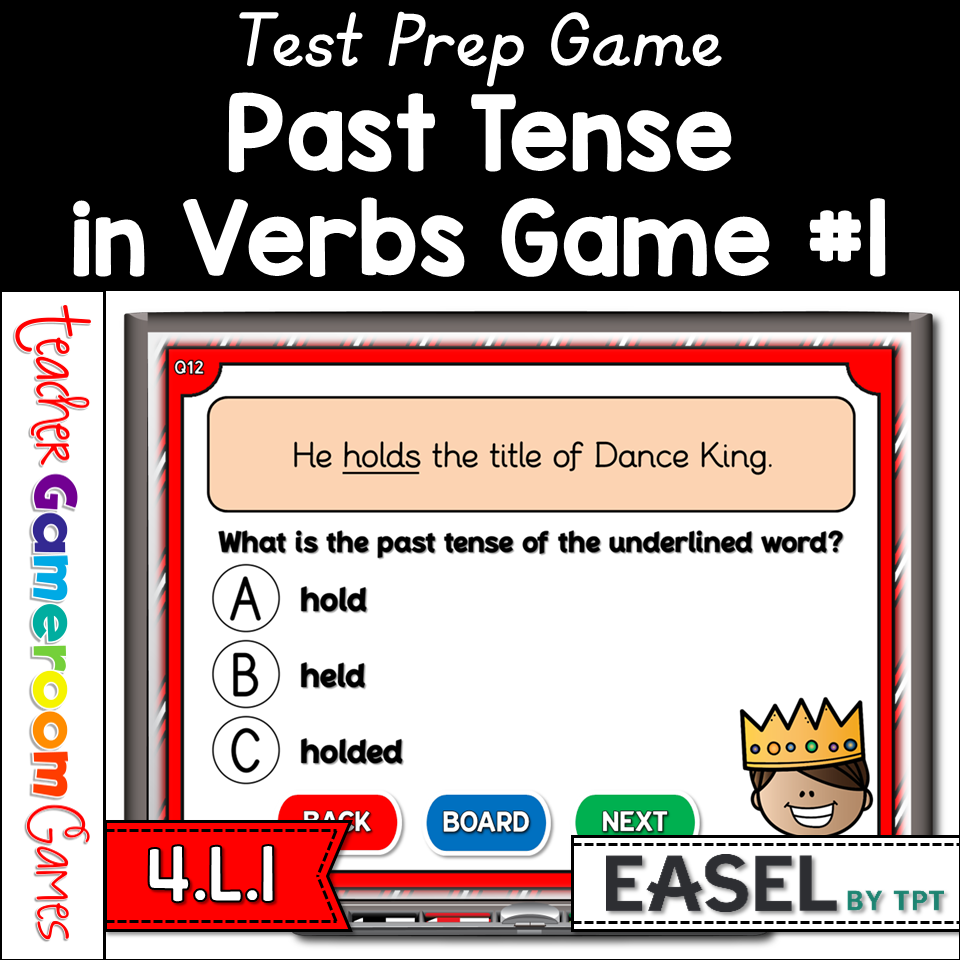
Review past tense in verbs with this digital game. In this test prep game, students identifying the past tense of a verb in a sentence. Students get 3 words to choose from. ✔️s and ❌s appear for right or wrong answers. There are 20 questions in all, and you just click on each question to go to it. The question disappears after you’ve clicked on it, so you know you’ve answered it. The scoreboard allows you to add scores during Slideshow Mode. Great for a whole class review or Parts of Speech centers. Great for individual practice on the iPad or tablet!


Questions/Materials include:

✔️ 3 PPT Games (1 PC/Mac, 1 Google Slides, 1 Easel Activity)

✔️ 20 Questions

✔️ Works great on Smartboard, Activboard, Whiteboard, and Promethean Boards

✔️ Works on tablets and iPads

✔️ Printable Answer Key

✔️ How to Play slide and Terms of use Page

✔️ Common Core aligned – 4.L.1

✔️ 27 Slides per game

✔️ Mac-iPad Version compatible!

✔️ Google Slides Version included!

✔️ Digital Easel Activity included!

✔️ Additional Licenses $1.50


❓ What is a Test Prep Game ❓

A Test Prep Game is a game where students answer multiple choice questions. There is a Question board with up to 25 questions and no scorekeeping. Great for extra practice before tests and quizzes.


Recent Updates:

✂️ None


Other Related Products:

✏️ None


❤️ ❤️ Love my games? Purchase a grade level bundle and get every game made for your specific grade level. Purchase an All-Access Pass and gain access to every PPT Game ever made! ❤️ ❤️


Having issues? Submit any issues in the Q&A Section at the bottom or check out my Frequently Asked Questions on my blog. I will contact you as soon as possible! ⛔️IN ORDER FOR THE BUTTONS TO WORK AND IMAGES TO SHOW UP, THE GAME MUST BE PLAYED IN SLIDESHOW MODE IN MICROSOFT POWERPOINT. ⛔️ Google slides version play as is, NOT IN PRESENTER MODE. Please be aware.


Please leave feedback for my product! Earn TPT Credits! Thank you for your purchase!


Happy Teachings!


Follow Me on Social Media:

⚙️ TpT

⚙️ Facebook

⚙️ Pinterest

⚙️ Website

⚙️ Instagram

⚙️ Twitter

⚙️ YouTube


Terms of Use:

By purchasing this product, you agree not to share, resell, copy, or alter this product in anyway. You agree not share without the purchase of multiple licenses. All sales final. Clip Art is not included as a separate file and is included as part of the background.


Video music provided by: Incompetech – Teddy Bear Waltz


Cover Designs by Surfer Kids Clip Art. Fonts by Kimberly Geswein.


© 2022 Teacher Gameroom (Chandra Martin)
 

✉️ Need to reach me? Email me: teachergameroom@gmail.com ✉️

Changing Nouns into Plural Nouns Student vs Student Game #1

Plural Nouns Student Vs Student Game 1 Cover

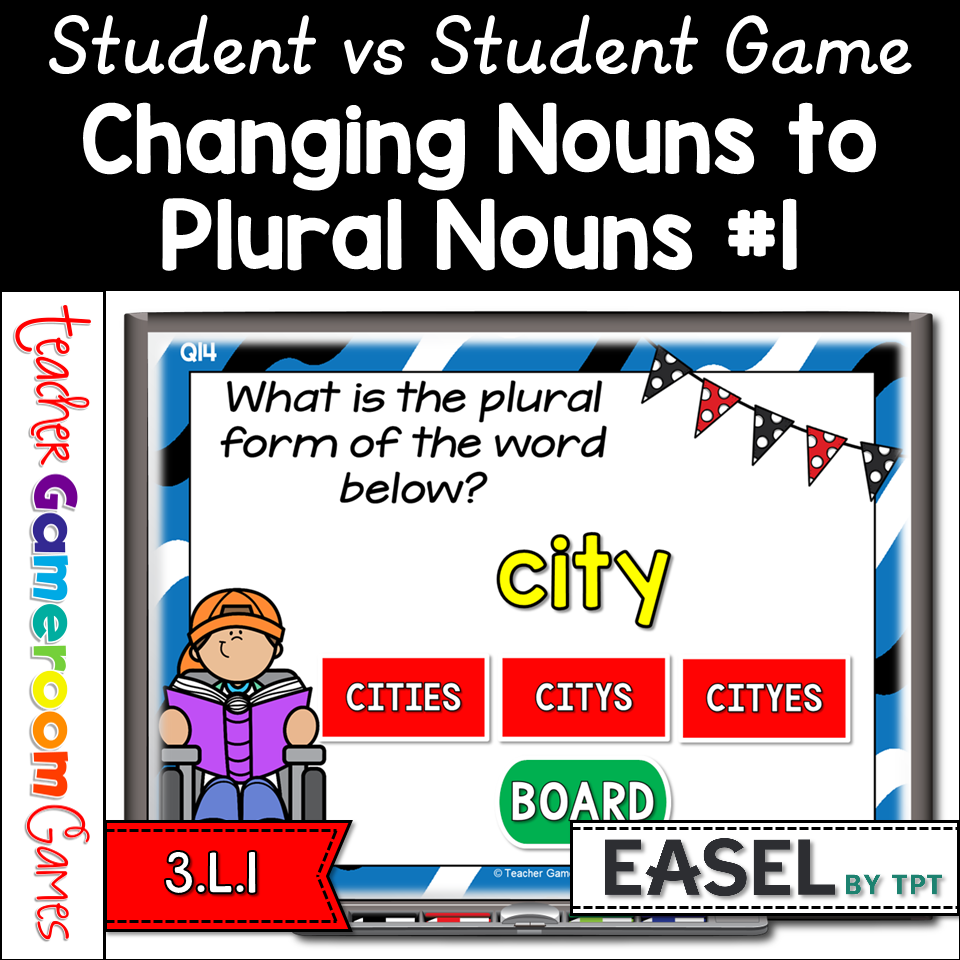
Practice making nouns into plural nouns with this fun, competitive game. In this student vs student game, students compete in teams as students change singular nouns into plural nouns. Each question includes 3 answers to choose from. There are 20 questions in all, and you just click on each question to go to it. The question disappears after you’ve clicked on it, so you know you’ve answered it. The scoreboard allows you to add scores during Slideshow Mode. Great for a quick who class review or Parts of Speech center activity. Great for individual practice on the iPad or tablet!


Questions/Materials include:

✔️ 1 PPT Games (1 PC/Mac, 1 Google Slides, 1 Easel Activity)

✔️ 20 Questions

✔️ Works great on Smartboard, Activboard, Whiteboard, and Promethean Boards

✔️ Works on tablets and iPads

✔️ Printable Answer Key

✔️ How to Play slide and Terms of use Page

✔️ Common Core aligned – 3.L.1

✔️ 27 Slides per game

✔️ Mac-iPad Version compatible!

✔️ Google Slides Version included!

✔️ Digital Easel Activity included!

✔️ Additional Licenses $1.50


❓ What is a Student vs Student Game ❓

A student vs student game is a game where groups of students compete against each other. There can by up to 5 teams. Each team works together to answer the question. The team with the most points at the end of the game wins. There is a tie break question for teams who have the same score at the end of the game.


Recent Updates:

✂️ None


Other Related Products:

✏️ Plural Nouns Click and Go Game

✏️ Identifying Nouns Google Slides Activity

✏️ Common or Proper Nouns Mini Game


❤️ ❤️ Love my games? Purchase a grade level bundle and get every game made for your specific grade level. Purchase an All-Access Pass and gain access to every PPT Game ever made! ❤️ ❤️


Having issues? Submit any issues in the Q&A Section at the bottom or check out my Frequently Asked Questions on my blog. I will contact you as soon as possible! ⛔️IN ORDER FOR THE BUTTONS TO WORK AND IMAGES TO SHOW UP, THE GAME MUST BE PLAYED IN SLIDESHOW MODE IN MICROSOFT POWERPOINT. ⛔️ Google slides version play as is, NOT IN PRESENTER MODE. Please be aware.


Please leave feedback for my product! Earn TPT Credits! Thank you for your purchase!


Happy Teachings!


Follow Me on Social Media:

⚙️ TpT

⚙️ Facebook

⚙️ Pinterest

⚙️ Website

⚙️ Instagram

⚙️ Twitter

⚙️ YouTube


Terms of Use:

By purchasing this product, you agree not to share, resell, copy, or alter this product in anyway. You agree not share without the purchase of multiple licenses. All sales final. Clip Art is not included as a separate file and is included as part of the background.


Video music provided by: Purple Planet – Sweet Success


Cover Designs by Surfer Kids Clip Art. Fonts by Kimberly Geswein.


© 2022 Teacher Gameroom (Chandra Martin)


✉️ Need to reach me? Email me: teachergameroom@gmail.com ✉️