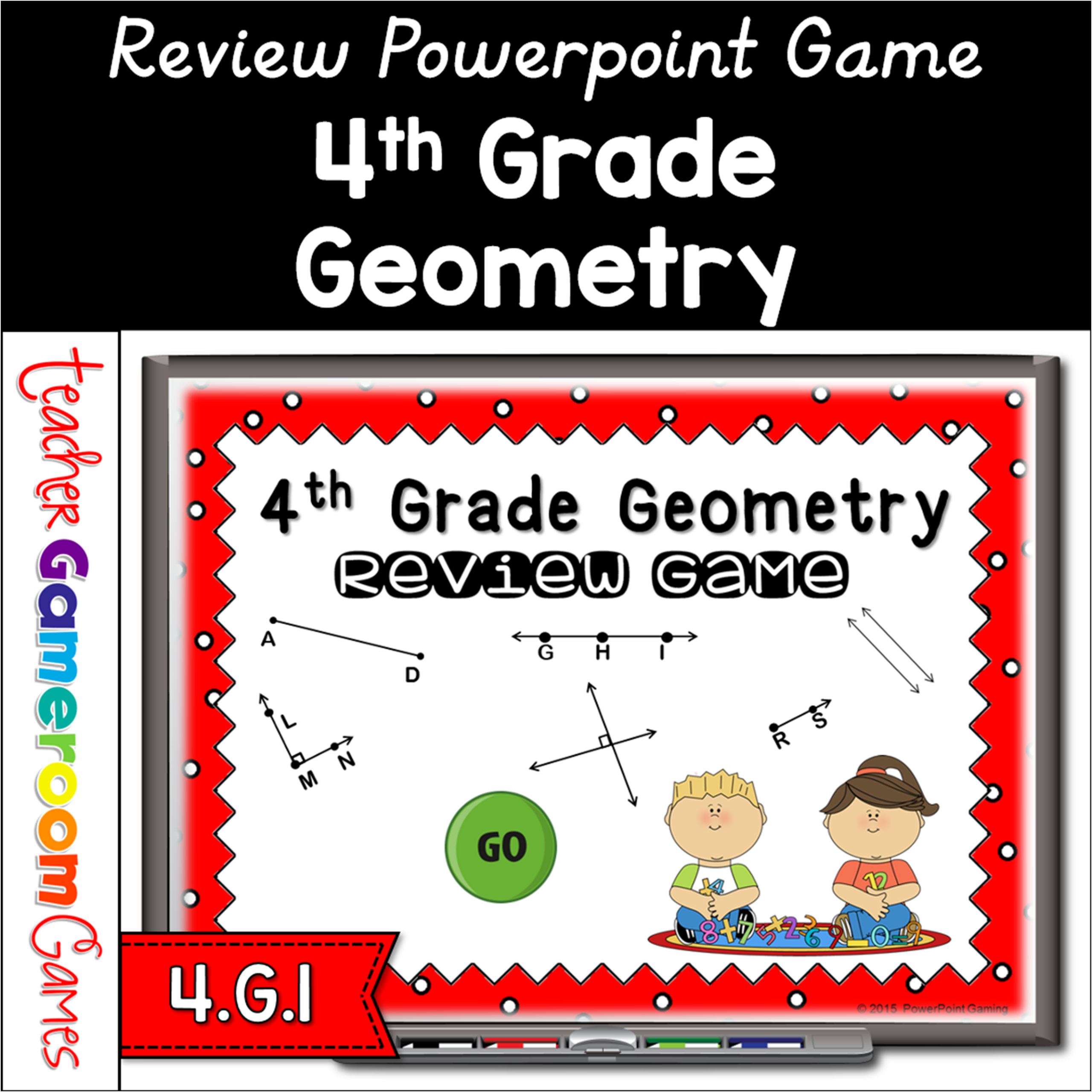
This PowerPoint game is just like Jeopardy. Click on a question and students answer it correctly to get the points. This game caters to 4th grade geometry. Questions include identifying lines, angles, and symmetry. Students will love it. Great for a review before a test and distance learning!!
Engage 4th grade students with this fun, interactive math game. In this review powerpoint game, students practice listing the factors for numbers 0 – 100. There are five categories, each being a number range. Students are asked to name 7 or all of the factors.Numbers that have less that 8 factors, students must name them all. Numbers with more that 8 factors must name at least 8. A great game for review before a test. The type-in scoreboard allows you to type in scores during Slideshow Mode. . Great for a multiplication review or math activity. Great for individual practice on the iPad or tablet!
This is a tic-tac-toe game where students must answer the question correctly in order to get their letter. Three in a row wins. There are 3 game modes in all. Each game has a different multiples range so you can use them whenever you need it. Great for centers or review!
This game asks students whether a given number is prime or composite. It lists the multiplication facts when clicking on the answer box . There can be up to 4 teams and 25 questions to answer. Great for a guided math center or review right before a test! Great for individual practice on the iPad!
In this digital review powerpoint game, students demonstrate their math skills by practicing their math fluency with factors, multiples, prime, and composite numbers. There are 6 categories for a total of 30 questions. There is a final question for students to solve. Great for review before a test or a rainy day activity. No prep. No clean up.
Engage students with this fun, interactive multiplication game. In this Teacher vs student game, it’s the teacher against the students as they practice multiplying 2 digit by 1 digit numbers. There are 20 questions and you just click on each question to go to it. The question disappears after you’ve clicked on it so you know you’ve answered it. The type-in scoreboard allows you to type in scores during Slideshow Mode. Great for a guided math center or rainy day activity. Great for individual practice on the iPad!