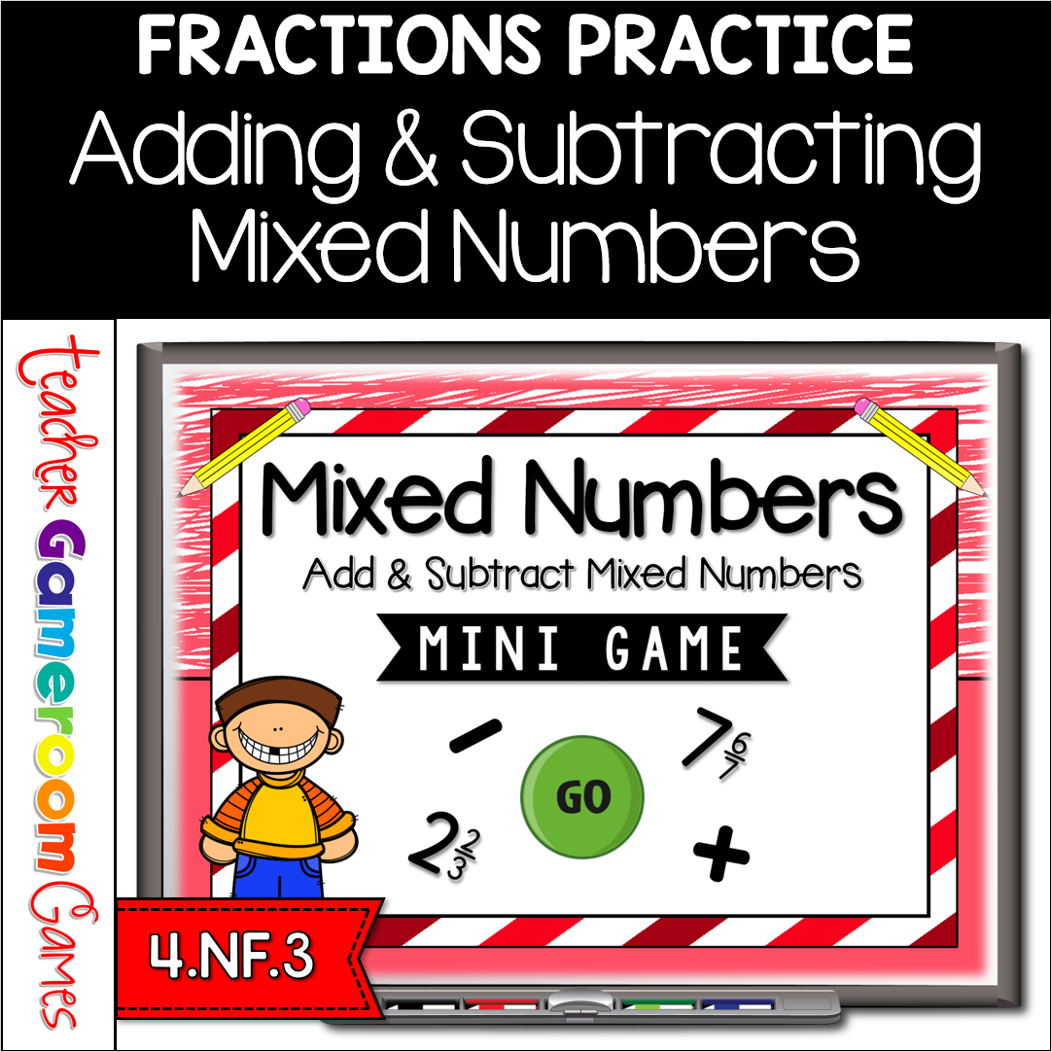
Engage 4th grade students with this fun, interactive mixed numbers game. In this mini powerpoint game, students add and subtract mixed numbers. There are 10 questions in all and you just click on each question to go to it. The question disappears after you’ve clicked on it so you know you’ve answered it. There are 2 scoreboards: a touch scoreboard and type in scoreboard. The type-in scoreboard allows you to type in scores during Slideshow Mode. . Great for a quick morning review or center activity. Great for individual practice on the iPad or tablet!
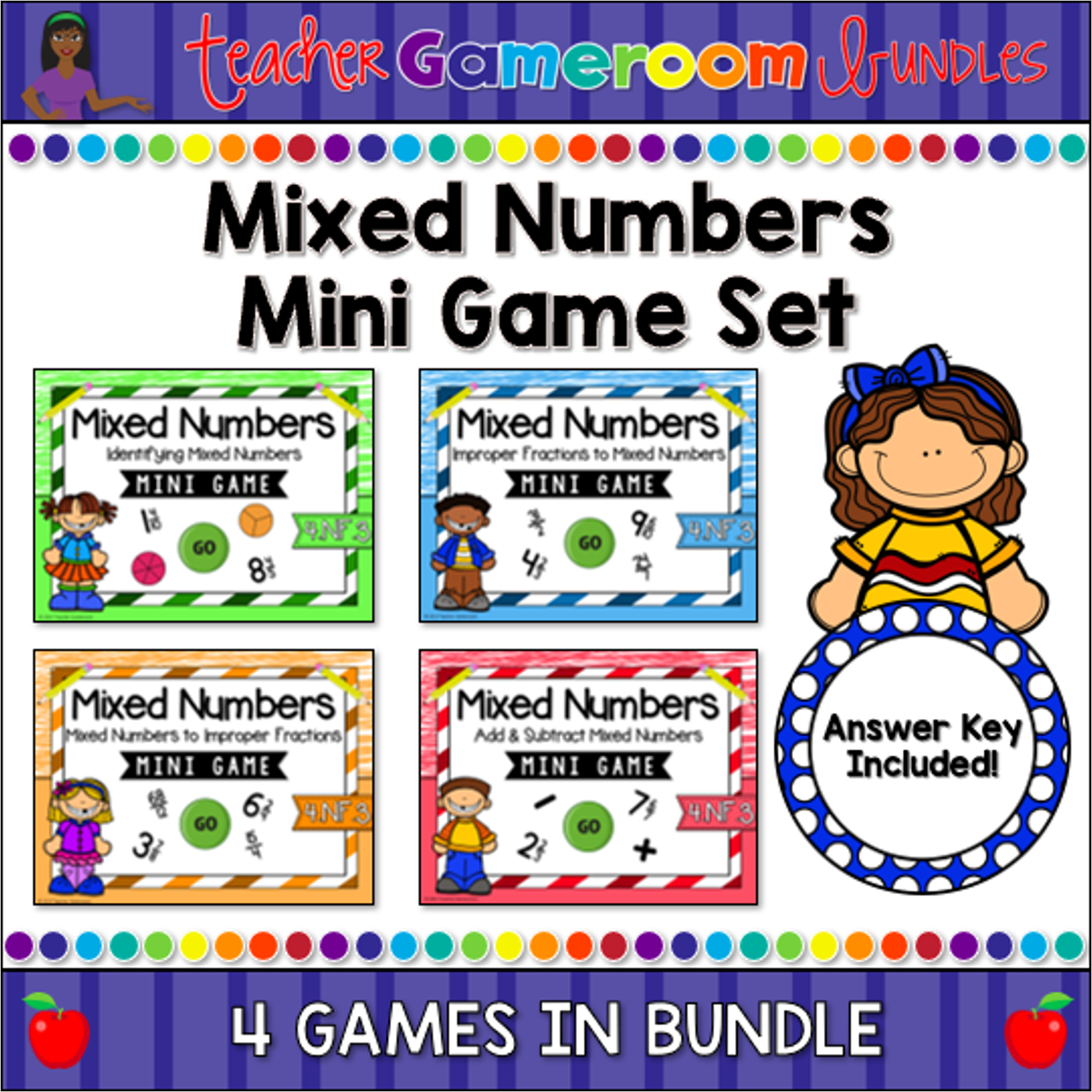
Engage 4th grade students with this fun, interactive mixed numbers game. In this mini powerpoint set, students identify mixed numbers, change mixed numbers to improper, change improper fractions to mixed numbers, and add/subtract mixed numbers. There are 10 questions in each game and you just click on each question to go to it. The question disappears after you’ve clicked on it so you know you’ve answered it. Great for a quick morning review or center activity. Great for individual practice on the iPad or tablet!
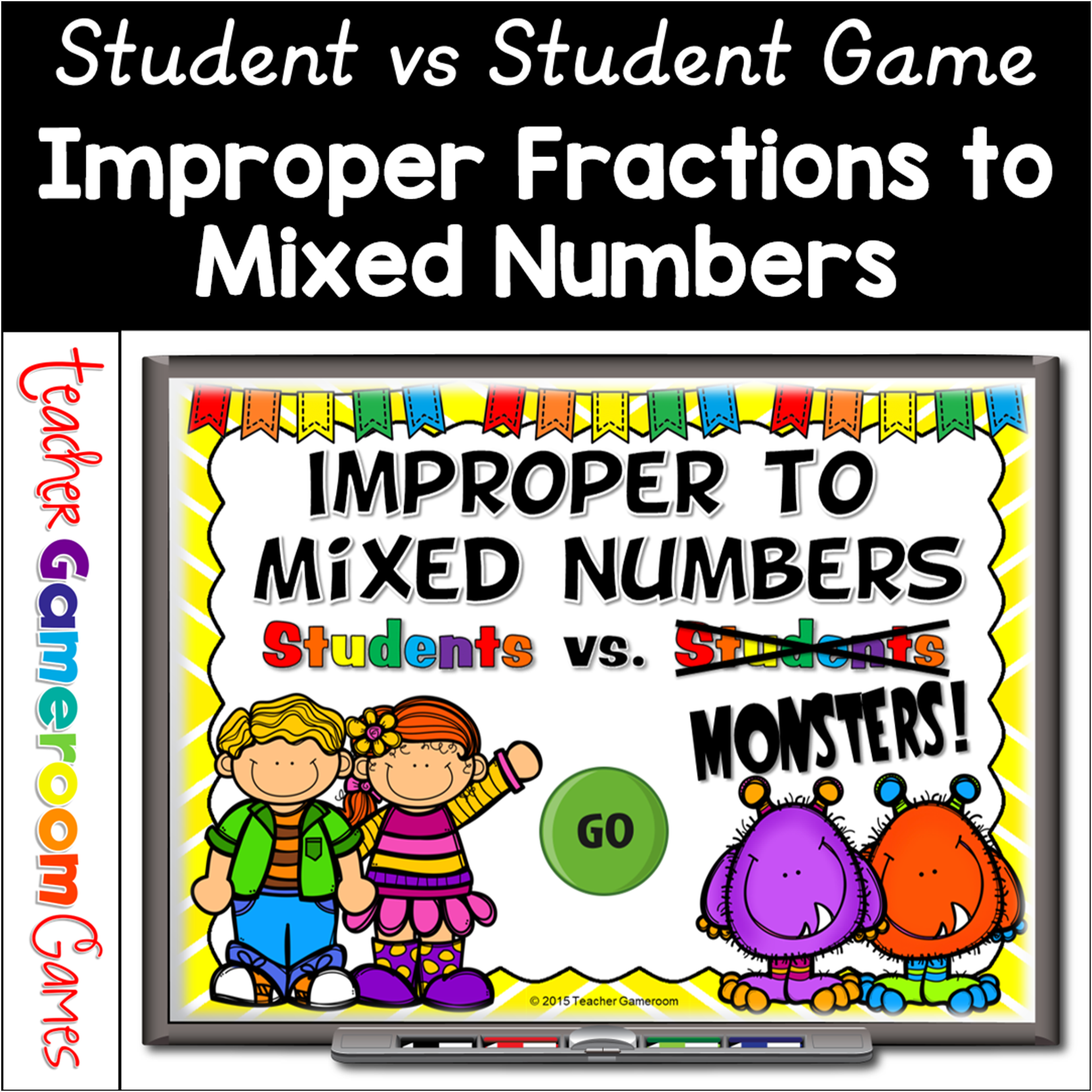
Engage students with this fun, interactive fractions game. In this students vs monsters game, students change improper fractions into mixed numbers. The answers range from 1 to 12 (12 being the highest). The first 10 questions are simple, but as the game progresses, the questions get a little harder, requiring answers to be in simplest form. There are 20 questions, and you just click on each question to go to it. The question disappears after you’ve clicked on it, so you know you’ve answered it. There are 2 scoreboards: a touch scoreboard and type in scoreboard. The type-in scoreboard allows you to type in scores during Slideshow Mode. Also included a tie breaker question. Great for a guided math center or rainy-day activity. Great for individual practice on the iPad!
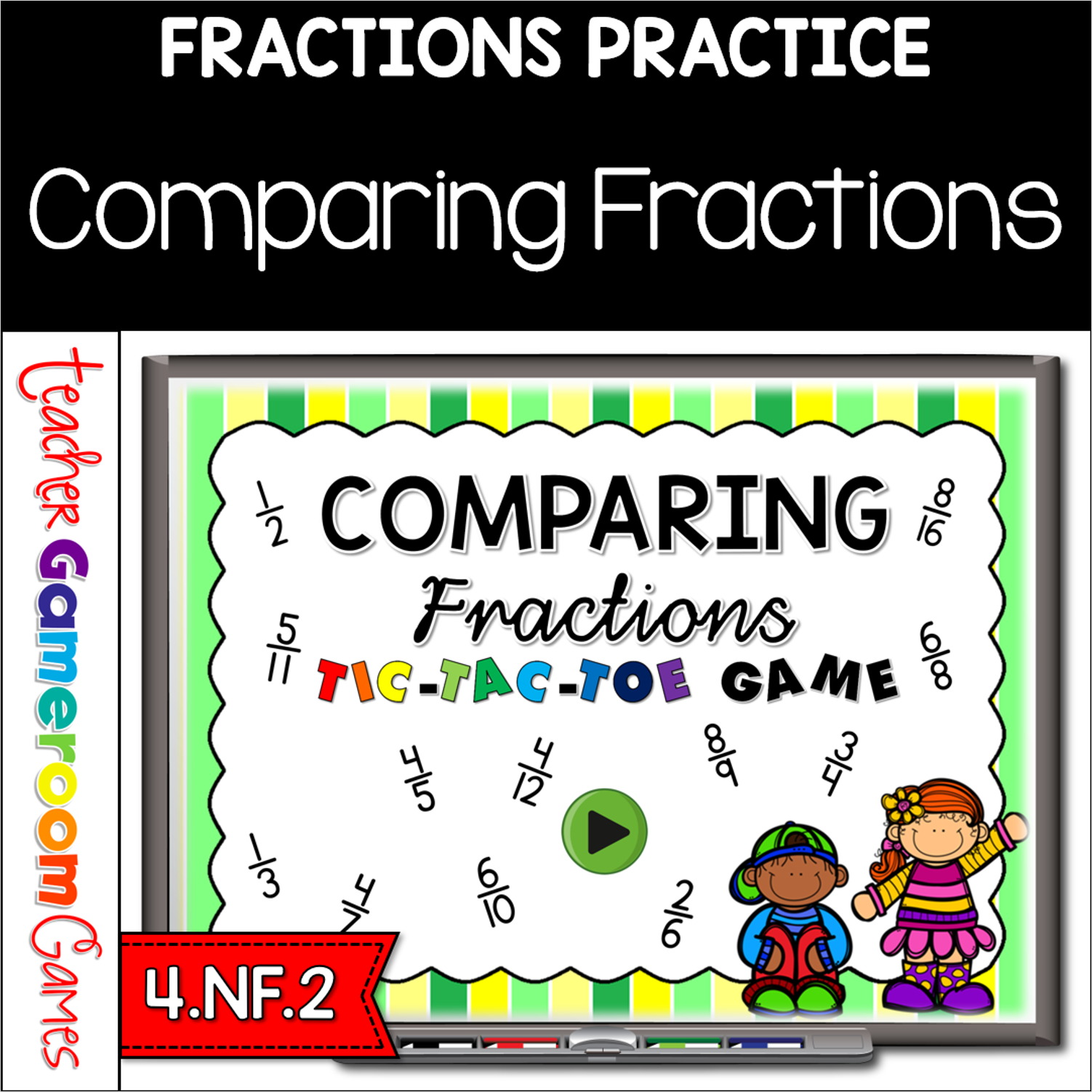
Review fractions with this fun twist on Tic-Tac-Toe. Students must answer the question correctly in order to place and “X” or an “O”. These questions include comparing fractions. Each game has 9 questions for a total of 27 questions. There are 27 questions and you just click on each question to go to it. The question disappears after you’ve clicked on it so you know you’ve answered it. Includes 3 games to choose from. Great for a guided math center or review activity. Great for individual practice on the iPad!
Practice changing mixed numbers to improper fractions with this exciting “Find the Star” game. Students must successfully change a mixed number into an improper fraction in order to locate a star. There are 5 stars to find in all. Don’t tell them how many stars there are though. Even if they find all 5, keep them thinking there are more to find! There are 25 questions and you just click on each question to go to it. The question disappears after you’ve clicked on it so you know you’ve answered it. Great for a guided math center or rainy day activity. Great for individual practice on the iPad!
Practice adding fractions with this fun, engaging Student vs Student powerpoint game. Students compete against one another or in teams as the practice adding like and unlike fractions in this interactive game. Answers range from fractions to whole numbers to mixed numbers and as always, in simplest form. There are 20 questions and you just click on each question to go to it. The question disappears after you’ve clicked on it so you know you’ve answered it. There is a type-in scoreboard. The scoreboard can be typed in during Slideshow Mode. Also includes a touch scoreboard that’s student friendly! Great for a guided math center or rainy day activity. Great for individual practice on the iPad!