Send this digital self-checking game to your students to practice their Lines of Symmetry skills. In this Test Prep PowerPoint game, students determine how many lines of symmetry a shape has. There are 25 questions in all, and you just click on each question to go to it. The question disappears after you’ve clicked on it, so you know you’ve answered it. Great for test preparation. Great for individual practice on the iPad or tablet!
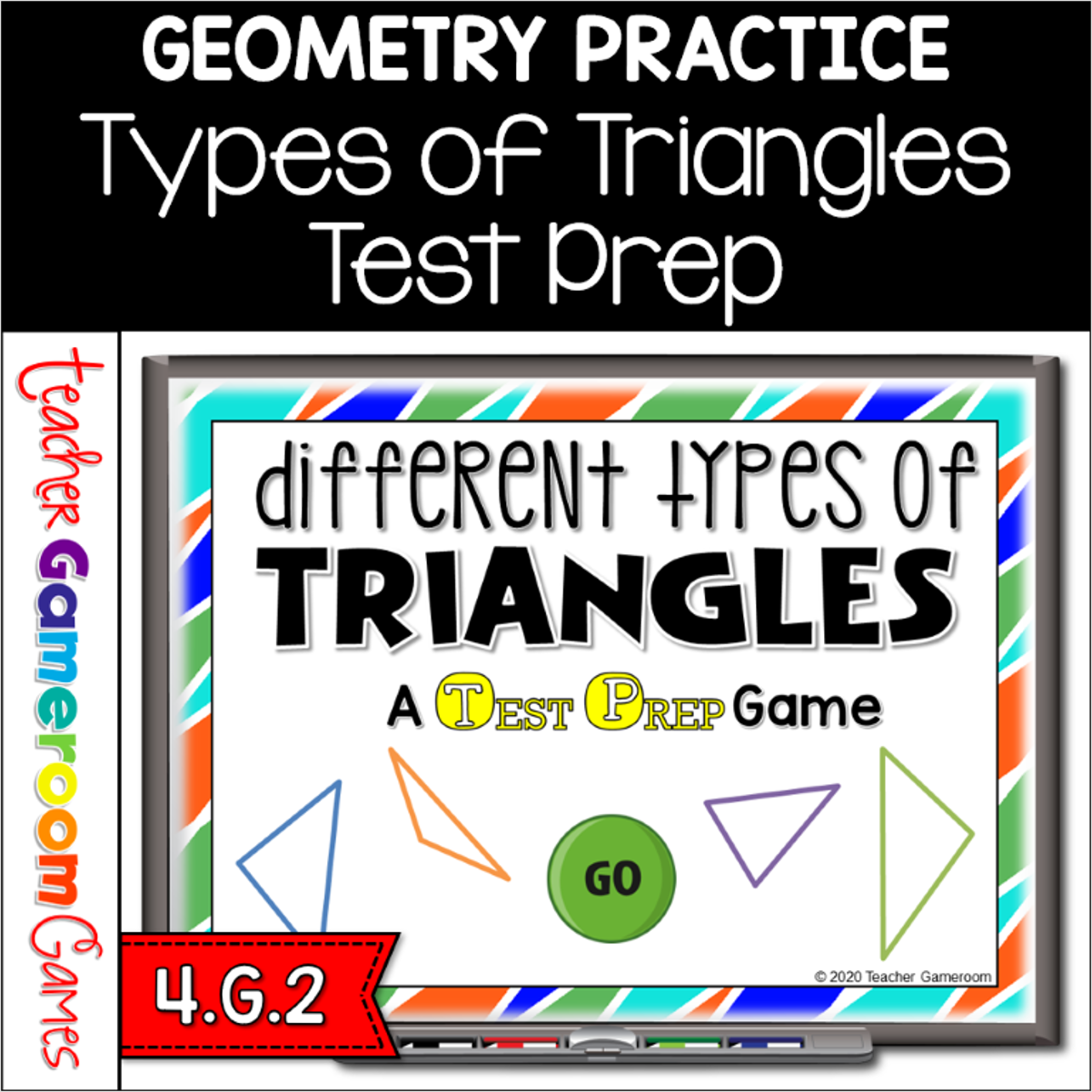
Engage 4th grade students with this fun, interactive geometry game. In this test prep PowerPoint game, student identify triangles by using their angles. There are 25 questions in all, and you just click on each question to go to it. The question disappears after you’ve clicked on it, so you know you’ve answered it. Includes a Google Classroom version where you can send to students as a review. Great for a Math review activity before a test. Great for individual practice on the tablet or google classroom!
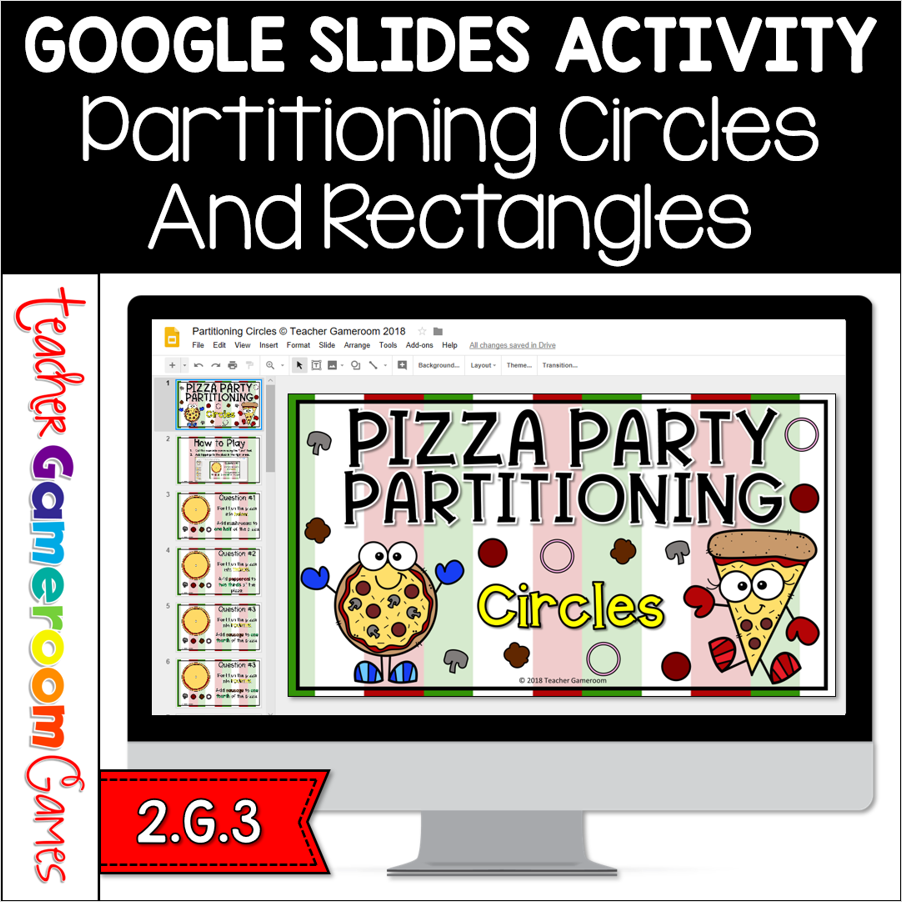
Engage 2nd grade students with this fun, interactive shapes game. This google slides activity includes 2 games. In the first games, students cut circle pizza into halves, thirds and fourths. They add toppings to portions of the cut pizza. In the second game, students cut square pizzas ( adding # rows and # columns) and count the total number of pieces. There are 20 questions per games. Great for math centers or google classroom activity.
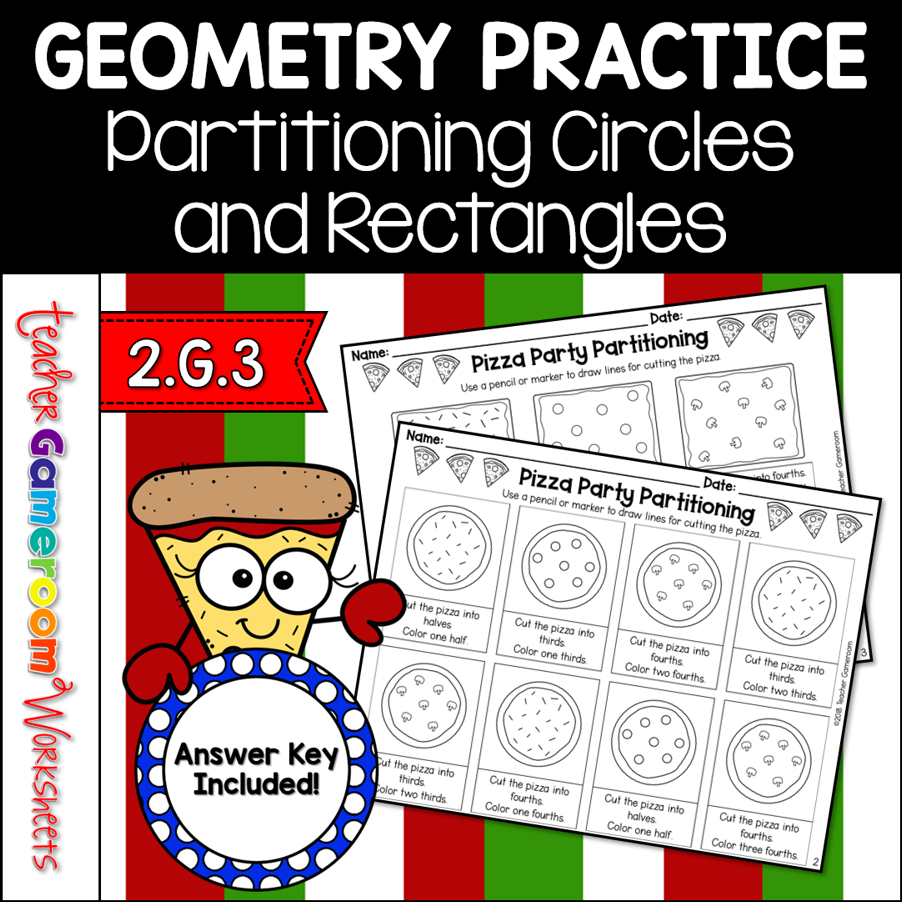
Reinforce fraction skills with this partitioning worksheet. Includes 2 worksheets. 1 worksheets has students partition circle pizzas into halves, thirds, and fourths. Next, they color a part of the pizza (ex. one-third, two-fourth, one-half, etc). The 2nd worksheet does the same, using rectangle pizza instead. There are 6 questions per sheet. Great for a quick math morning review or fractions homework activity.
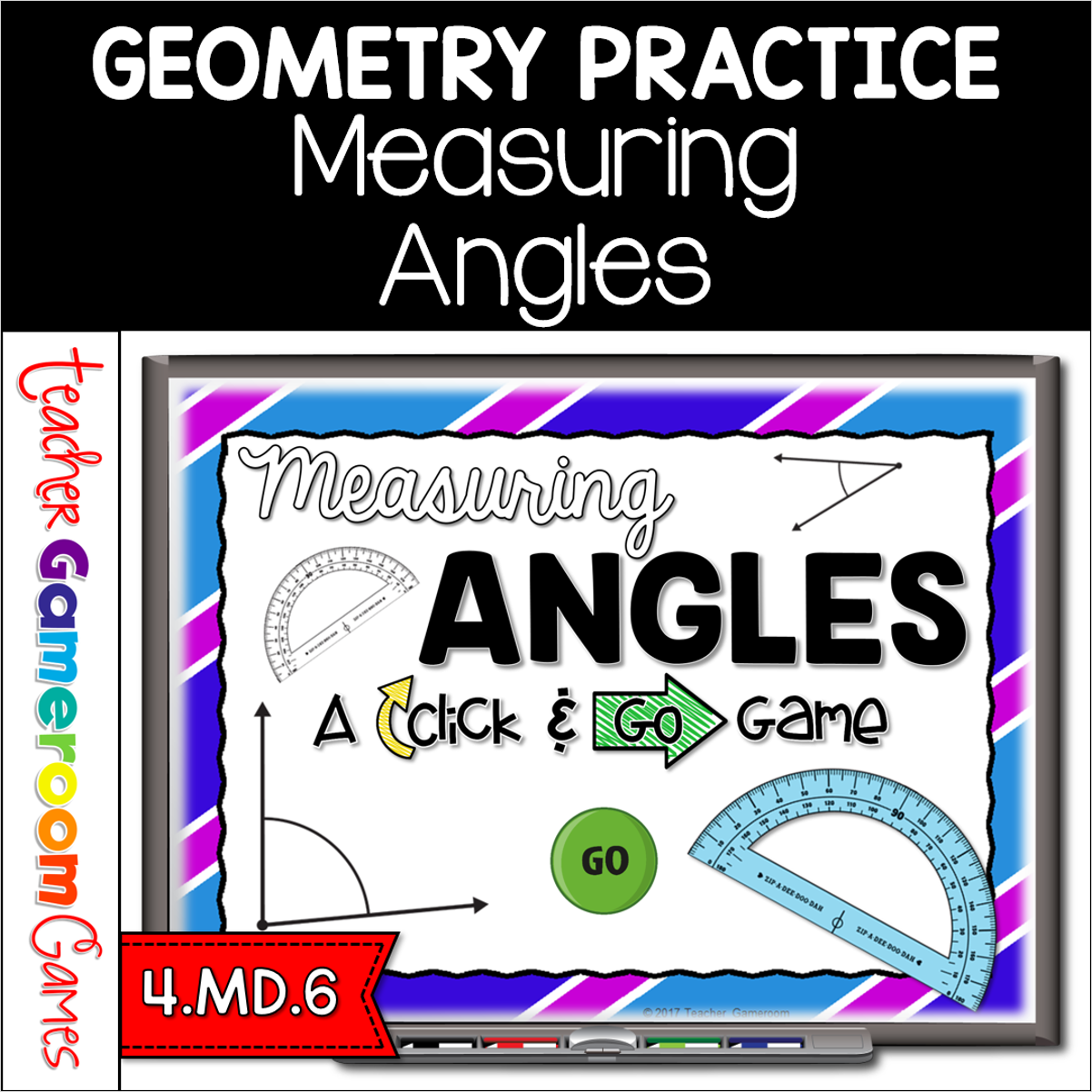
Engage 4th grade students with this fun, interactive measuring game. In this click and go powerpoint game, students measuring different angles to the nearest 5 degrees. The measurement range from 0 to 180 degrees. No protractor? No problem! A clickable protractor appears for the PC and Mac version. A moveable protractor is available for google slides. There are 40 questions in all. Great for a whole class review or geometry center activity. Great for individual practice on the iPad or tablet!
Engage students with this fun, interactive geometry game. This game review geometry topics including 3D shapes, angles, lines, and more. Included is a final question you can edit to meet your needs. There are 30 questions and you just click on each question to go to it. The question disappears after you’ve clicked on it so you know you’ve answered it. This game includes a Type-in Scoreboard. The type-in scoreboard allows you to type in scores during Slideshow Mode. Great for a math center or rainy day activity.