Practice 3 digit multiplication with this fun, engaging Halloween game. Students practice multiplying 3 digit by 1 digit numbers. You can have up to 4 teams, each named for a “monster”. There are 20 questions so that every team has an equal chance of at least tying. You just click on each question to go to it. The question disappears after you’ve clicked on it so you know you’ve answered it. There is a type-in scoreboard. The scoreboard can be typed in during Slideshow Mode. You get to decided how much each question is worth. Great for a guided math center or Halloween activity. Great for individual practice on the iPad!
Keep you students entertained and engaged in the fun, Halloween themed fractions game. This game reviews multiplication of a fraction by a whole number. You can have up to 5 teams, each with a unique monster as their avatar (Witchee, Frankee, Mummee, Skelee, and Vampee). There are 20 questions and you just click on each question to go to it. The question disappears after you’ve clicked on it so you know you’ve answered it. There is a type-in scoreboard. The scoreboard can be typed in during Slideshow Mode. Great for a whole math center or rainy day activity.
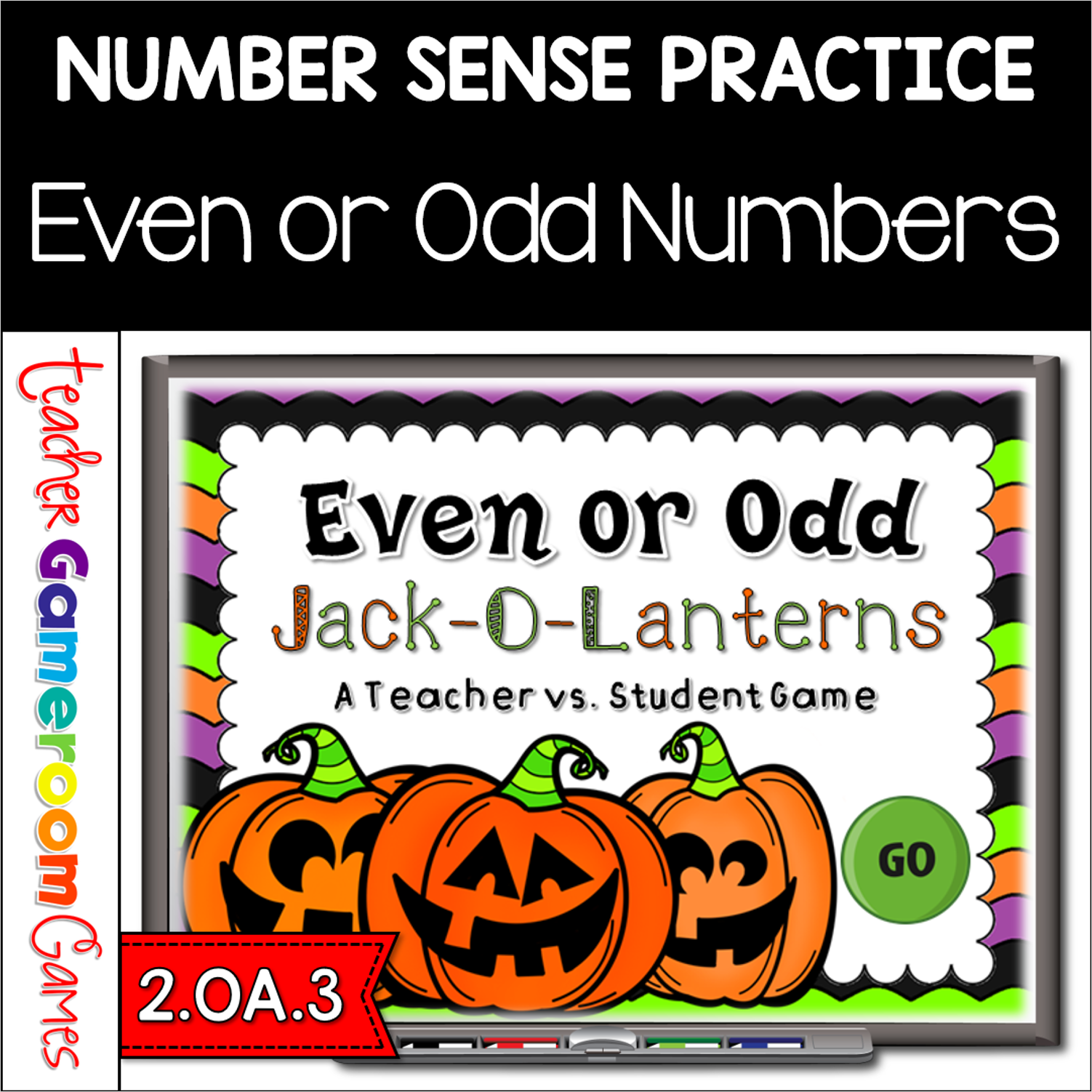
Practice identifying even and odd numbers with this fun Jack-O-Lanterns Even or Odd Game. Students are to count the Jack-O-Lanterns and then determine whether or not that number is even or odd by clicking the right word. This is a teacher vs student game (see description below) so your student will love competing against you. There are 20 questions and you just click on each question to go to it. The question disappears after you’ve clicked on it so you know you’ve answered it. There is a type-in scoreboard. The scoreboard can be typed in during Slideshow Mode. Great for a quick morning review or Halloween activity. Great for individual practice on the iPad or tablet!
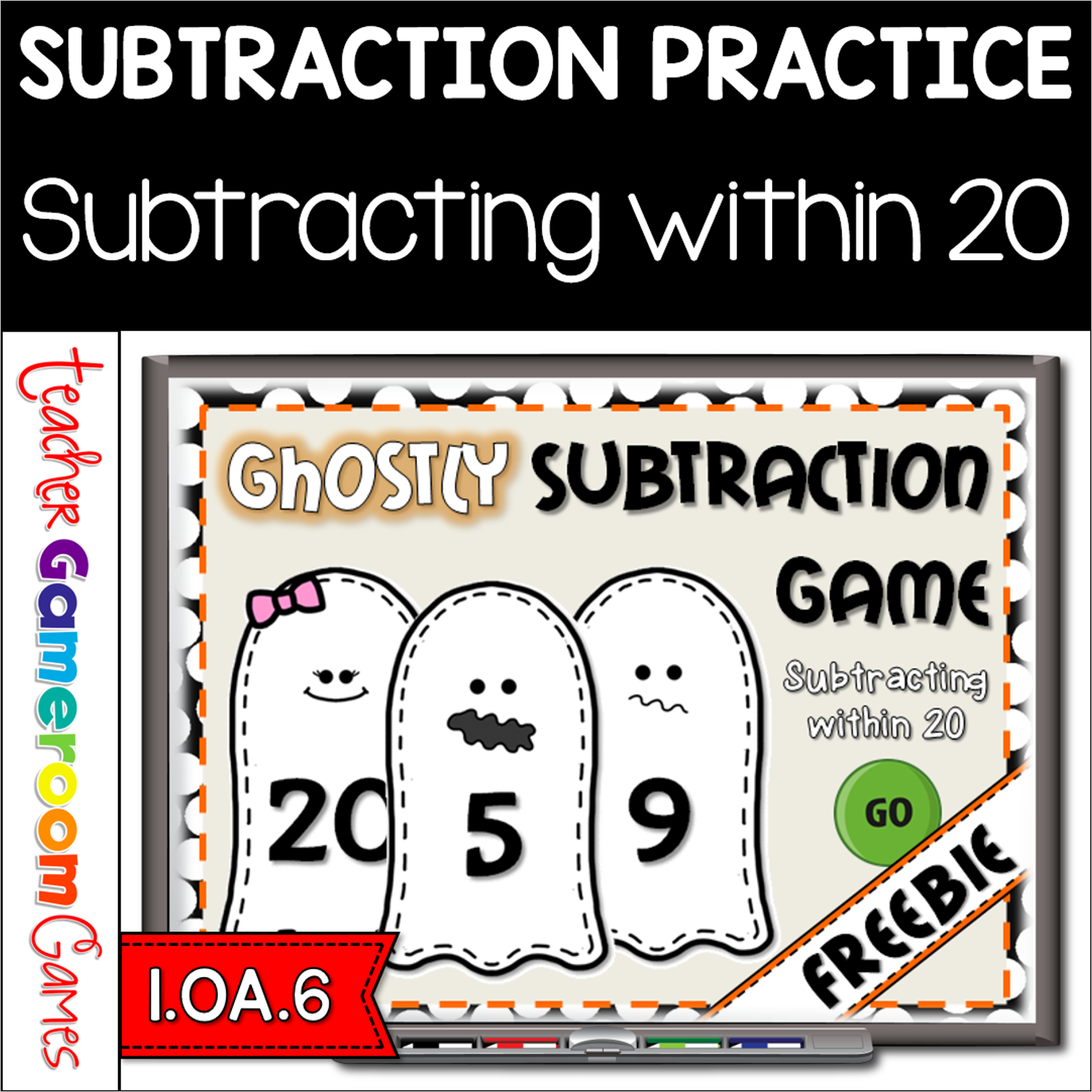
Yay for forever freebies! Celebrate Halloween with this ghostly Halloween Games. Students practice subtracting within 20. Animations include a revolving door that reveals the answer and funny ghost faces. There are 20 questions and you just click on each question to go to it. The question disappears after you’ve clicked on it so you know you’ve answered it. There is a type-in scoreboard. The scoreboard can be typed in during Slideshow Mode. Great for a guided math center or Halloween activity. Great for individual practice on the iPad!
Engage students with this fun, interactive Halloween addition game. In this Write and Wipe powerpoint game, students practice adding numbers up to 10 in this Halloween themed game. Candy corn makes this game sweet with beautiful clip art. There are 20 questions and you just click on each question to go to it. The question disappears after you’ve clicked on it so you know you’ve answered it. Great for small groups or Halloween day activity. Great for individual practice on the iPad!
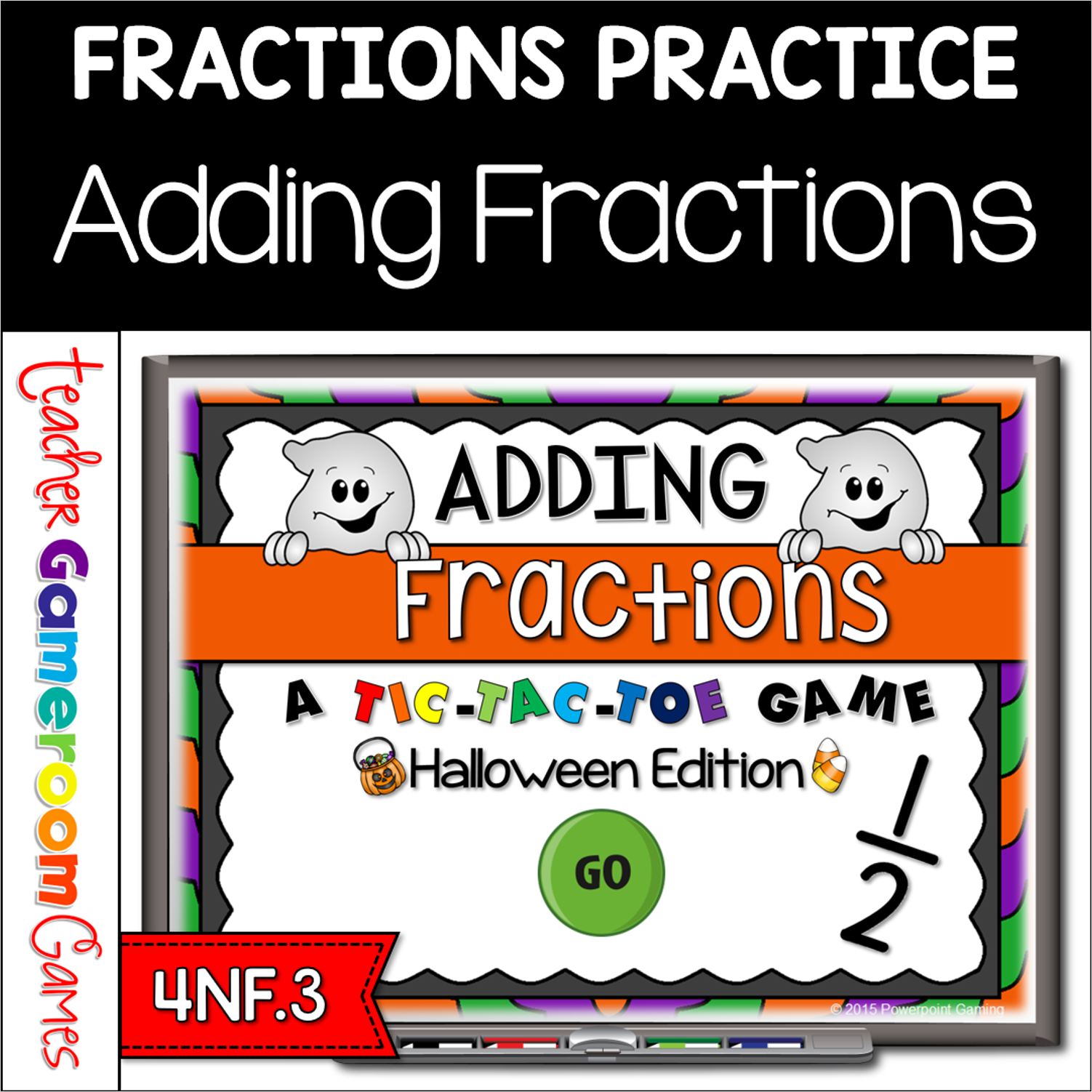
ngage students with this fun, interactive Halloween themed time game. In this tic-tac-toe powerpoint game, students play against one another as they practice adding fractions. In this twist on the classic game, students must answer the questions correctly in order to place their “x” or “o”. There are 3 game modes with 9 questions per game. Each game mode reinforces certain fractions skills in adding, simplifying and unlike fractions. There are 27 questions total and you just click on each question to go to it. The question disappears after you’ve clicked on it so you know you’ve answered it. Great for a guided math center Halloween Day activity. Great for individual practice on the iPad!