Send this digital self-checking game to your students to practice their alphabet skills. Students give an Uppercase letter and they must choose their match. There are three (3) choices to choose from. Checks (✔️) will appear for correct answers and X’s will appear for incorrect answer. There are 26 questions in all, one for each letter. You just click the next button to go to the next question or the back button to go to the previous question. Feel free to send this to your students or upload to password-protected websites. Great for a quick ELA morning review or center activity. Great for distance learning on computers or tablets!
Enhance your ELA lesson with this fun, interactive Digital Powerpoint Book. The ppt book works just like a real book with page turning animations. Read the Aesop’s Famous Fable “Town Mouse and Country Mouse”. Great for small groups centers or individual assignments.Includes 5 ELA worksheets: the story with reading comprehension questions, cut and paste retelling activity, “Elements of a Story”, story-related writing prompt, reading passage only sheet, and reading comprehension only sheet with extra questions.
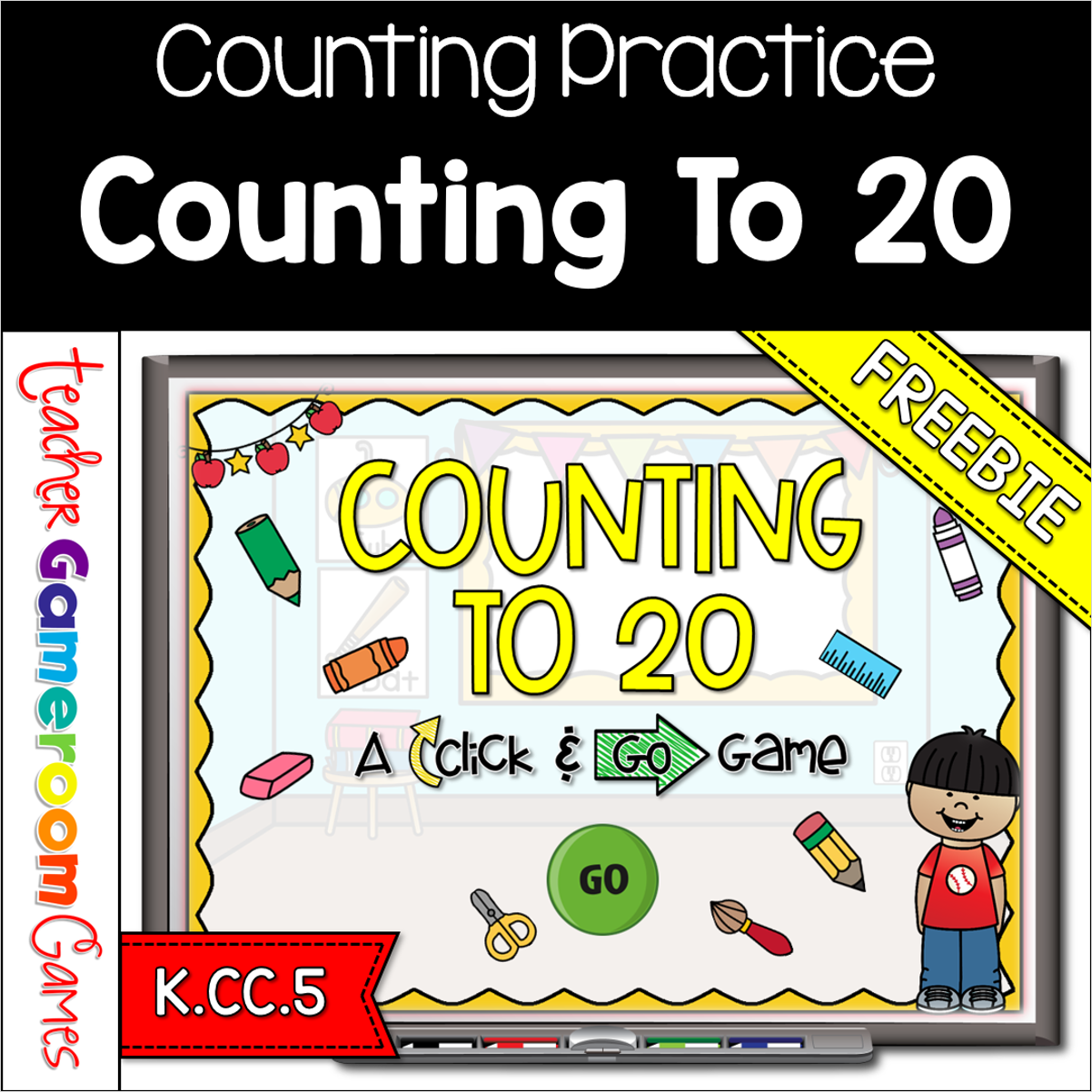
Engage kindergarten students with this fun, interactive counting game. In this click and go PowerPoint game, students count schools supplies in mixed bunches and in lines. This includes crayons, markers, erasers and more. There are 20 questions in all, and you just click “ANSWER” to reveal the answer and then click “NEXT” to go to the next question. Great for a quick morning review or math center activity. Great for individual practice on the iPad or tablet!
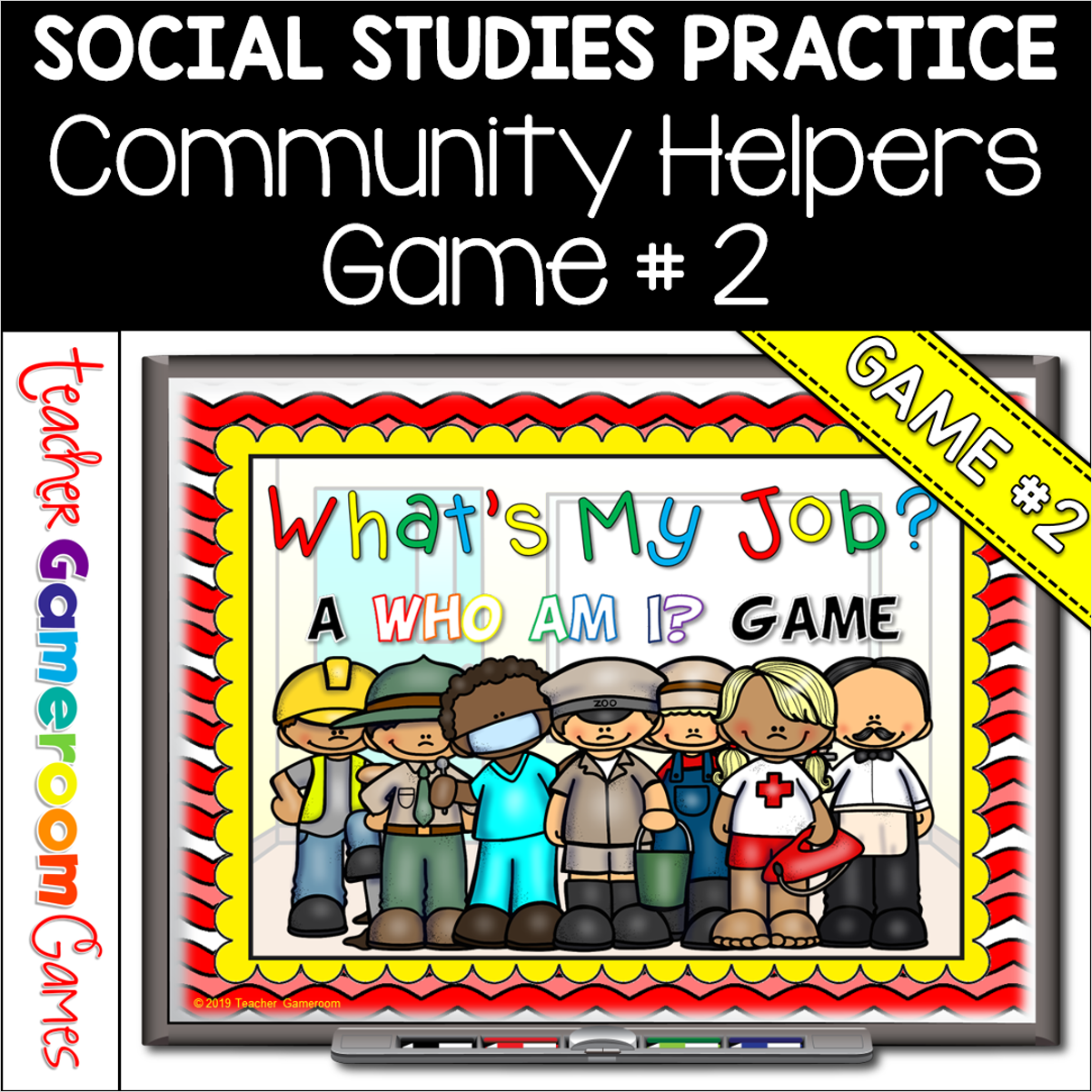
Engage students with this fun, interactive community helpers game. In this “Who am I” game, students must guess the community worker. There are 10 questions and you just click on each question to go to it. Each question has 3 clues and student have to guess which community helper it describes. Clues include tools they may use, what they do, and where they may work. Great for a whole class review or rainy day activity. Great for individual practice on the iPad!
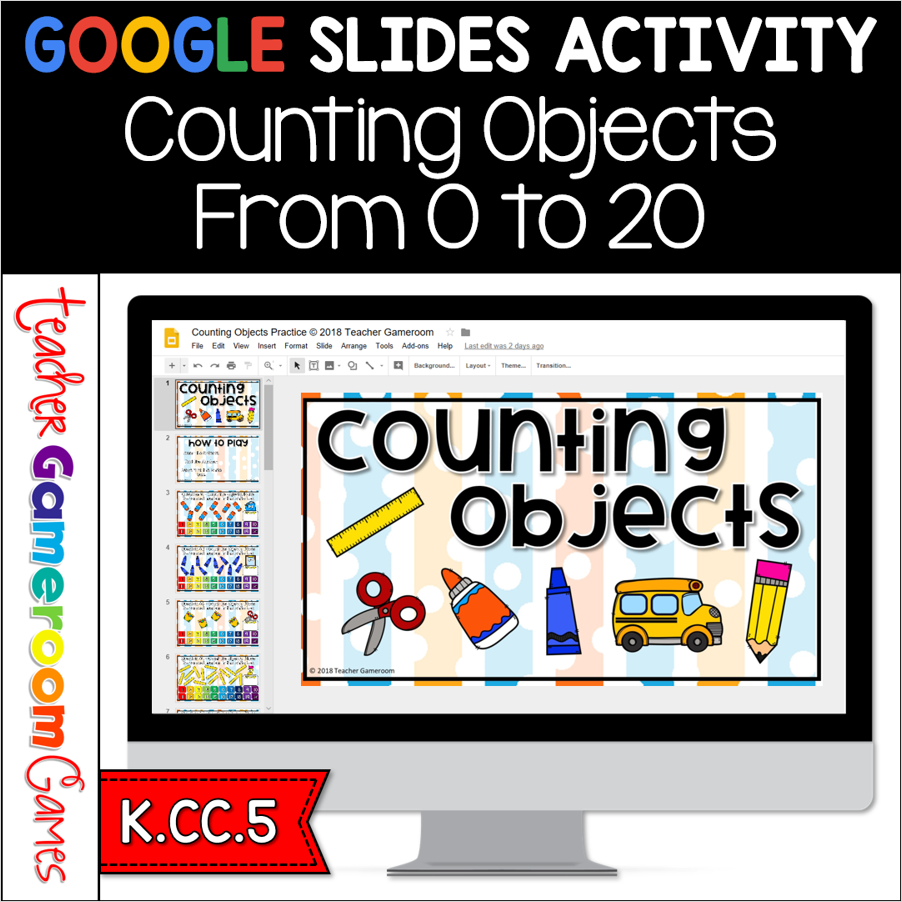
Review counting to 20 with the google slides activity. Students count groups of objects up to 20. Using Google slides, students count the objects than move the number into the answer box. Very simple! There are 20 questions in all Great for a math center activity or back to school activity. Great for individual practice on the iPad or tablet!
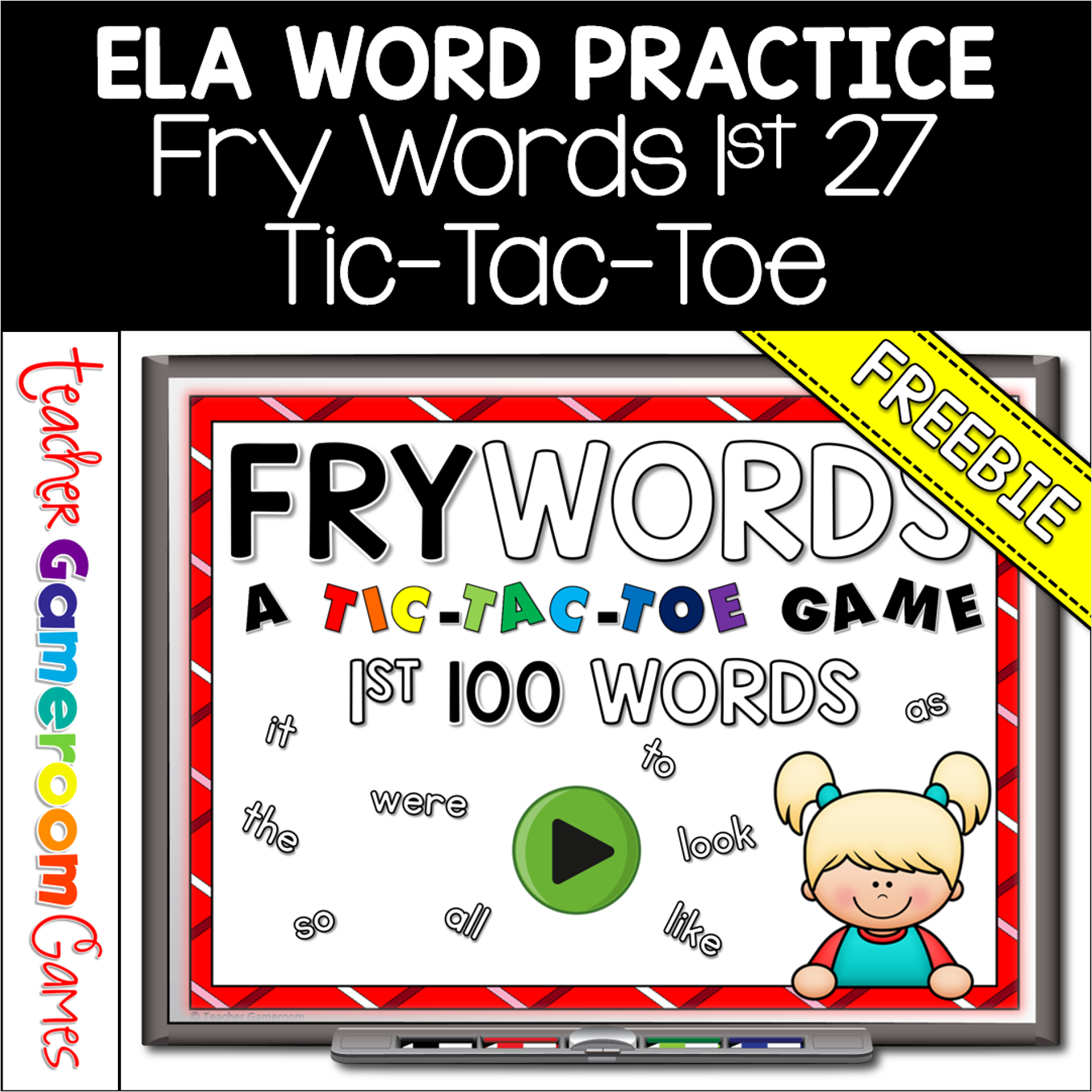
Engage students with this fun, interactive language arts game. In this tic-tac-toe powerpoint game, students read the fry word and place their “X” or “O”. There are 3 game boards, each with 9 fry words from the first 100 fry words set. There’s a reset button to reset the board so students can play multiple times. Great for a quick ELA morning review or center activity. Great for individual practice on the iPad or tablet!