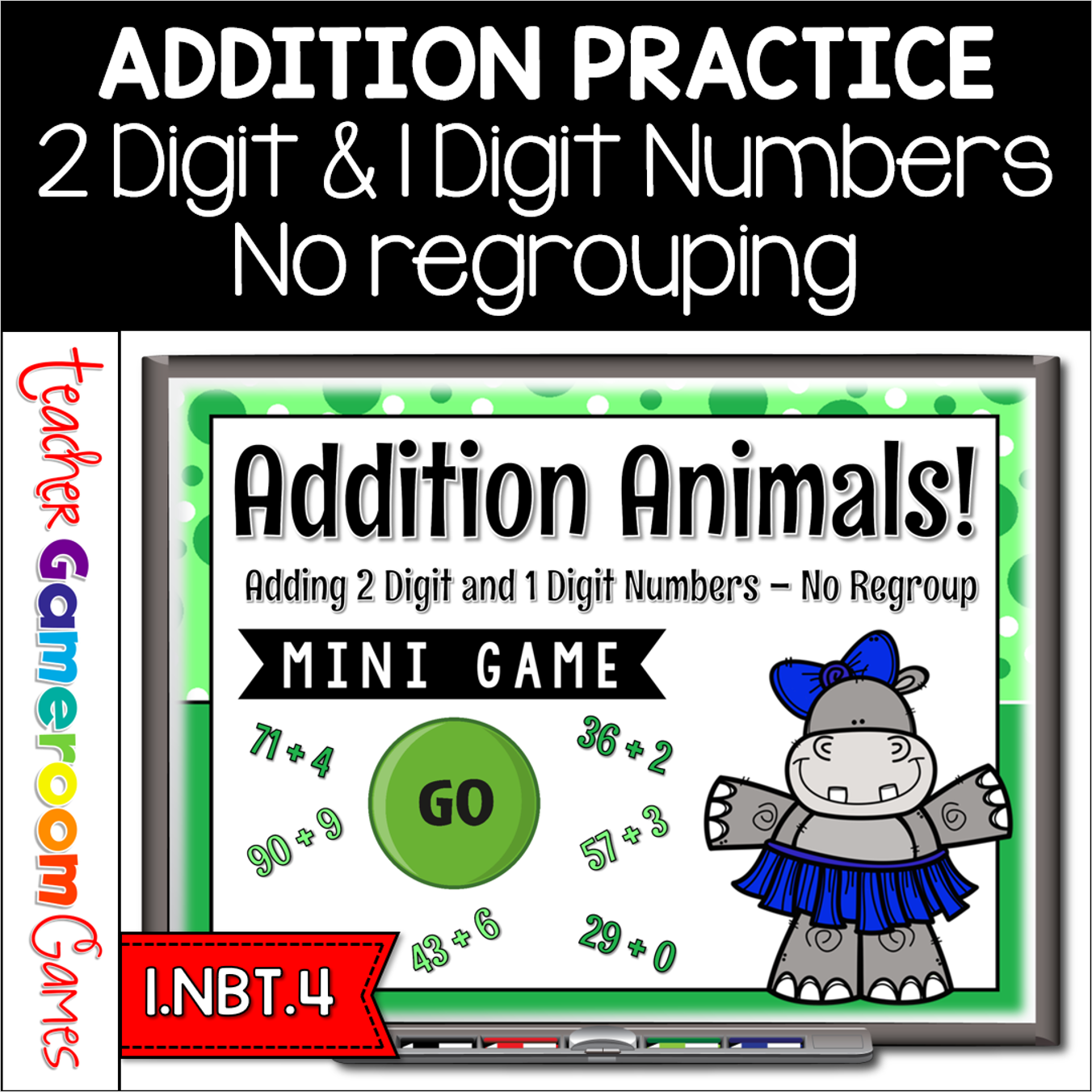
Engage first grade students with this fun, interactive 2 digit addition game. In this mini powerpoint game, students add 2 digit and 1 digit numbers. There’s no regrouping. Easy and simple to use. There are 10 questions in all and you just click on each question to go to it. The question disappears after you’ve clicked on it so you know you’ve answered it.Great for a quick math morning review or math center activity. Great for individual practice on the iPad or tablet! Extra licenses are $0.75.
Reinforce measurement skills with this comparing lengths worksheet. Students look at 3 objects and color the object that is tallest or shortest. Includes 4 worksheets: 1 Color-the-shortest, 1 color-the-tallest, and 2 mixed review. Answer key is included. Great for a morning work or center activity.
Engage first grade students with this fun, interactive activity. In this google slides activity, students place clip art of skyscrapers in order from shortest to tallest and tallest to shortest. Each activity has 10 to 20 questions. Great for a whole class review or math center activity. Great for individual practice on the iPad or tablet! Extra licenses are $2.50.
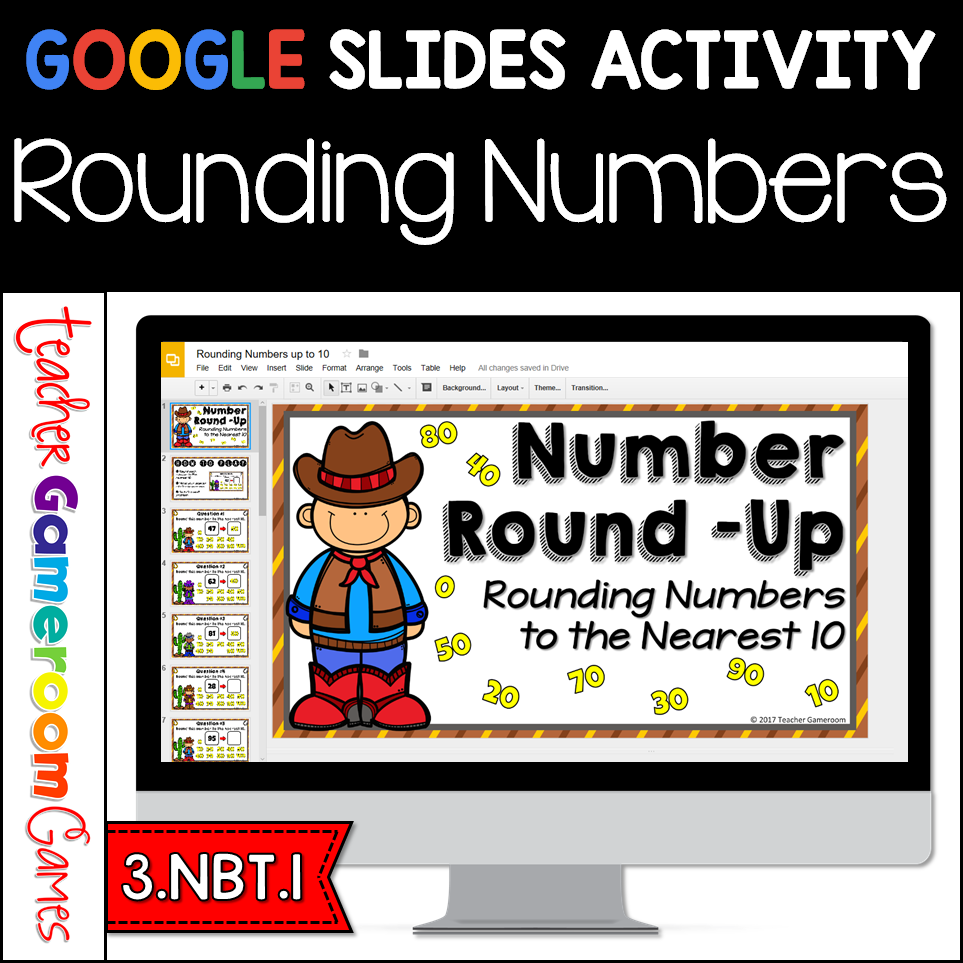
Engage 3rd grade students with this fun, interactive rounding numbers game. In this Google Slides activity, students round numbers to the nearest 10. Students place the rounded number in the box. One question per slide for a total of 20 question. Includes a “How to Play” slide with video instructions of what to do. Great for a whole class activity or math center activity. Great for individual practice on the iPad or tablet!
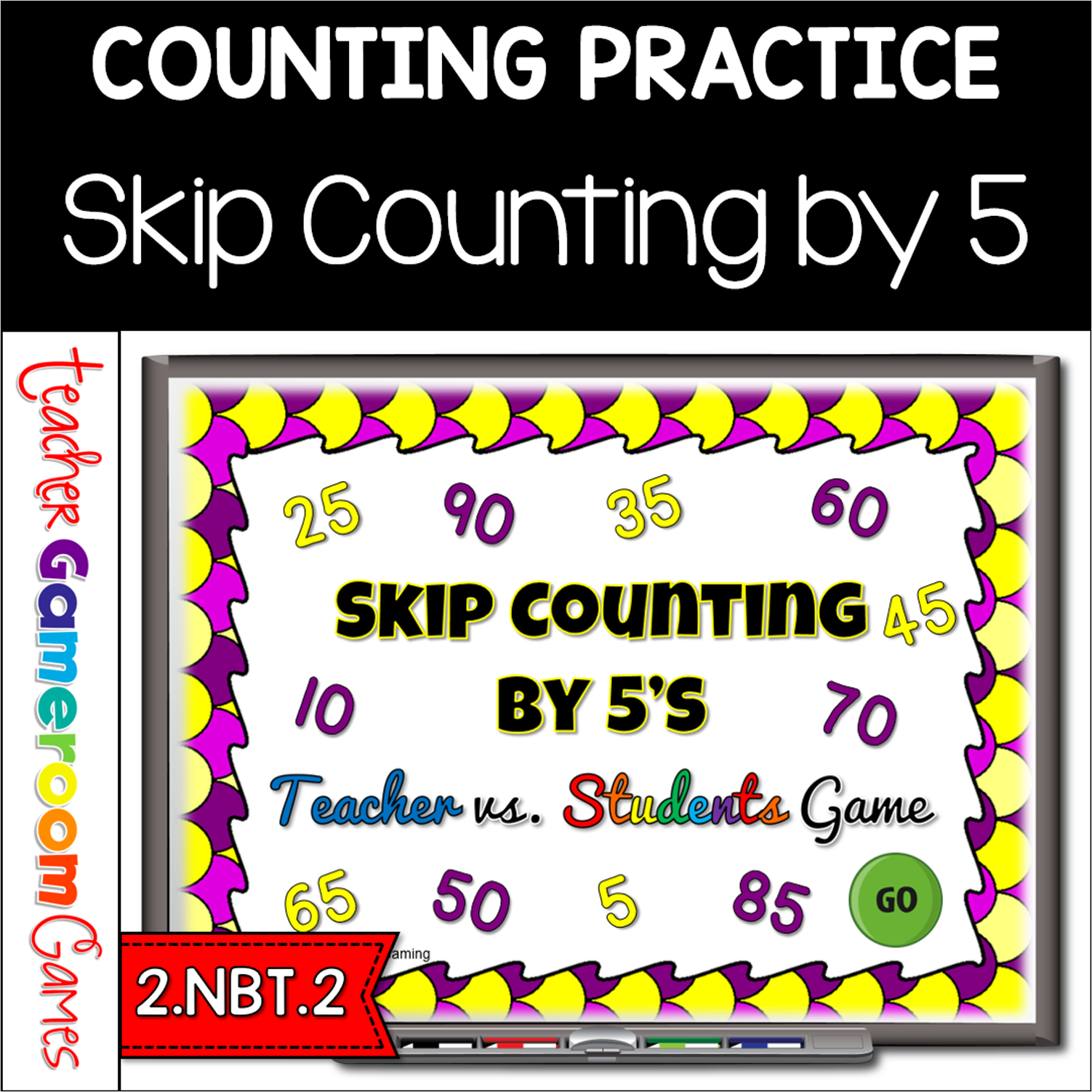
Engage 2nd grade students with this fun, interactive math game. In this teacher vs student powerpoint game, students practice skip counting by 5’s. Students are given 4 numbers and they must determine the next 3 numbers. Starting number ranges from 0 to 1000. There are 20 questions and you just click on each question to go to it. The question disappears after you’ve clicked on it so you know you’ve answered it. There is also type-in scoreboard. The scoreboard can be typed in during Slideshow Mode. This is a Teacher vs. Student game (see description below). Great for a guided math center or rainy day activity. Great for the iPad.
Practice place value topics with the PowerPoint review game. This game is just like jeopardy. The questions focus on place value, specifically Numbers and Operations in Base Ten (NBT). There are 6 categories, and you can have up to 5 teams. There are 30 questions in all, and you just click on each question to go to it. The question disappears after you’ve clicked on it, so you know you’ve answered it. The scoreboard allows you to type in scores during Slideshow Mode. Great for math centers activity or as a whole class review before a test. Perfect for zoom meetings during distance learning.