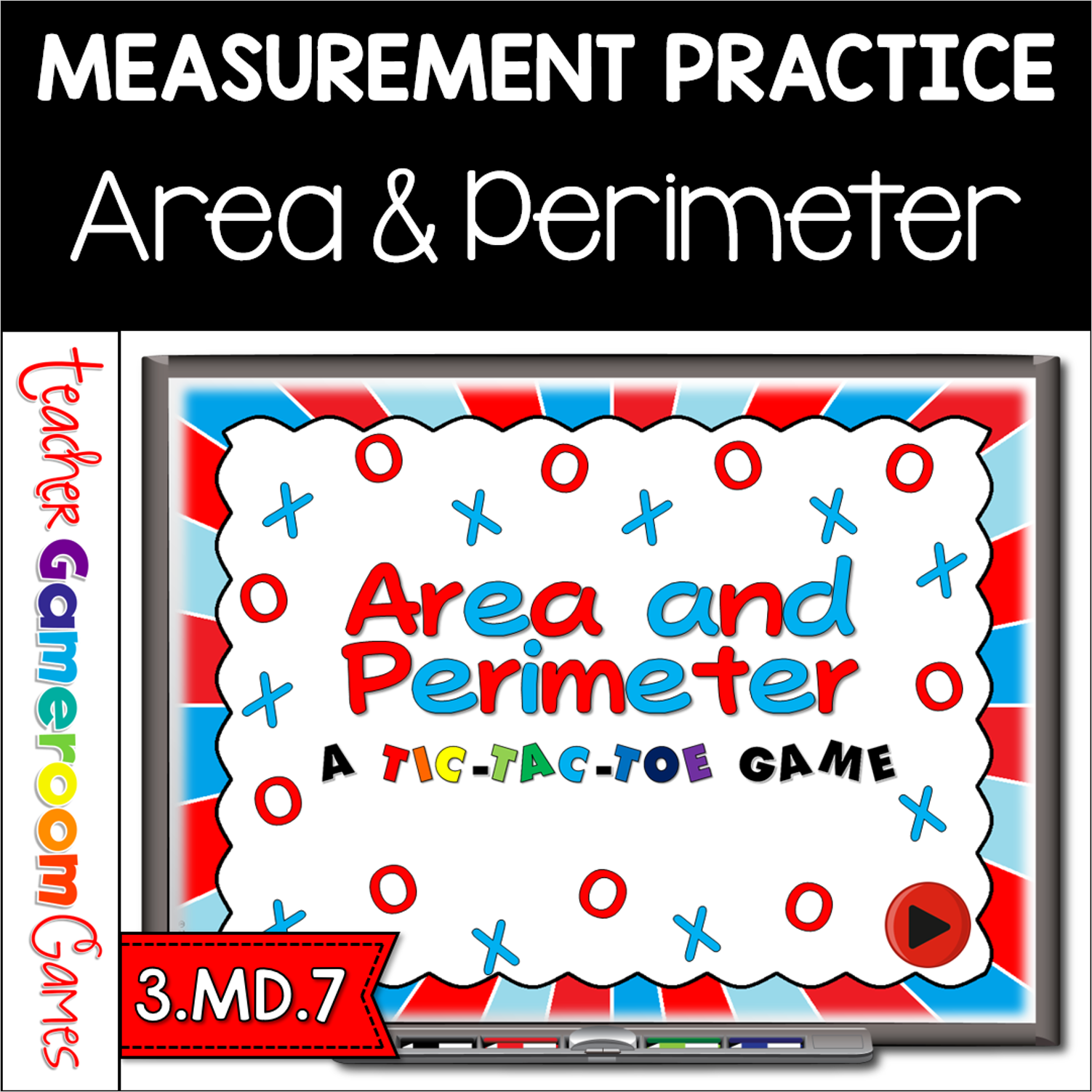
Review simplest form with this fun twist on the Classic Tic-Tac-Toe game. This PowerPoint point has 3 game modes (more bang for your buck) that includes yes/no simplest form, putting fractions in simplest form, and equivalent form of fractions. To play, students click on a square and are taken to a question. If correct, they can click on their shape (O or X) and the next player goes. If wrong, the other team places their shape.
Engage students with this fun, interactive geometry game. Students compete against one another as the name the faces, edges, and vertices of 3D shapes. Questions are for either the number of faces, edges, or vertices of different shapes such as a cube, rectangular prism, and more. There are 20 questions and you just click on each question to go to it. The question disappears after you’ve clicked on it so you know you’ve answered it. There are 2 scoreboards: a touch scoreboard and type in scoreboard. The type-in scoreboard allows you to type in scores during Slideshow Mode. Great for a guided math center or rainy day activity. Great for individual practice on the iPad!
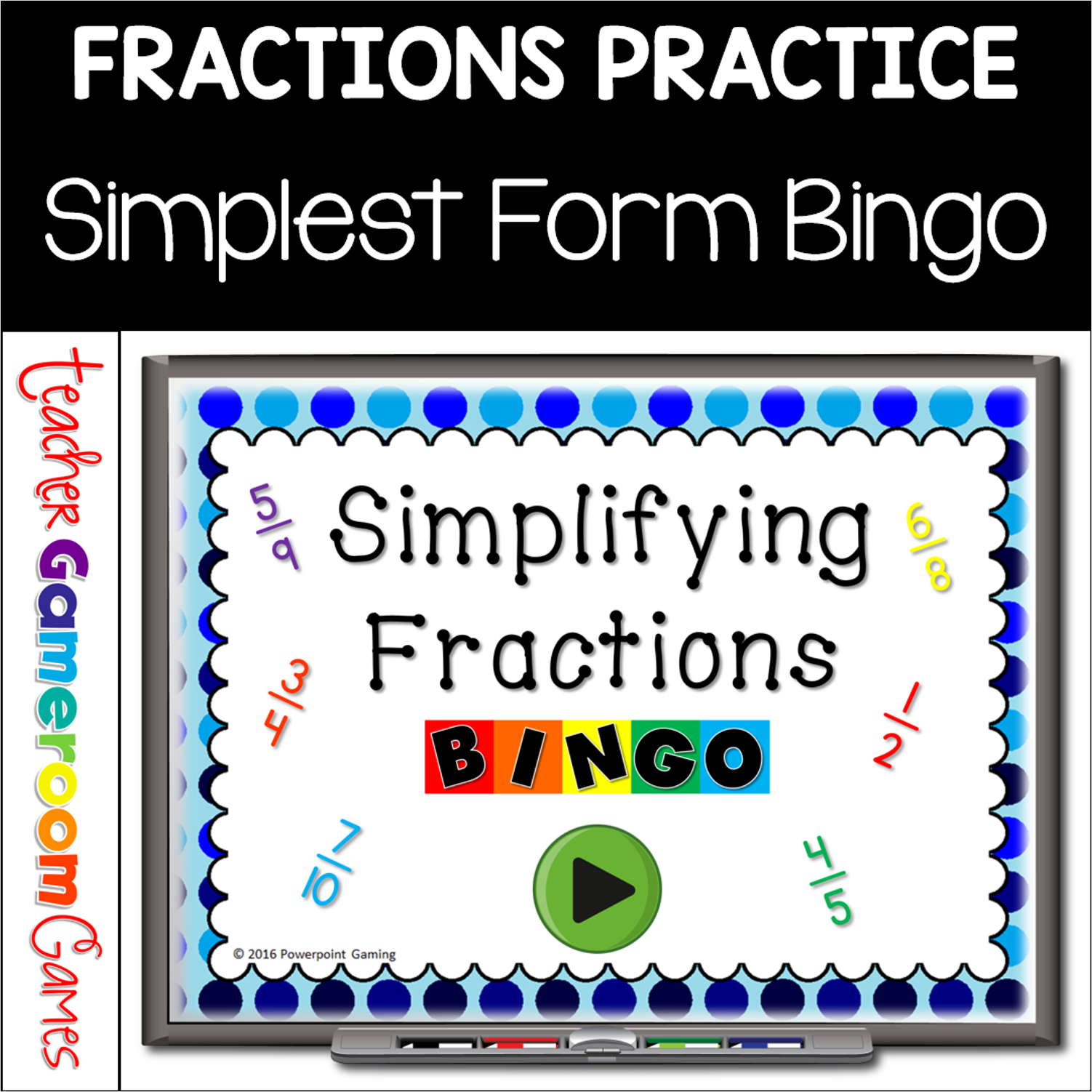
Practice simplifying fractions with this fun bingo game Includes 30 bingo cards, call sheet and the powerpoint (used as call cards. Also includes a blank bingo card to replace lost or damamged bingo cards or to have students create their own boards.Great for a fraction review or math center activity.
Here is Teacher vs student game for simplifying fractions. There are 25 questions is all. It will be the teacher against the students. Students will answer the questions. If they get it right, they win the points. If they get it wrong, the teacher gets the points. I usually do this for a reward, which makes them work even harder. Fractions are between 2 and 100. The type-in scoreboard allows you to type in scores during Slideshow Mode. Great for a guided math center or review right before a test. Great for individual practice on the iPad!
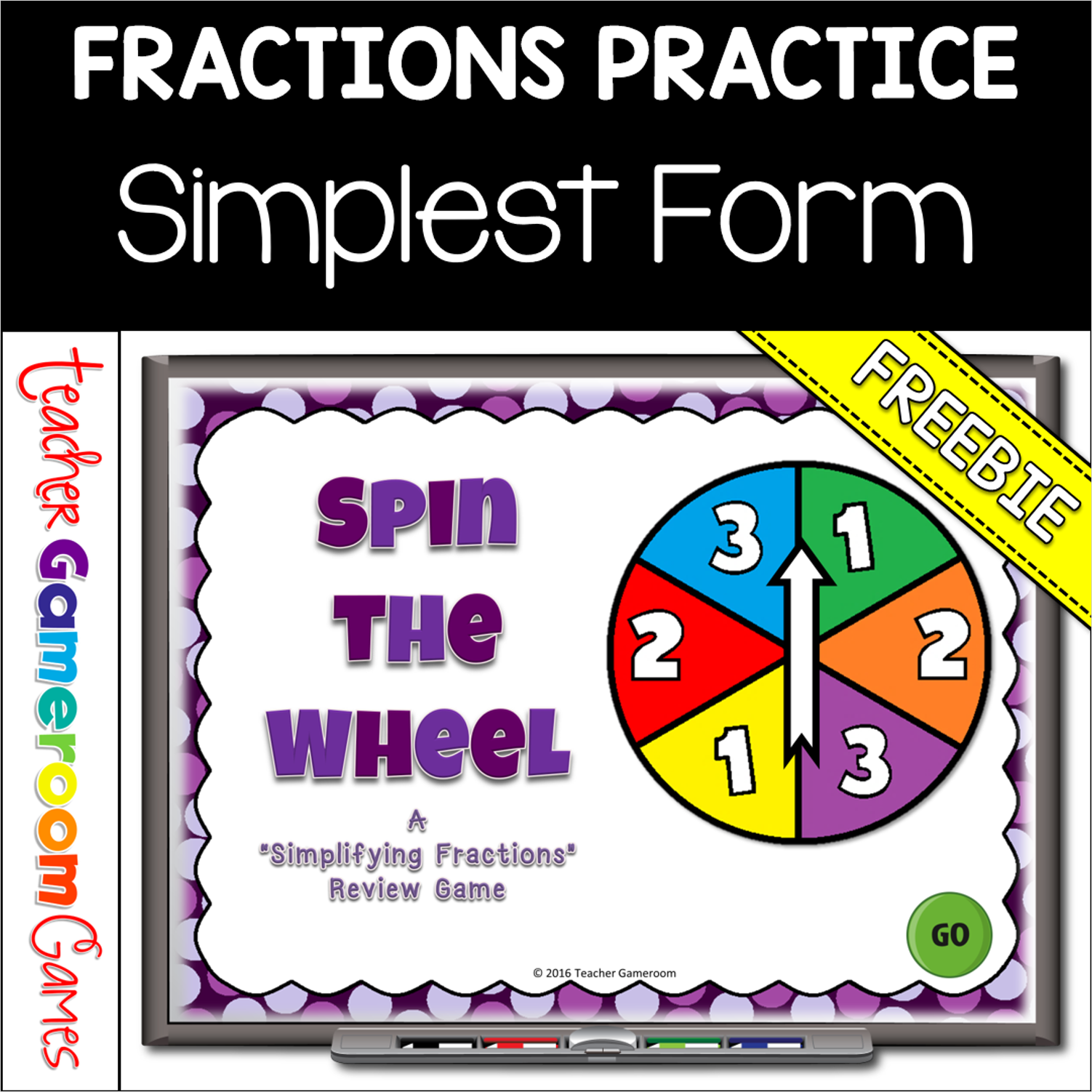
Practice simplifying fractions! In this game, students spin the wheel to get points, but only get the points if they answer the question correctly. There are 3 rounds for a total of 30 review questions. The team with the most points after 3 rounds wins! Up to 2 teams can play. This is a great review before a quiz! Great for fraction centers or whole group math activity. Great for individual practice on the iPad or tablet!
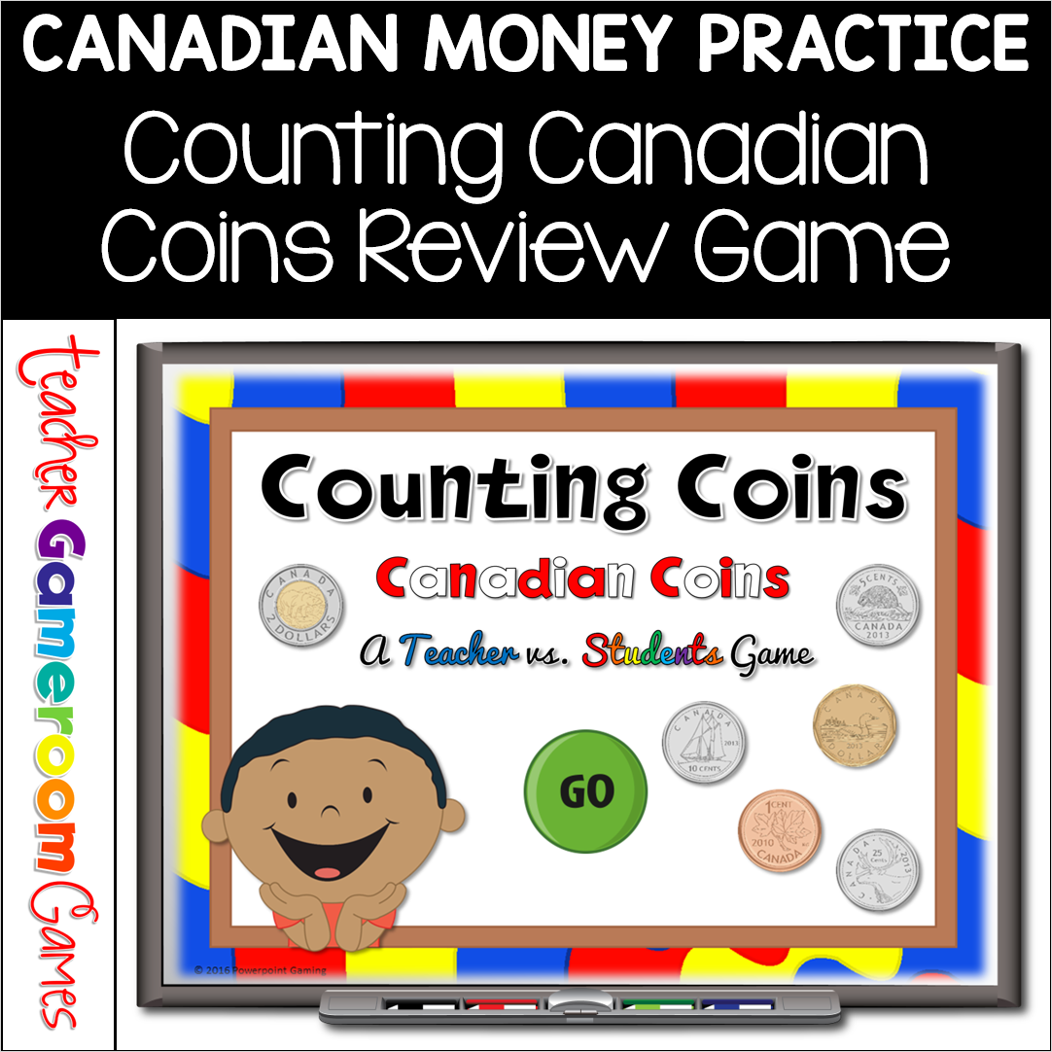
Engage students with this fun, interactive money game. In this teacher vs student powerpoint game, students are counting Canadian coins. This includes two dollar ($2), one dollar ($1), twenty-five cents ($0.25), ten cents ($0.10), five cents ($0.05), and one cents ($0.01). Coins amounts range from $1.00 to $16.00. There are 21 questions in all (including a tie breaker question) and you just click on each question to go to it. The question disappears after you’ve clicked on it so you know you’ve answered it. There are 2 scoreboards: a touch scoreboard and type in scoreboard. The type-in scoreboard allows you to type in scores during Slideshow Mode. . Great for a quick math morning review or center activity. Great for individual practice on the iPad or tablet!