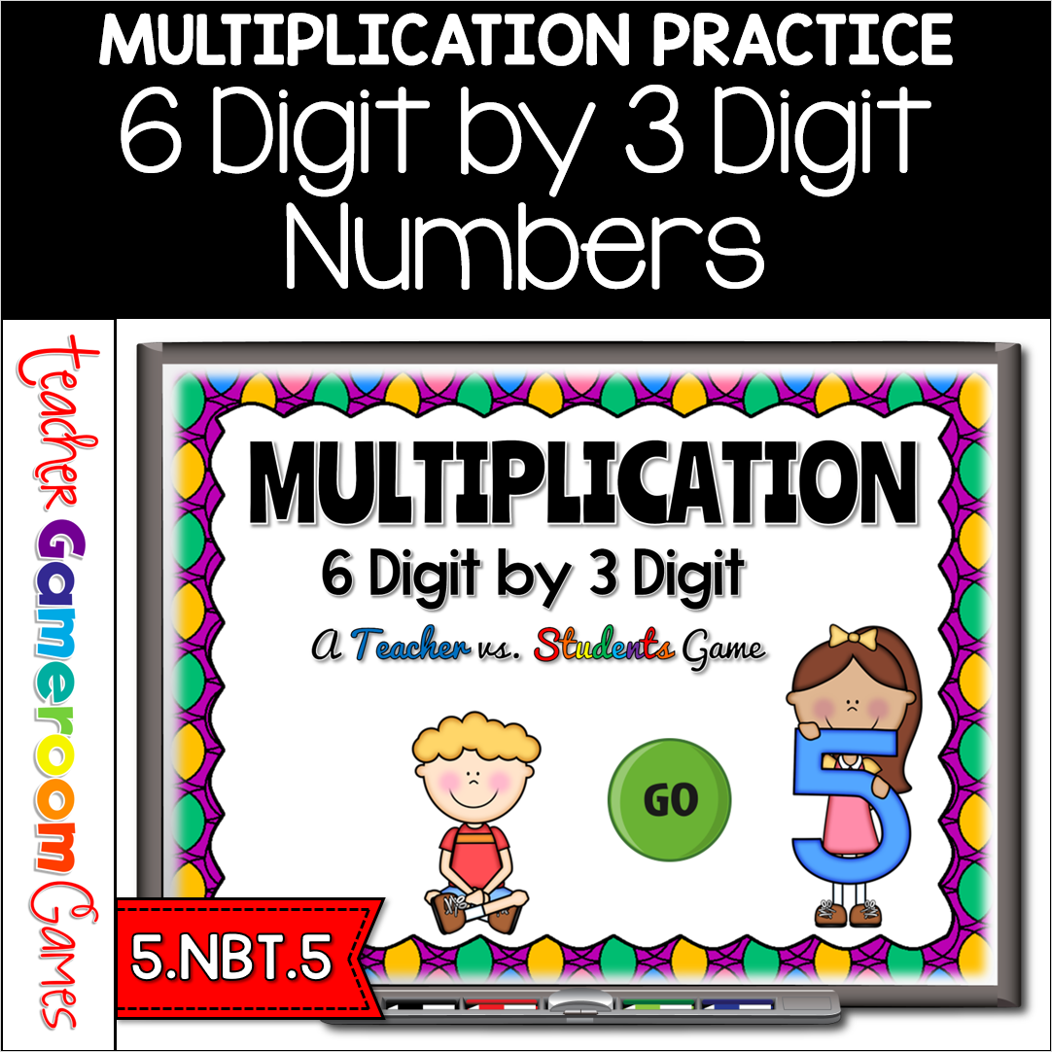
Engage 5th grade students with this fun, interactive multiplication game. In this teacher vs students powerpoint game, students practice multiplying 6 digit by 3 Digit numbers. Students play against the teacher. For every correct answer, the students get the poines, but for every wrong answer, the teacher gets the points. There are 25 questions in all and you just click on each question to go to it. The question disappears after you’ve clicked on it so you know you’ve answered it. There are 2 scoreboards: a touch scoreboard and type in scoreboard. The type-in scoreboard allows you to type in scores during Slideshow Mode. . Great for a quick ELA morning review or Month activity. Great for individual practice on the iPad or tablet!
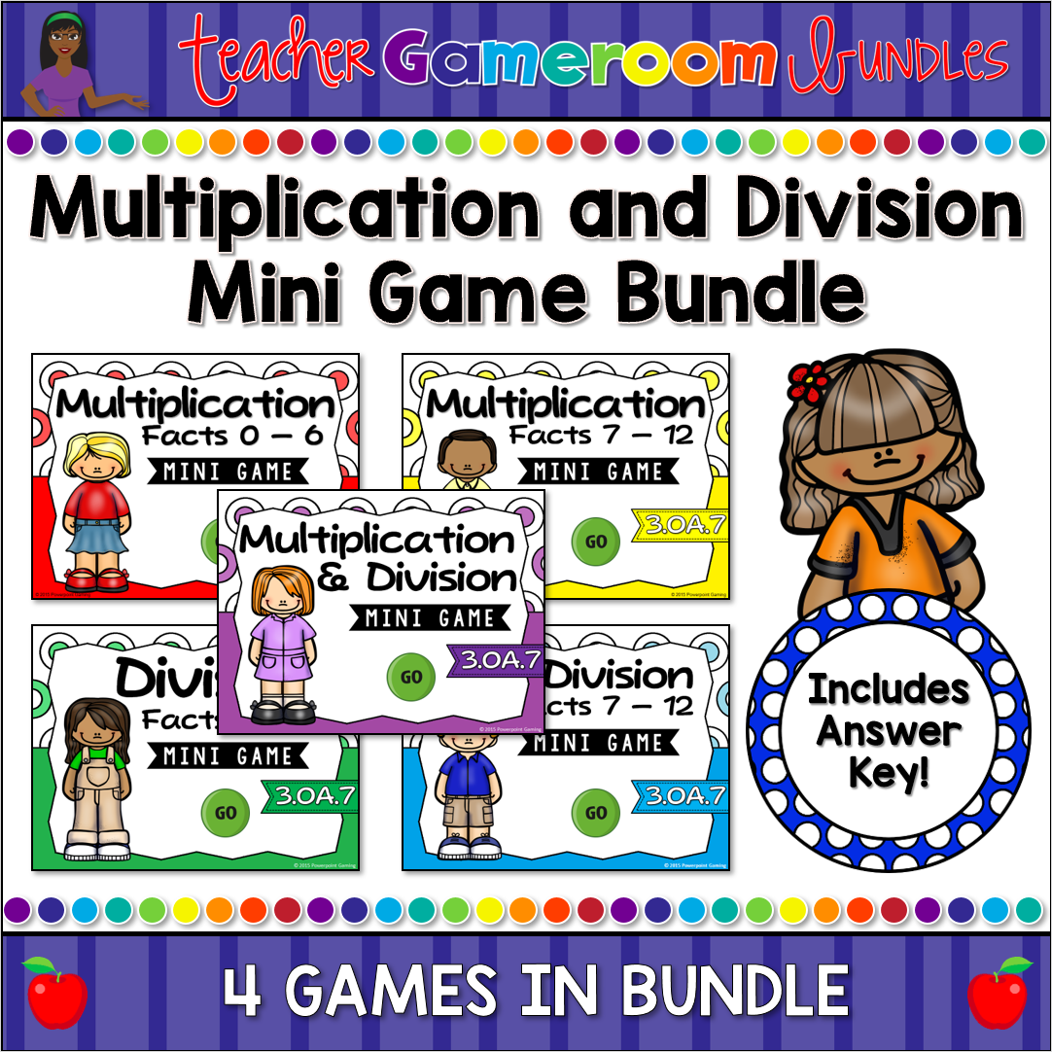
Engage students with this fun, interactive multiplication and division games. This bundle includes 5 mini powerpoint games, each with 10 questions. Students practice multiplying and dividing numbers. There’s are grand total of 50 questions. Simply click on each question to go to it. The question disappears after you’ve clicked on it so you know you’ve answered it. Great for a guided math center or rainy day activity. Great for individual practice on the iPad!
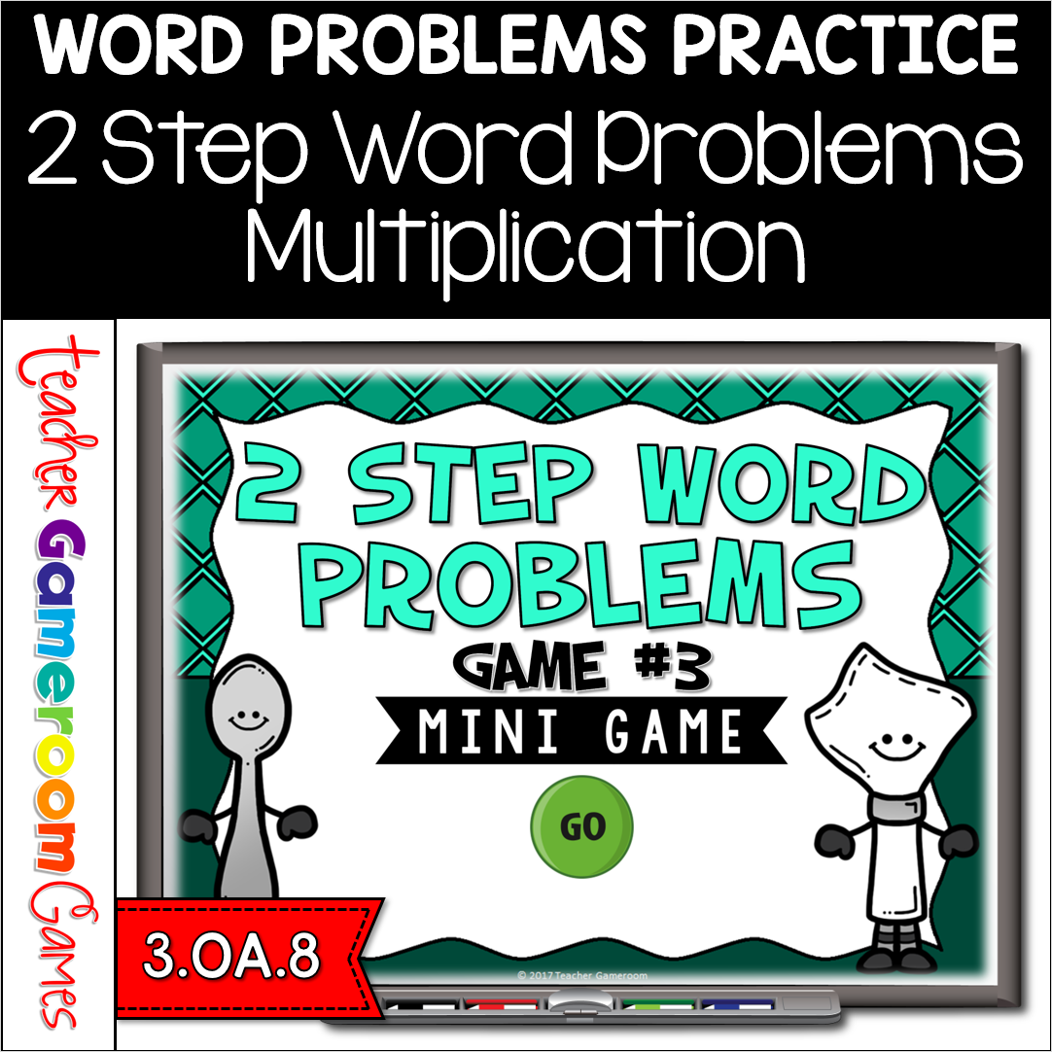
Engage 3rd grade students with this fun, interactive word problem game. In this mini powerpoint game, students answer word problems with 2 step. Each question involves multiplication and another basic operations (such as addition, subtraction, or division). There are 10 questions in all and you just click on each question to go to it. The question disappears after you’ve clicked on it so you know you’ve answered it. Great for whole class review or math center activity. Great for individual practice on the iPad or tablet!
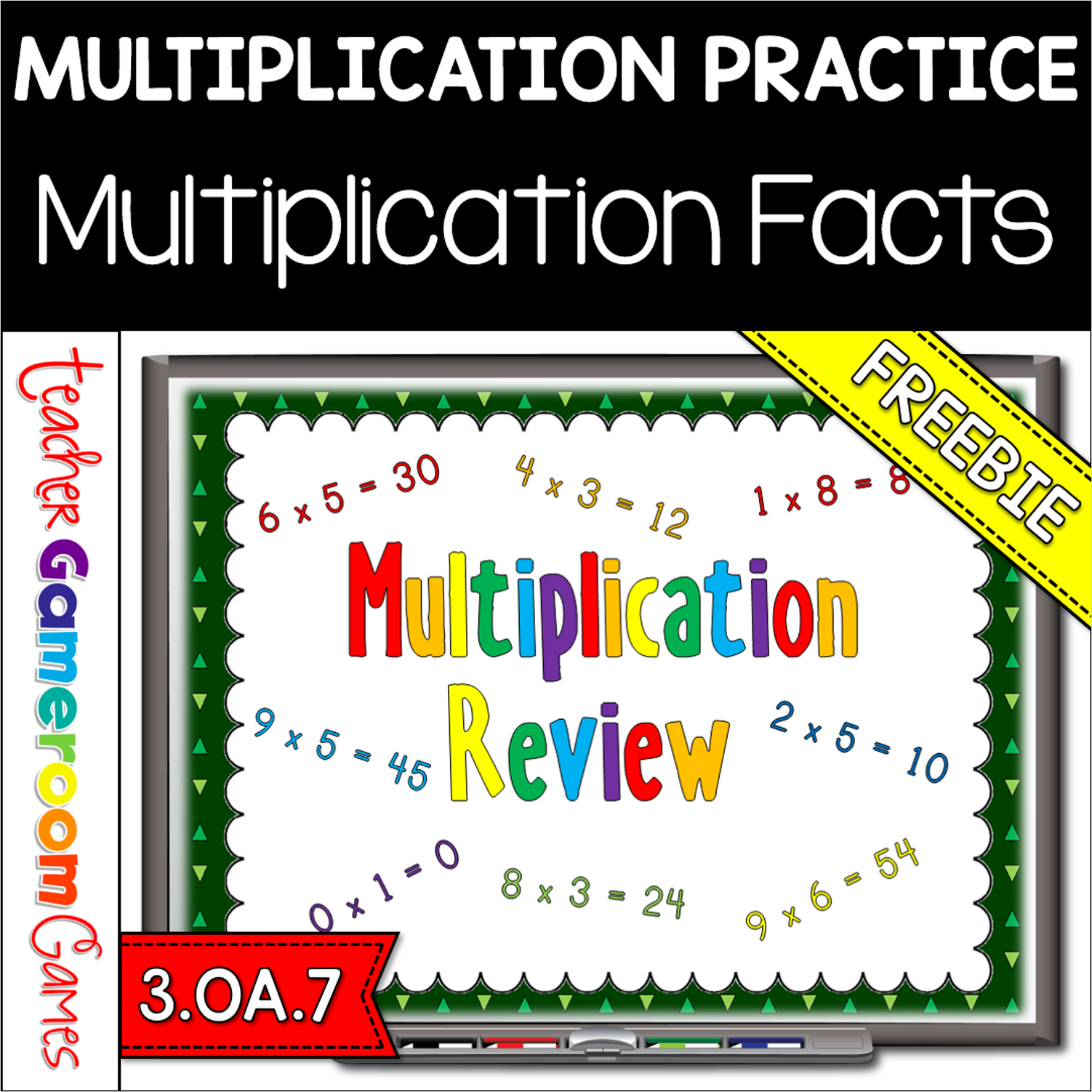
This game is just like Jeopardy (can’t use it in the title). I have other multiplication games, but they don’t tackle all the facts or was coupled with division. This game soley focuses on multiplication. There are 6 categories. Each number is paired with another, except the first which has 3 (0, 1, and 2). There is a finall question that asks students what 12 x 14 is. There are 31 questions and you just click on each question to go to it. The question disappears after you’ve clicked on it so you know you’ve answered it. The type-in scoreboard allows you to type in scores during Slideshow Mode. Great for a guided math center or rainy day activity. Great for individual practice on the iPad!
n this game, students must find the missing number in different math problems. Problems including addition, subtraction, multiplication and division. This is a Student vs. Student game so you can have up to 4 students or 4 teams playing against one another. There are 20 questions in all and you just click on each question to go to it. The question disappears after you’ve clicked on it so you know you’ve answered it. There is a type-in scoreboard. The scoreboard can be typed in during Slideshow Mode. Great for a guided math center or rainy day activity. Great for individual practice on the iPad!
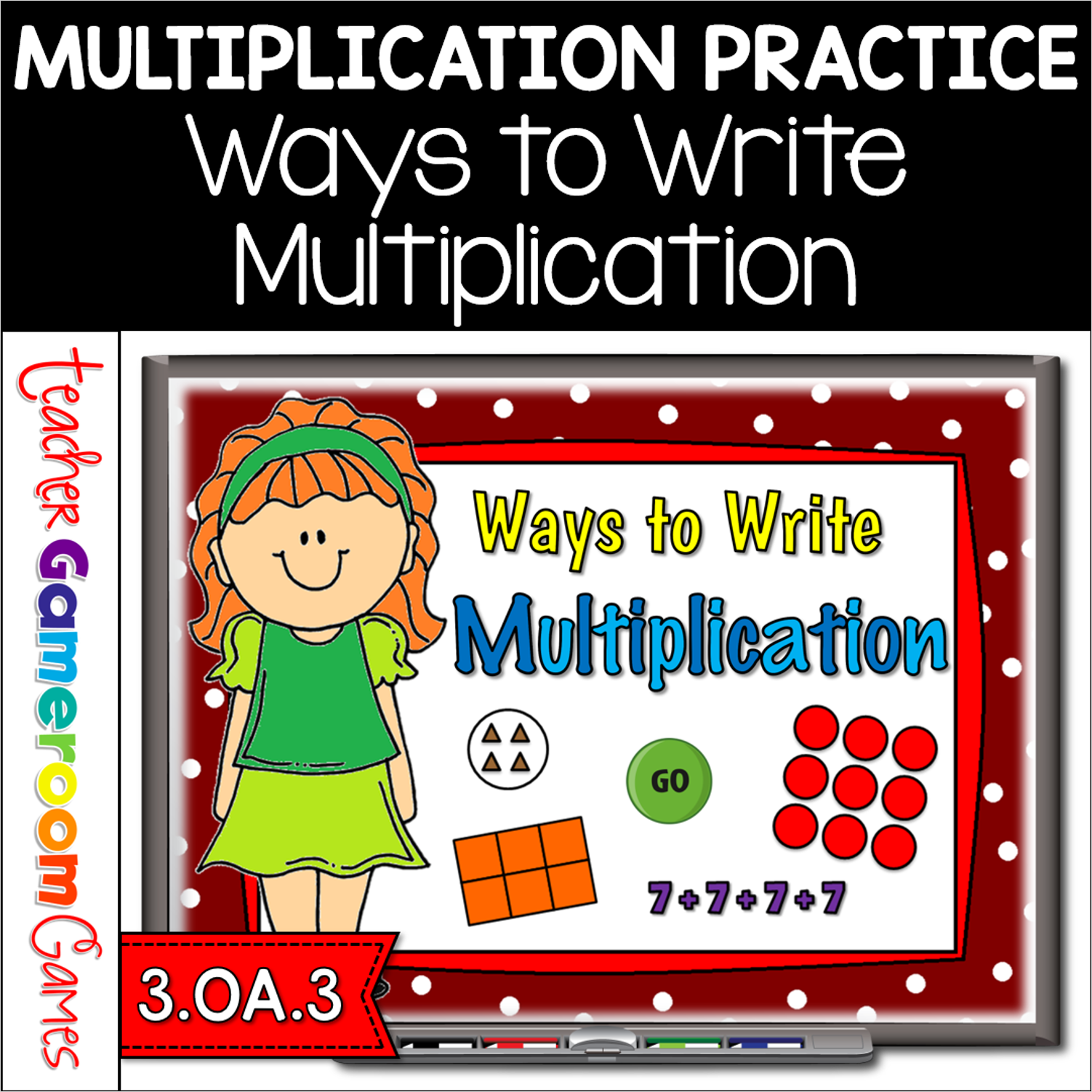
Review ways to write multiplication with the fun, engaging Teacher vs. Student game. This games has 4 types of questions for ways to write multiplication: arrays, groups, area blocks, and repeated addition. There are 20 questions and you just click on each question to go to it. The question disappears after you’ve clicked on it so you know you’ve answered it. There is a type-in scoreboard. The scoreboard can be typed in during Slideshow Mode. by simply clicking on the “00”. Great for a guided math center or rainy day activity.