Engage students with this fun, interactive geometry game. Students compete against one another as the name the faces, edges, and vertices of 3D shapes. Questions are for either the number of faces, edges, or vertices of different shapes such as a cube, rectangular prism, and more. There are 20 questions and you just click on each question to go to it. The question disappears after you’ve clicked on it so you know you’ve answered it. There are 2 scoreboards: a touch scoreboard and type in scoreboard. The type-in scoreboard allows you to type in scores during Slideshow Mode. Great for a guided math center or rainy day activity. Great for individual practice on the iPad!
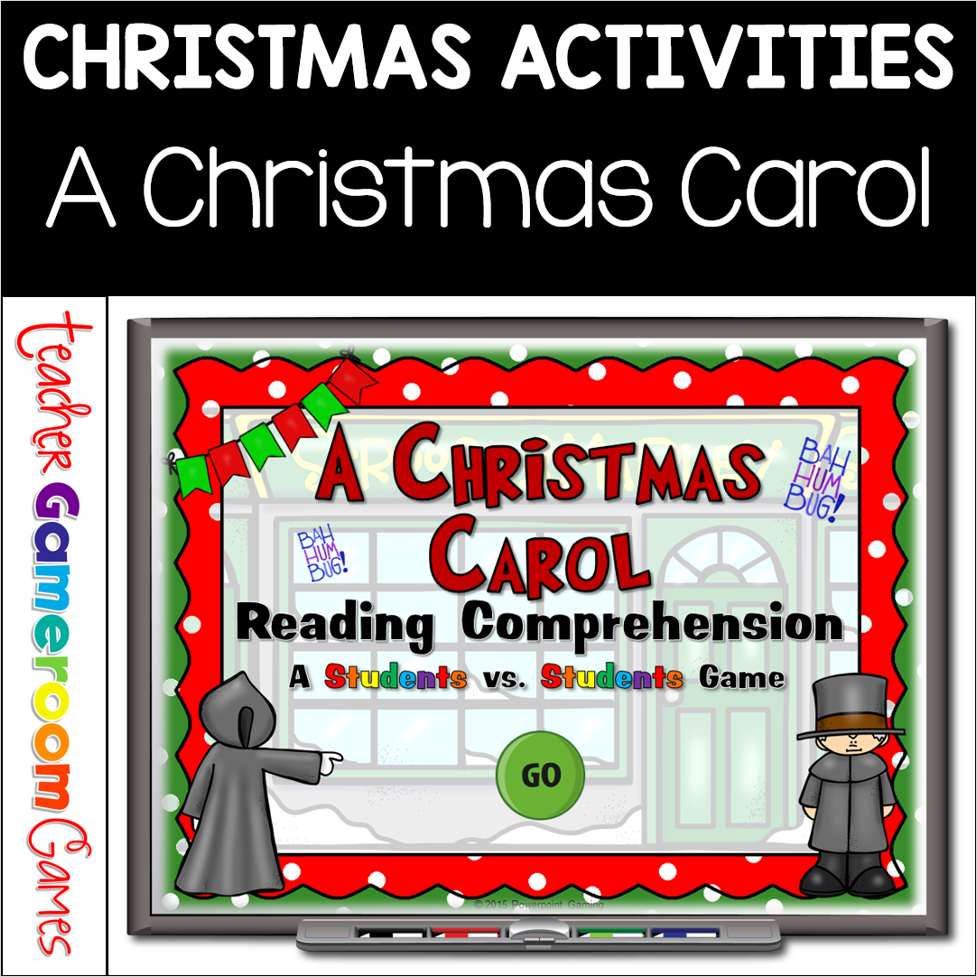
Celebrate Christmas with this fun, interactive reading game. In this student vs student powerpoint game, students compete against one another or in teams as they answer questions about Charles Dickens’ “A Christmas Carol”. The questions are generic so that can be used with most books and movies. There are 20 questions in all and you just click on each question to go to it. The question disappears after you’ve clicked on it so you know you’ve answered it. Great for a Reading ELA activity or Christmas activity. Great for individual practice on the iPad or tablet!
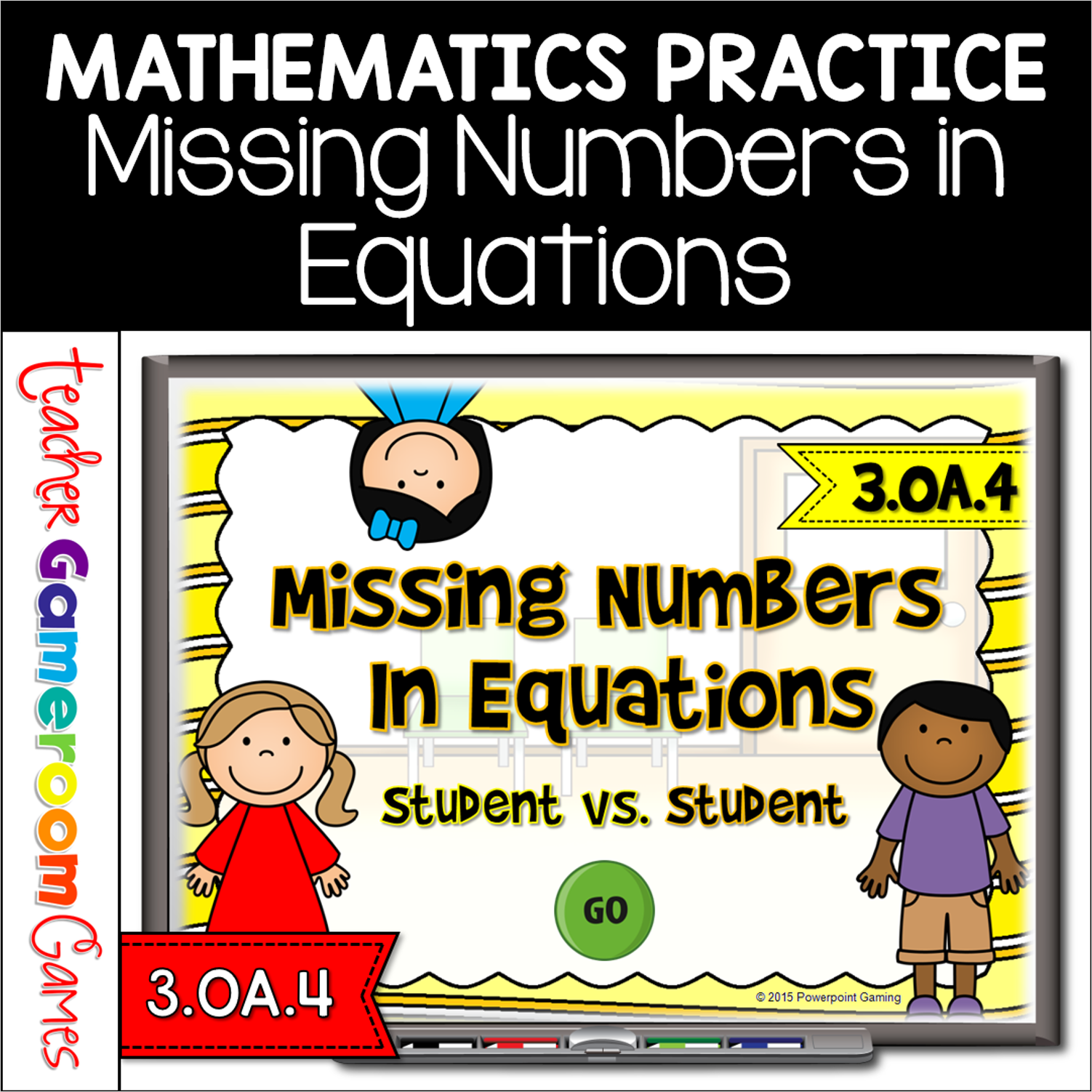
n this game, students must find the missing number in different math problems. Problems including addition, subtraction, multiplication and division. This is a Student vs. Student game so you can have up to 4 students or 4 teams playing against one another. There are 20 questions in all and you just click on each question to go to it. The question disappears after you’ve clicked on it so you know you’ve answered it. There is a type-in scoreboard. The scoreboard can be typed in during Slideshow Mode. Great for a guided math center or rainy day activity. Great for individual practice on the iPad!
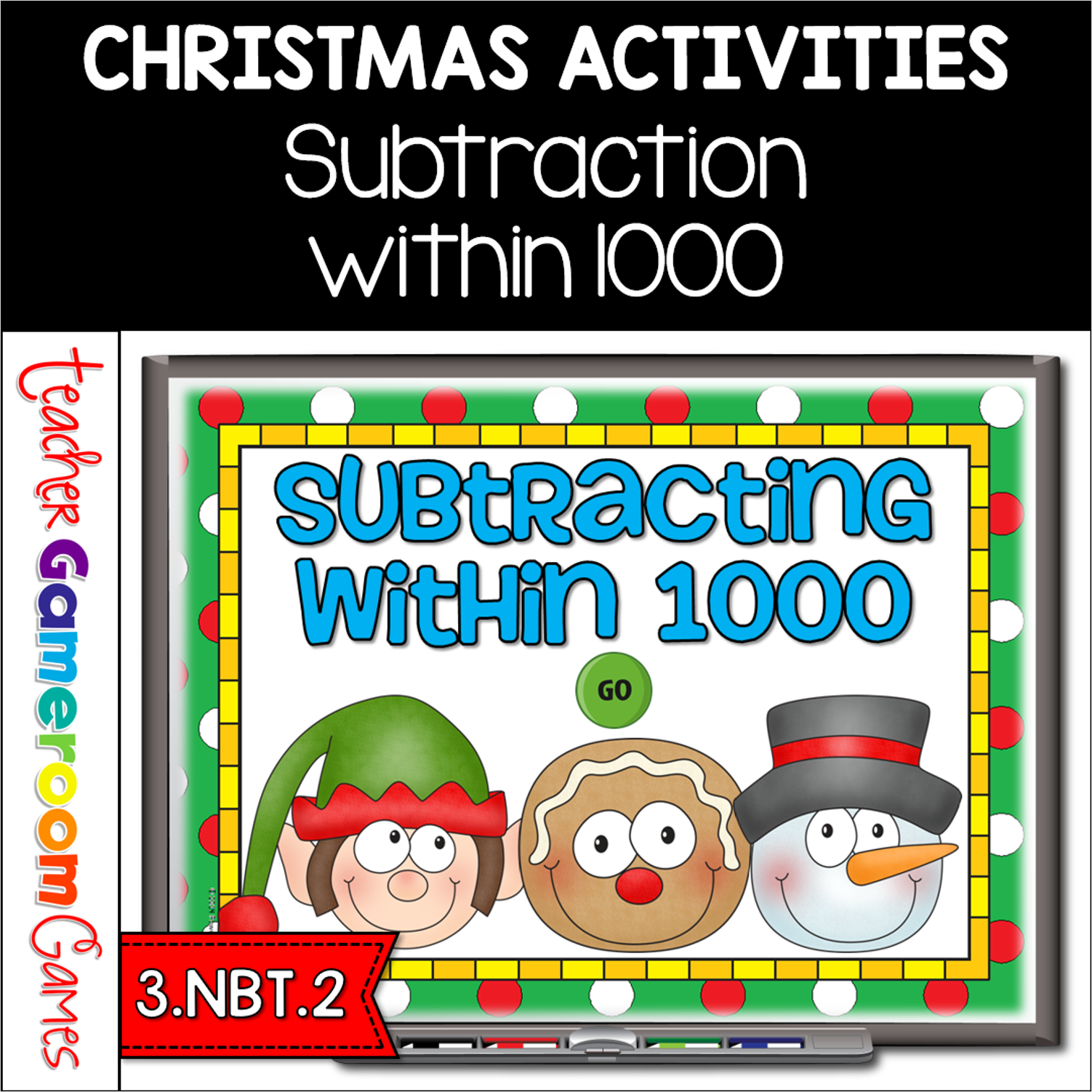
Have fun practicing subtracting with this fun student vs. student games. In teams, students compete against another while practicing their subtraction skills. This includes questions with and without regrouping. There are 21 questions and you just click on each question to go to it. The question disappears after you’ve clicked on it so you know you’ve answered it. There is a type-in scoreboard. The scoreboard can be typed in during Slideshow Mode. Great for a guided math center or whole class review activity. Great for individual practice on the ipad!
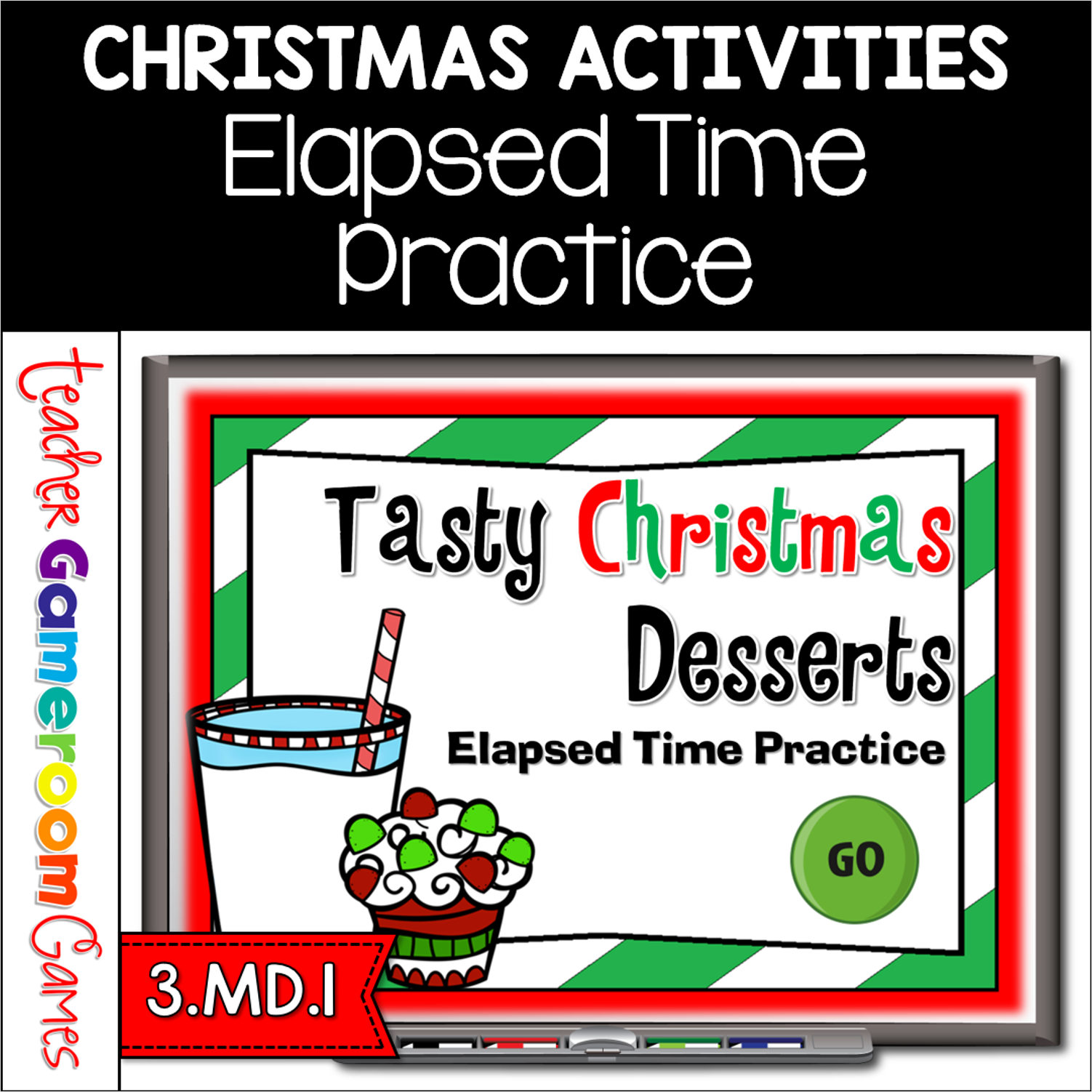
Practice elapsed time with this yummy, Christmas dessert game! In teams, students compete against one another while answering time questions. There are 3 types of questions: start time, stop/finish time, and elapsed time. Each question deals with a different type of dessert. Yummy! There are 20 questions and you just click on each question to go to it. The question disappears after you’ve clicked on it so you know you’ve answered it. There is a type-in scoreboard. The scoreboard can be typed in during Slideshow Mode. Great for a guided math center or rainy day activity. Great for individual practice on the iPad!
Practice elapsed time with this yummy, Christmas dessert game! In teams, students compete against one another while answering time questions. There are 3 types of questions: start time, stop/finish time, and elapsed time. Each question deals with a different type of dessert. Yummy! There are 20 questions and you just click on each question to go to it. The question disappears after you’ve clicked on it so you know you’ve answered it. There is a type-in scoreboard. The scoreboard can be typed in during Slideshow Mode. Great for a guided math center or rainy day activity. Great for individual practice on the iPad!