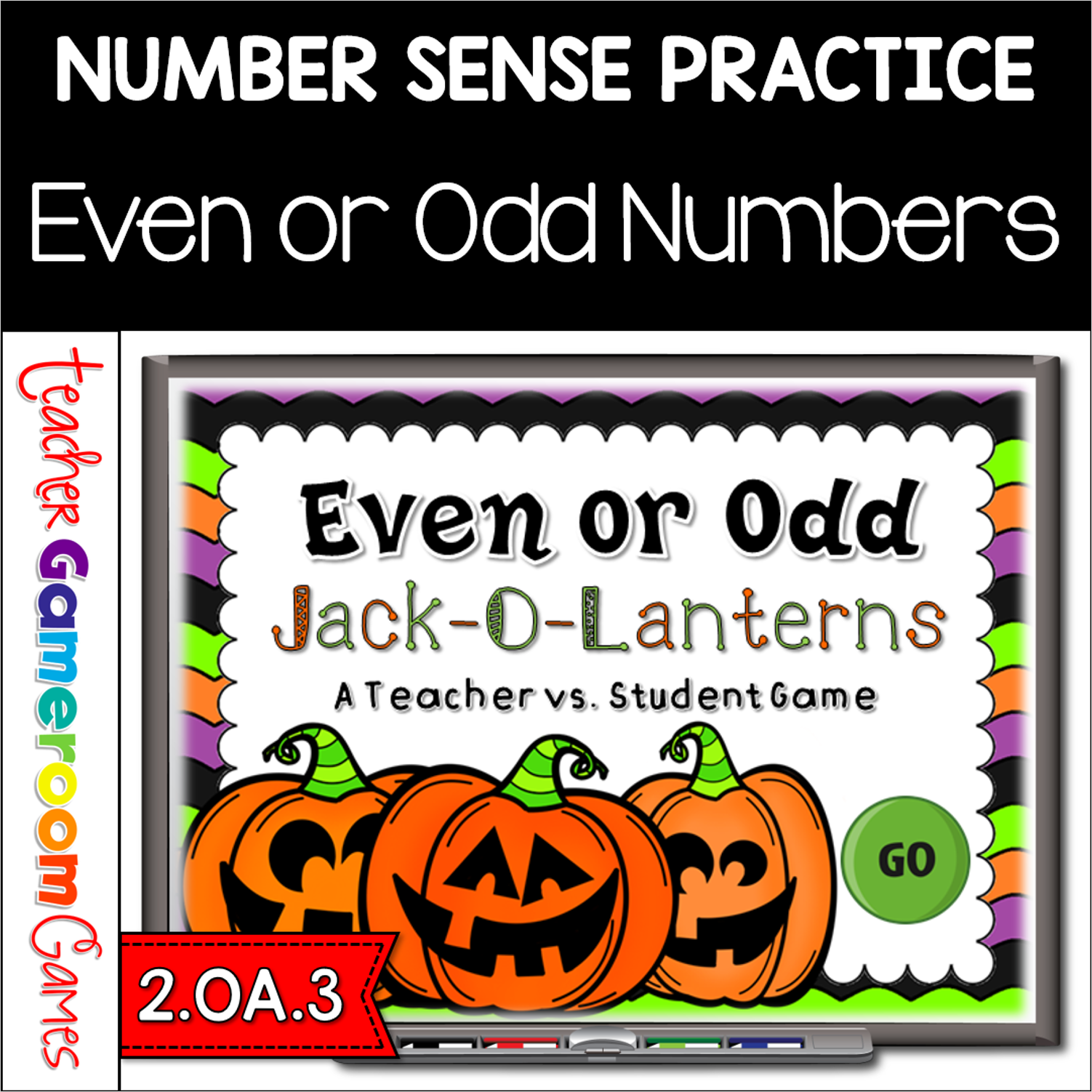
Practice identifying even and odd numbers with this fun Jack-O-Lanterns Even or Odd Game. Students are to count the Jack-O-Lanterns and then determine whether or not that number is even or odd by clicking the right word. This is a teacher vs student game (see description below) so your student will love competing against you. There are 20 questions and you just click on each question to go to it. The question disappears after you’ve clicked on it so you know you’ve answered it. There is a type-in scoreboard. The scoreboard can be typed in during Slideshow Mode. Great for a quick morning review or Halloween activity. Great for individual practice on the iPad or tablet!
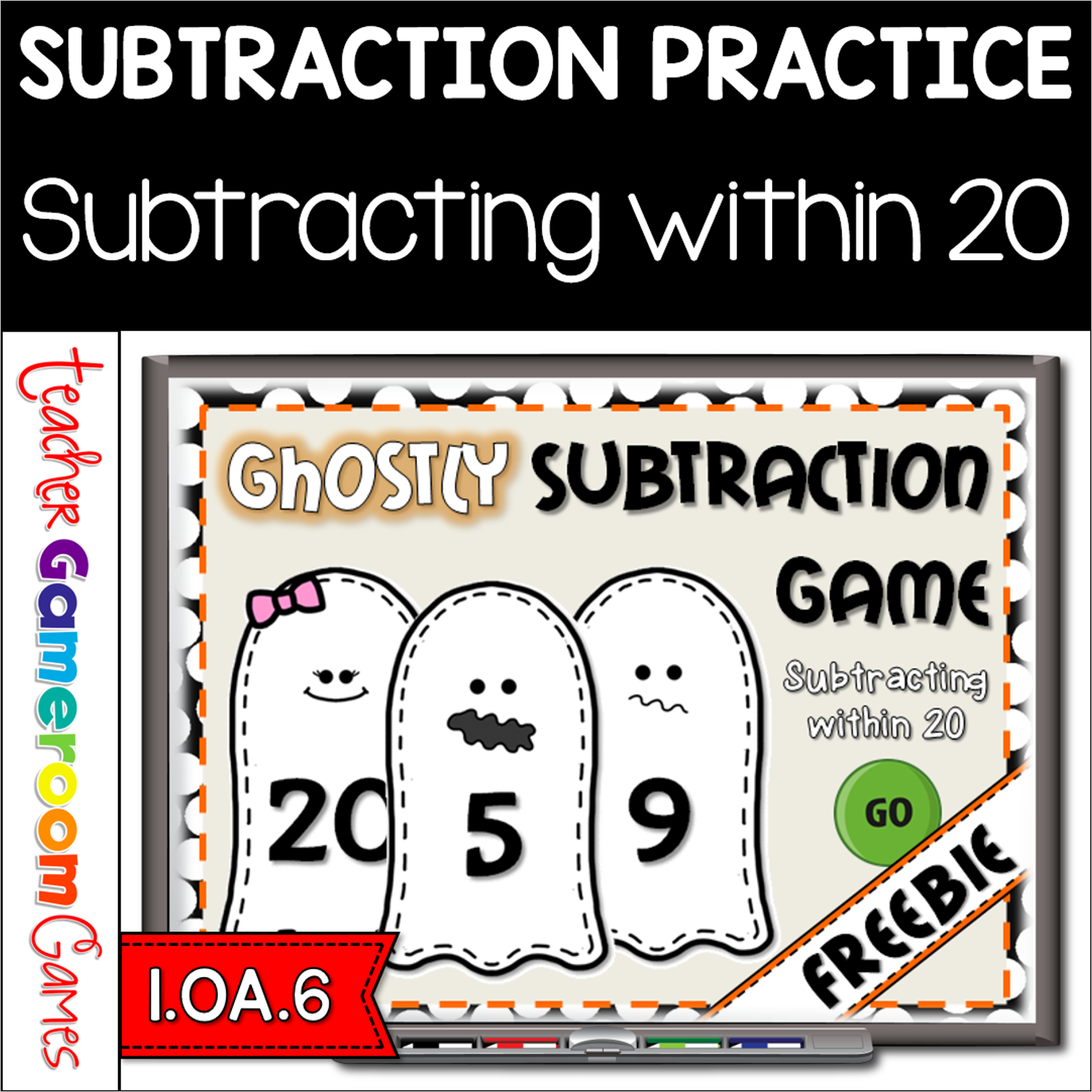
Yay for forever freebies! Celebrate Halloween with this ghostly Halloween Games. Students practice subtracting within 20. Animations include a revolving door that reveals the answer and funny ghost faces. There are 20 questions and you just click on each question to go to it. The question disappears after you’ve clicked on it so you know you’ve answered it. There is a type-in scoreboard. The scoreboard can be typed in during Slideshow Mode. Great for a guided math center or Halloween activity. Great for individual practice on the iPad!
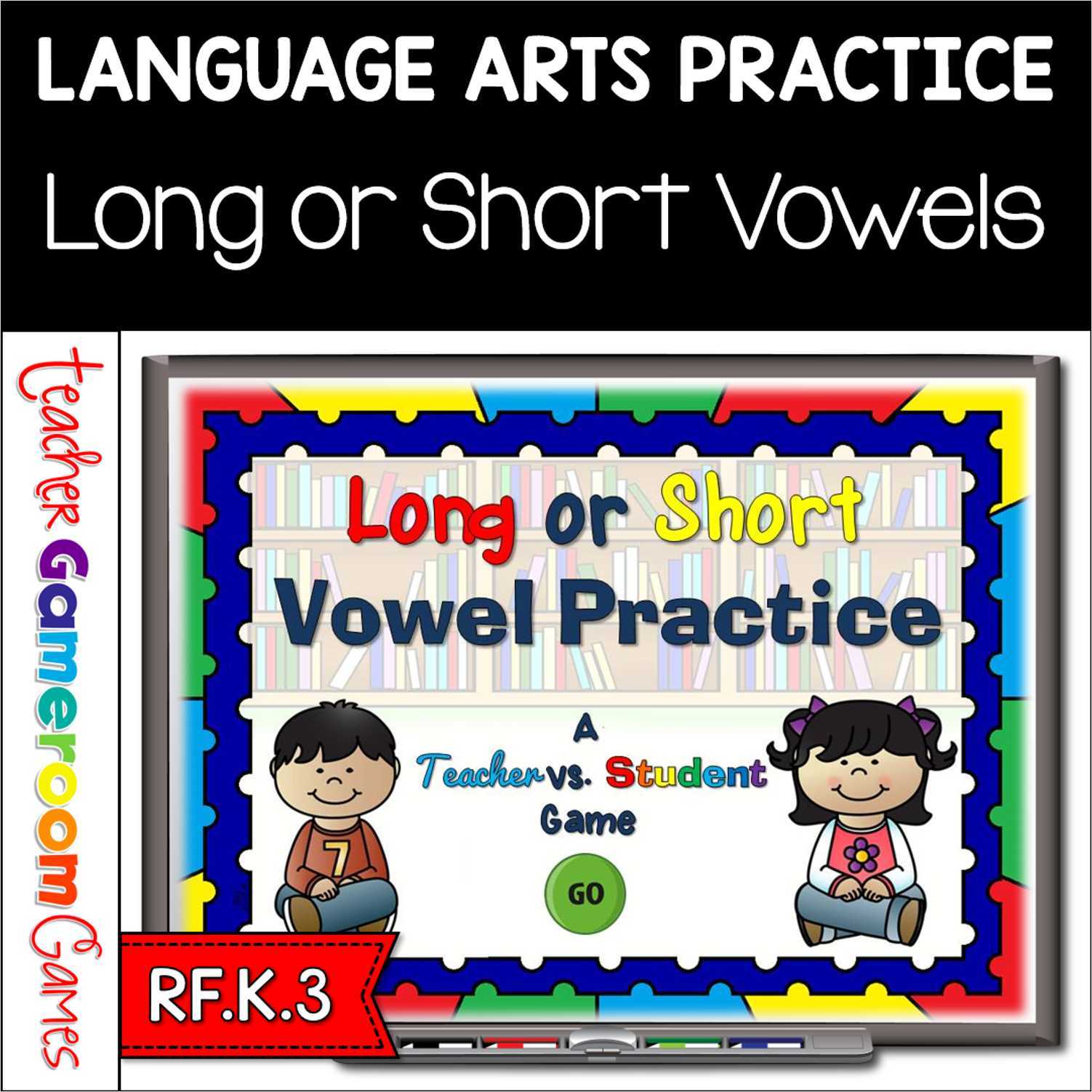
This ELA game has students choosing which picture makes the long for short vowel sound. Pictures include the words underneath in D’Nealian style font. Students click on the pick and either a “check” or an “x” will appear. There are 20 questions in all and you just click on each question to go to it. The question disappears after you’ve clicked on it so you know you’ve answered it. There is a type-in scoreboard. The scoreboard can be typed in during Slideshow Mode. Great for a literacy center or one-on-one vowel practice.
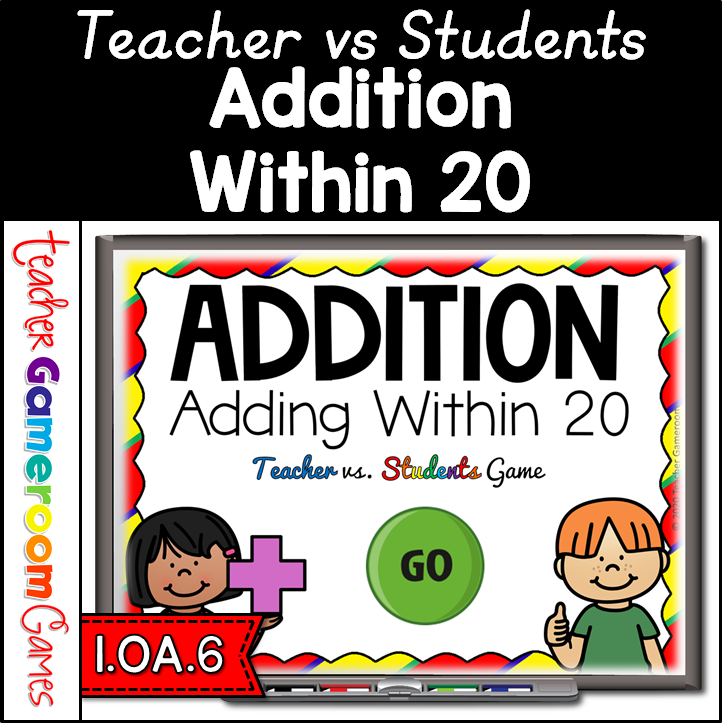
Engage 1st grade students with this fun, digital math game. Students add numbers from 0 to 20. Students play against the teacher, winning as many points as possible. The students get points for correct answers and the teacher gets points for incorrect answers. There are 20 questions in all, and you just click on each question to go to it. The question disappears after you’ve clicked on it, so you know you’ve answered it. The scoreboard allows you to type in scores during Slideshow Mode. Great for a quick morning review or math center activity. Great for individual practice on the iPad or tablet! Perfect for distance learning!
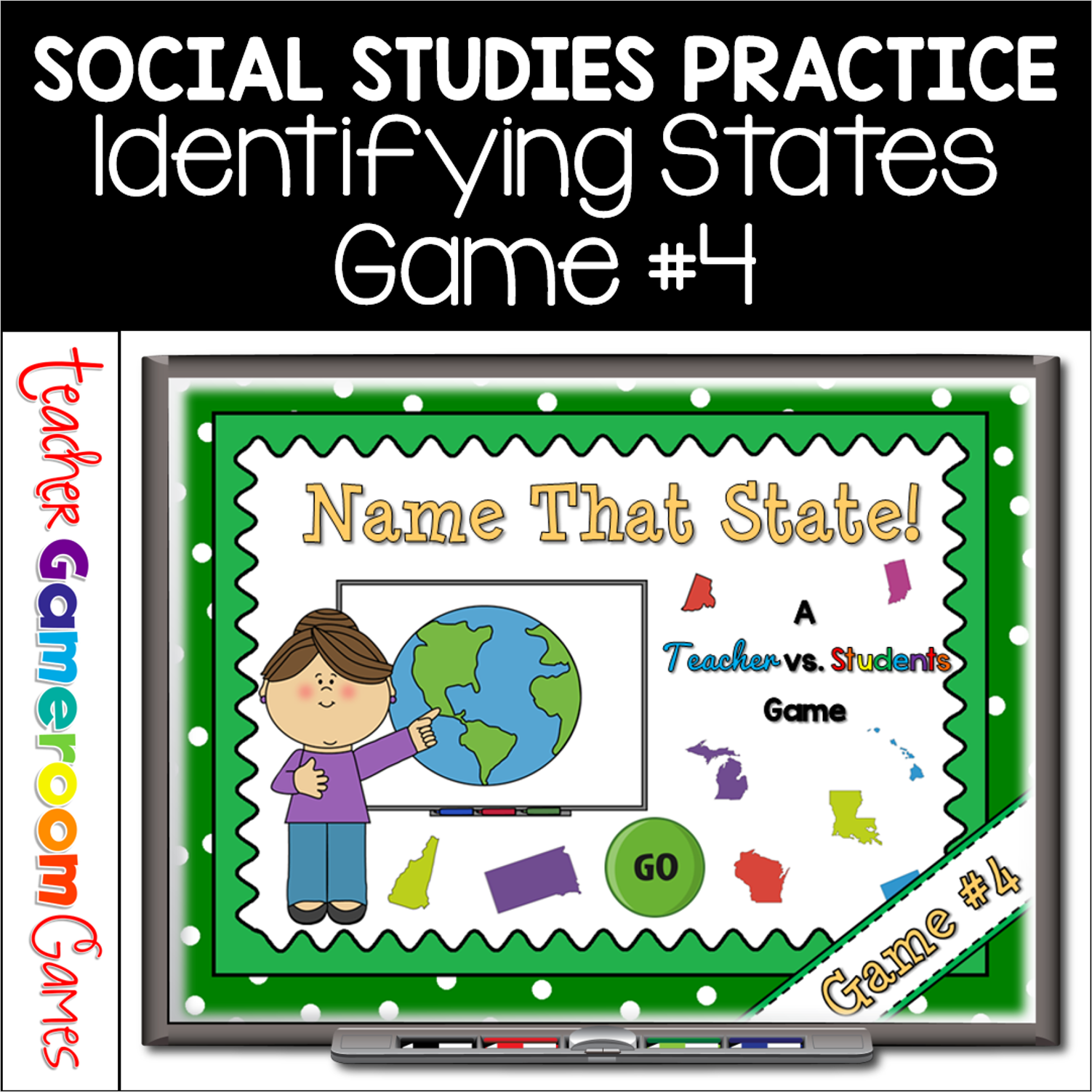
Practice identifying the 50 United States with this quick review Teacher vs. Student game. Students must correctly identify the US state from a picture. There are 10 questions and you just click on each question to go to it. The question disappears after you’ve clicked on it so you know you’ve answered it. There is a type-in scoreboard. The scoreboard can be typed in during Slideshow Mode. Great for a brain break or quick time filler.
Practice identifying the 50 United States with this quick review Teacher vs. Student game. Students must correctly identify the US state from a picture. There are 10 questions and you just click on each question to go to it. The question disappears after you’ve clicked on it so you know you’ve answered it. There is a type-in scoreboard. The scoreboard can be typed in during Slideshow Mode. Great for a brainbreak or quick time filler.