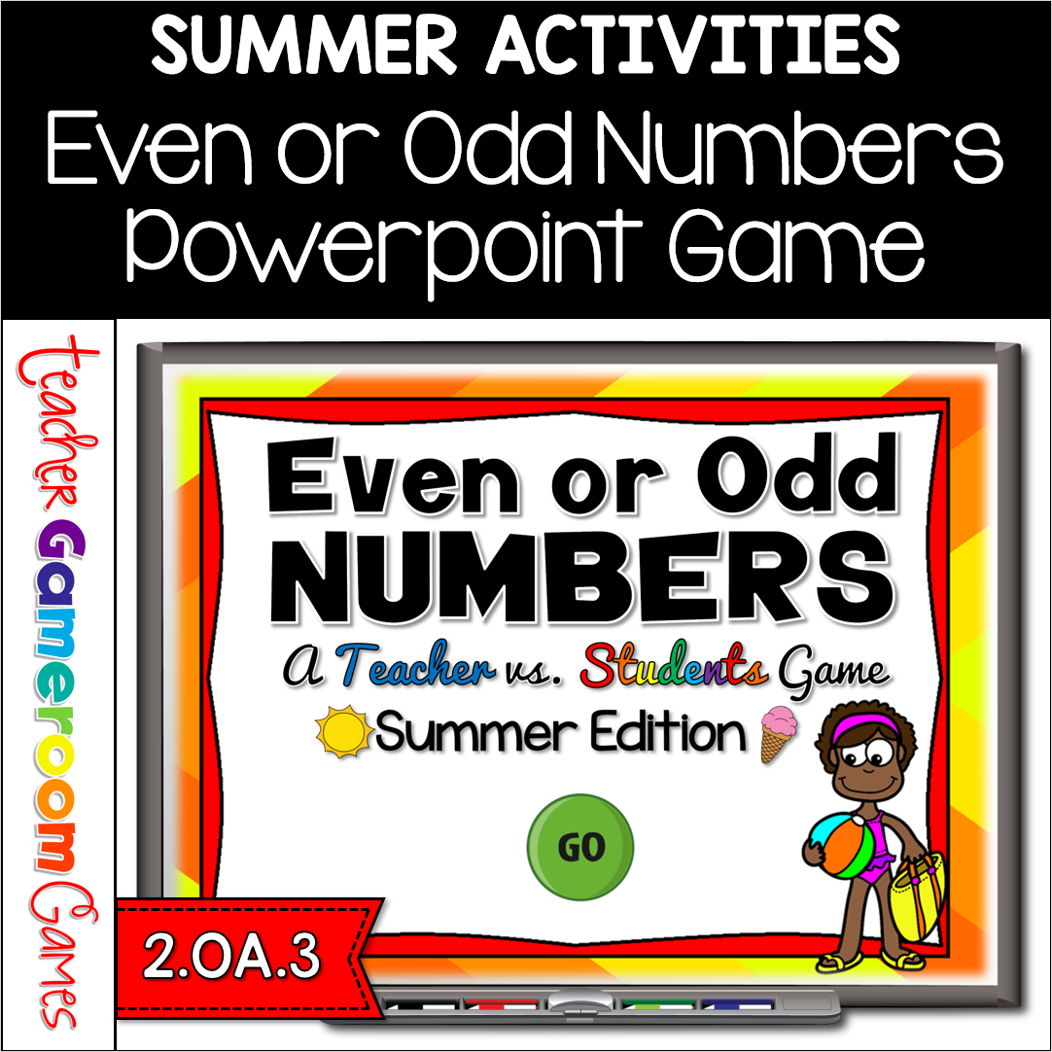
Engage 2nd grade students with this fun, interactive even or odd game. In this teacher vs student powerpoint game, students must count each set of summer themed items including beach balls, googles, summer drinks, and buckets. They must then determine if the total is even or odd. There are 21 questions (including a tie-breaker question) and you just click on each question to go to it. The question disappears after you’ve clicked on it so you know you’ve answered it. There are 2 scoreboards: a touch scoreboard and type in scoreboard. The type-in scoreboard allows you to type in scores during Slideshow Mode. Great for a guided math center or summer activity. Great for individual practice on the iPad!
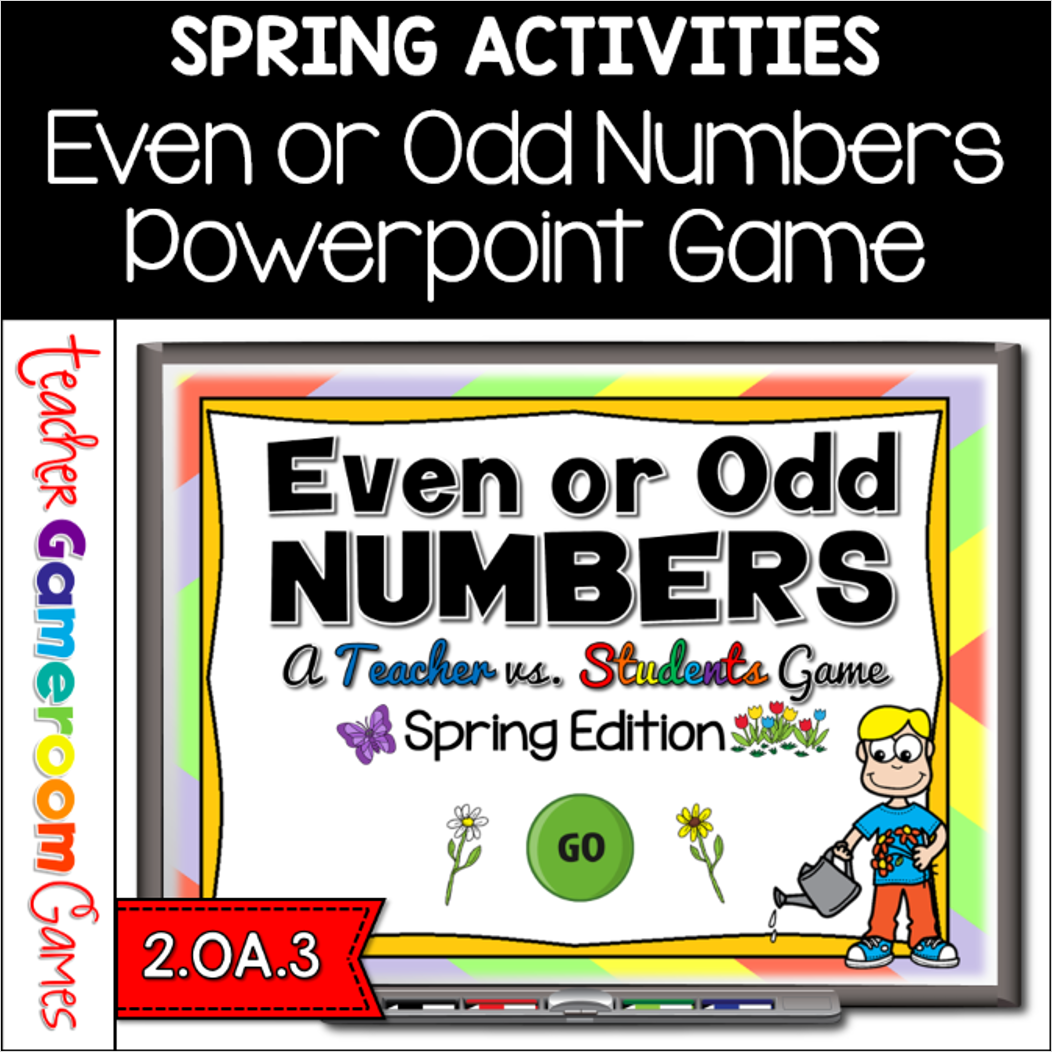
Engage 2nd grade students with this fun, interactive even or odd game. In this teacher vs student powerpoint game, students must count each set of spring themed items including flowers, umbrella, rainboots, and watering cans. They must then determine if the total is even or odd. There are 21 questions (including a tie-breaker question) and you just click on each question to go to it. The question disappears after you’ve clicked on it so you know you’ve answered it. There are 2 scoreboards: a touch scoreboard and type in scoreboard. The type-in scoreboard allows you to type in scores during Slideshow Mode. Great for a guided math center or Spring Day activity. Great for individual practice on the iPad!
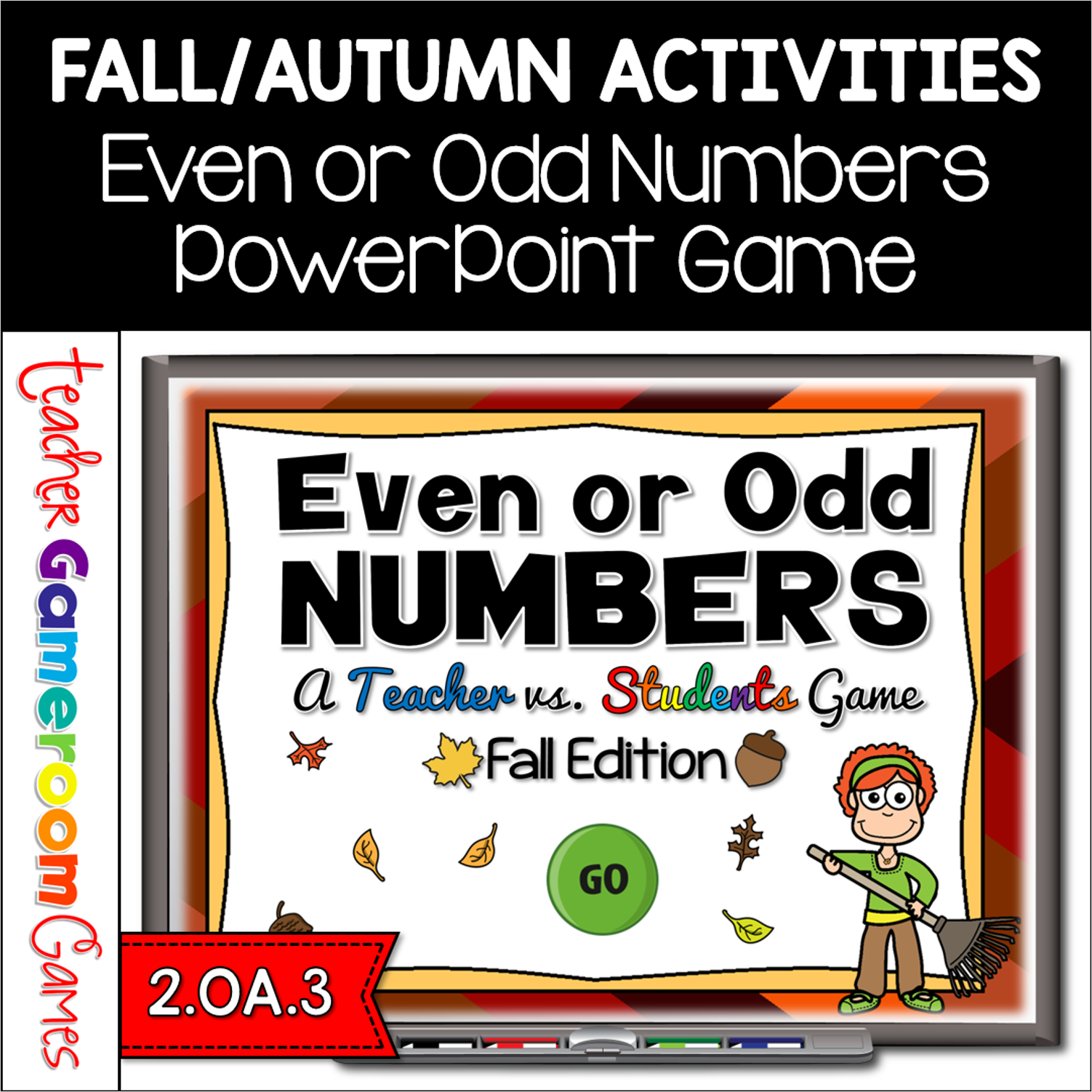
Engage students with this fun, interactive even or odd game. In this teacher vs student PowerPoint game, students must count each set of Fall themed items. They must then determine if the total is even or odd. There are 21 questions (including a tie-breaker question) and you just click on each question to go to it. The question disappears after you’ve clicked on it so you know you’ve answered it. There are 2 scoreboards: a touch scoreboard and type in scoreboard. The type-in scoreboard allows you to type in scores during Slideshow Mode. Great for a guided math center or rainy day activity. Great for individual practice on the iPad!
Engage students with this fun, interactive place value game. In this teacher vs student powerpoint game, students are comparing numbers in various forms. This include word form, expanded form, and standard form. There are different types of questions (ex. standard vs expanded, standard vs word form, etc). There are 20 questions and you just click on each question to go to it. The question disappears after you’ve clicked on it so you know you’ve answered it. There are 2 scoreboards: a touch scoreboard and type in scoreboard. The type-in scoreboard allows you to type in scores during Slideshow Mode. Great for a guided math center or rainy day activity. Great for individual practice on the iPad!
Engage students with this fun, interactive punctuation game. In this teacher vs. student powerpoint game, students are adding the correct punctuation to sentences. There are 3 options: period (.), exclamation mark (!), and question mark (?).
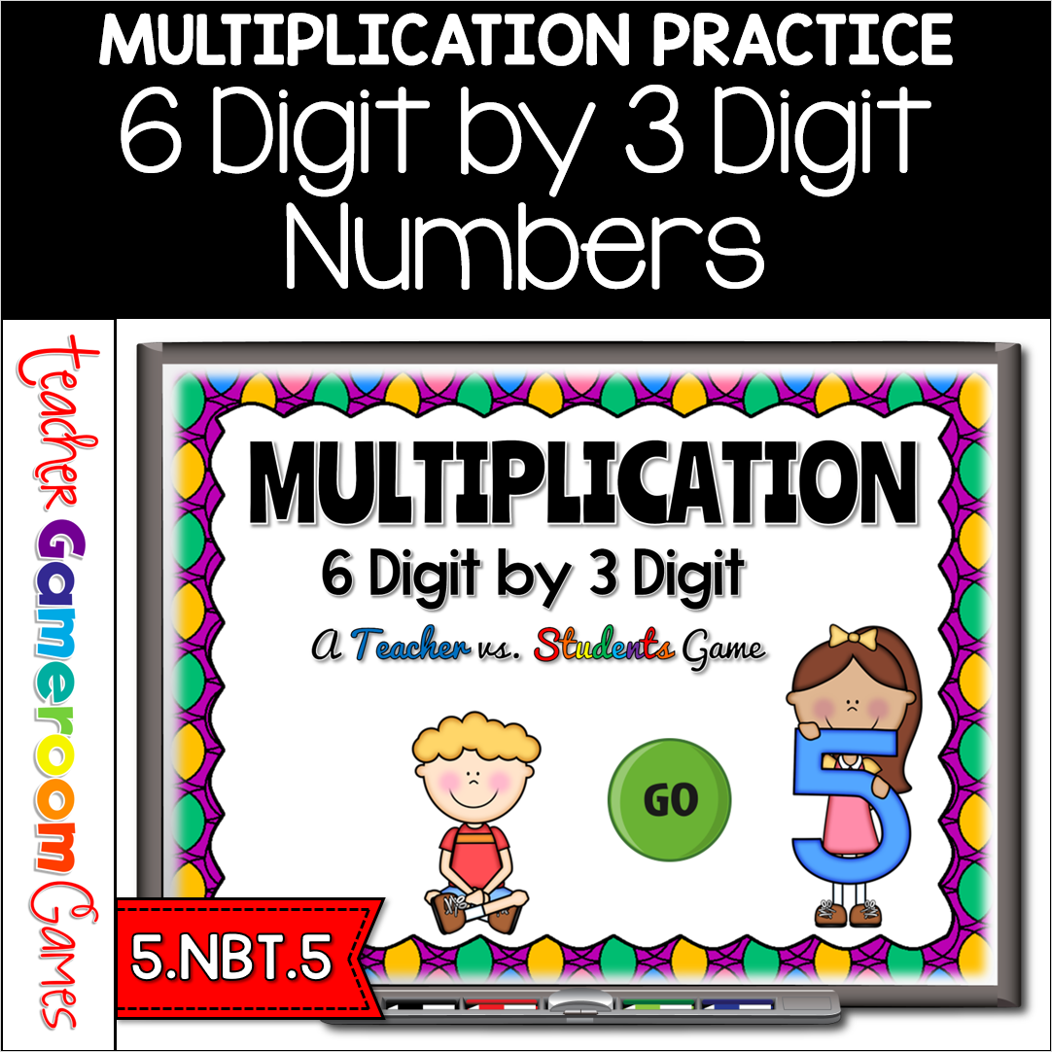
Engage 5th grade students with this fun, interactive multiplication game. In this teacher vs students powerpoint game, students practice multiplying 6 digit by 3 Digit numbers. Students play against the teacher. For every correct answer, the students get the poines, but for every wrong answer, the teacher gets the points. There are 25 questions in all and you just click on each question to go to it. The question disappears after you’ve clicked on it so you know you’ve answered it. There are 2 scoreboards: a touch scoreboard and type in scoreboard. The type-in scoreboard allows you to type in scores during Slideshow Mode. . Great for a quick ELA morning review or Month activity. Great for individual practice on the iPad or tablet!