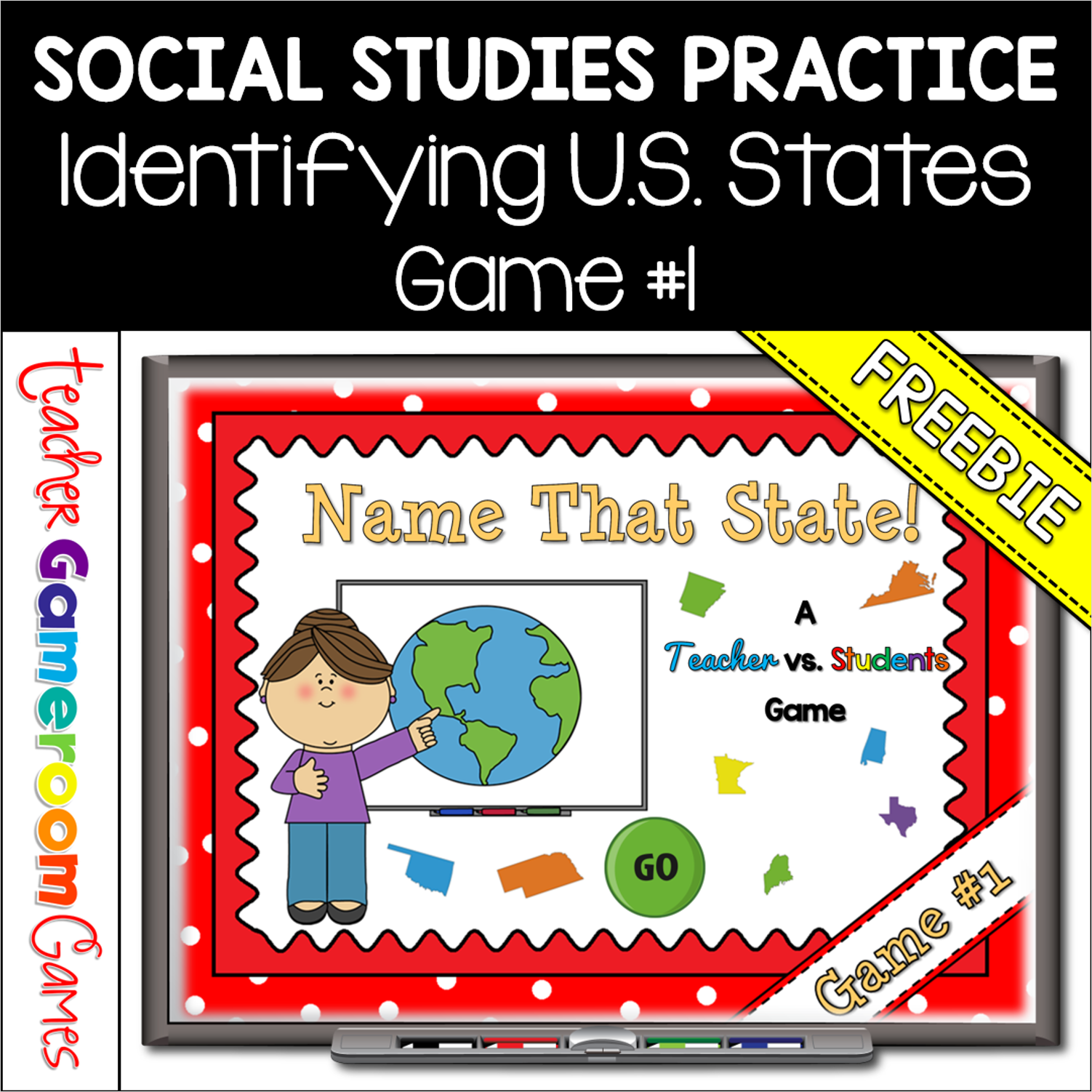
Practice identifying the 50 United States with this quick review Teacher vs. Student game. Students must correctly identify the US state from a picture. There are 10 questions and you just click on each question to go to it. The question disappears after you’ve clicked on it so you know you’ve answered it. There is a type-in scoreboard. The scoreboard can be typed in during Slideshow Mode. Great for a brain break or quick time filler.
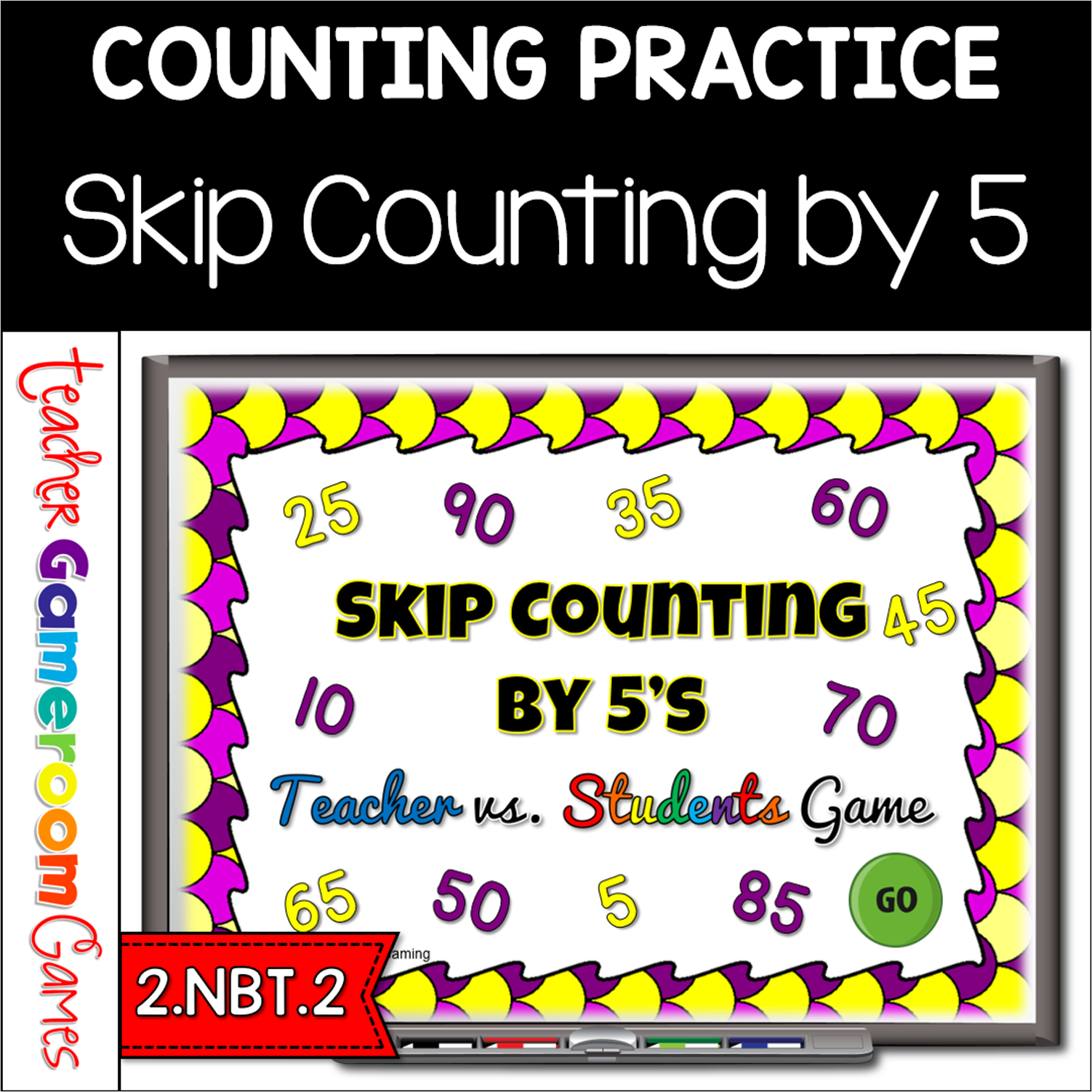
Engage 2nd grade students with this fun, interactive math game. In this teacher vs student powerpoint game, students practice skip counting by 5’s. Students are given 4 numbers and they must determine the next 3 numbers. Starting number ranges from 0 to 1000. There are 20 questions and you just click on each question to go to it. The question disappears after you’ve clicked on it so you know you’ve answered it. There is also type-in scoreboard. The scoreboard can be typed in during Slideshow Mode. This is a Teacher vs. Student game (see description below). Great for a guided math center or rainy day activity. Great for the iPad.
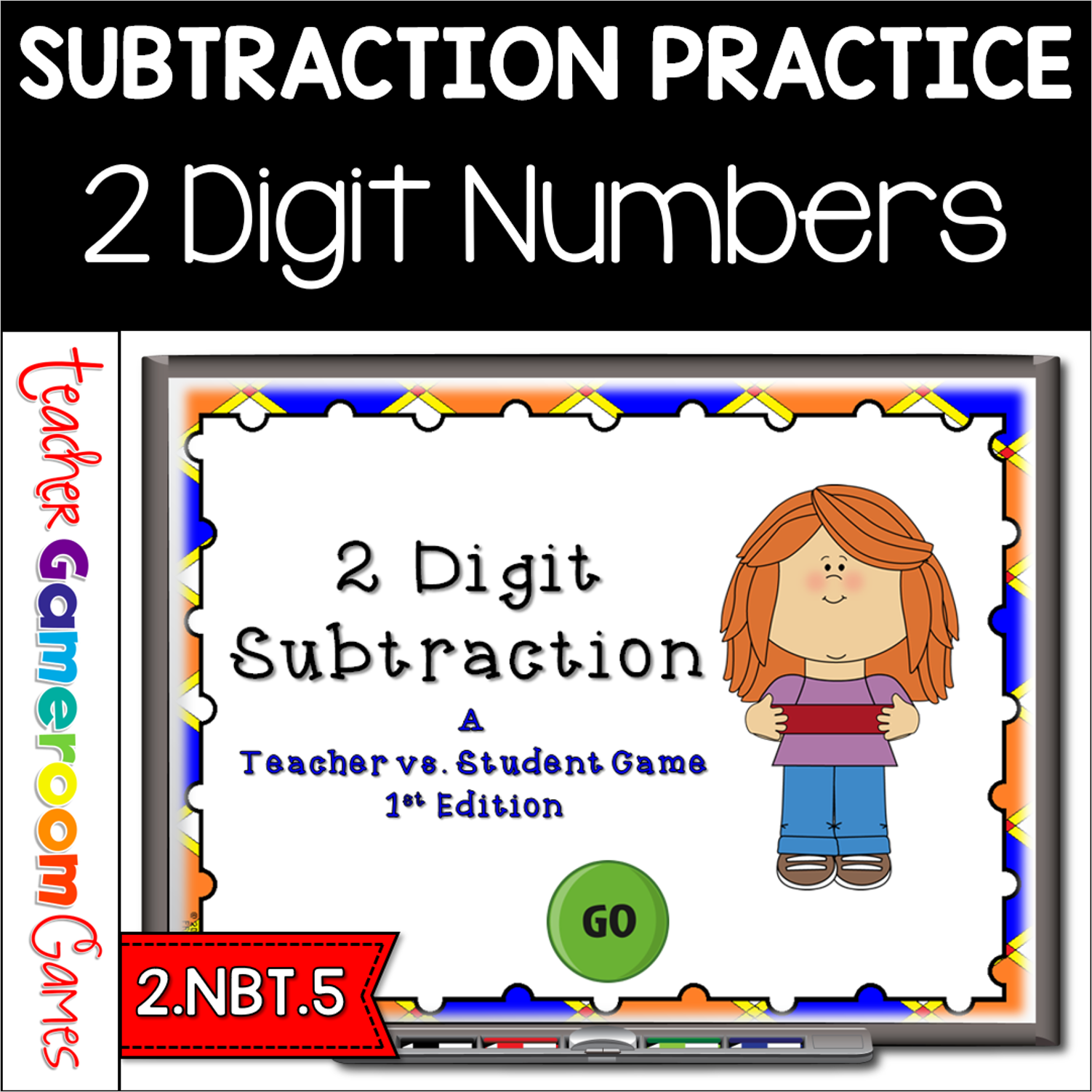
Engage students with this fun, interactive subtraction game. In this teacher vs student game, students reviews subtraction with 2 digit numbers. There are 20 questions with an answer range from 0 to 90.There are some problems that require regrouping. The question disappears after you’ve clicked on it so you know you’ve answered it. There is a type-in scoreboard. The scoreboard can be typed in during Slideshow Mode. Great for a guided math center or rainy day activity. Great for individual practice on the ipad!
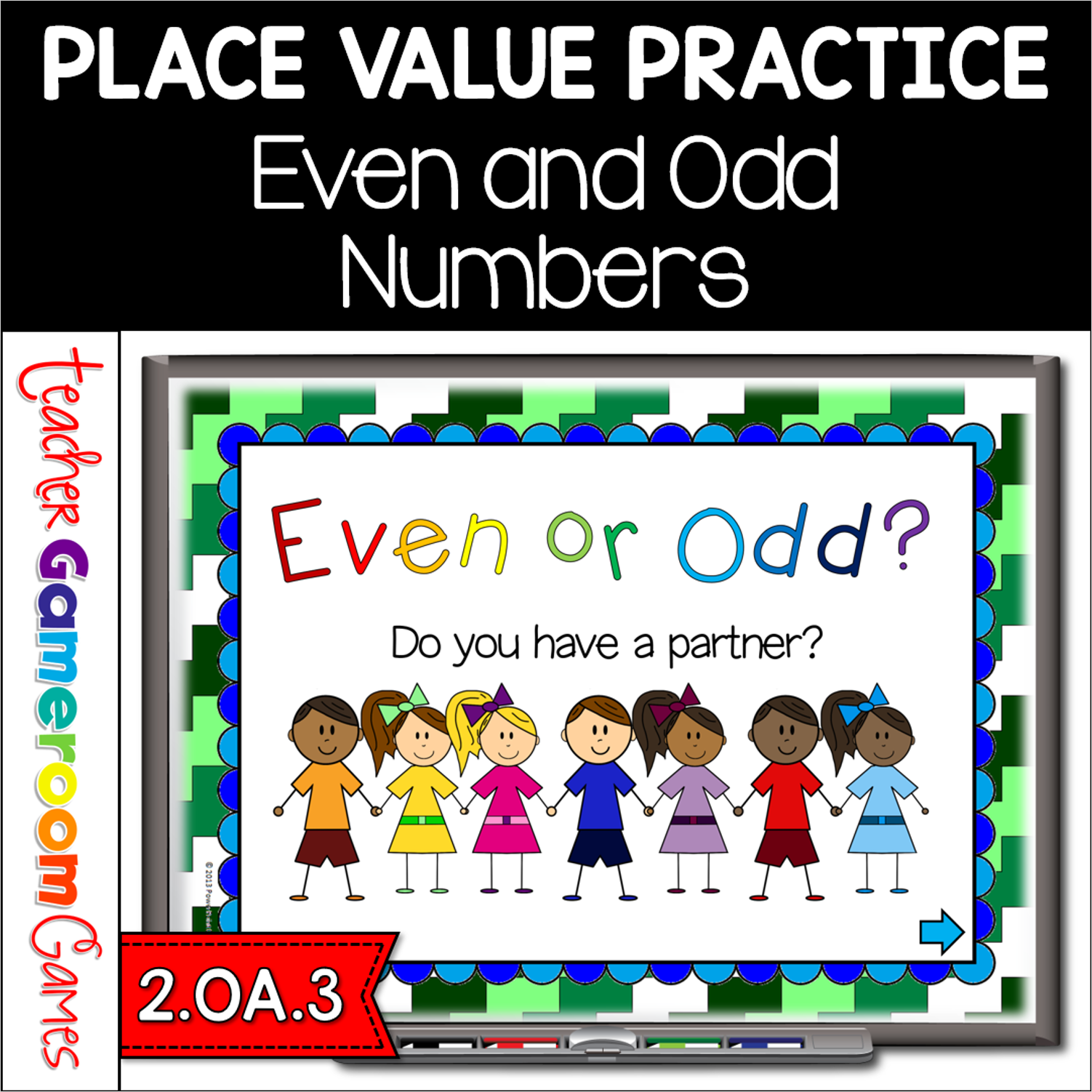
Here’s a fun powerpoint game to play with your students as a group. Students are given a group of students to count and determine if there are an even or odd amount of students. If every student has a partner, the number is even. If one student does not have a partner, the number is odd. . This is one way I taught my students about even and odd objects. Great for a guided math center or rainy day activity.
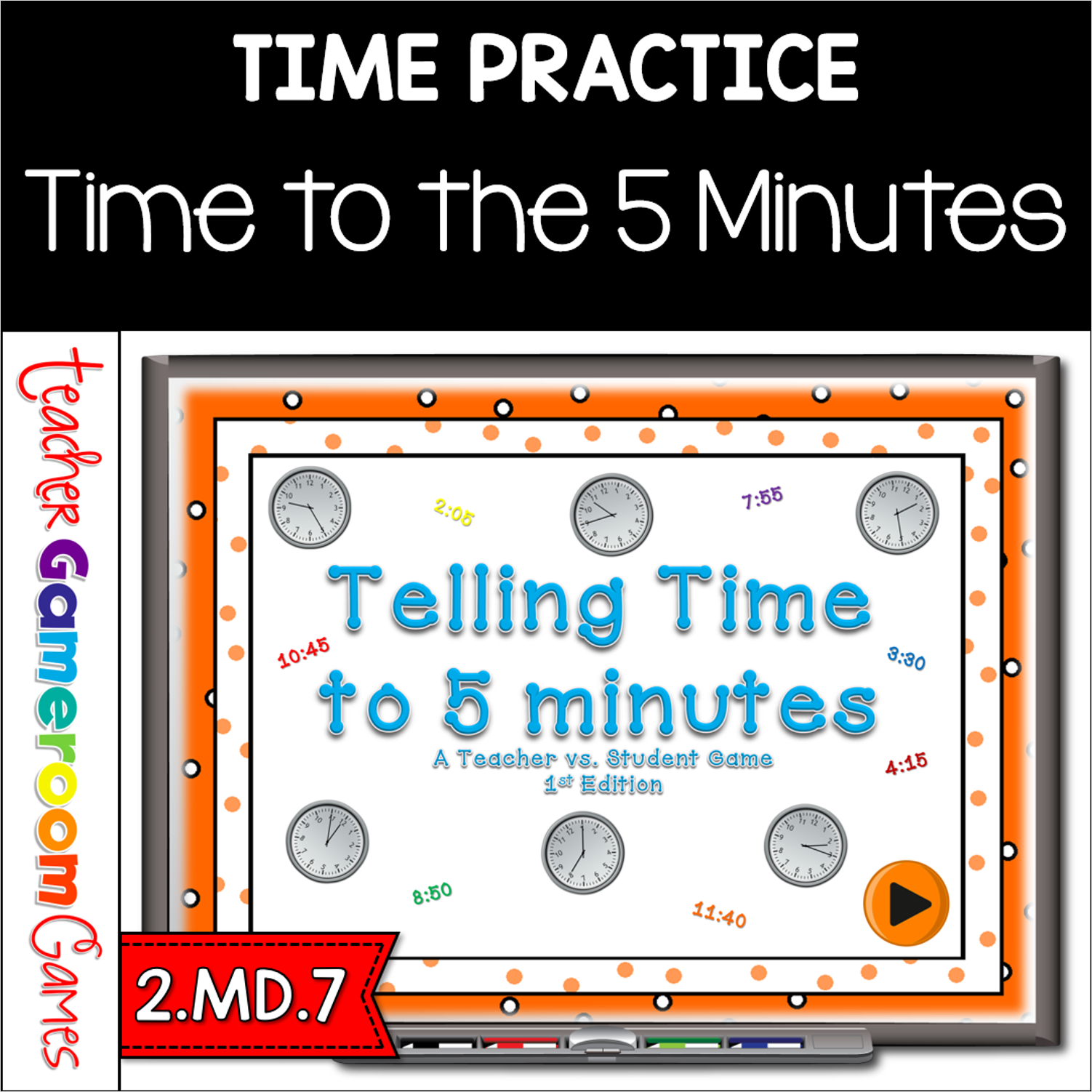
This PPT Games pits students against the teacher. Students answer questions about telling time on analog clocks. Time is set to every five (5) minutes . There are 20 questions in all and you just click on each question to go to it. The question disappears after you’ve clicked on it so you know you’ve answered it. There are 2 scoreboards: a touch scoreboard and type in scoreboard. The type-in scoreboard allows you to type in scores during Slideshow Mode. . Your students will have blast with this game! Works great on smartboards. Great for review for a test.
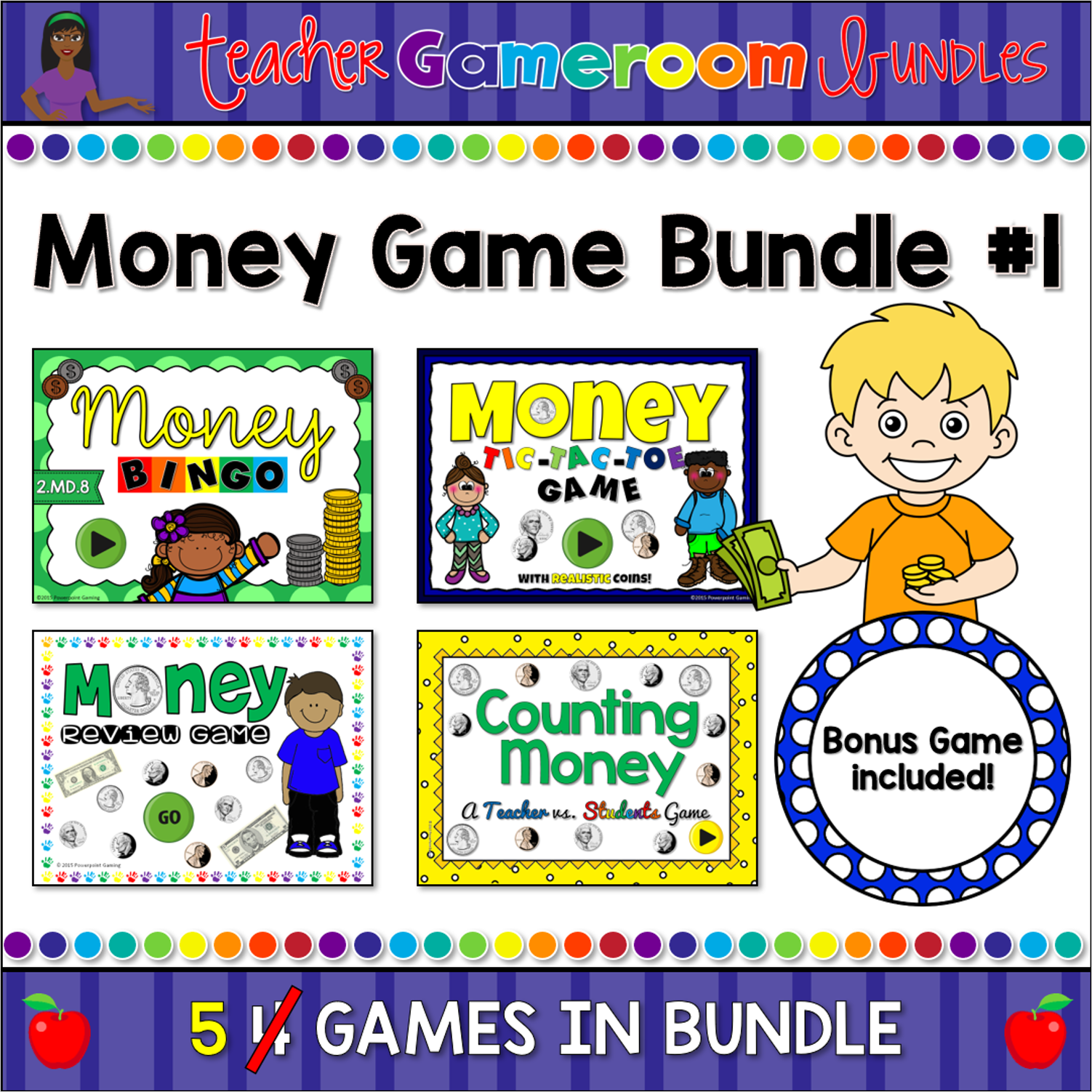
Engage students with this fun, interactive money game bundle. This set includes 4 of my most popular money games into one big set. The games in this set are: Money Review game (a jeopardy style game), Money Bingo (with numerous bingo cards), Money Tic-Tac-Toe (with 3 different games to choose from), and Money Hangman (guess the answer to a funny joke). Each game has at least 20 questions and has a “How to Play” slide. Great for a guided math cente5 or rainy day activity. Great for individual practice on the iPad!