Engage students with this fun, interactive money game. In this teacher vs. student game, students are counting U.S currency. This includes coins and dollar bills with amounts ranging from $0.04 to $15.00. Students can touch the board and it will not move on to the next slide. Great for those hands on learners and counters. There are 20 questions and you just click on each question to go to it. The question disappears after you’ve clicked on it so you know you’ve answered it. Fun for the whole class and perfect for a review for a test. Great for individual practice on the iPad!
Engage students with this fun, interactive multiplication game. Students are practicing multiplying 2 digit numbers by 2 digit numbers. There are 25 questions and you just click on each question to go to it. The question disappears after you’ve clicked on it so you know you’ve answered it. The type-in scoreboard allows you to type in scores during Slideshow Mode. Great for a guided math center or rainy day activity. Great for individual practice on the iPad!
Engage students with this fun, interactive multiplication game. In this Teacher vs student game, it’s the teacher against the students as they practice multiplying 2 digit by 1 digit numbers. There are 20 questions and you just click on each question to go to it. The question disappears after you’ve clicked on it so you know you’ve answered it. The type-in scoreboard allows you to type in scores during Slideshow Mode. Great for a guided math center or rainy day activity. Great for individual practice on the iPad!
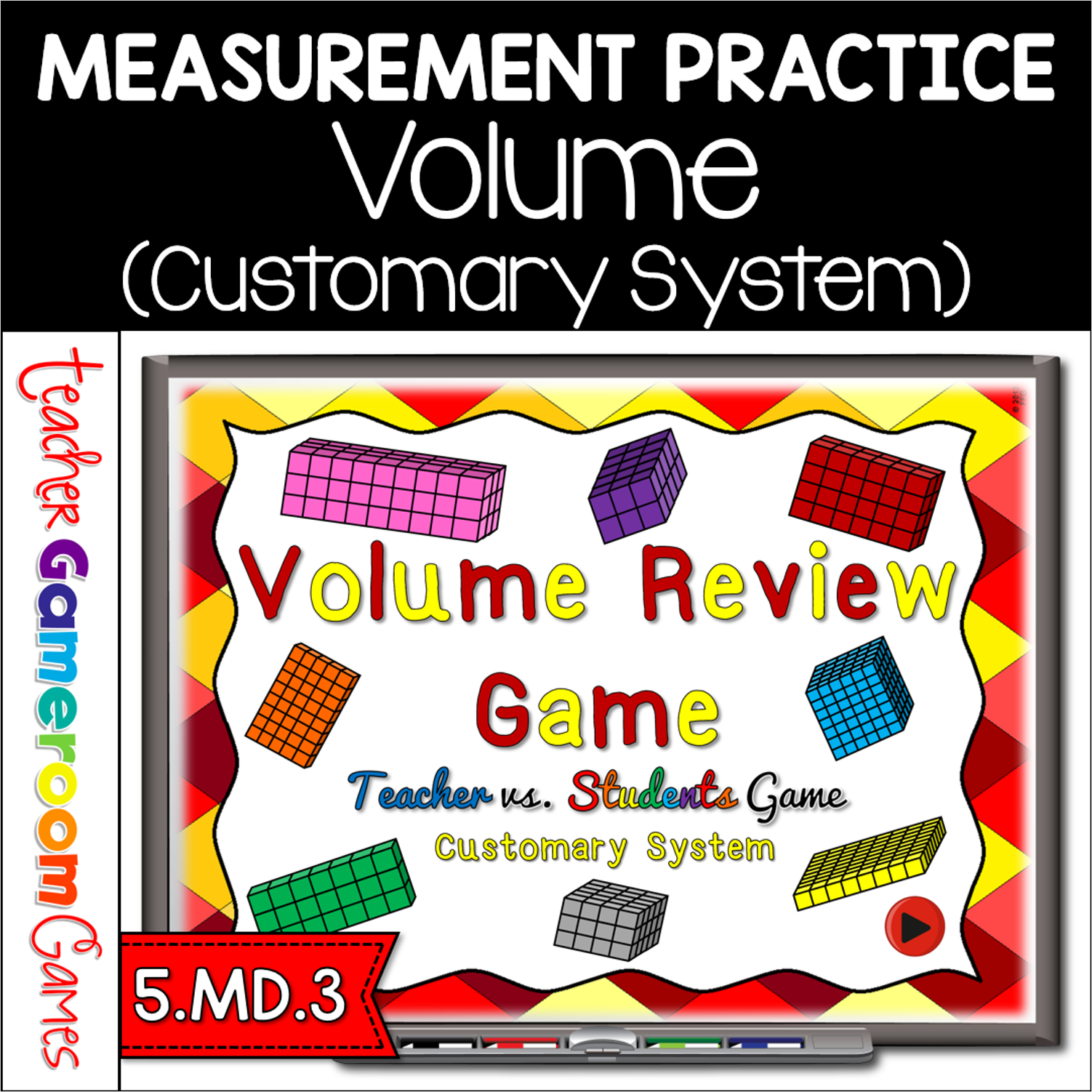
This powerpoint game reviews volume (length x width x height) using rectangular prisms. It uses the customary system of measurement (inches, feet, and yards). Students can touch the screen without it moving to the next question (good for those hands on counters). There are 20 questions and you just click on each question to go to it. The question disappears after you’ve clicked on it so you know you’ve answered it. There is a type-in scoreboard. The scoreboard can be typed in during Slideshow Mode. Great for a guided math center or rainy day activity. Great for individual practice on the iPad!
Engage 5th grade students with this fun, interactive algebra game. In this teacher vs student powerpoint game, students play against the teacher as students review algebraic expressions and equations. This includes reading/writing algebraic expressions and solving addition and subtraction equations. There are 25 questions in all and you just click on each question to go to it. The question disappears after you’ve clicked on it so you know you’ve answered it. There is a Double or Nothing question that is a challenge for the students. Just Click on the star is they want to try it! My students were very close to getting it. There are 2 scoreboards: a touch scoreboard and type in scoreboard. The type-in scoreboard allows you to type in scores during Slideshow Mode. . Great for a quick ELA morning review or Month activity. Great for individual practice on the iPad or tablet!
This is the 2nd edition of the “Adding Within 20” PowerPoint . There are 20 questions and you just click on each question to go to it. The question disappears after you click it so you know you’ve answered it. The first addend is a number. The second addend is a group of kites that students must count . Great for a guided math center or rainy day activity. Great for individual practice on the iPad!