Description
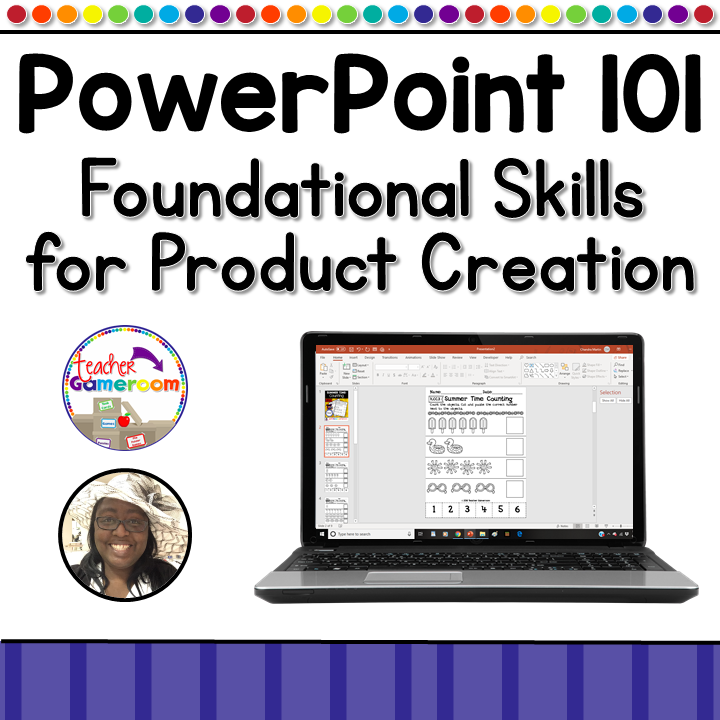
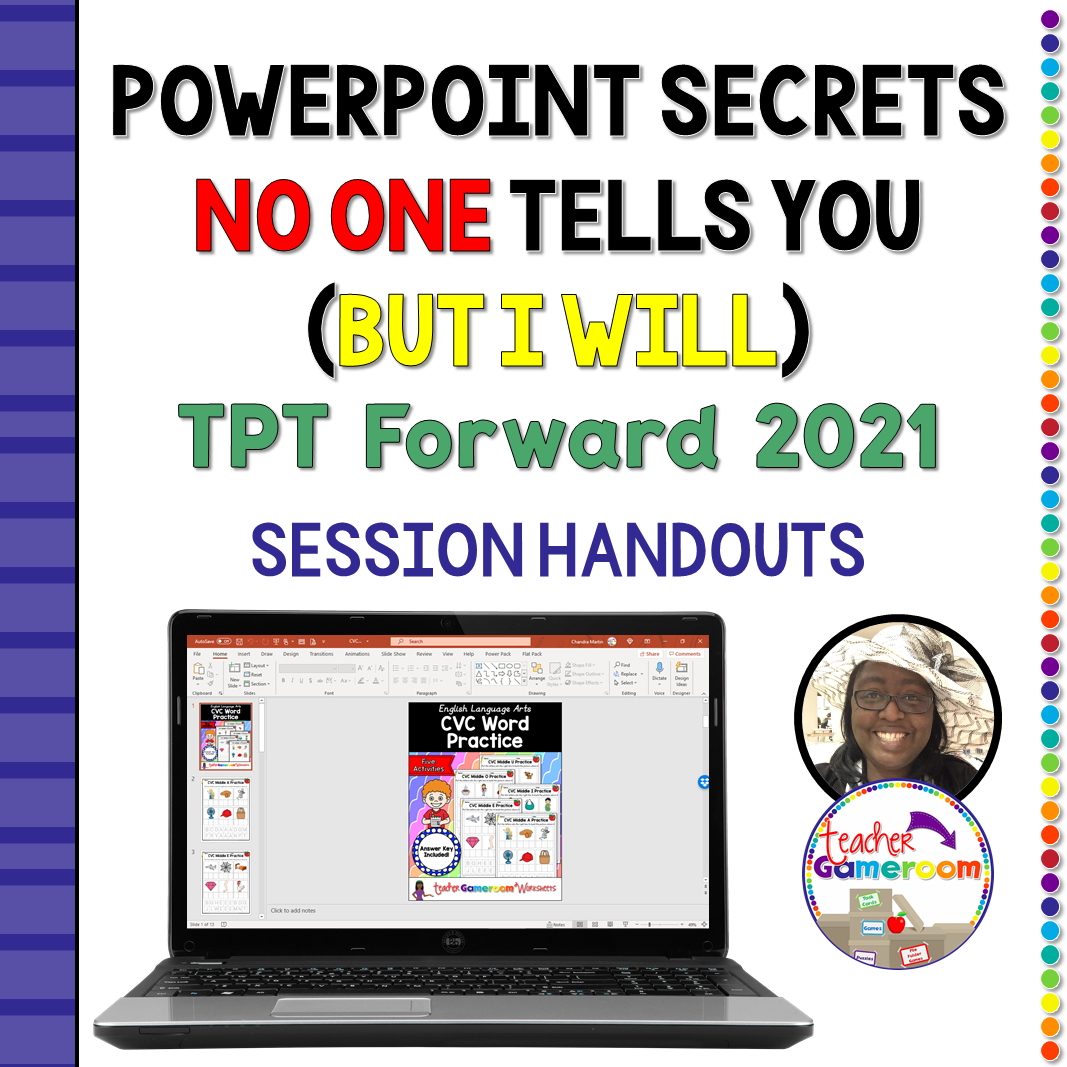
Wanna learn some powerpoint tips that will take presentations to the next level? Now you can have access to all the tips and hacks to help you build your resources in Microsoft Powerpoint! In this interactive video, watch as I show you even more tips and tricks for using ppt to create resources. Watch on another device and try these hacks that will definitely increase productivity!
Check out last year’s session for even more tips: Powerpoint 101 – Foundation Skills for Product Creation TPT Conference 2020
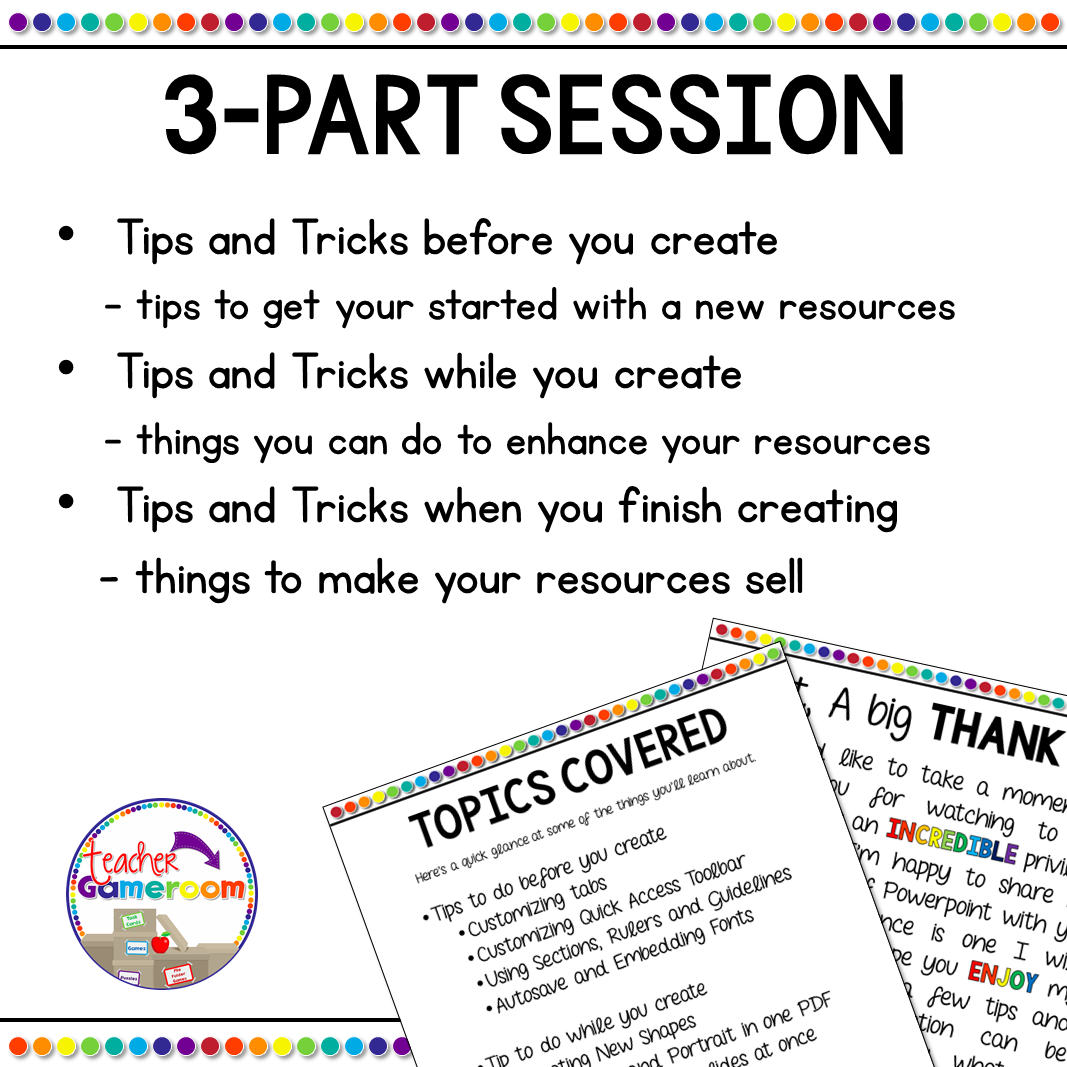
Topics include:
✏️ Customizing Tabs in Powerpoint
✏️ Using Guidelines and Rulers
✏️ Adding and Creating New Shapes
✏️ Flattening a Resources
✏️ Adding a Landscape and Portrait Worksheet in one PDF
✏️ Photo Editing and using Photo Album
✏️ Making Videos, PNGs, and Gifs
Questions/Materials include:
✔️ 1 Video
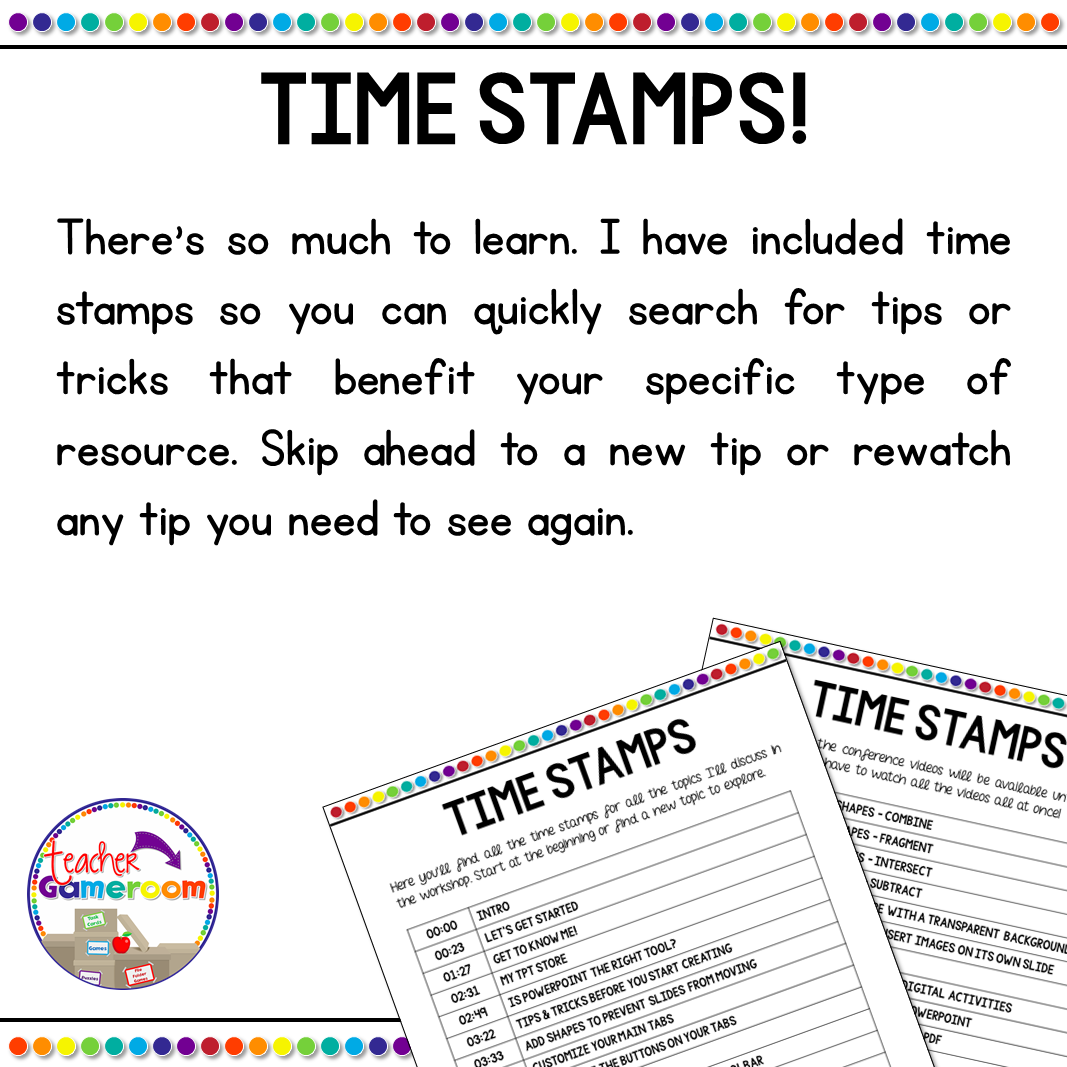
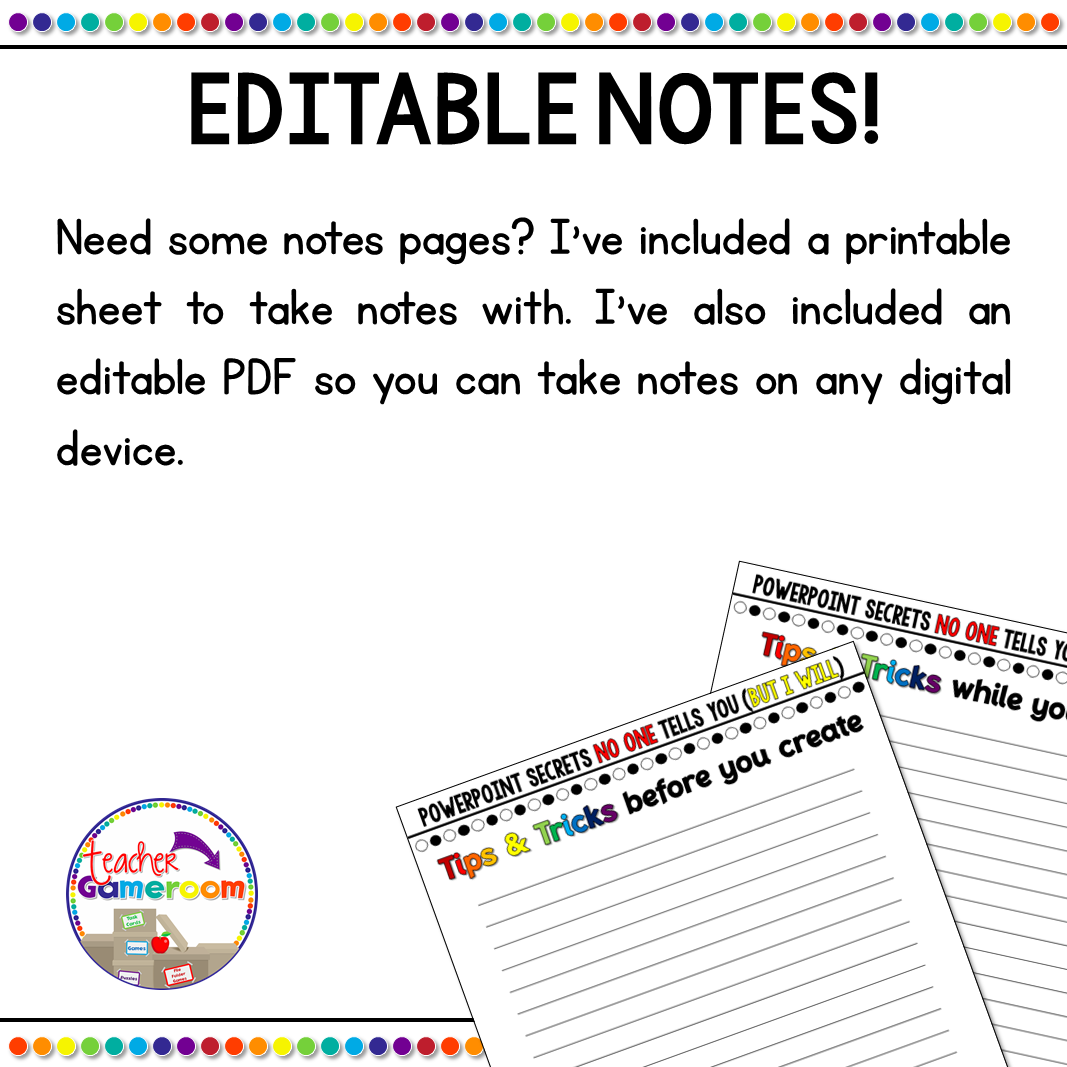
✔️ 1 PDF with notes and timestamps
Recent Updates:
✂️ None
Other Related Products:
✏️ Powerpoint 101 – Foundation Skills for Product Creation TPT Conference 2020
✏️ Create your Own Powerpoint Game Tutorial – Great for Distance Learning
✏️ Create a PowerPoint Game Commercial eCourse
✏️ Create a PowerPoint Game One-on-One Help
Having issues? Submit any issues in the Q&A Section at the bottom or check out my Frequently Asked Questions on my blog. I will contact you as soon as possible!
Please leave a review! Thank you for your purchase!
Happy Teachings!
Follow Me on Social Media:
⚙️ TpT
⚙️ Website
⚙️ YouTube
Terms of Use:
By purchasing this product, you agree not to share, resell, copy, or alter this product in anyway. You agree not share without the purchase of multiple licenses. All sales final. Clip Art is not included as a separate file and is included as part of the background.
© 2021 Teacher Gameroom (Chandra Martin)
✉️ Need to reach me? Email me: teachergameroom@gmail.com ✉️