Description
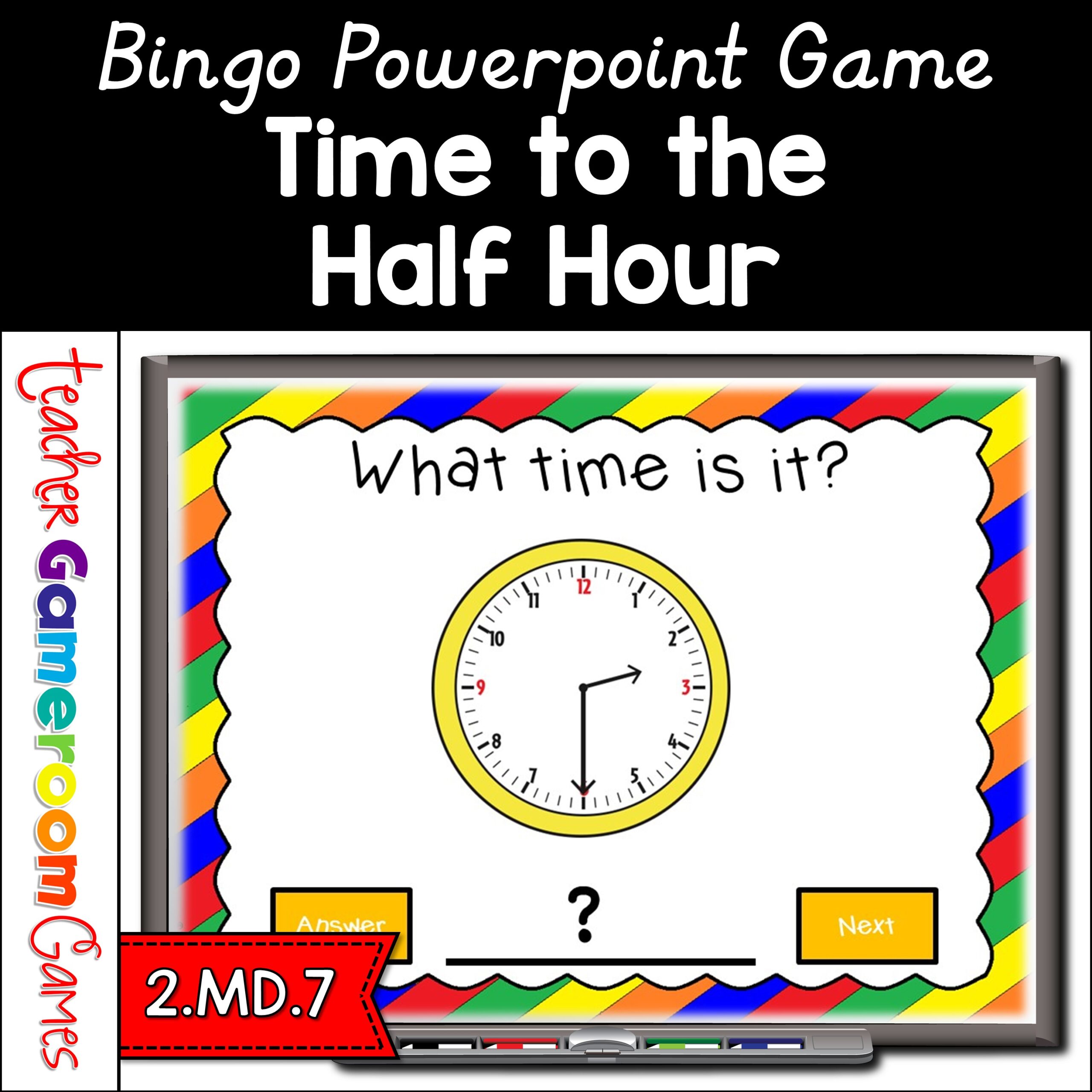
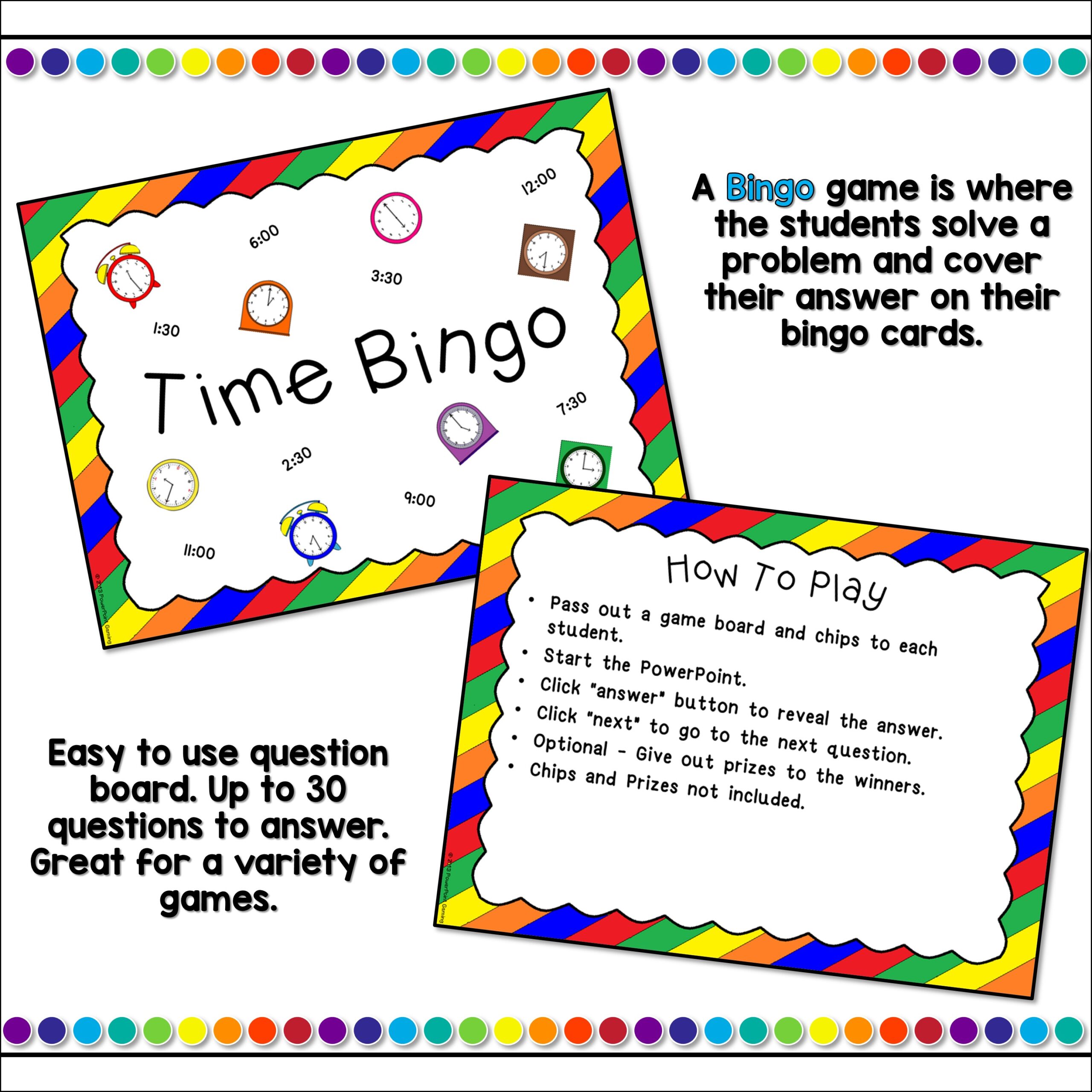
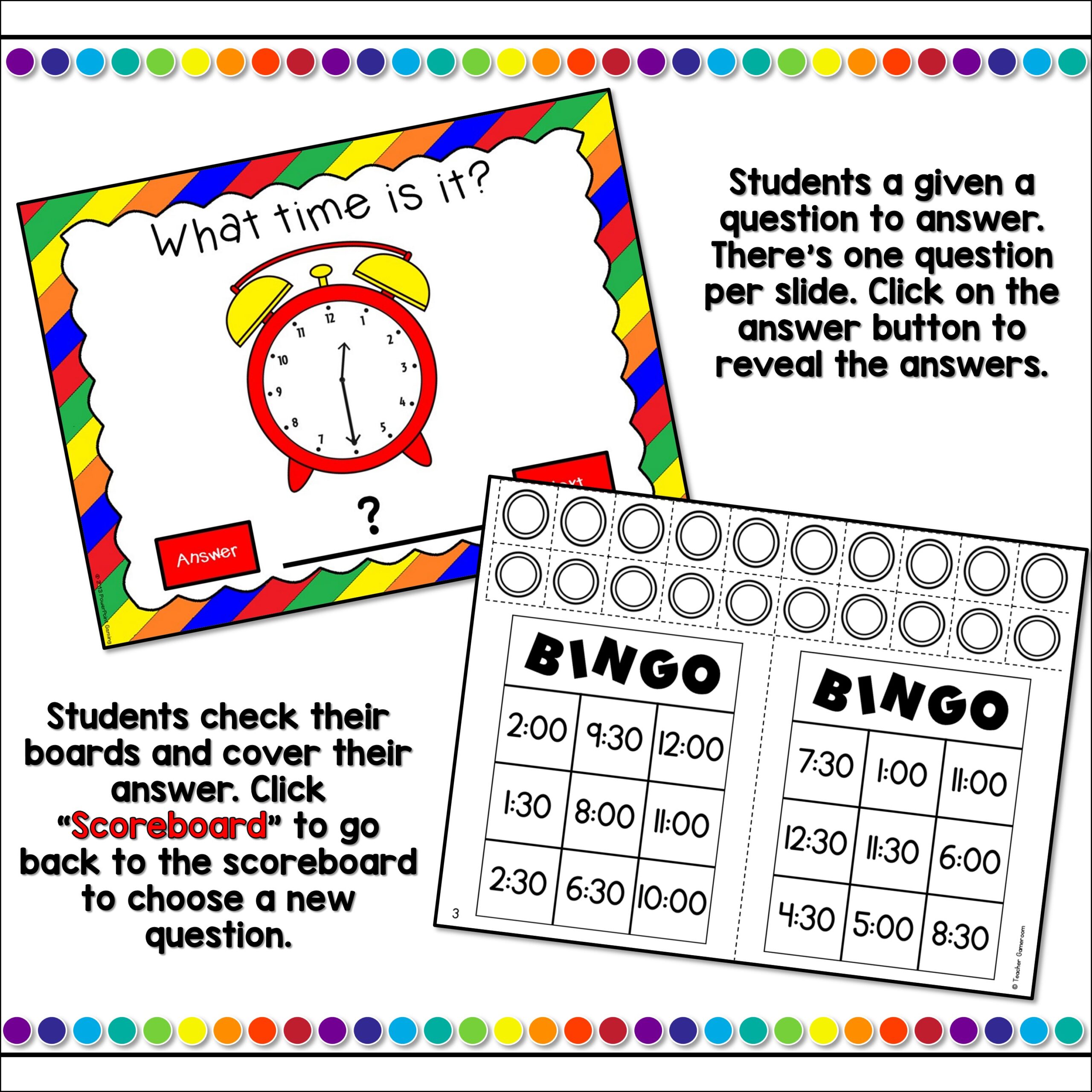
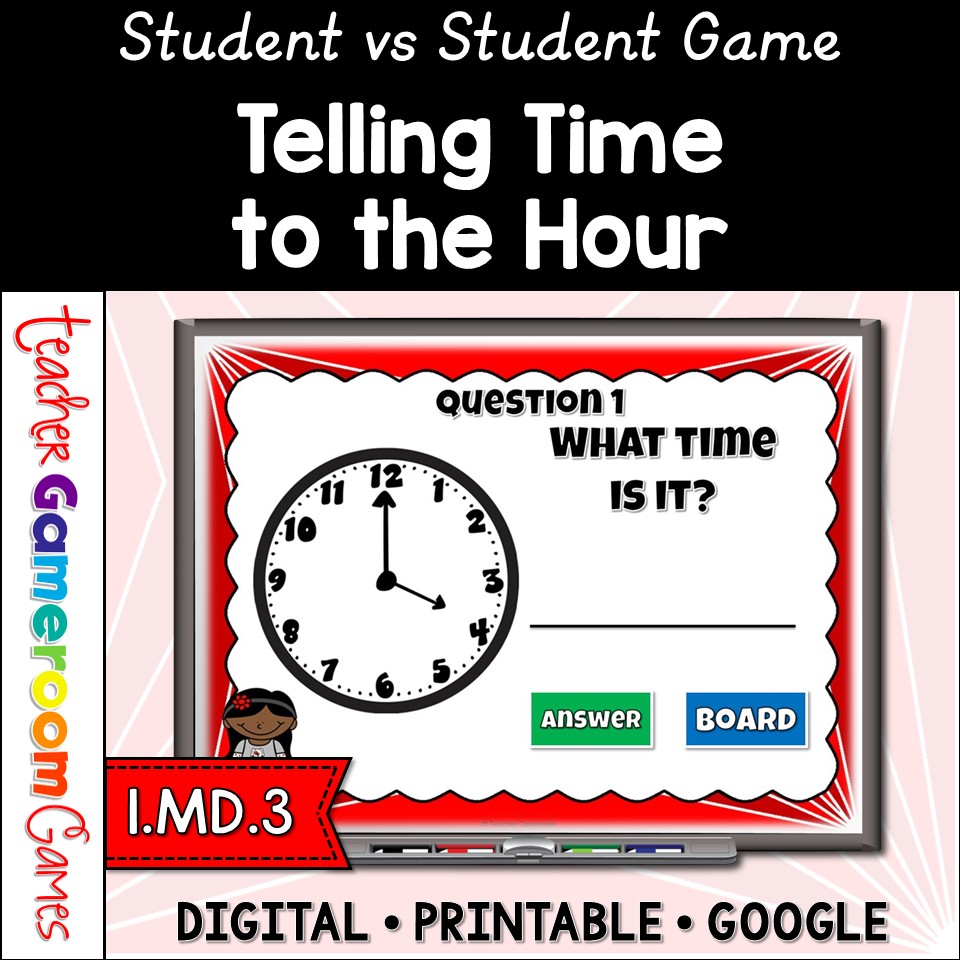
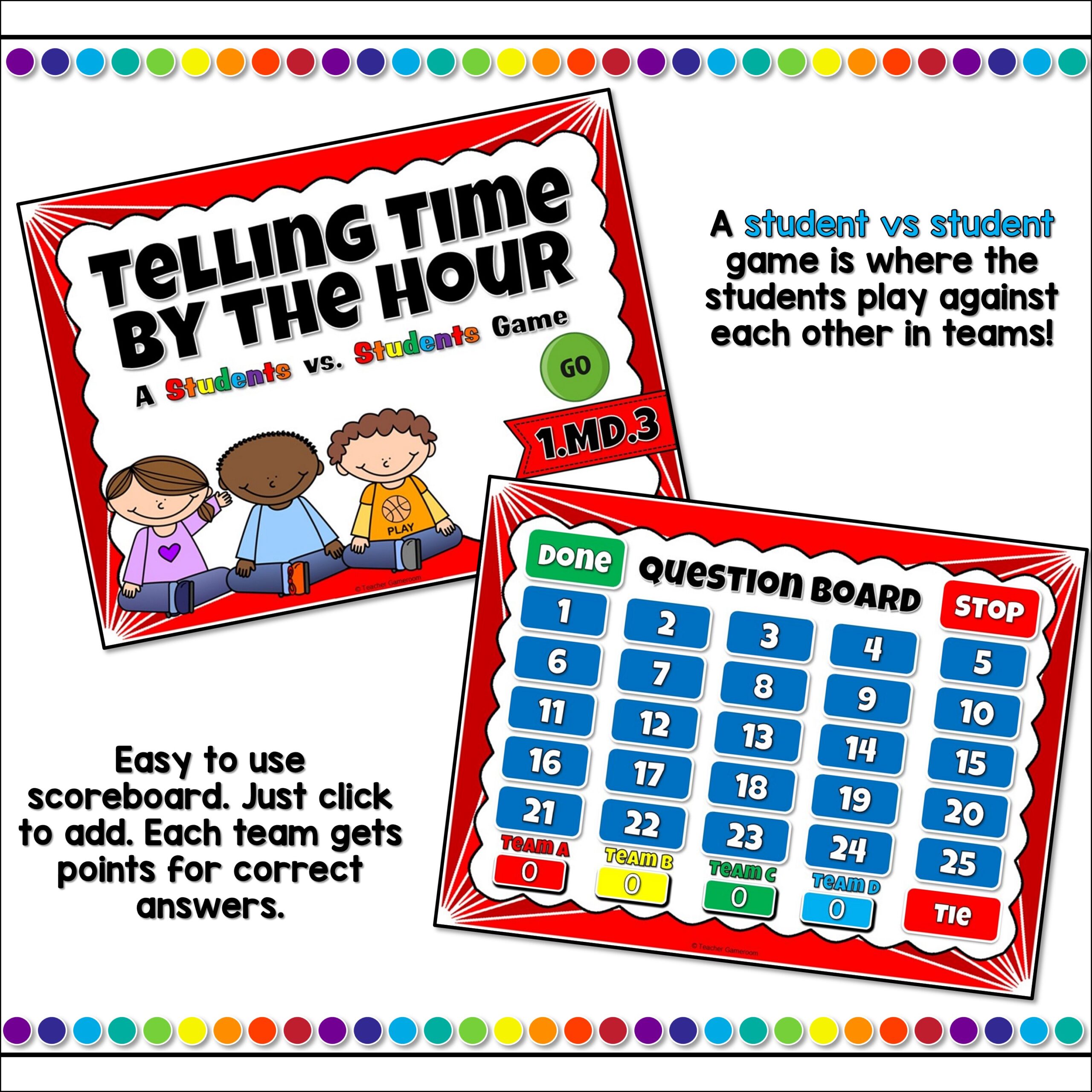
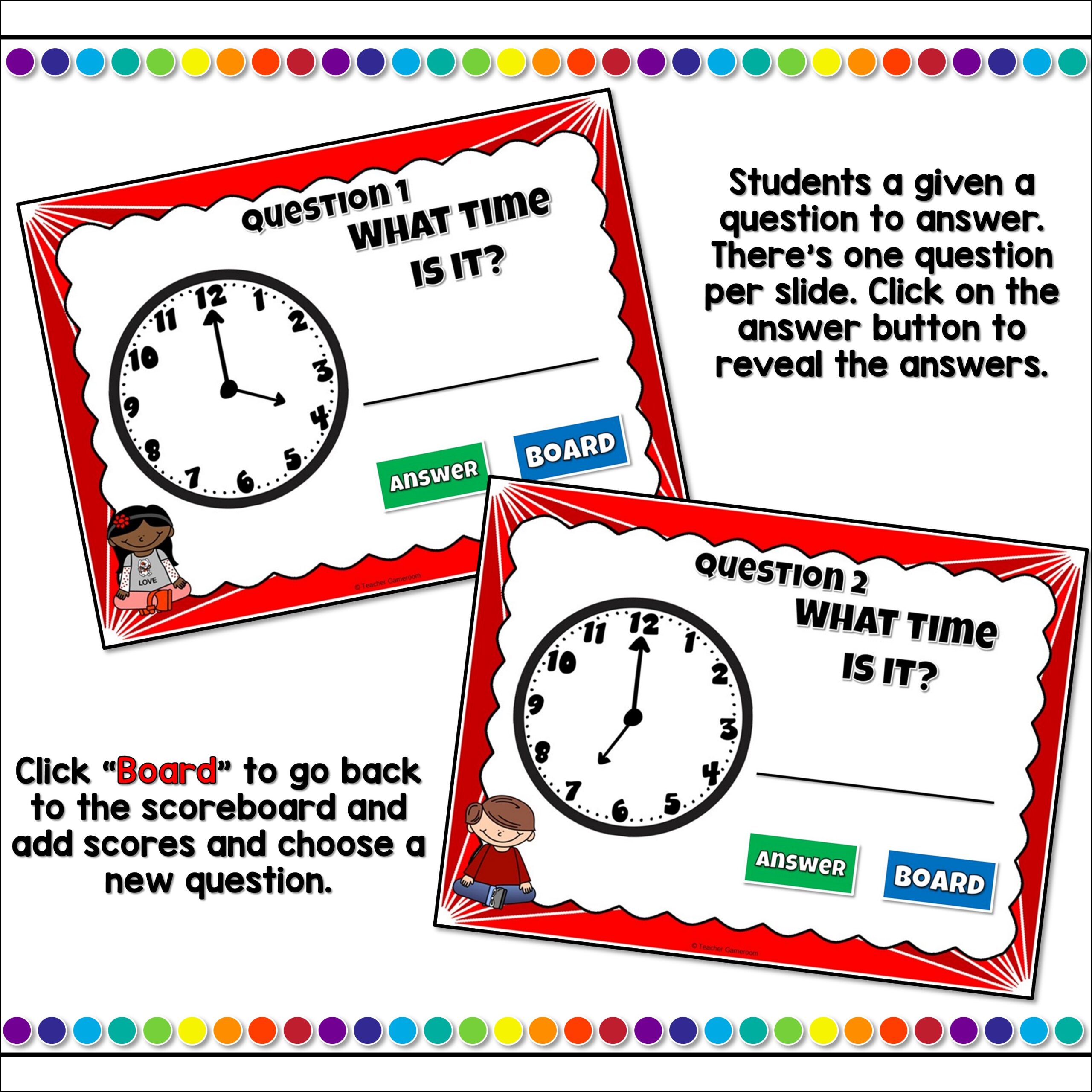
Practice telling time to the hour. In this digital PowerPoint game, students play against each other as they practicing telling time on analog clocks. Each answer is to the nearest hour. Up to four (4) teams can play at one and includes a tie breaker question. There are 26 questions and you just click on each question to go to it. The question disappears after you’ve clicked on it so you know you’ve answered it. Great for a guided math center, brain-break, or rainy day activity. Great for individual practice on the iPad! Extra licenses are $1.50.
Questions/Materials include:
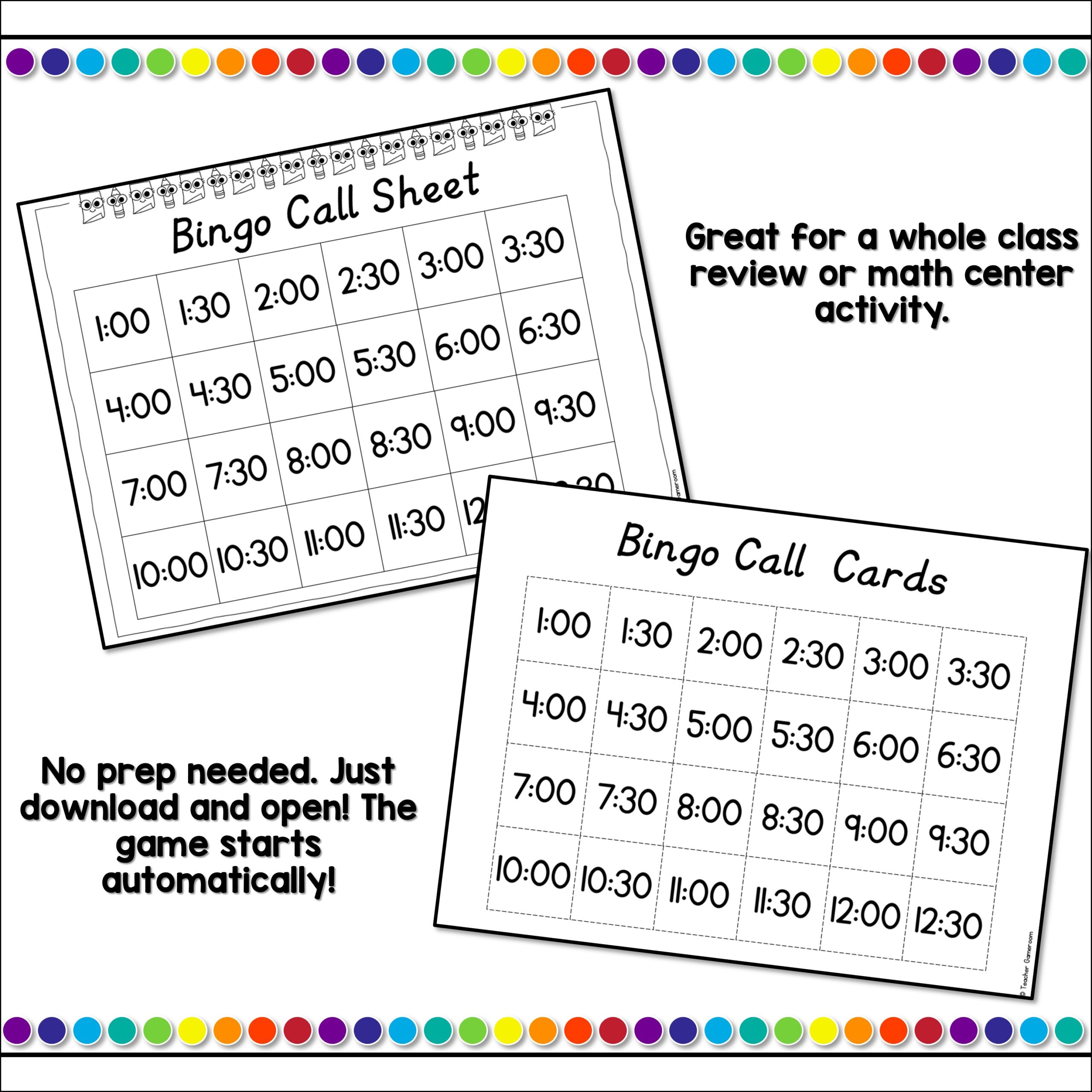
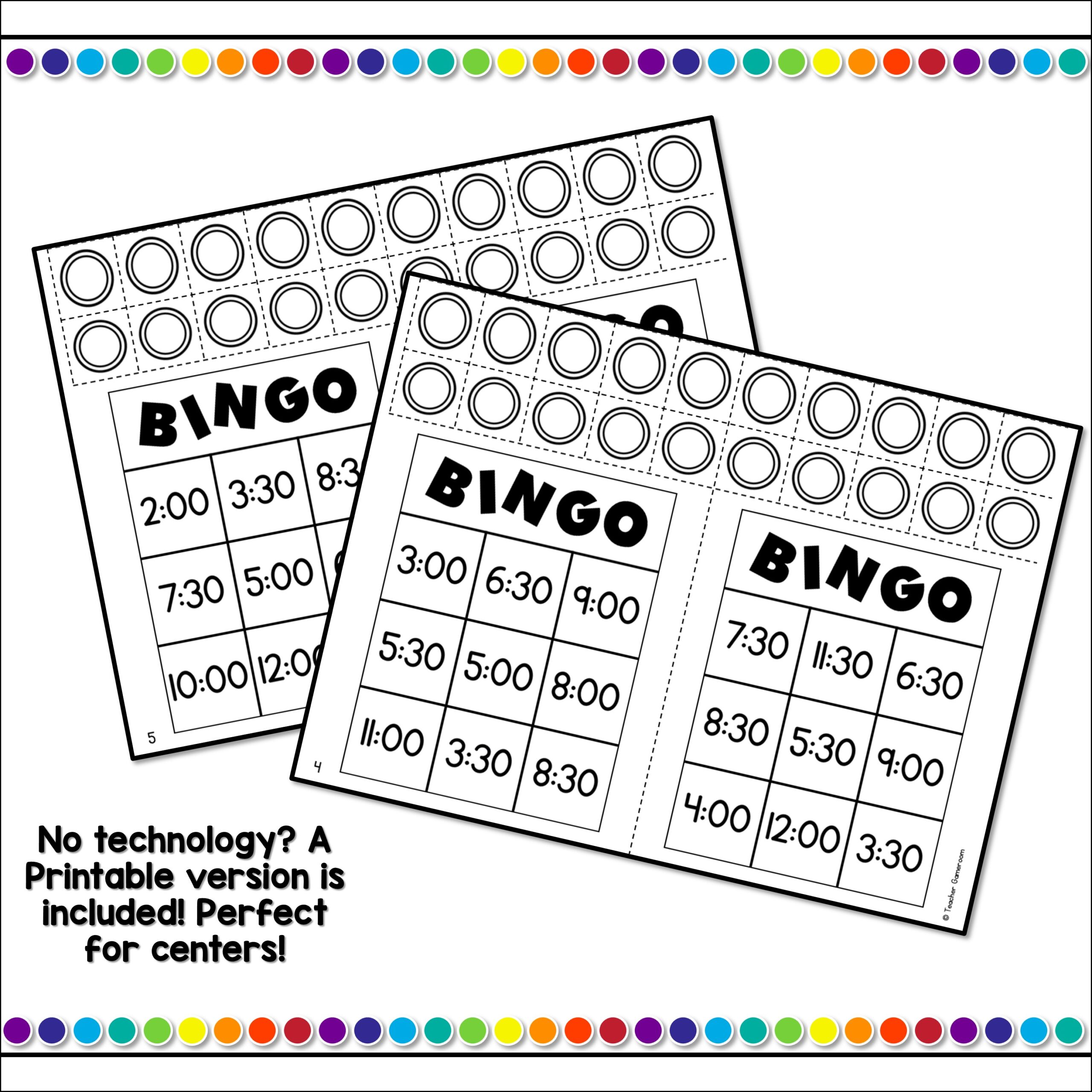
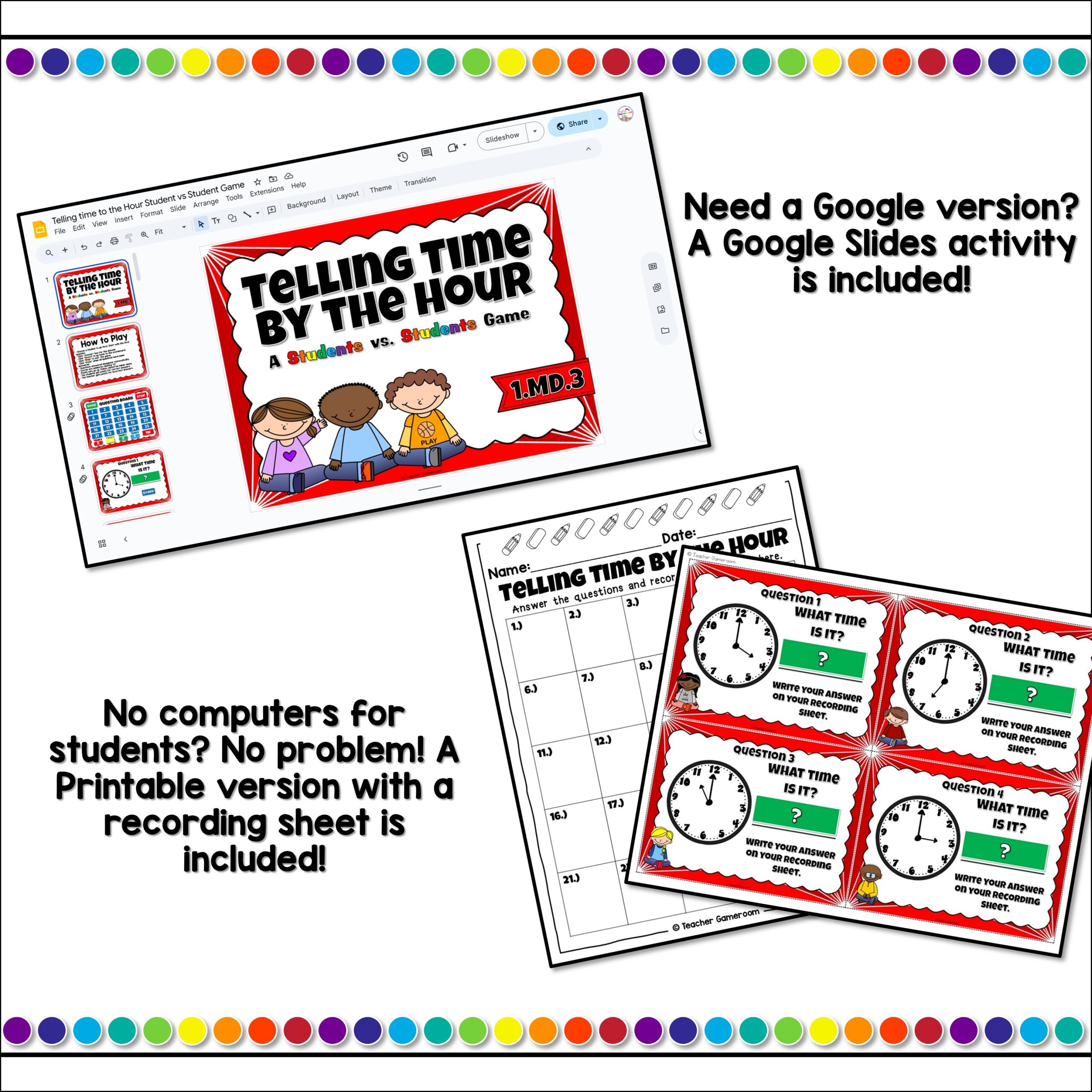
✔️ 4 Files (1 PC/Mac, 1 Google Slides, 1 Printable File, Answer Key)
✔️ 26 Questions
✔️ Works great on Smartboard, Activboard, Whiteboard, and Promethean Boards
✔️ Works on tablets and iPads
✔️ Answers to the Hour only
✔️ Printable Answer Key
✔️ How to Play slide and Terms of use Page
✔️ Common Core aligned –
✔️ 33 Slides per game
✔️ Mac-iPad Version compatible!
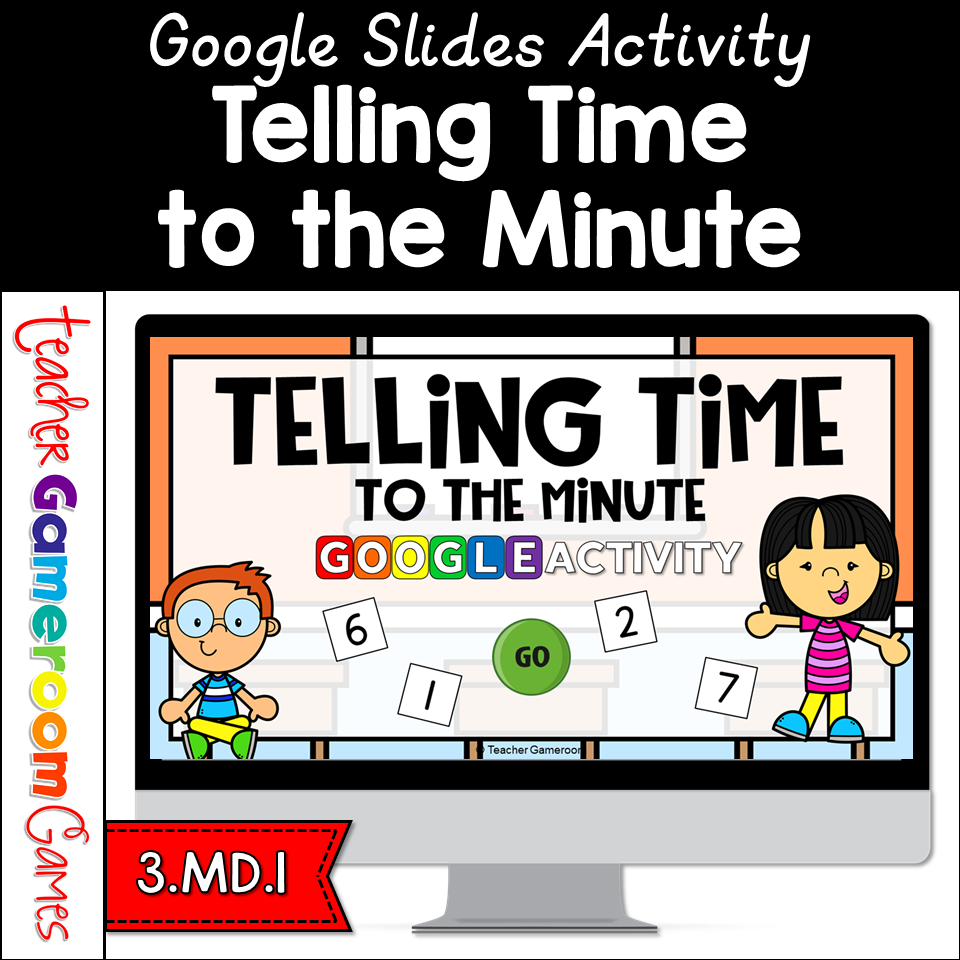
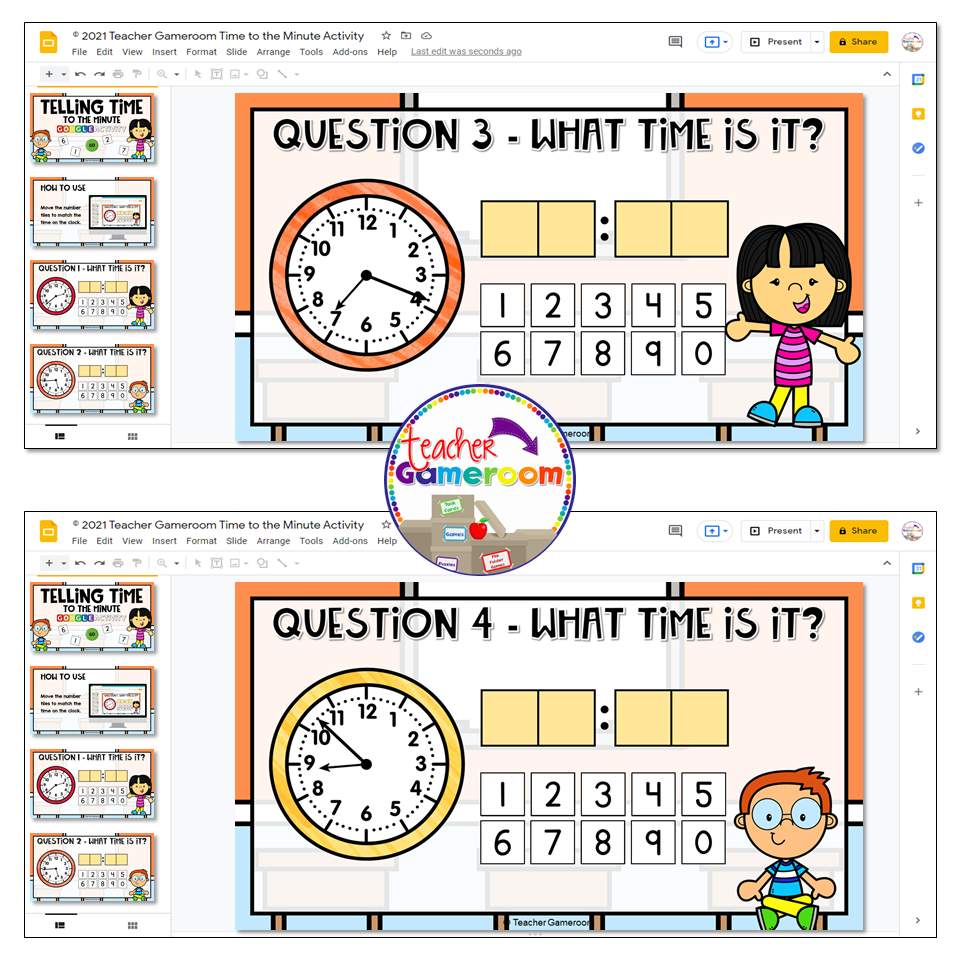
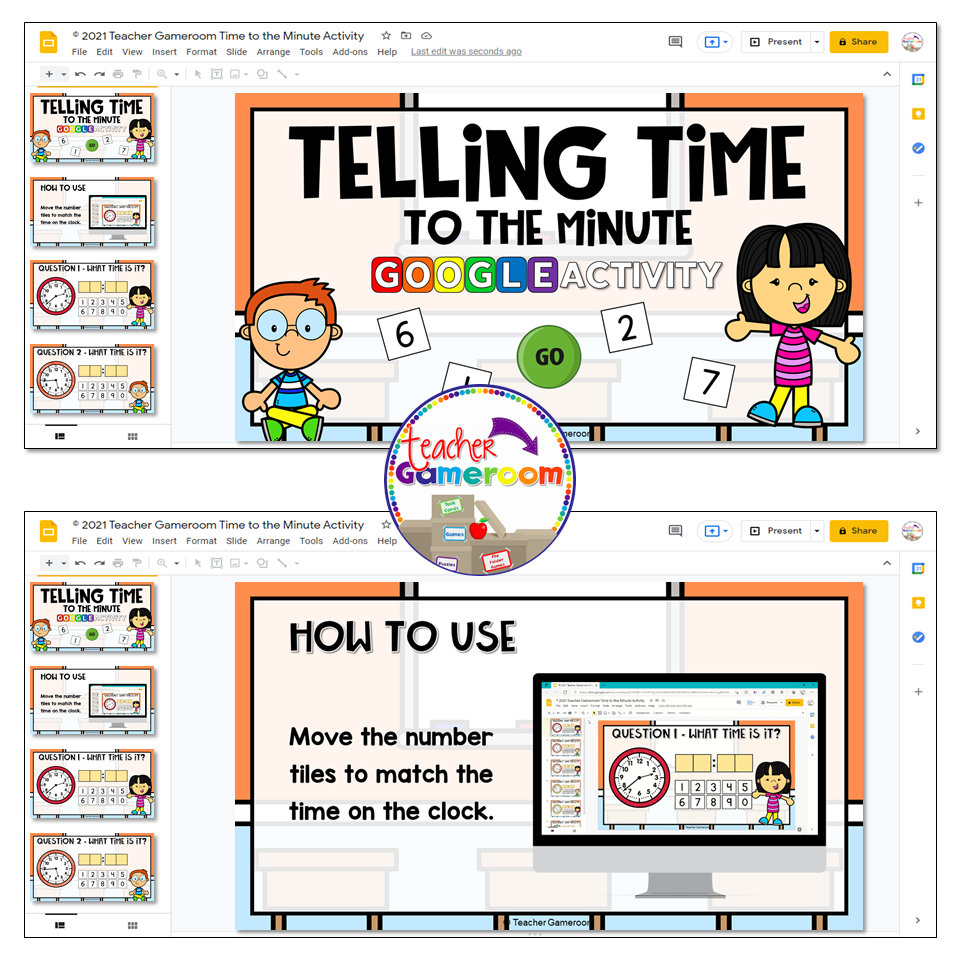
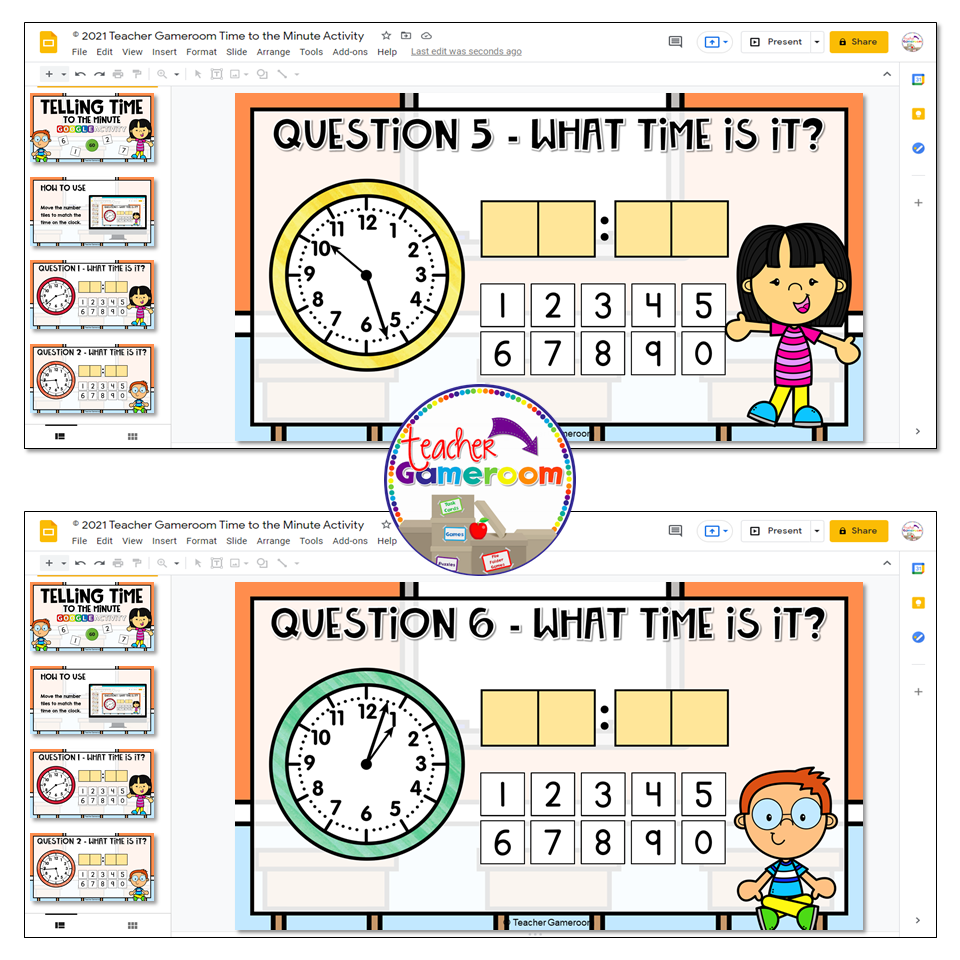
✔️ Google Slides Version included!
✔️ Digital Easel Activity included!
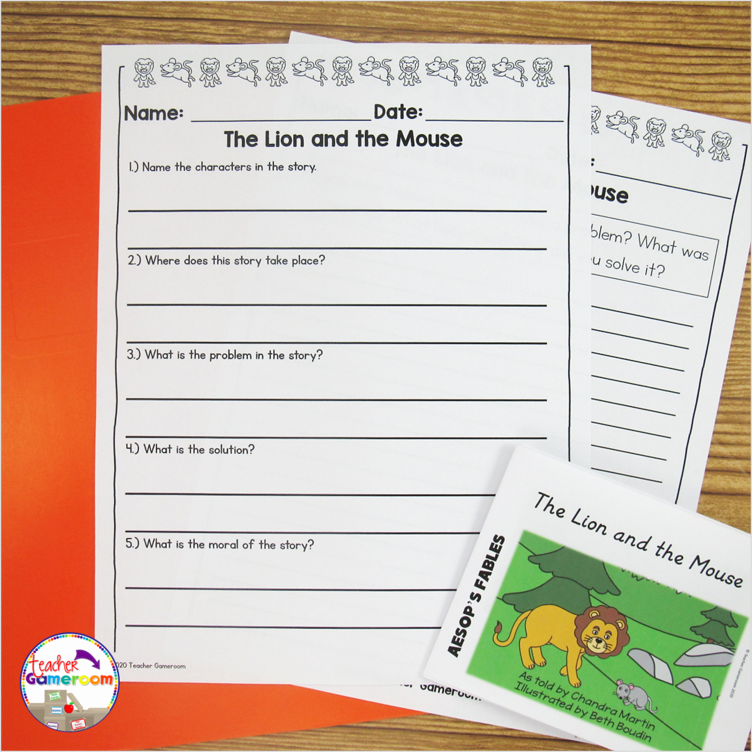
✔️ Printable Sheets included!
❓ What is a Student vs Student Game ❓
A student vs student game is a game where groups of students compete against each other. There can by up to 5 teams. Each team works together to answer the question. The team with the most points at the end of the game wins. There is a tie break question for teams who have the same score at the end of the game.
Recent Updates:
✂️ 5-14-25 – Added google and printable version
Other Related Products:
❤️Love my games? Want more?❤️
Purchase a grade level bundle and get every game made for your specific grade level. Purchase an ALL-ACCESS PASS and gain access to every digital resource ever made!
Happy Teachings!
Follow Me on Social Media:
➡️ Frequently Asked Questions⬅️
⛔️Having issues? Submit any issues in the Q&A Section at the top or check out my Frequently Asked Questions on my blog. I will respond to you as soon as possible!
⛔️In order for the buttons to work and images to show up, the game must be played in slideshow mode in Microsoft Powerpoint.
⛔️ Google slides version play as is, NOT IN PRESENTER MODE. Please be aware.
⛔️ Not downloading properly? Unable to download?
– Download the activity to your desktop.
– Extract the folder.
– Change the name to something shorter.
– Place it where you need.
Terms of Use:
By purchasing this product, you agree not to share, resell, copy, or alter this product in anyway. You agree not share without the purchase of multiple licenses. All sales final. Clip Art is not included as a separate file and is included as part of the background. This product may not by uploaded to other websites. This product cannot be used on Outschool. Cover Designs by Surfer Kids Clip Art. Fonts by Kimberly Geswein. Video music provided by: incompetech – Feelin’ Good
© 2025 Teacher Gameroom (Chandra Martin)