I love games. Creating PowerPoint games is as much fun for me as playing them with my students, but there is so much more than just playing them. Here’s a few Teacher tips to making the most of out of each game.
All PowerPoint games are played with Microsoft PowerPoint:
This may seem obvious, but many teachers do not know this. You need Microsoft PowerPoint ($$$) or Microsoft PowerPoint Viewer (FREE) to play them. Each is available on any computer, laptop, or tablet. Games can also be played on any interactive board including Smartboard, ActivInspire, Ipevo, Mimio, and more. Google Slides can work for some games, but if you want animations and music, Microsoft PowerPoint and PowerPoint Viewer is the way to go.
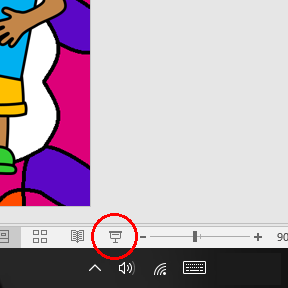
To play a PowerPoint game, simply click “Slideshow” >> “From Beginning”. You can also click on the small Projector Screen at the bottom right hand corner of Microsoft PowerPoint and Viewer.
Play them yourself before playing with your students:
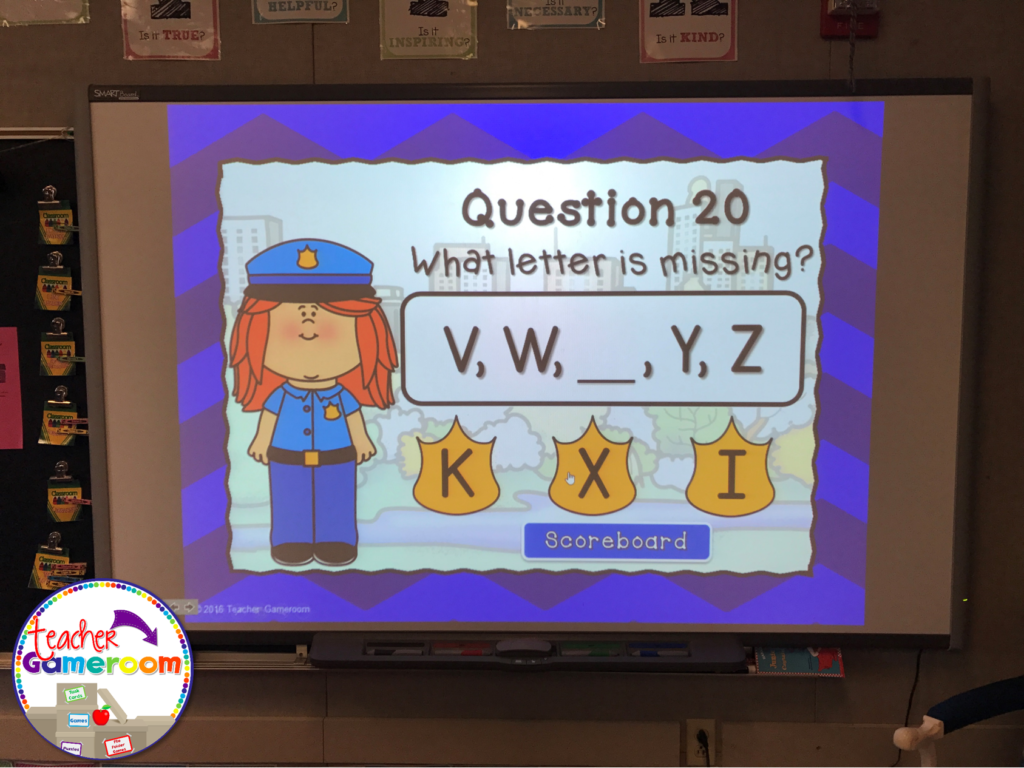
Familiarize yourself with Microsoft PowerPoint first. Once you’re comfortable, get to know the insides and out of a PowerPoint game. Play it a few times to get familiar with the buttons, questions, and answers. Most PowerPoint games include a printable answer key. Do a practice run through to see how long it takes to play each game in your teaching style.
Teach your students how to play them:
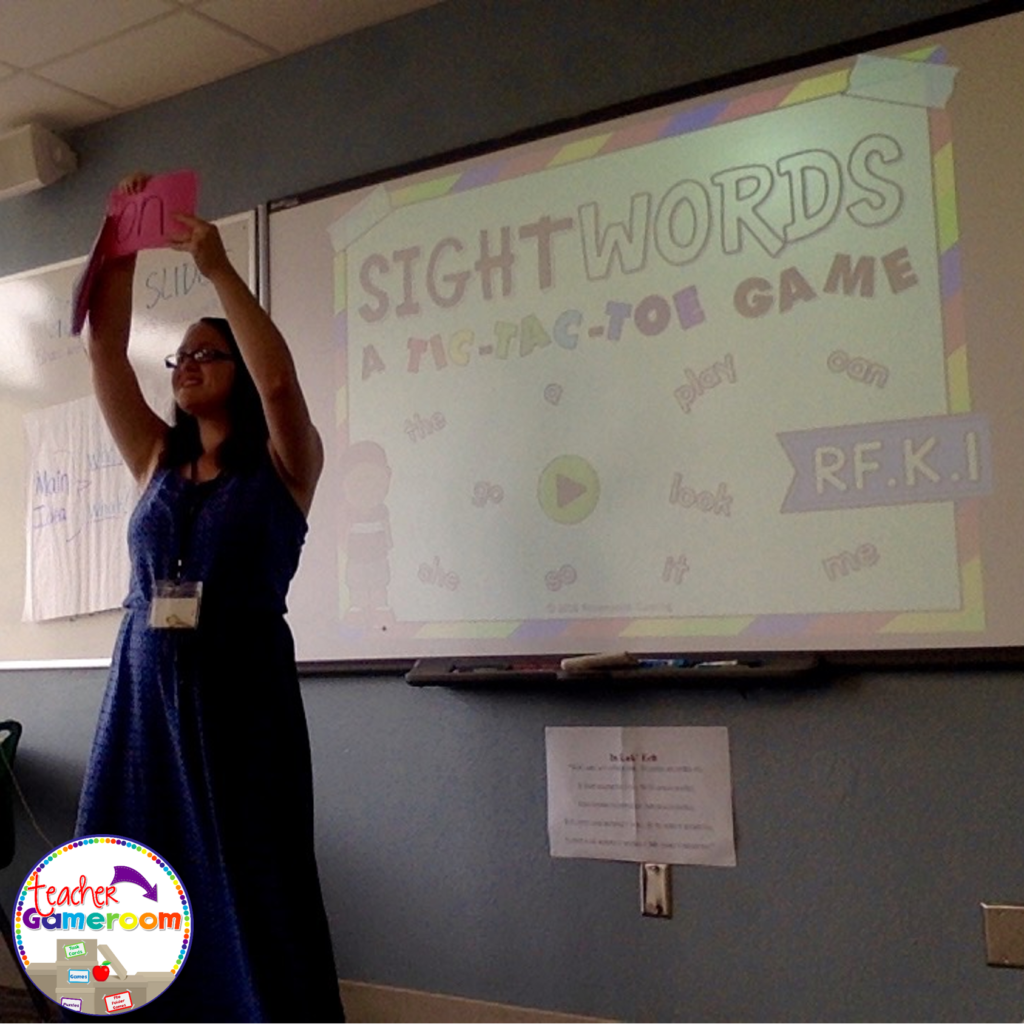
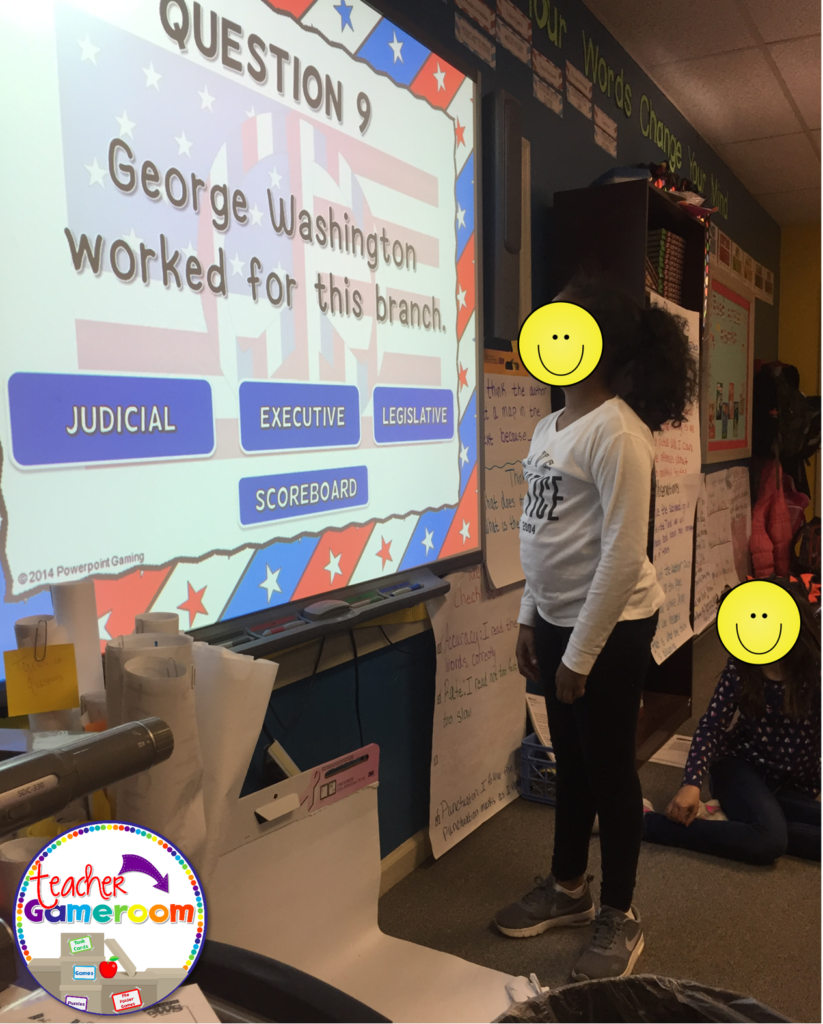
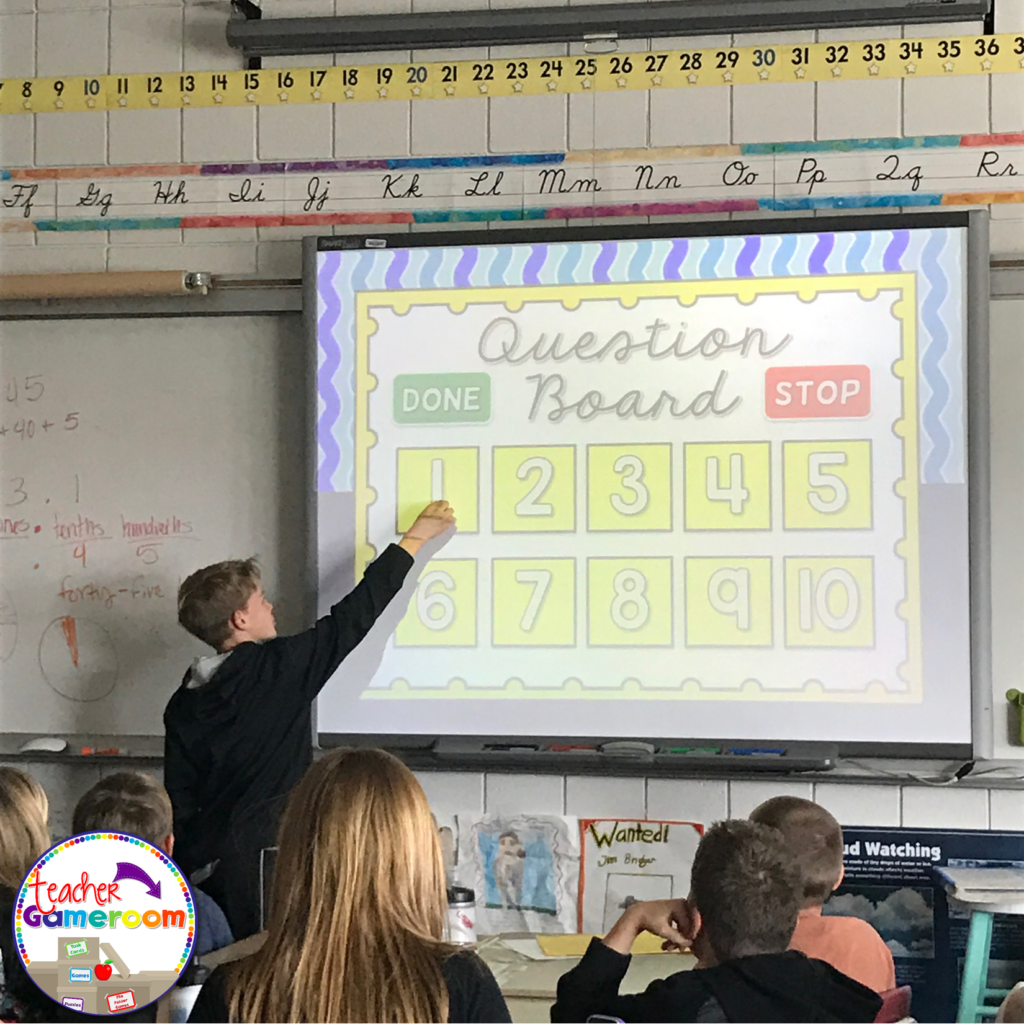
Teach your students how to play the games on different devices. Start with your interactive board. Model how the game is played. When students are familiar with the games, introducing new games will be easier.
Teach them how to download, open, and save each game or activity. You can even teach them how to set it up for a substitute teacher, adding a little extra fun to the days when you are absent.
I hope these tips help as you and your students enjoy the PowerPoint games in the classroom. Now that your have a grasp of how to use a game, check out my blog post of the 5 Ways to Use a PowerPoint Game. Don’t forget to pin this if it was helpful!
Happy February, everyone! It’s time to show some love this month!! Here’s what’s happening with Teacher Gameroom.
TPT Gift Card Giveaway
There are a few giveaways happening this month! The first if happening now (Feb. 7). Enter to win a $10 TPT gift card on my Facebook Page. This giveaway ends Feb. 8 12:01 PST. Hurry and enter today!
TPT Site-Wide Sale
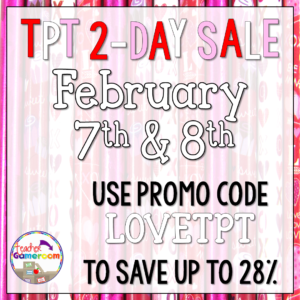
TPT is having a site-wide sale! Get up to 28% off. Naturally, my store will be on sale too! Use promo code LOVETPT to save! A great time to get Valentine’s Day games and grade level licenses. Sale ends Feb. 8th at 11:59 PM EST.
Monthly Sale
If you miss out on the TPT sale, no worries! My monthly sale is right around the corner! Shop in my store from Feb. 17 through tFeb. 19 for 20% products and grab some awesome St. Patrick’s Day games and worksheets. Never too early to plan ahead!
Website Updates
I’ve been working diligently on my website. The Kindergarten License, Third Grade License, and 2016-2017 Yearly Licenses are ready for those you have purchased it! I’ll be working on the previous yearly licenses and then work on the remaining grades. If you haven’t signed up for my website, please do. NO LICENSE REQUIRED. You can get a free license and get even more free games, worksheets, and perks! Sign up today!
Hopefully next month, my website will be ready and I can focus on making many, many, MANY powerpoint games. My notebook is full of so many different games that I’m planning a Follower appreciation week (well more like month). New sets including reading comprehension, animal life cycles, and more! I can’t wait! Until then, happy teachings!